


Buy ELYSIUM Expander: Rhythmic Element, get a free gift with purchase:

Drive Any Track
Harness the power of Rhythmic Element’s 6 categories: Deep Pulsars, Analog Drums, Pulses, Rhythm Suites, and Tickers.
Features
- 86 driving presets designed to fit into any modern genre.
System Requirements
- Wide Blue Sound ELYSIUM
Important Note: This product requires a copy of Wide Blue Sound ELYSIUM in order to work.
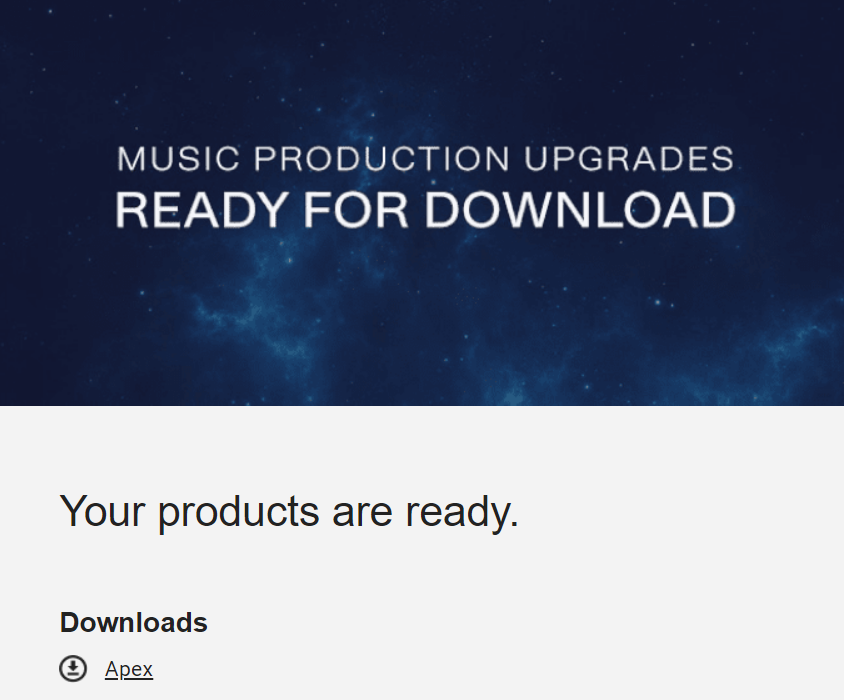
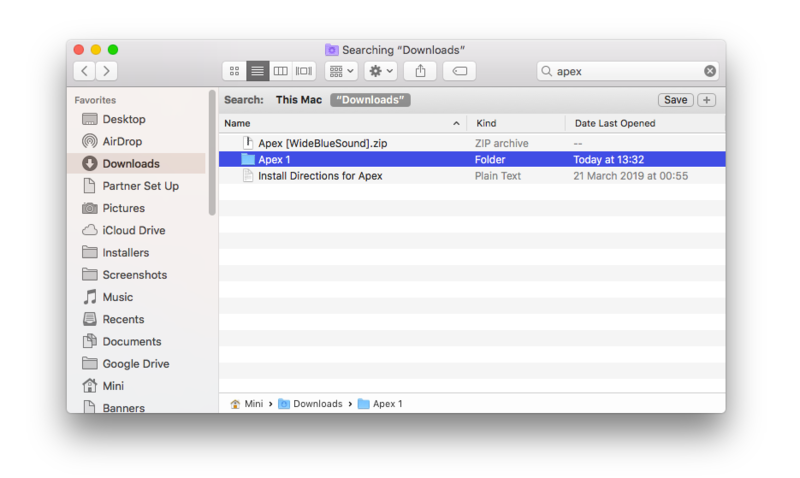
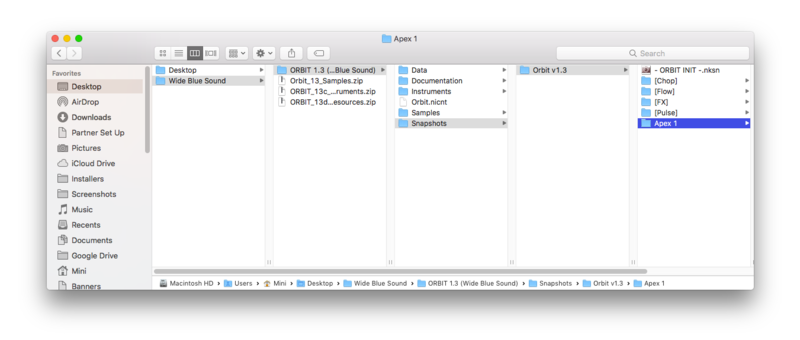
Please note: Apex is used as an example.
Important Notes:
- You must have Kontakt Player 5.6.8 or higher installed on your computer in order to use this library. You can download the Kontakt Player from within the Native Access application.
Registration
1. Go to https://www.widebluesound.com/redeem and enter your Full Name, Email Address, and Activation Code, found in the Serial Number section of your Plugin Boutique User Account > Click 'Activate'.

2. Your product download code will now have been sent to your email address > Go to your email inbox.
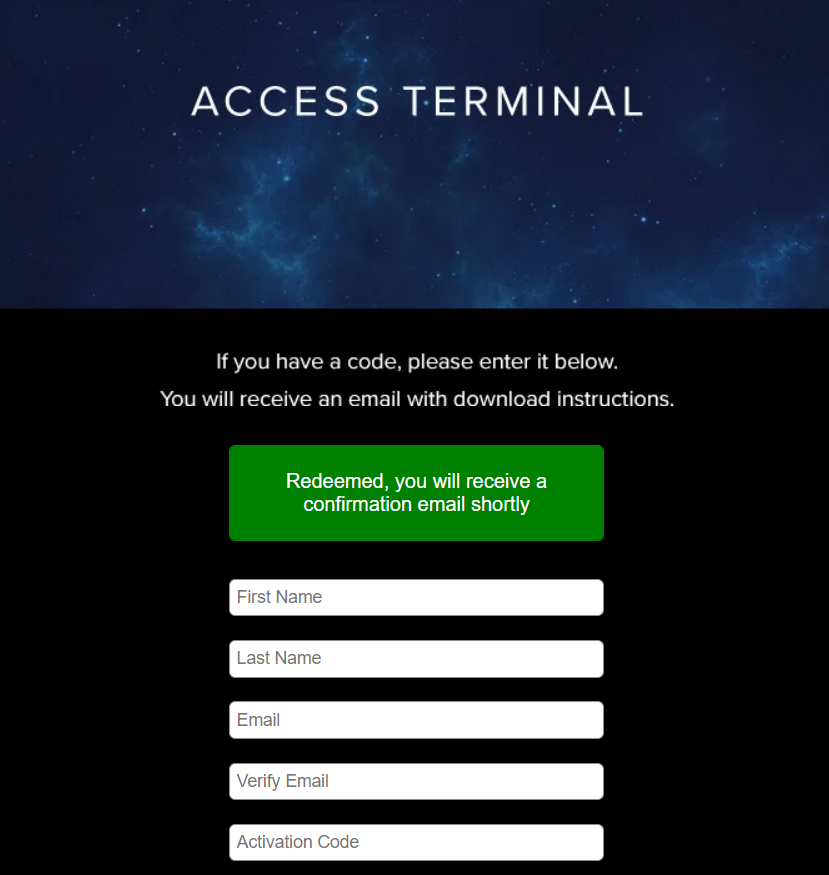
3. Open your email from Wide Blue Sound > Your download will be found here.
Mac
Installation
1. Download the .zip file from within your Plugin Boutique User Account > Double-click it to extract the contents.
2. Copy the folder titled 'Apex '.
3. Locate your ORBIT library folder > Navigate to the following file path - ORBIT 1.3 (Wide Blue Sound)\Snapshots\Orbit v1.3 > Paste the 'Apex 1' folder in this location.
4. Open ORBIT within Kontakt or Kontakt Player.
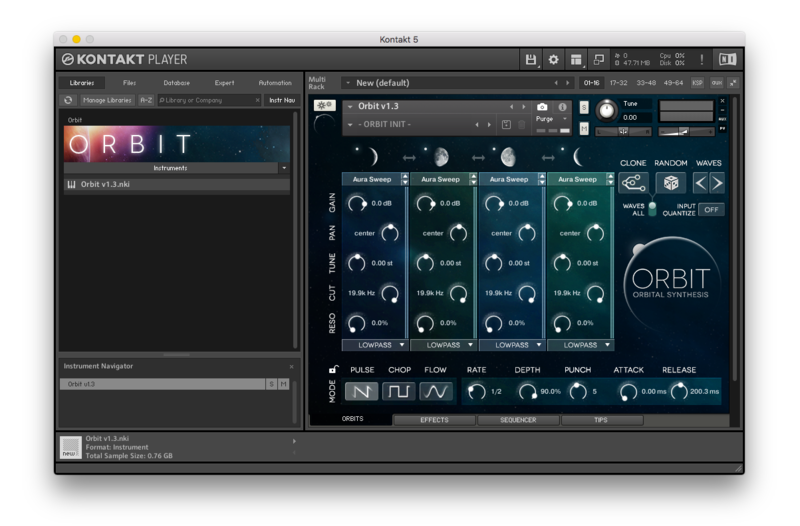
5. Open the Snapshots dropdown menu > Navigate to the 'Apex 1' folder and choose a Snapshot to load into Kontakt.

Your expansion is now installed and ready to use within your Kontakt Instrument.
Windows
Installation
1. Download the .zip file from within your Plugin Boutique User Account > Double-click it to extract the contents.
2. Copy the folder titled 'Apex 1'.

3. Locate your ORBIT library folder > Navigate to the following file path - ORBIT 1.3 (Wide Blue Sound)\Snapshots\Orbit v1.3 > Paste the 'Apex 1' folder in this location.

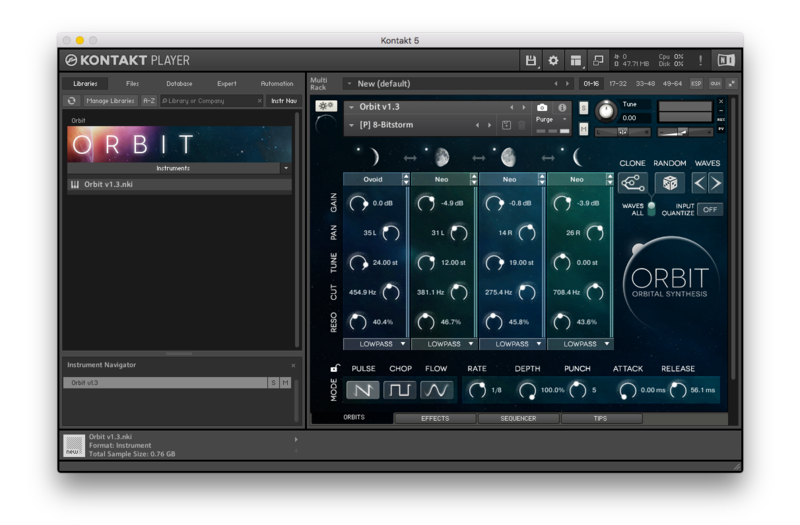
4. Open ORBIT within Kontakt or Kontakt Player.

5. Open the Snapshots dropdown menu > Navigate to the 'Apex 1' folder and choose a Snapshot to load into Kontakt.

Your expansion is now installed and ready to use within your Kontakt Instrument.


