Log In

Free gifts available with your purchase
A One-Knob Revolution for Album-Ready Heavy Guitars
A One-Knob Revolution
For Album-Ready Heavy Guitars
Creativity First
What if Bogrem Digital told you that you only need one single knob to get a great heavy guitar tone?
And what if they told you that you will experience responsiveness and realism previously unheard of in a plugin?
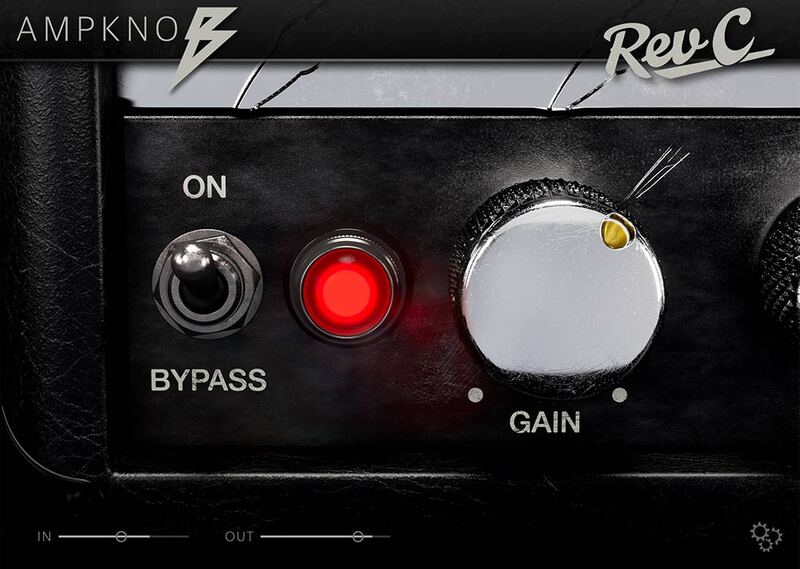
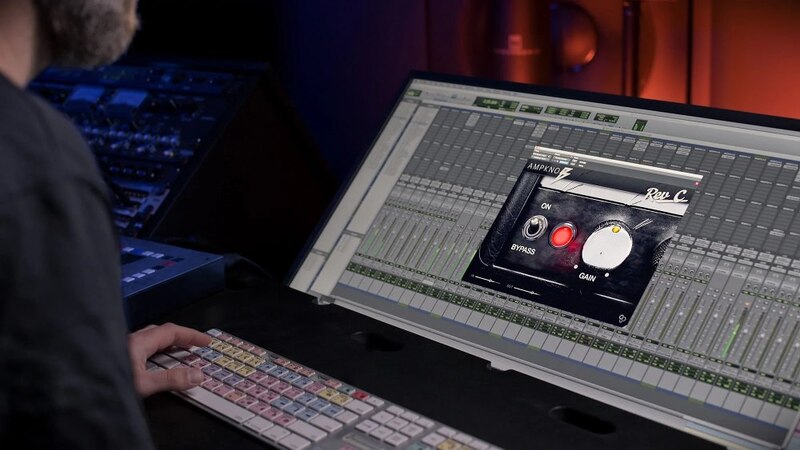
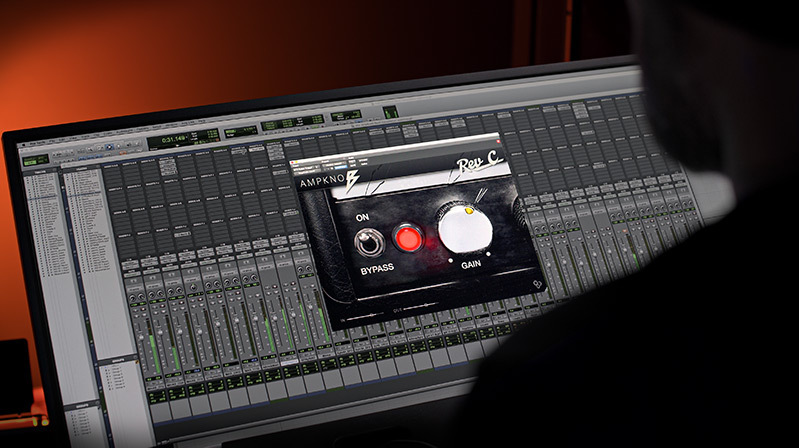
With AmpKnob RevC, this is becoming a reality. Plug in, rock out and immediately start recording bone-crushing guitars without anything to distract your creativity.
This is NOT a Toy
In fact, AmpKnob is already making its way into top-tier productions.
Cab-Off, Tune-Up
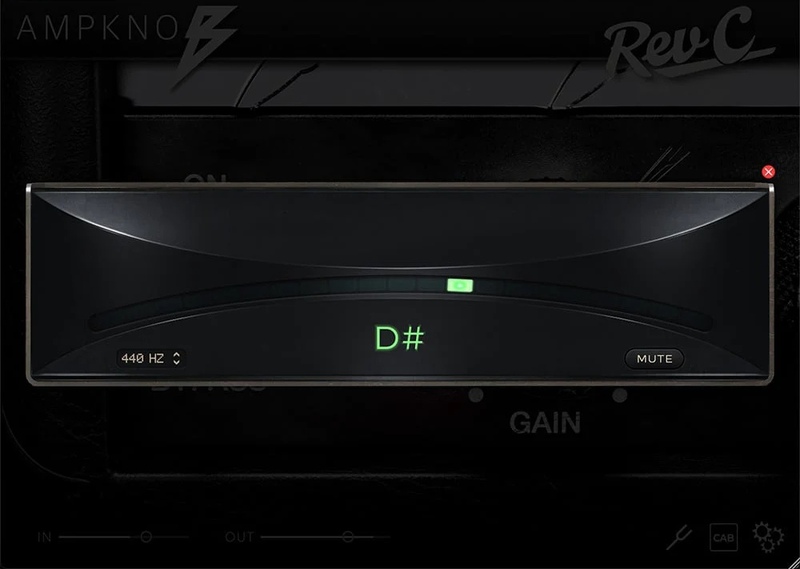
Don't like the sound of a perfectly matched speaker cabinet? RevC comes with a 'Cab-Off' button, so you can experiment with your own impulse responses.
The excellent built-in Tuner means you're always ready to jam!
A New Standard
Imagine this: you walk straight into a world-class recording studio, carrying your favourite guitar.
Towering before you is the Unholy Grail of rock and metal guitar amps — the classic treadplated RevC with a pre-500 serial number in immaculate condition.
Before your arrival, one of the world’s most experienced metal producers has spent hours carefully selecting and placing microphones to perfectly capture the amp and cabinet.
Everything is set up and ready for you, all you need to do is plug in your guitar and start playing.
Bogren Digital presents AmpKnob RevC, the first in a series of revolutionary one-knob amps from Jens Bogren and Bogren Digital.
"What Gear Did You Model?"
AmpKnob RevC captures an iconic high-gain amp heard on countless albums since the early 2000s.
Jens owns a rare pre-500, RevC version which is known for a tighter response and a more aggressive bite than later versions.
A pedal is also part of the chain to further tighten up the low-end.
"Why Just One Knob?"
AmpKnob was designed with two clear goals:
- Give you the best tone available in a plugin.
- Help you focus on creativity rather than fiddling with settings and losing your ideas.
AmpKnob RevC captures an iconic, high-gain amp perfectly dialled in by one of the best metal producers in the world.
Hear the audio examples on this page and hear for yourself how versatile AmpKnob is.
System Requirements
- macOS 10.13 or newer (Intel / M1 Apple Silicon supported)
- Windows 10 or newer
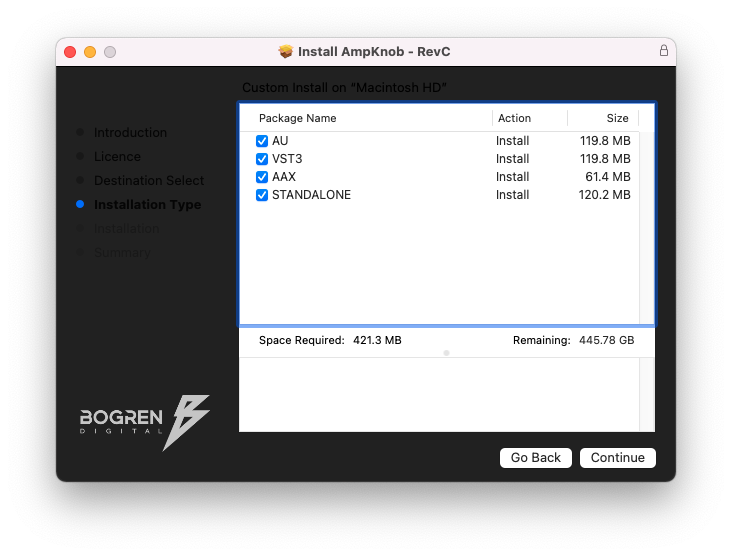
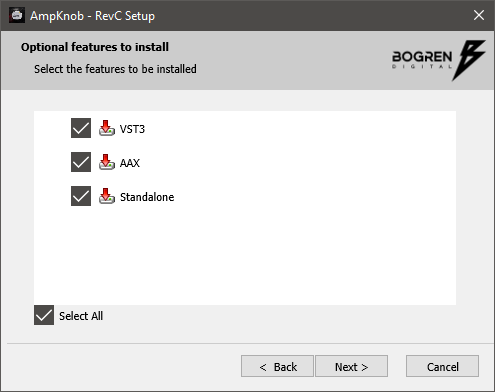
- Available in VST3, AU, AAX and Standalone formats
AmpKnob works on most DAWs, including Reaper, Logic, Cubase, Pro Tools, Studio One, Luna. If your DAW can load third-party plugins through VST3, Audio Units, or AAX, it will work.
David Castillo
Producer - Opeth | Whitechapel | Carcass | Candlemass
"What have you guys done?! This is the first amp sim I would actually use in a production"
Eyal Levi
Musician, Entrepreneur, Producer - URM Academy | Nail The Mix | Riffhard | DAATH | The Contortionist | Chelsea Grin | Firewind
"I never expected that it would be possible to have a one-knob amp sim that actually sounds good enough for final takes, but here we are. This thing rules!"
Daniel Freyberg
Musician - Children of Bodom | Bodom After Midnight
"Very Cool! I tried it on DI tracks and I was positively surprised how well it sits in the mix right off the bat"