


 Log In

Free gifts available with your purchase

Intelligent and transparent
Even when using the best mics, pre-amps and converters, sibilance in vocal recordings can easily get over-accentuated during post-processing like compression or saturation. But don't worry, FabFilter Pro-DS comes to the rescue!
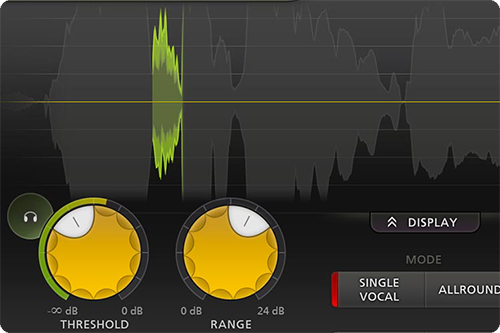
Accurate detection
With its highly intelligent 'Single Vocal' detection algorithm, FabFilter Pro-DS accurately identifies sibilance in vocal recordings and attenuates it transparently.
When using the 'Allround' mode, Pro-DS becomes a great tool for high-frequency limiting of any material, like drums or even full mixes.
Everything you need
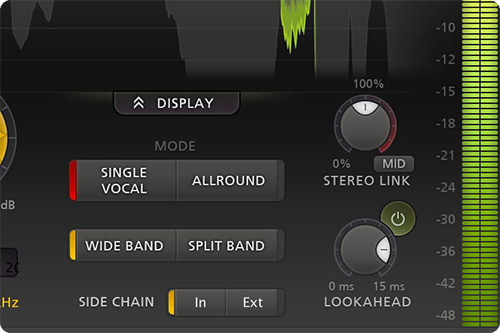
FabFilter Pro-DS offers everything you need to get the best result possible, presented in a simple and easy-to-use interface. Wide band or linear-phase split band processing, an optional look-ahead of up to 15 ms, adjustable stereo linking with optional mid-only or side-only processing, up to four times linear-phase oversampling... it's all there.
FabFilter goodies
Of course, you also get all the usual FabFilter goodies: perfectly tuned knobs, MIDI Learn, Smart Parameter Interpolation for smooth parameter transitions, an excellent help file with interactive help hints, SSE optimization and much more.
Features
- Highly intelligent 'Single Vocal' detection, and classic 'Allround' detection
- Real-time de-essing display, clearly showing the affected parts of processed audio
- Adjustable Threshold, Range and detection HP and LP filtering settings
- Transparent program-dependent compression/limiting
- Wide Band or linear-phase Split Band processing
- Optional look-ahead time up to 15 ms
- Freely adjustable stereo linking
- Optional mid-only or side-only processing
- Up to four times linear-phase oversampling
- Side-chain input meter, making it easy to choose a good Threshold value
- Real-time spectrum analyzer built into the HP/LP filter controller
- GPU-powered graphics acceleration
- High-quality 64-bit internal processing
- Double-click text entry of parameter values
- Large and compact interface sizes
- Stereo and mono plug-ins available
- Supports common Pro Tools hardware control surfaces
- MIDI Learn
- Undo/redo and A/B comparison
- Smart Parameter Interpolation
- Sample-accurate automation of all parameters
- Extensive help file with interactive help hints
System Requirements
Mac
- macOS 10.12 or higher (Intel or M1 Apple Silicon processor) (64-bit only)
- VST2, VST3, AU, AAX Native
Windows
- Windows 11, 10, 8, 7, or Vista (32 or 64-bit)
- VST2, VST3, AAX Native
Formats
All FabFilter plug-ins are available in VST, VST3, Audio Units, AAX Native and AudioSuite formats.
Awards


DJ Antoine vs Mad Mark
"We especially love the Pro-DS plugin, which we use on a lot of our vocal tracks, and also the Pro-L, which is replacing our go to limiter on the master channel."
Jeff Ellis
"FabFilter Pro-DS is my new favorite vocal de-esser. The intelligent detection and transparency of the plug-in is second to none and again the interface is beautiful and efficient."
In spite of the pro-spec virtual processing tools available to us all these days, one thing many of us still struggle to achieve is that elusive 'pro vocal'. As part of the quest, we throw huge amounts of compression at our singers, but that creates a new problem: sibilance. These harsh 'sss' ...
Read MoreFabfilter Pro DS De-esser Plug-in For Mac OS & Windows. Behind Fabfilter's elegant interface lurks an advanced algorithm that is claimed to offer the most natural de-essing yet. Ask any mastering engineer which faults they encounter over and over again in amateur or project-stu...
Read MoreMac
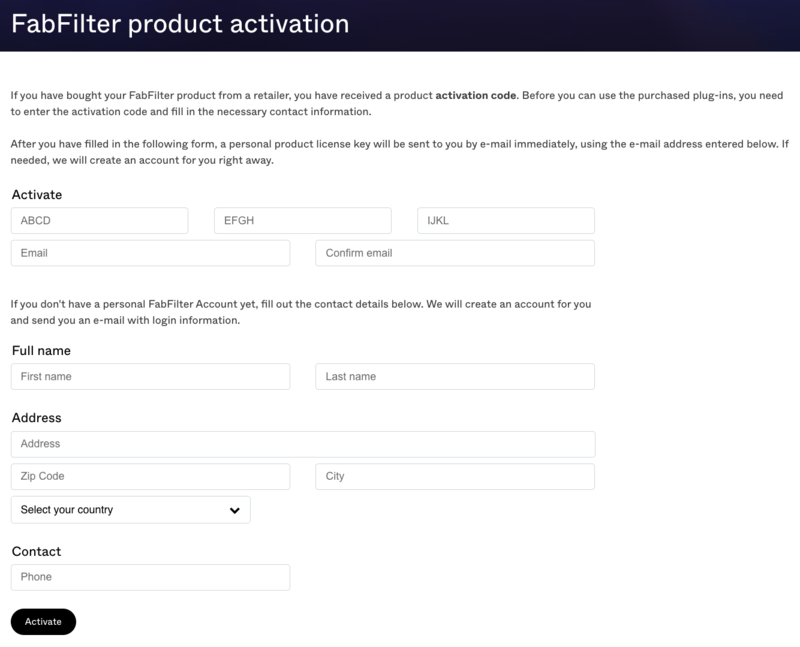
1. Navigate to https://www.fabfilter.com/activate > Enter your 12-letter activation code and complete the remainder of the form > Click 'Activate'.
2. Download the installer from your Plugin Boutique User Account > Run the downloaded .dmg file > Launch the .pkg installer.

3. Click 'Continue'.
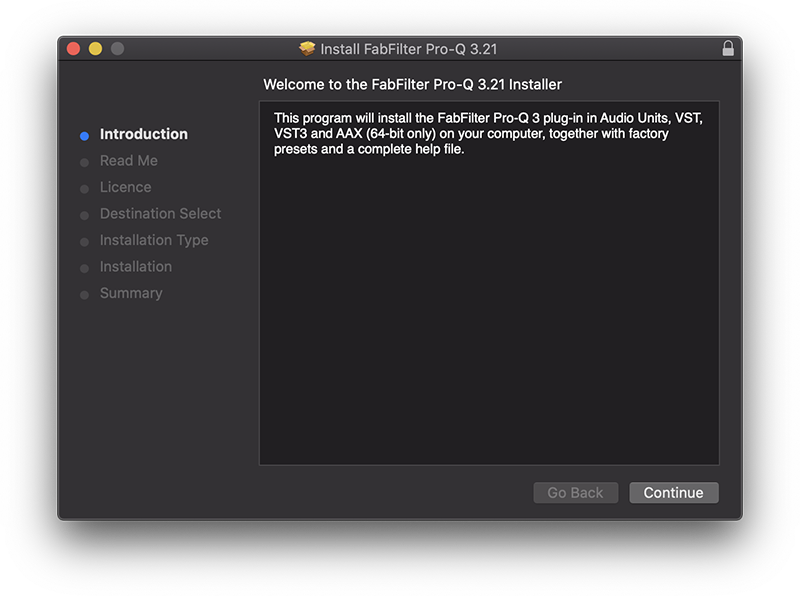
4. Click 'Continue'.
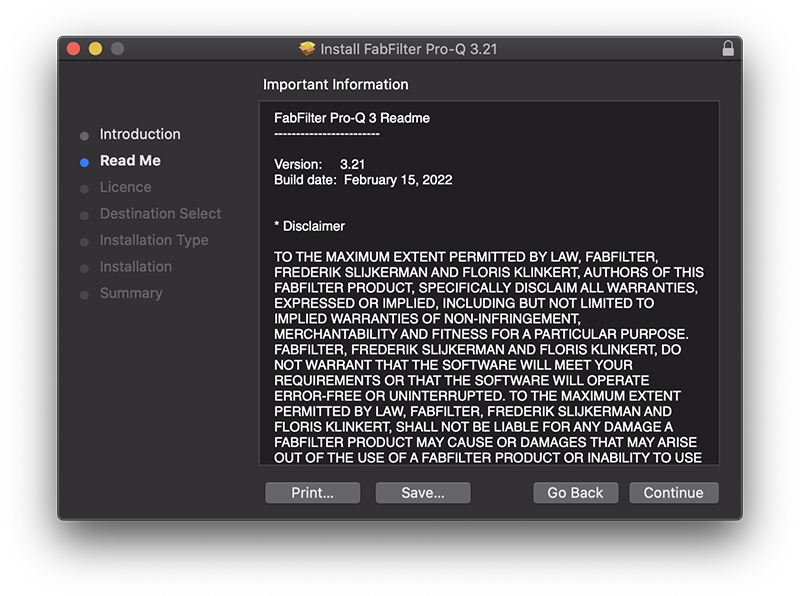
5. Click 'Continue'.
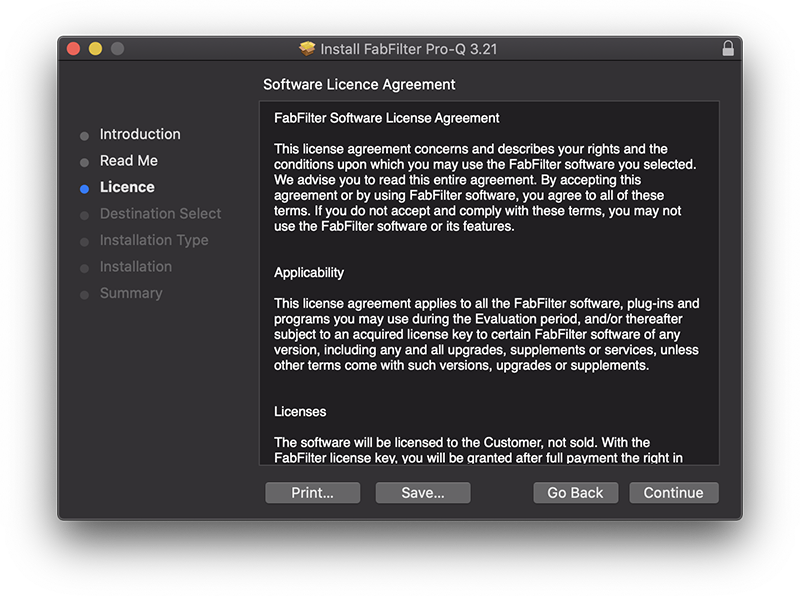
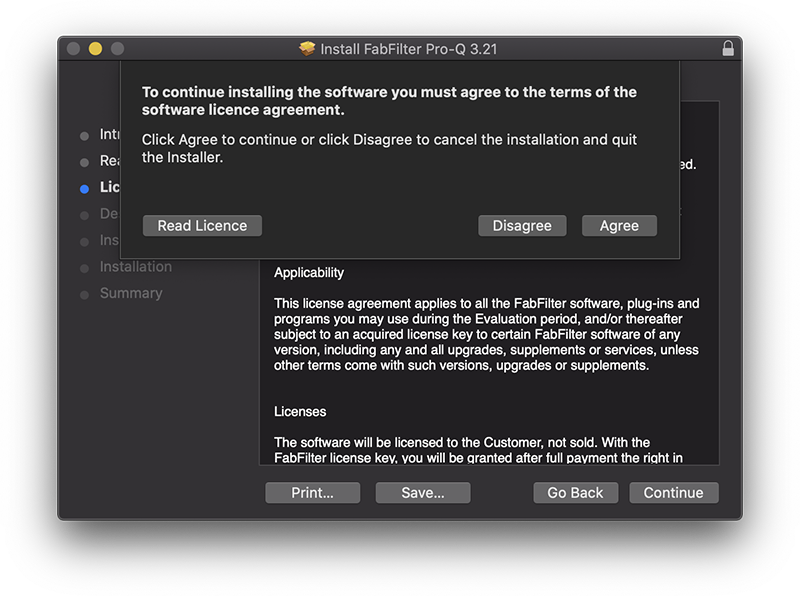
6. Click 'Agree'.
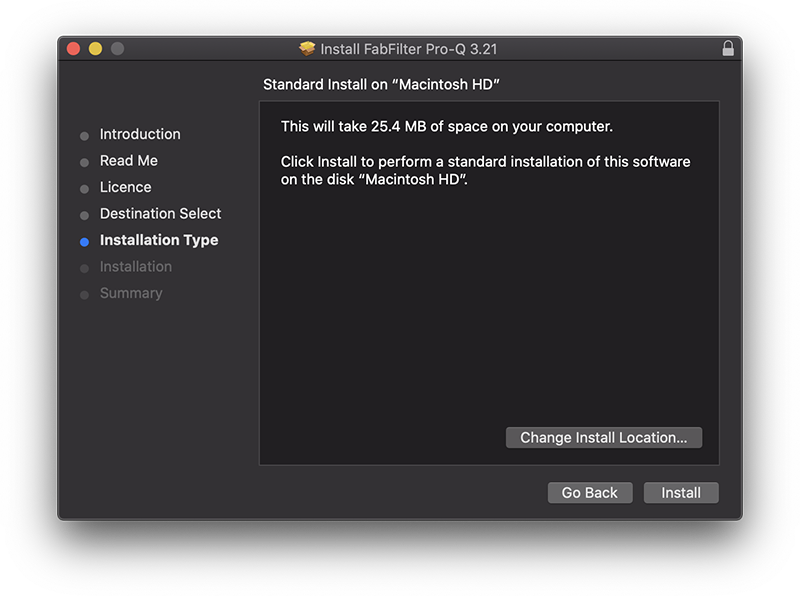
7. Click 'Install'.
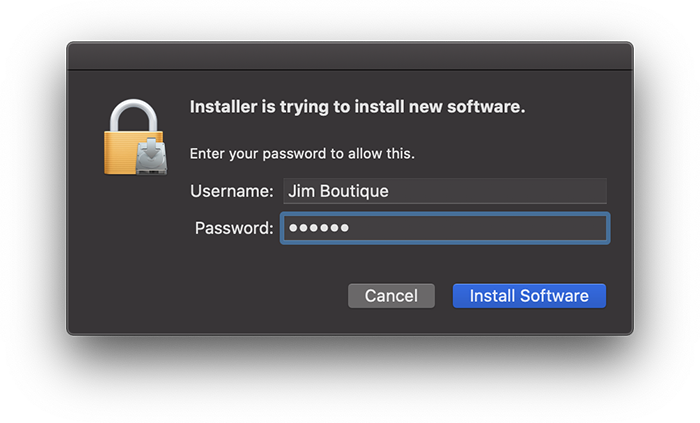
8. Enter your system password > Click 'Install Software'.
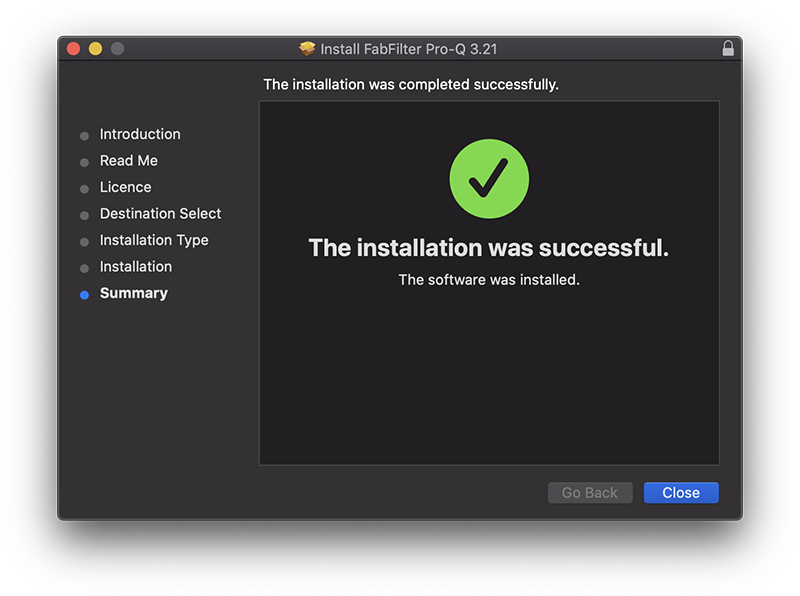
9. Click 'Close'.
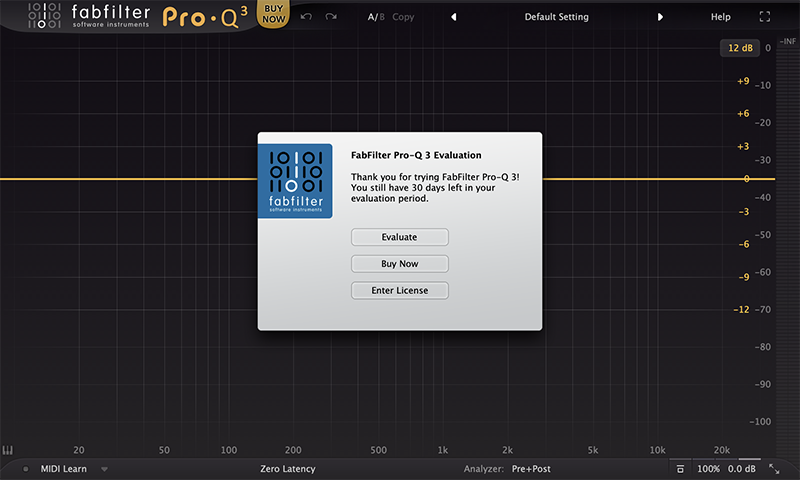
10. Launch your DAW > Insert Pro-Q 3 on a new track > Click 'Enter License'.
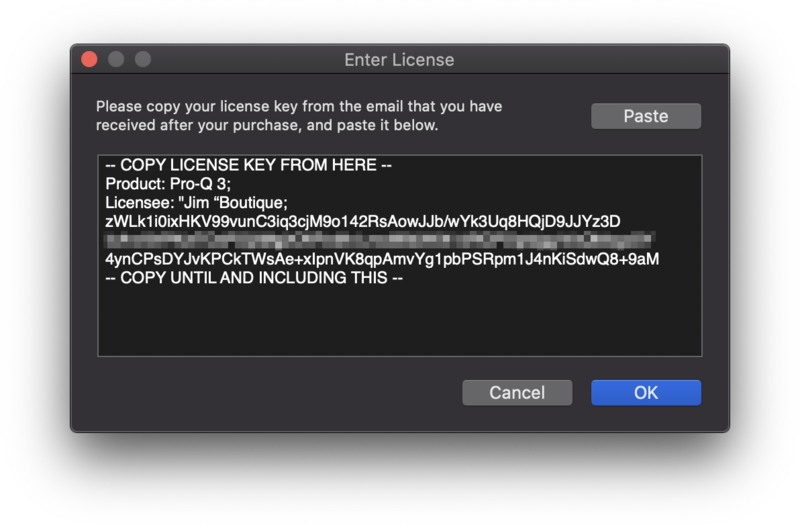
11. Navigate to your email inbox > Locate the email from FabFilter which contains your License Key (not your Activation code supplied by Plugin Boutique) > Right-click and copy the entire License Key, including -- COPY LICENSE KEY FROM HERE -- until -- COPY UNTIL AND INCLUDING THIS -- > Paste the License Key into the text box > Click 'OK'.
12. Close and restart your DAW > Insert Pro-Q 3 on a new track.
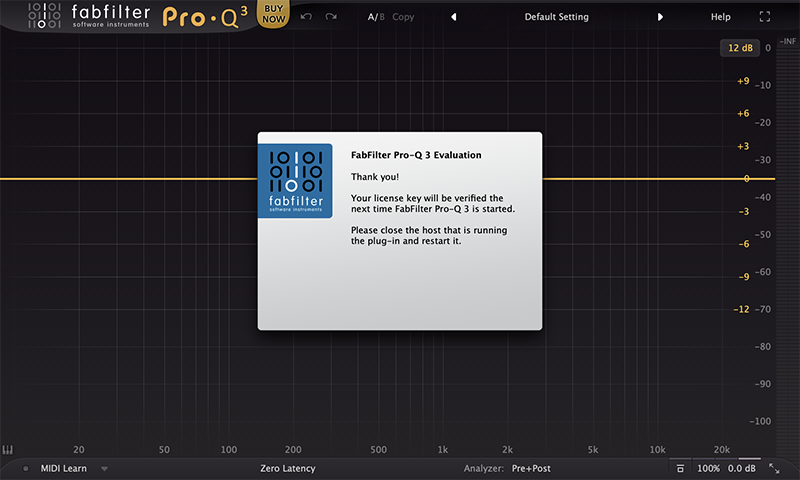
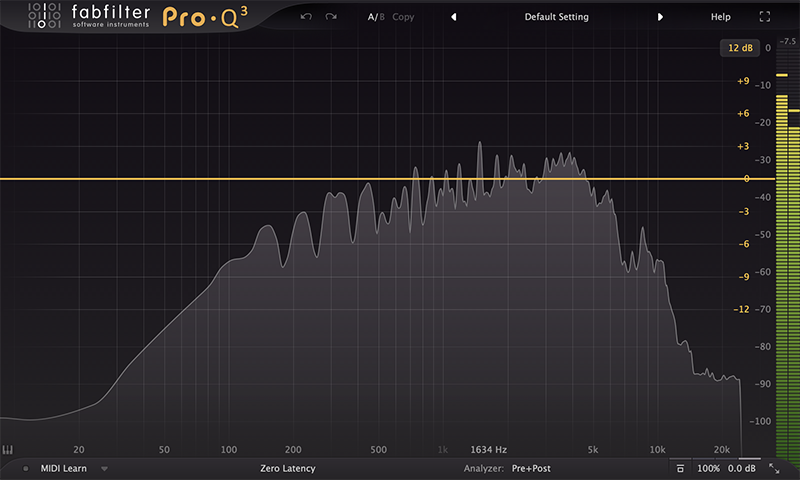
Pro-Q 3 is now installed, activated and ready to use.
Windows
1. Navigate to https://www.fabfilter.com/activate > Enter your 12-letter activation code and complete the remainder of the form > Click 'Activate'.
2. Download the installer from your Plugin Boutique User Account > Extract the .zip folder > Run the .exe installer.

3. Click 'Next'.

4. Click 'Yes'.

5. If installing VST 2 click 'Browse' and locate your VST 2 folder > Click 'Next'.

6. Click 'Next'.

7. Click 'Next'.

8. Click 'Install'.

9. Click 'Finish'.
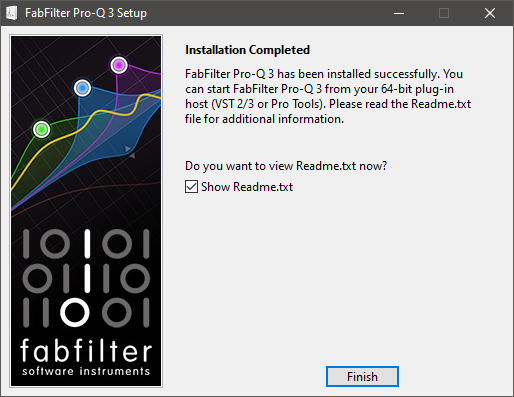
10. Launch your DAW > Insert Pro-Q 3 on a new track > Click 'Enter License'.
11. Navigate to your email inbox > Locate the email from FabFilter which contains your License Key (not your Activation code supplied by Plugin Boutique) > Right-click and copy the entire License Key, including -- COPY LICENSE KEY FROM HERE -- until -- COPY UNTIL AND INCLUDING THIS -- > Paste the License Key into the text box > Click 'OK'.

12. Close and restart your DAW > Insert Pro-Q 3 on a new track.
Pro-Q 3 is now installed, activated and ready to use.


