


 Log In

Free gifts available with your purchase
Product information
Featuring over 50 Presets and 35 Sample Banks of devastating Hi-Tech bass, grinding Reeses, metallic growls, bone-rattling subs, whomps and synth stabs fresh from the 24th century!
Created mainly in the digital domain using the latest in cutting edge software and processing techniques BORG BASS is designed to feel futuristic, raw, gritty, mechanic, chaotic and powerful. Easily design custom distortions to drive these sounds further to the edges of the universe!
Features
- 50 Presets
- 35 Sample Banks
System Requirements
- Requires the full version of HALO
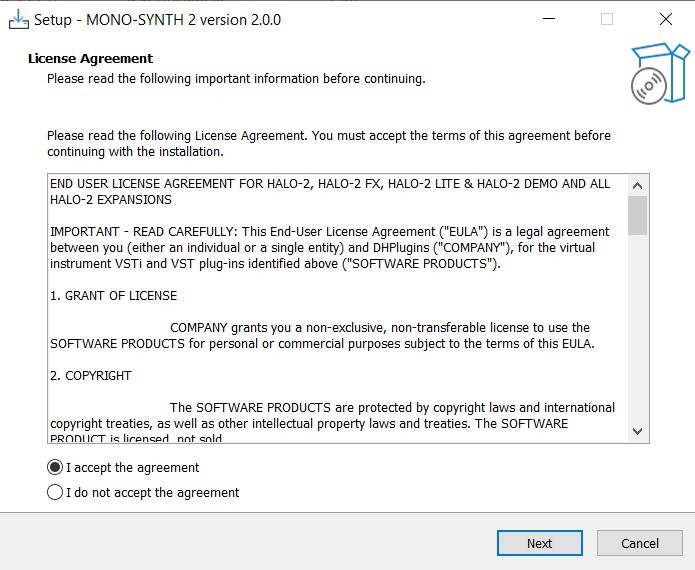
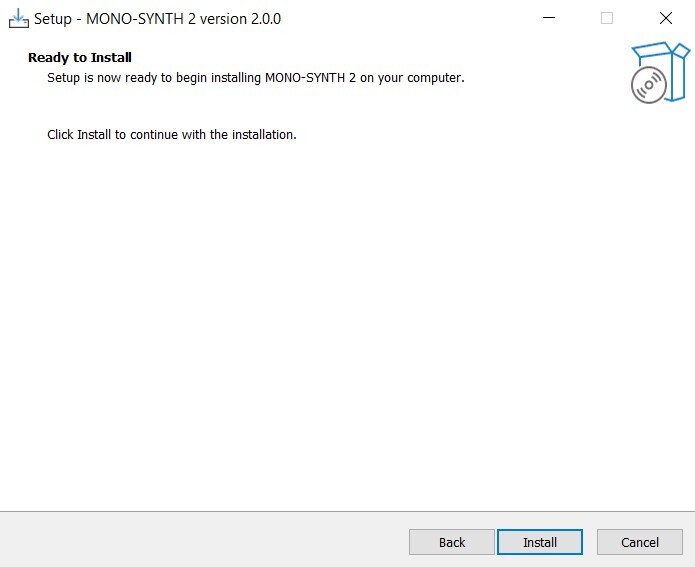
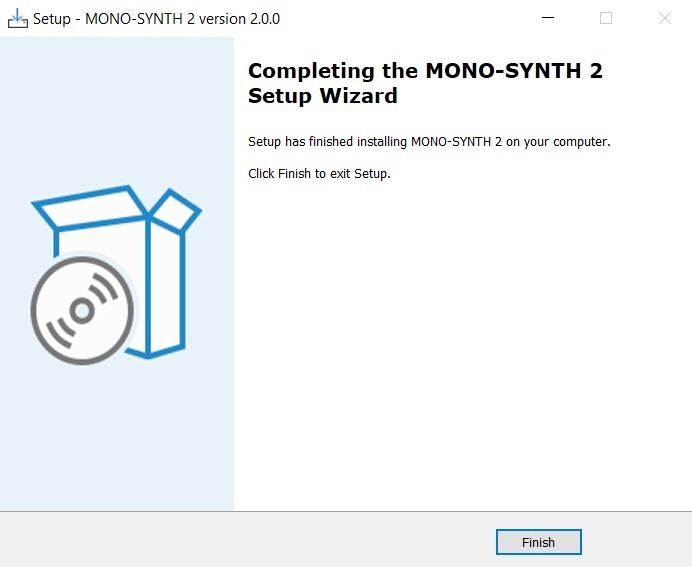
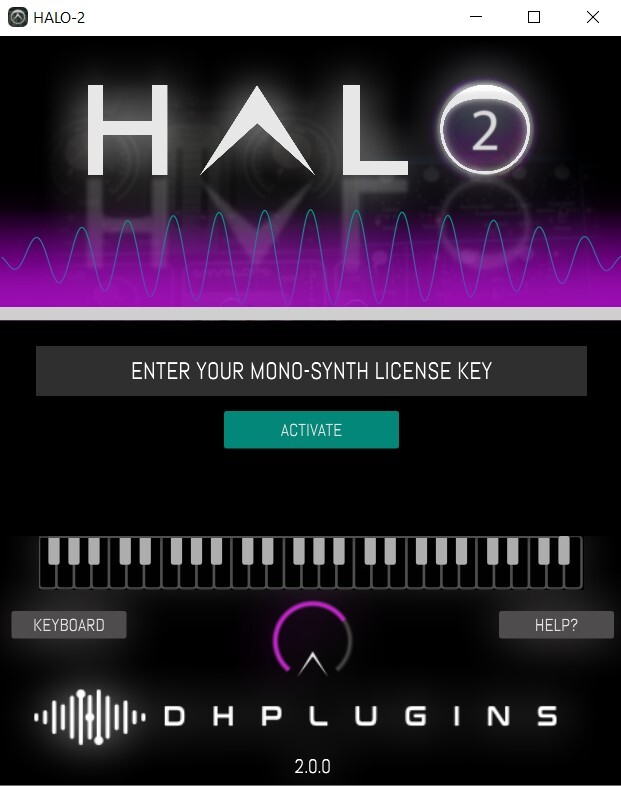
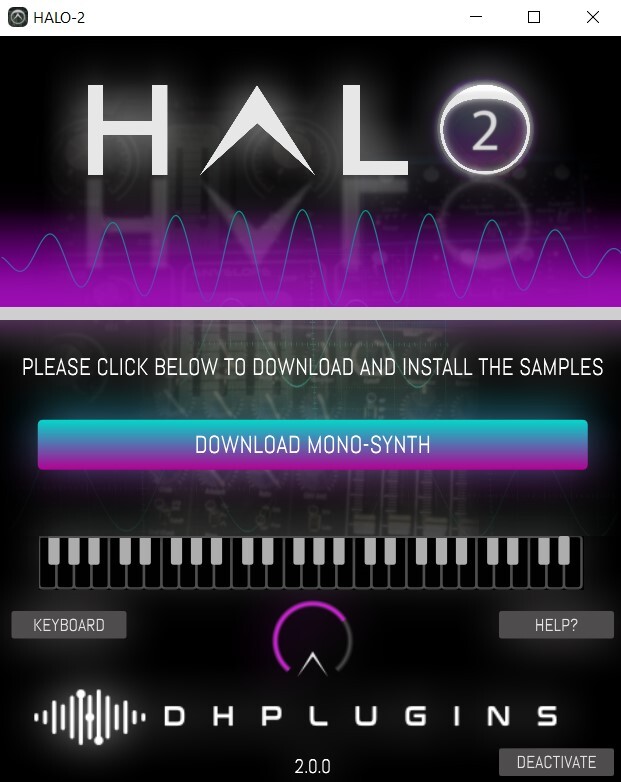
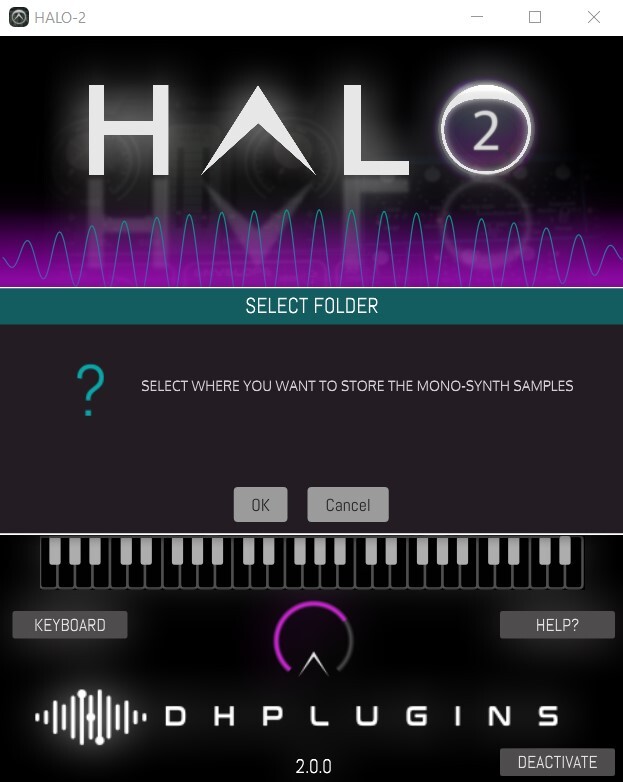
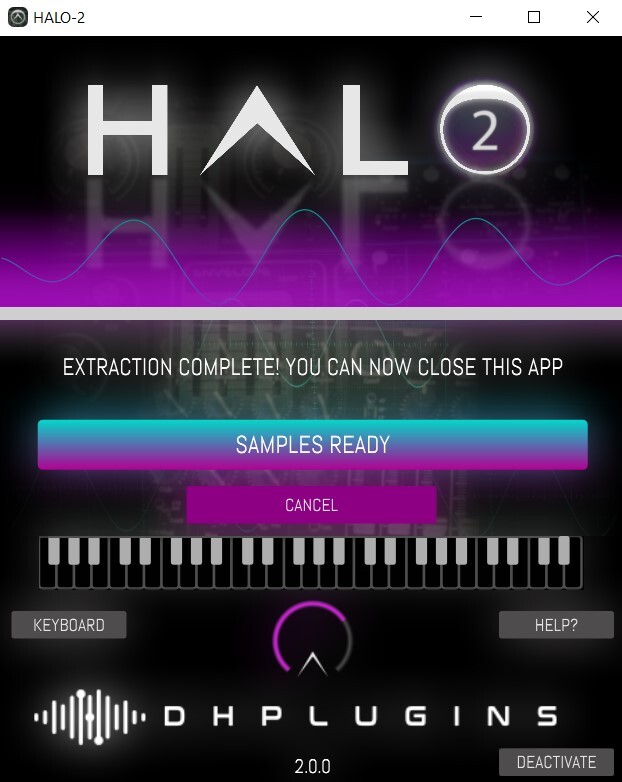
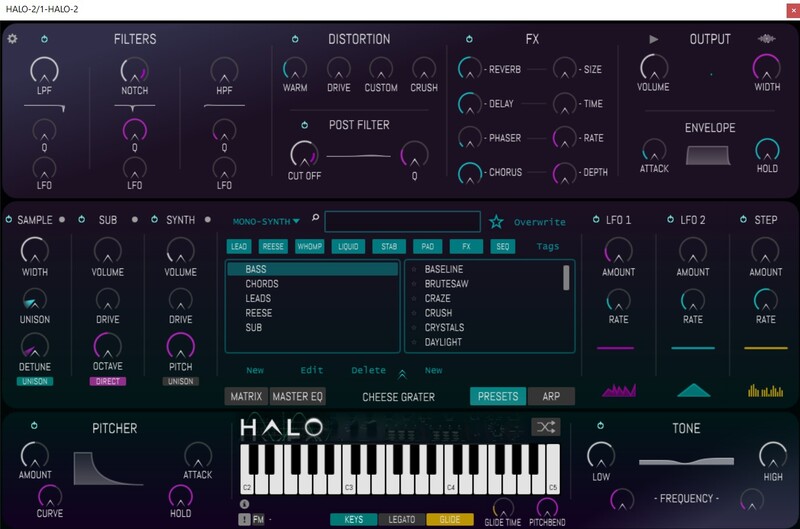
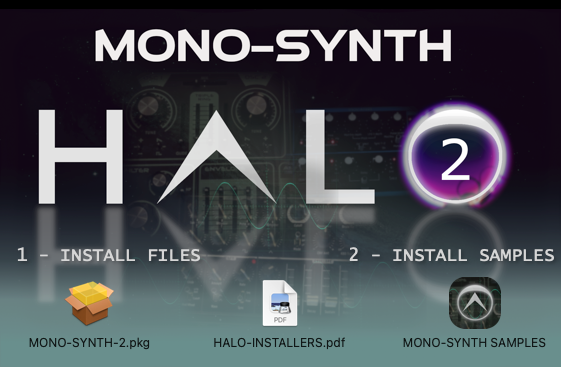
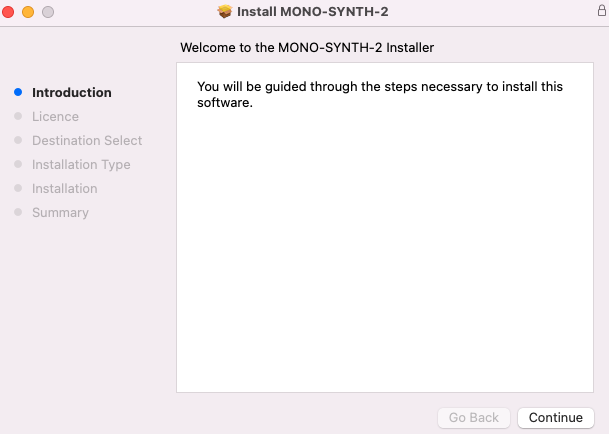
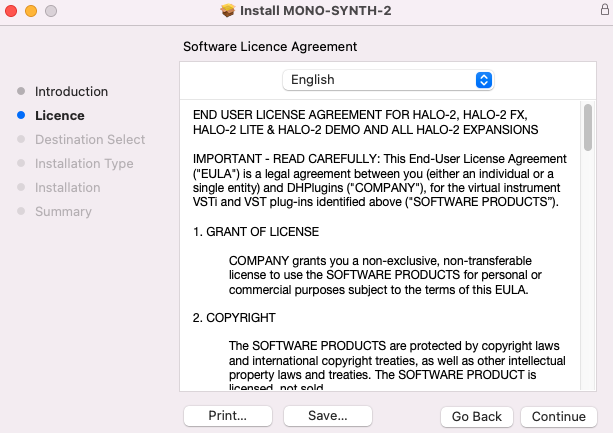
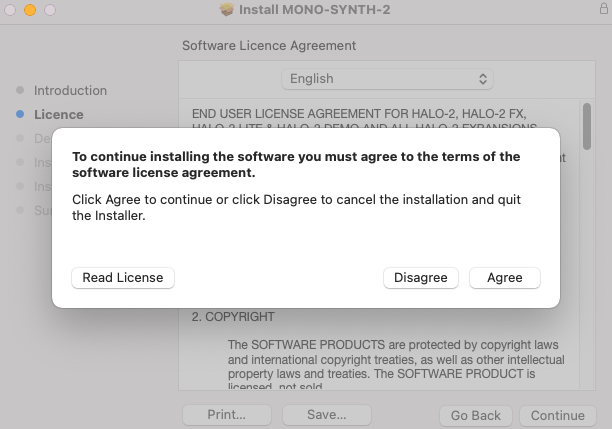
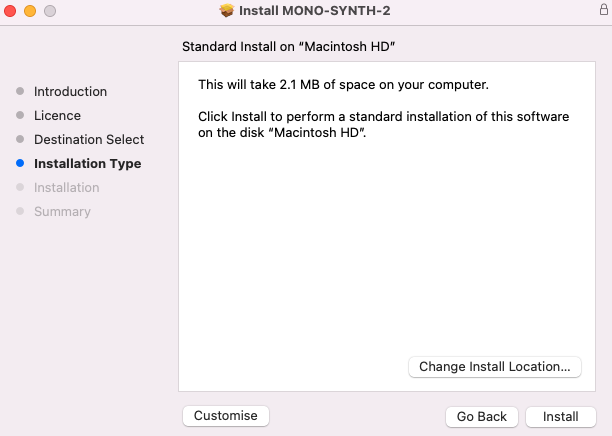
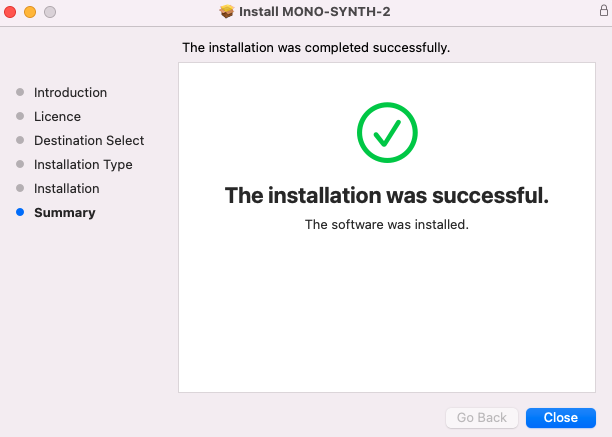
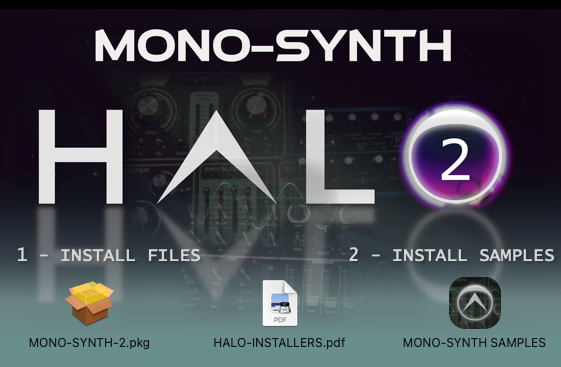
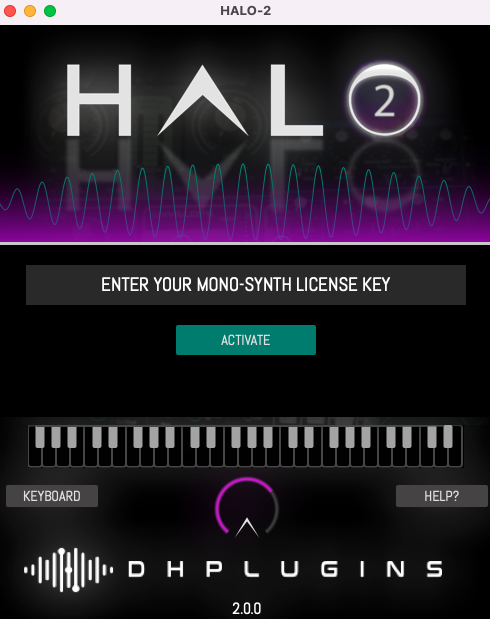
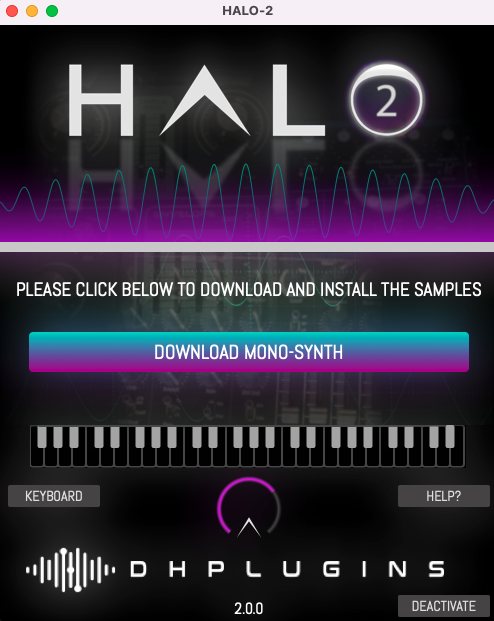
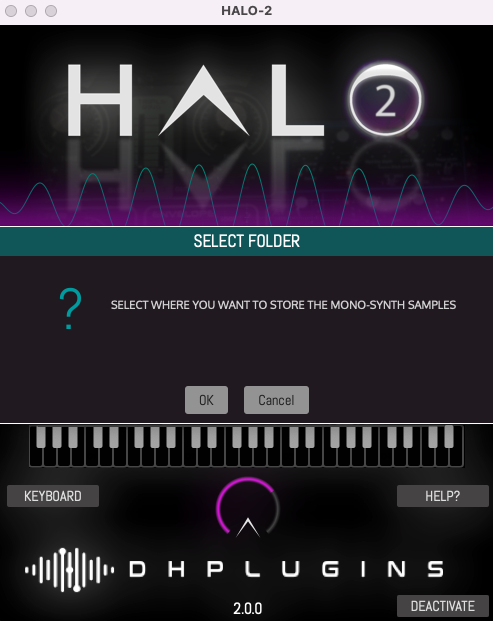
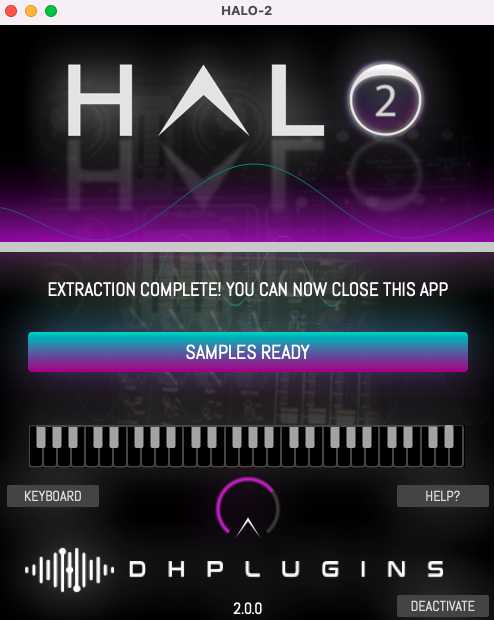
Installation Instructions
Bundle & Save
HALO-2 + Expansions Bundle
$149.00
HALO-2 Expansions Bundle
$49.00
HALO-2 Expansion: Bass Bundle
$39.00


