Log In

Free gifts available with your purchase
Let's Go Splitsies!
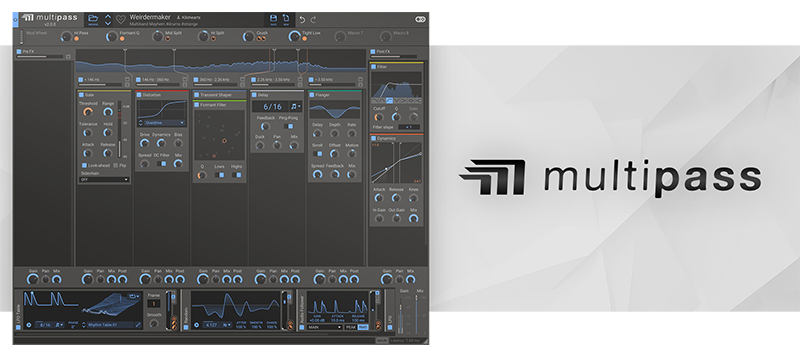
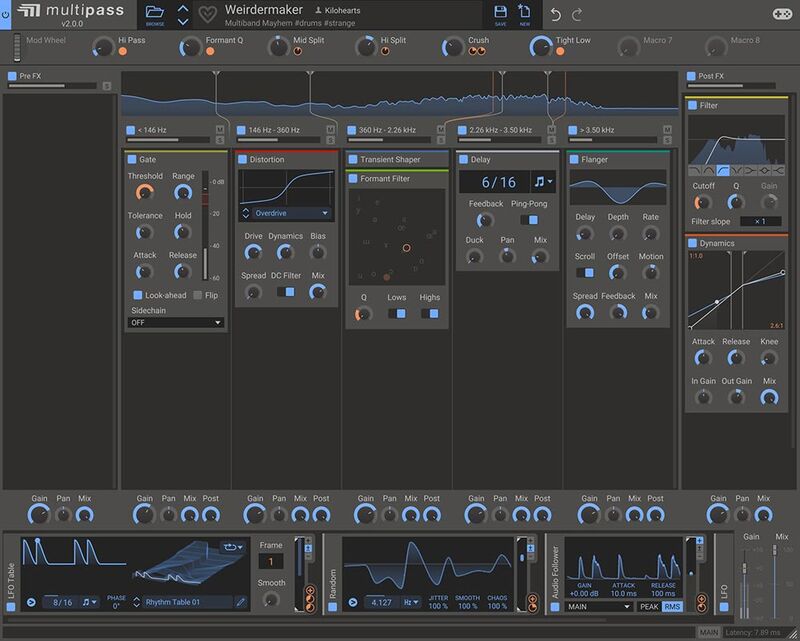
Multipass is a multiband modular Snapin Host which splits the incoming signal into up to five frequency ranges which can have effects chains added to them separately. These can then be modulated extensively, using Kilohearts’ powerful modular modulation system.
Build your own Modular Multiband Effects
The open modular architecture of the Kilohearts Ecosystem gives you the freedom to design any effect you can imagine. Need a customizable multiband compressor/expander...? Build it in Multipass. Want to experiment with an effect that adds pulsing, rhythmical fluctuations and reverb to the high end whilst distorting and adding width to the mids and compressing the lows, then dynamically filtering the combined output based on the amplitude of the incoming signal...? You can build that in Multipass too.
Essential Effects Included
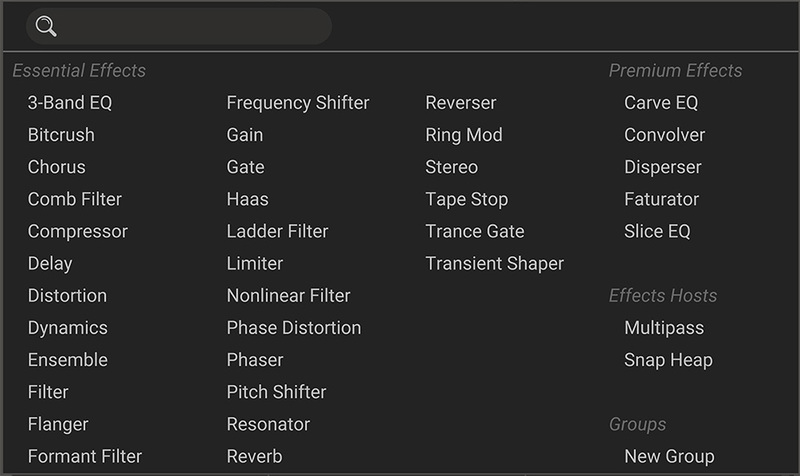
Multipass comes with Kilohearts Essentials, a large range of useful effects plugins. These are all available as Snapins to be combined and modulated as you desire in any of up to five frequency ranges. Premium Effects are available to buy separately to further bolster your sound design capabilities. Once a Multipass preset is saved it will be fully functional for anyone you share it with, regardless of which Snapins they own.
Mind-Blowing Modulation
A unique modular modulation section allows you to connect modulators and utilities in an infinite number of combinations for ultimate control, or ultimate chaos. Whether it’s ultra-precise envelopes and LFOs you need or wild randomisation for unpredictable chaotic mangling... you can build it with the Kilohearts Ecosystem.


Created by Experienced Developers
At every point in the signal chain, all Kilohearts software is optimised for the highest quality processing with the lowest possible CPU load. For professional music production and sound design, you won’t ever have to worry about shortcomings in sound quality again.
Lifetime Free Updates
Once you buy a license for any Kilohearts plugins you will get all future updates for free. Kilohearts won’t charge you a penny for new versions. And they will continue to improve all Kilohearts software with new features and OS compatibility (yes, it’s all M1 Native already!), which means that investing in Kilohearts software is a very sensible move for the serious sound designer.
System Requirements
- Operating System: Any version of Windows or MacOS actively maintained by Microsoft or Apple.
- CPU: 2 GHz or faster
- Memory: 1 GB or more
- Software: Any DAW supporting VST 2, VST 3, AAX, or Audio Unit plugin standards
Kilohearts recommend keeping up to date with OS versions as they become available. Kilohearts are not able to support OS versions that are no longer supported by their respective manufacturers. If you are using an outdated OS please try the free trials to ensure compatibility before making any purchases.
Awards