Log In
.jpg)
Free gifts available with your purchase
Welcome To The AcidBox!
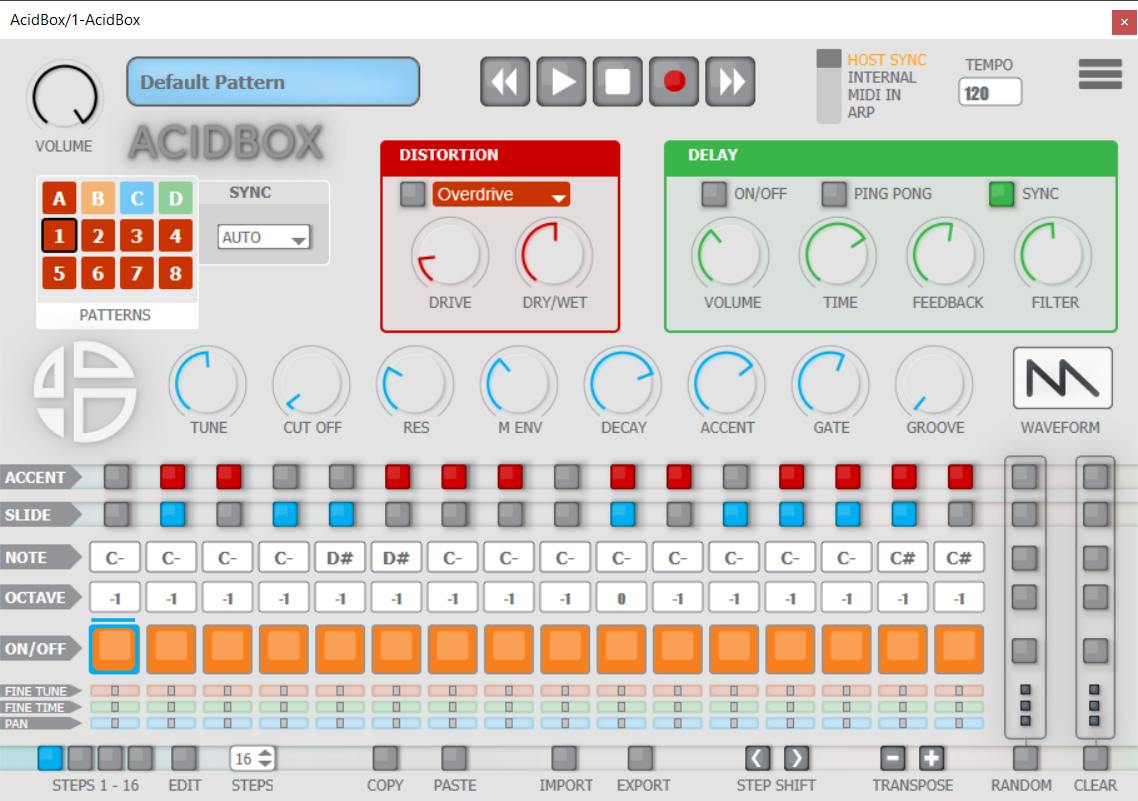
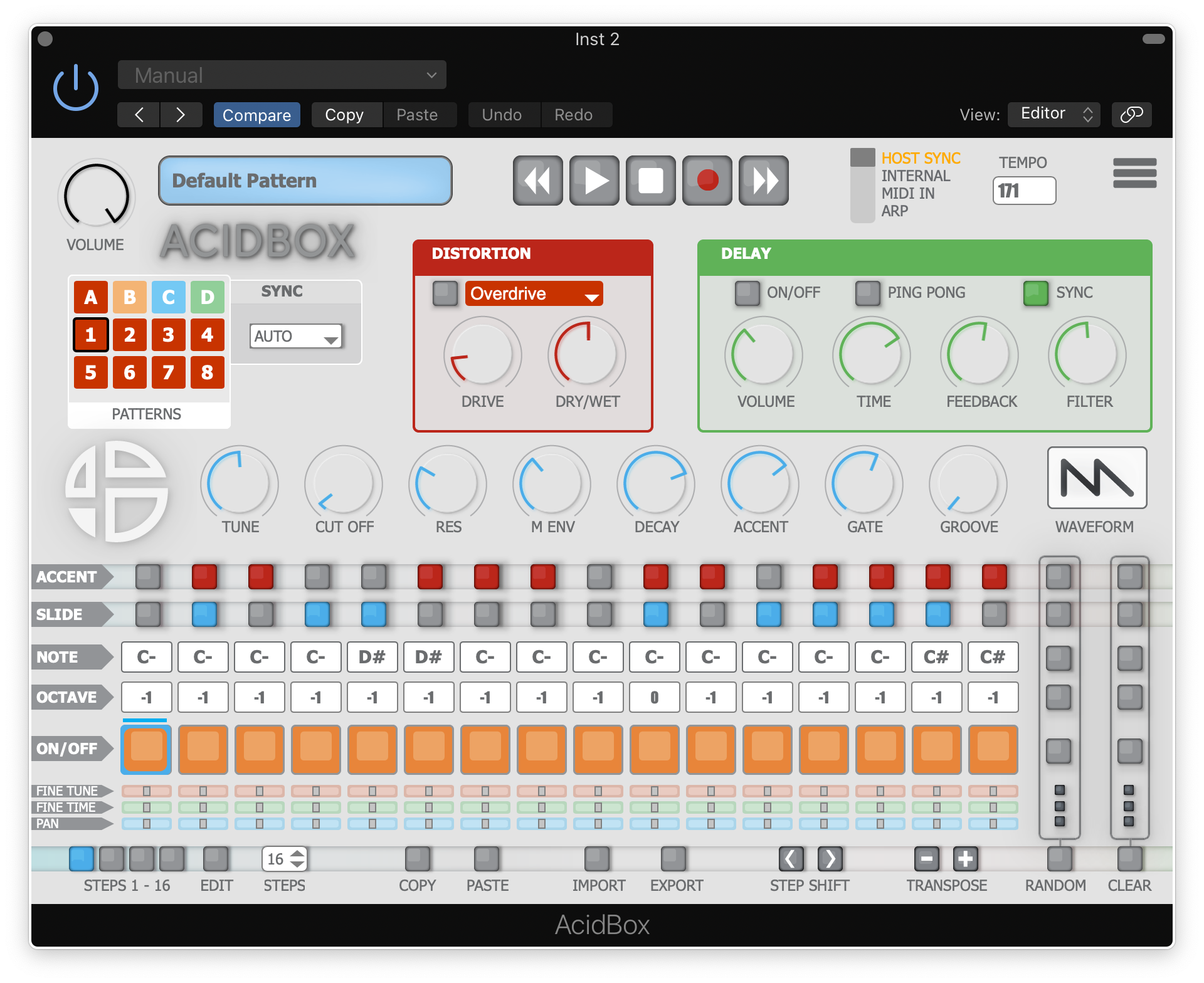
The AcidBox V2 is a bass line synthesizer, a recreation of the iconic 303 bass line synthesizer from the 80’s with a new interface, which makes it easier to create real-time sequences and tweak them in a live situation.
Ability to export and import your sequences, patterns, and banks in multiple formats.
Get your live performances further with ACID BOX, a bass line synthesizer with custom functions, a 16 to 64 steps sequencer, and 6 integrated effects. A simple tool for real-time creation.
AcidBox is inspired by works from Techno and House artists like Daft Punk, Aphex Twin or Laurent Garnier, with their use of vintage 80’s synthesizers and influences stemming from the Acid House genre. This synth also pay homage to Acid precursors such as DJ Pierre, Dr. Fernando, Woody McBride, Hardfloor, Leo Anibaldi or Fast Eddie.
Features
- 4 synchronize modes: host sync, internal sync, MIDI in, Arp
- Up to 32 patterns
- 5 Distortion units
- 1 Delay, with synced and ping pong mode
- A sequencer, with on-the-fly MIDI in record, to ease your sequencing
System Requirements
Mac
- MacOS 10.13+ (Apple Silicon Supported)
- Intel Core i5 or equivalent CPU
- 2GB RAM
PC
- Windows 7+
- Intel Core i5 or equivalent CPU
- 2GB RAM
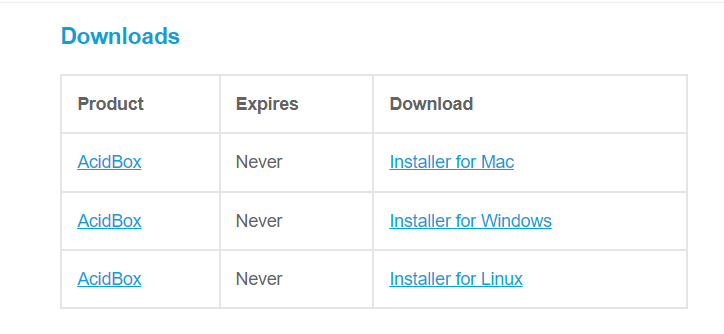
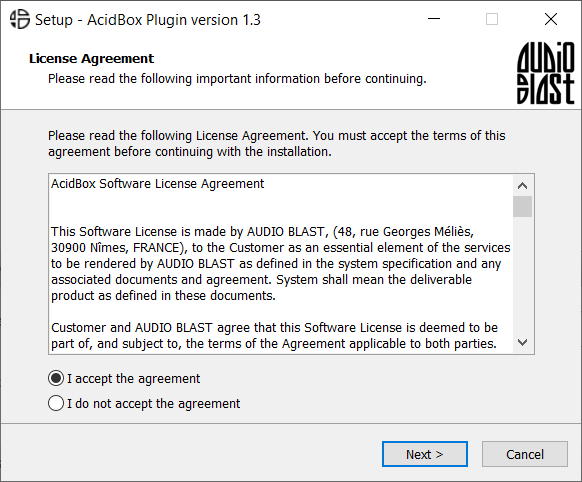
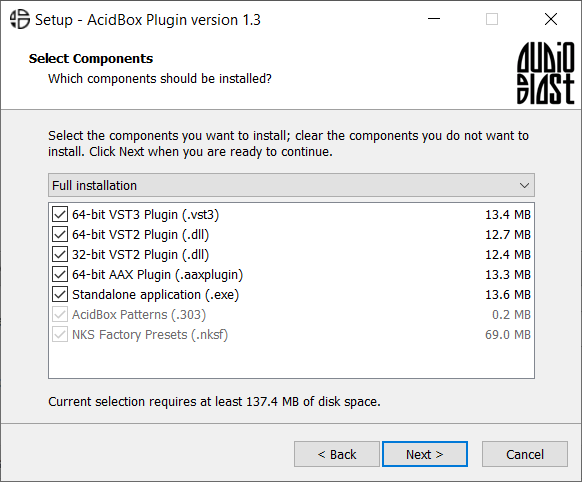
Please Note: You require an internet connection in order to install and update your products.
Important note: When accessing this software via a Rent to Own plan or the Beatport Studio membership, it's installed and run through the Beatport Access portal. An internet connection is required every 30 days to validate your license.