Log In

Free gifts available with your purchase
Product information
The modern art of the orchestra
Iconica was recorded in legendary Funkhaus Berlin with our partner Orchestral Tools and brings exceptional modern orchestral expression to professional composers. The overall bundle Iconica Opus combines the two libraries Iconica Sections and Players and Iconica Ensembles in an impressive orchestral solution with up to 190 GB compressed audio and more than 500 articulations.
Features
- Up to 190 GB of compressed audio
- Up to 500 articulations
- Several mic positions for each instrument
- A new mix, based on the original Orchestral Tools recordings from Iconica
System Requirements
- 190 GB free HD space
- Please note that this library requires the free HALion Sonic 7 or the full version of HALion 7
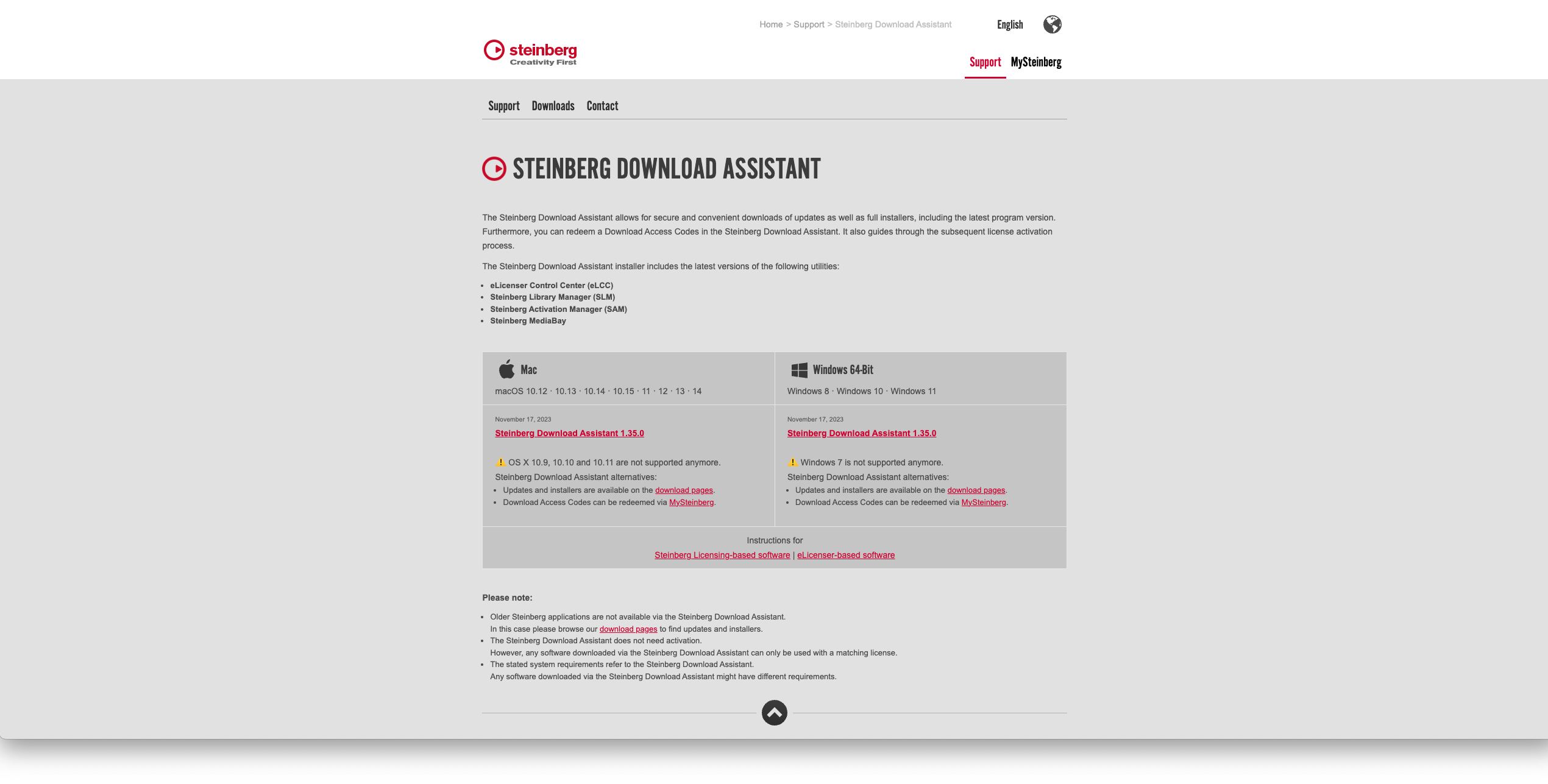
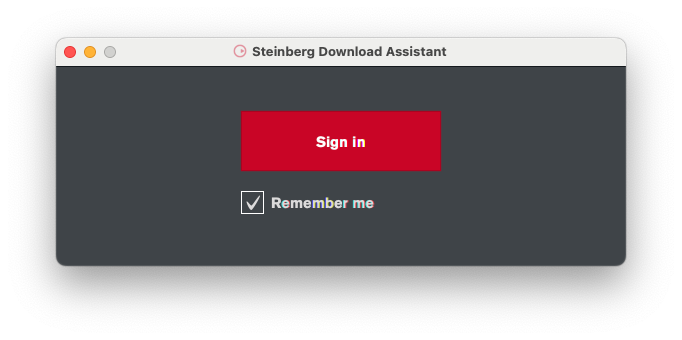
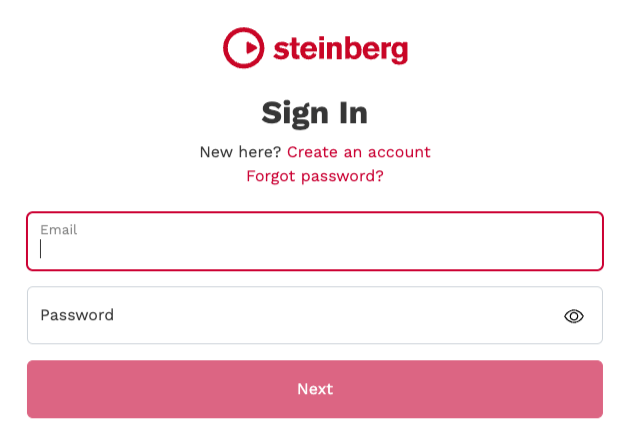
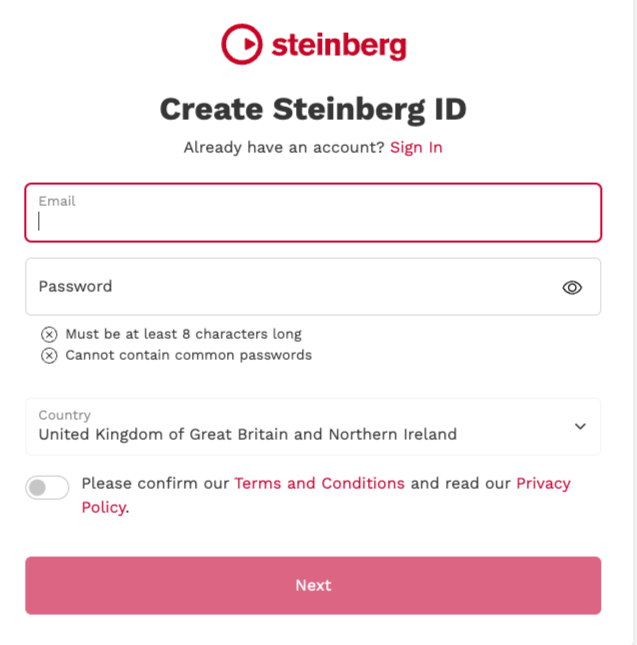
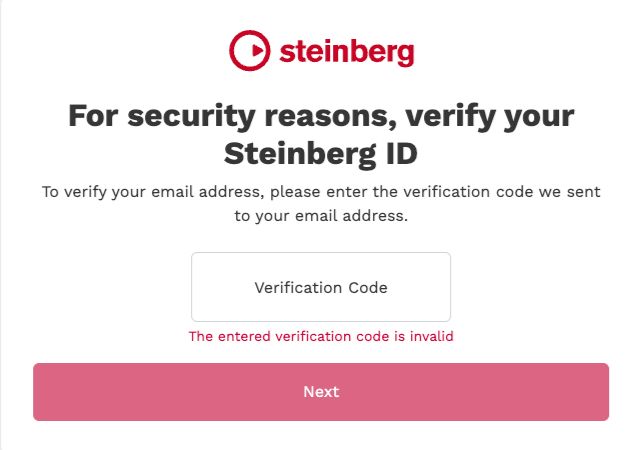
- Internet connection required for activation, download, account setup and personal / product
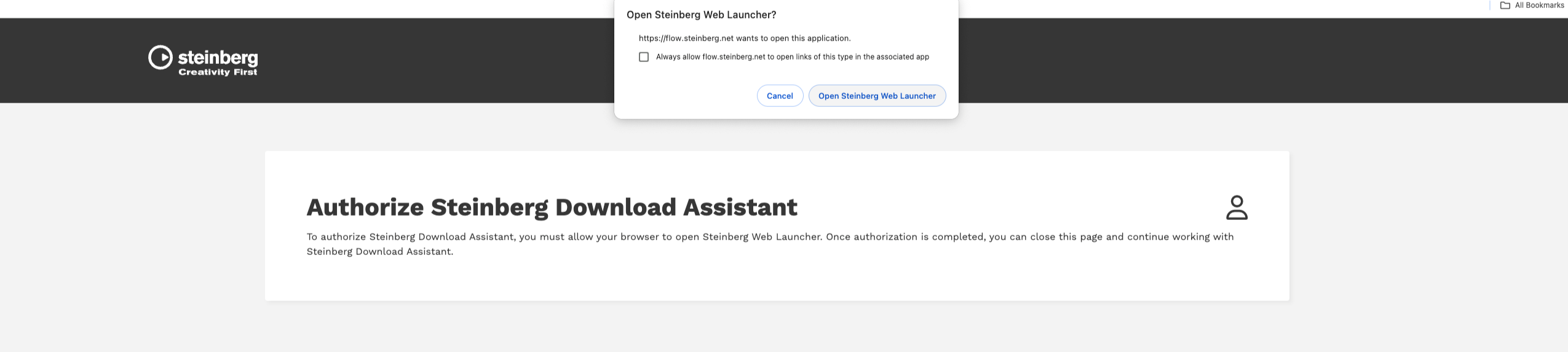
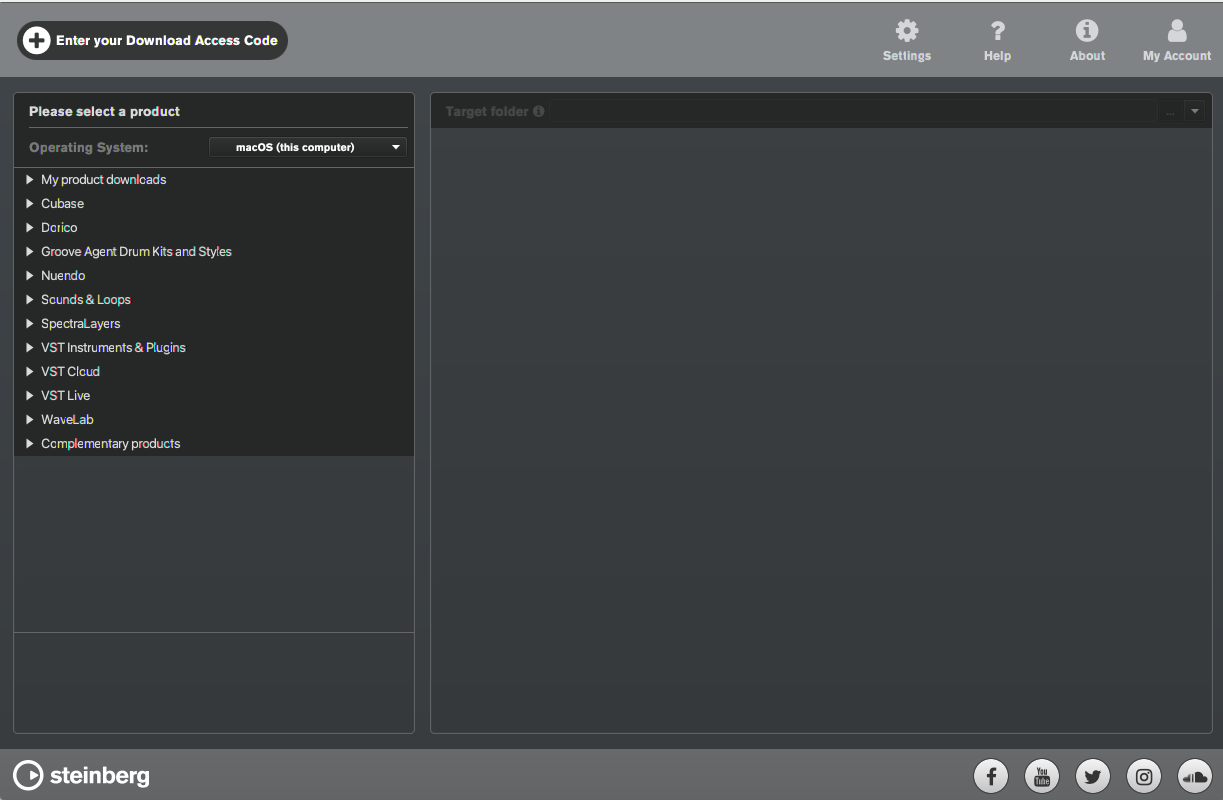
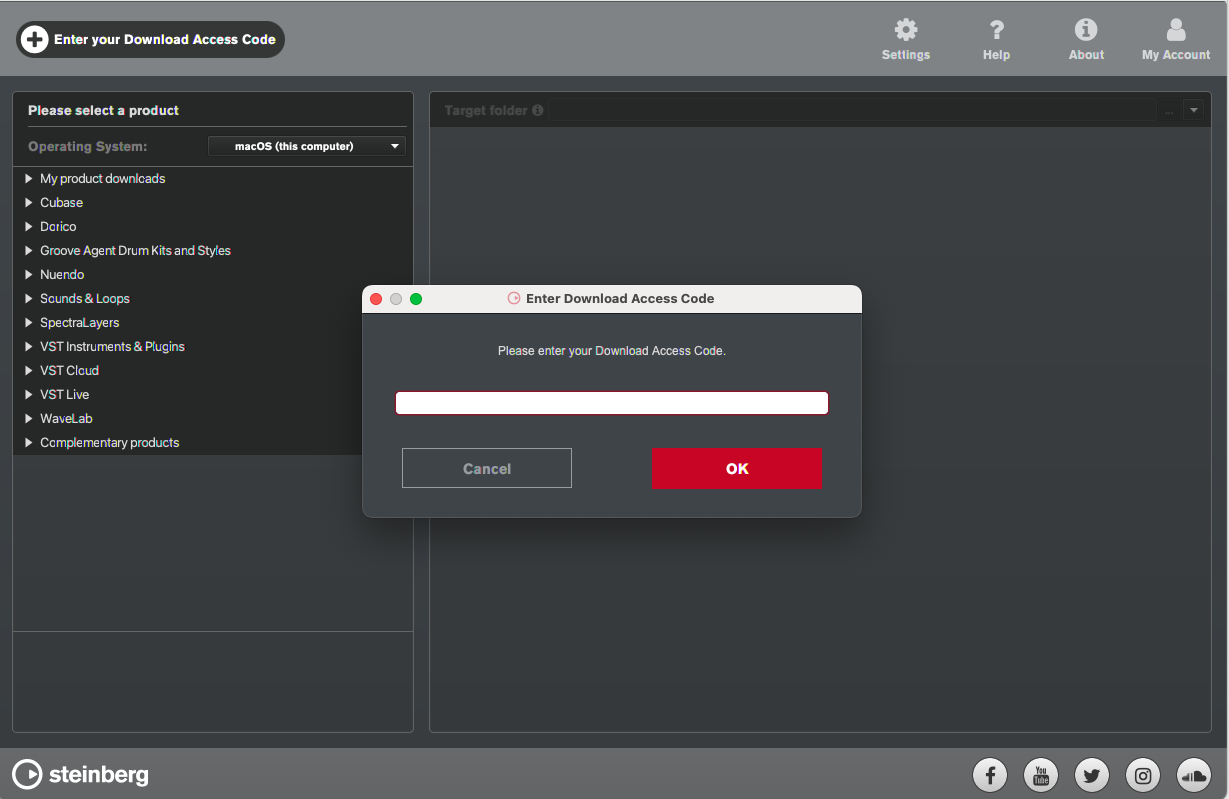
- registration. Additional software is required for the installation.
PC
- Operating System: Windows 10 (64-bit), Windows 11 (64-bit) Version 21H2 or higher
- Plugin Formats: VST3, AAX
Mac
- Operating System: macOS Big Sur, Monterey, Ventura, Sonoma, Sequoia
- Apple Silicon Compatibility: Rosetta 2 App, Native App
- Plugin Formats: VST3, AU, AAX
Installation Instructions