Buy Strobe2 Expander: Cinematic Synthesis, get a free gift with purchase:
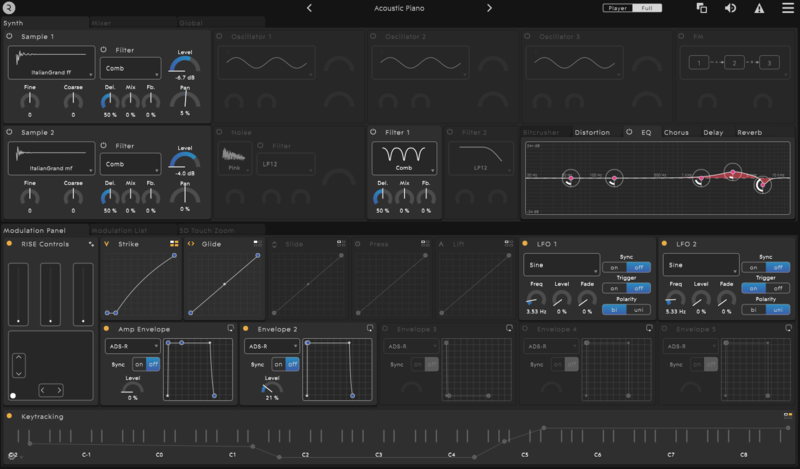
Strobe2 Expander: Cinematic Synthesis is a collection of spacious, cinematic sounds perfect for adding depth, texture and interest to your music.
Cinematic Synthesis is designed for the big screen! Explore huge evolving pads, alien textures, deep-space communications, grand strings, powerful polysynths, horror drones and sci-fi effects - all perfect for adding a touch of drama, movement, intrigue and depth to your productions. All sounds are available in both standard and 5D versions, for conventional and MPE MIDI controllers respectively. 5D versions are optimised for the ROLI Seaboard RISE.
Features
- 50 presets (in both standard and 5D versions)
- Each preset includes performance and XY pad modulation
- Easy drag & drop installation
System Requirements
- Strobe2 v2.3.2.8 is required to run this Expansion Pack
Mac Installation
1. Visit https://roli.com/start > Click 'Download for Mac'.

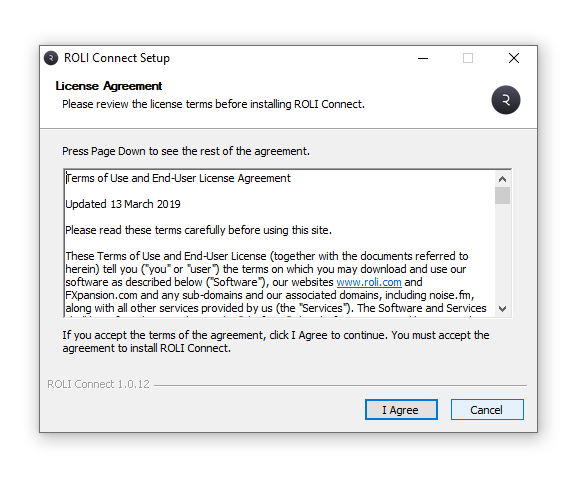
2. Go to the location of the downloaded .dmg ROLI Connect installer > Double-click it to run.
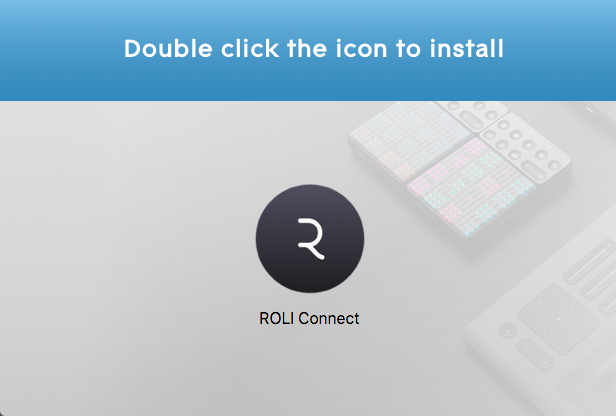
3. Double click the icon to install.

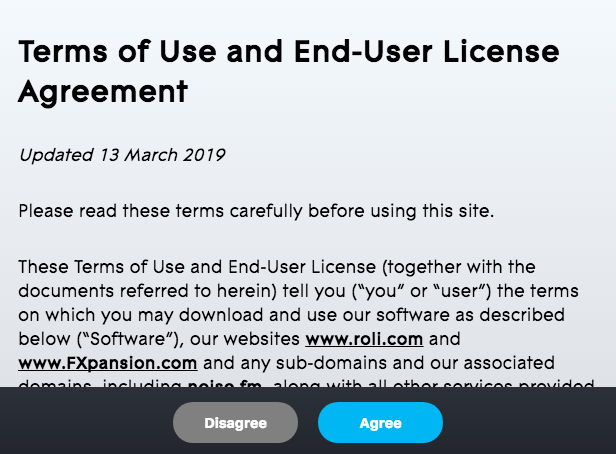
4. Click 'Agree'.

5. Open ROLI Connect > Click 'Sign up'. (If you already have a ROLI account click 'I have a ROLI account', sign in and skip to step 8).

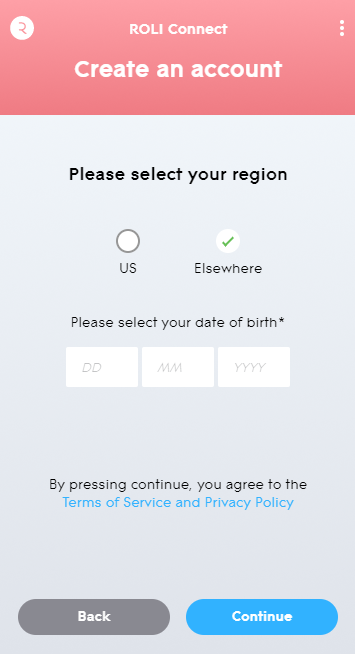
6. Select your region and enter your date of birth > Click 'Continue'.

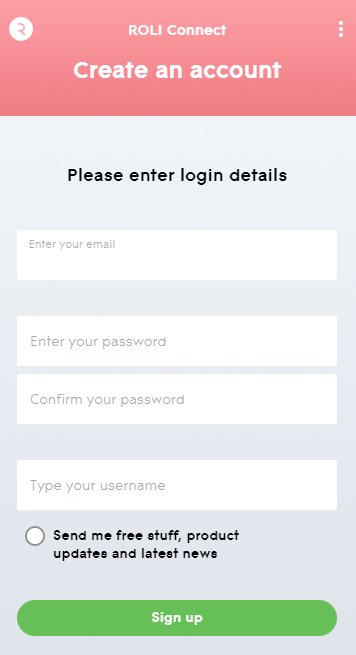
7. Enter your login details > Click 'Sign up'.

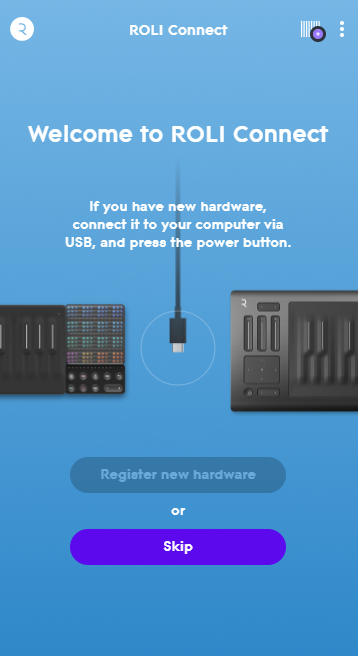
8. Click 'Skip'.

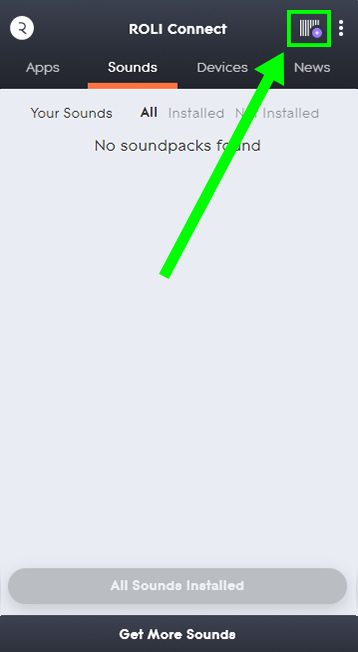
9. Click the Barcode icon at the top right of the display.

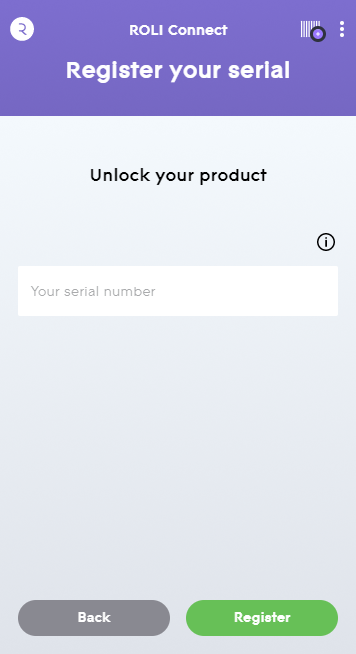
10. Enter the serial number found in your Plugin Boutique User Account.

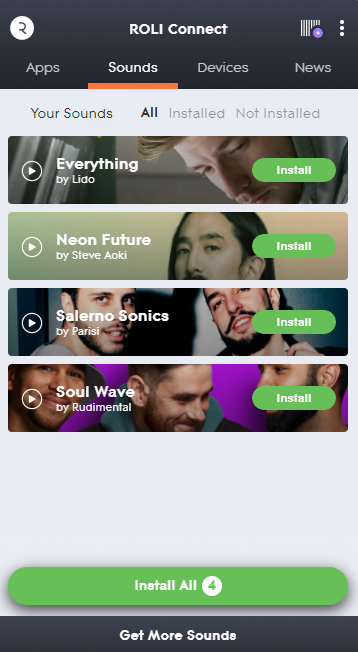
11. Click 'Install' on the product you would like to install.

12. Open Equator as a standalone or inside of a DAW.
Your synth presets are now activated and ready to use!

Windows Installation
1. Visit https://roli.com/start > Click 'Download for Windows'.

2. Go to the location of the downloaded .exe ROLI Connect installer > Double-click to run.

3. Open ROLI Connect > Click 'Sign up'. (If you already have a ROLI account click 'I have a ROLI account', sign in and skip to step 7).

4. Select your region and enter your date of birth > Click 'Continue'.

5. Enter your login details > Click 'Sign up'.

6. Click 'Skip'.

7. Click the Barcode icon at the top right of the display.

8. Enter the serial number found in your Plugin Boutique User Account.

9. Click 'Install' on the product you would like to install.

10. Open Equator as a standalone or inside of a DAW.
Your synth presets are now activated and ready to use!