/ Pitch Shifter / Micro Glide
Harrison Consoles

Micro Glide

4.8 (38 Reviews)
$89.99
Harrison Consoles Micro Glide
Harrison Consoles Micro Glide gallery thumbnail
Buy Now
Product information

Simple Controls, Powerful Sound

Micro Glide is an amazing plugin from Harrison that creates two additional voices that are pitch-shifted up and down from the original and can add a smooth and natural pitch modulation to your vocals or lead instruments, making your mix more expressive and dynamic.

The plugin features an incredibly simple interface that lets you tweak your sound in seconds and adjust the modulation to suit your taste and style. Whether you want to create a subtle enhancement or a dramatic effect, Micro Glide can do it all.
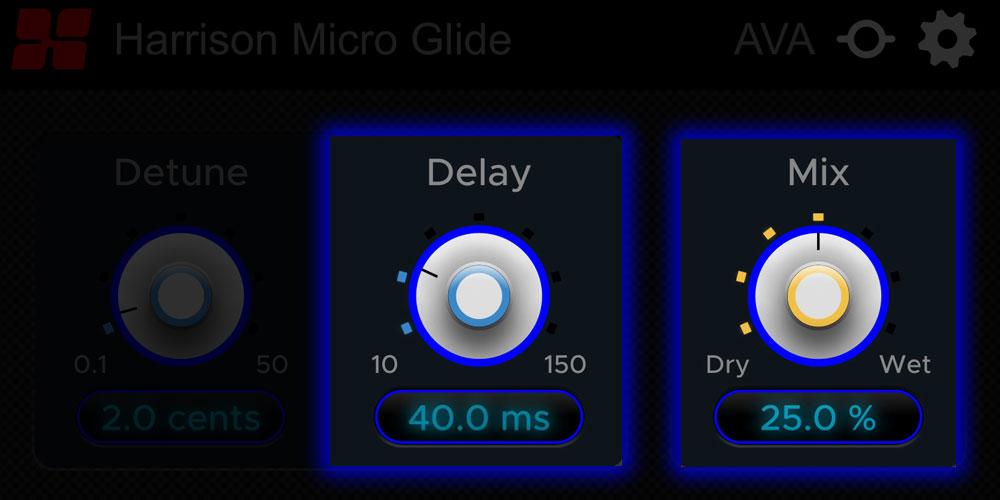
Audio Sweetening 

Enhance the sound of important lead instruments or vocals.

Pitch-shifted Voices 

Give your tracks a lush and spacious sound by creating two pitch-shifted voices: one above and one below the original track and blend them for a smooth and natural harmony perfect for adding dimension and interest to your lead instruments and vocals.
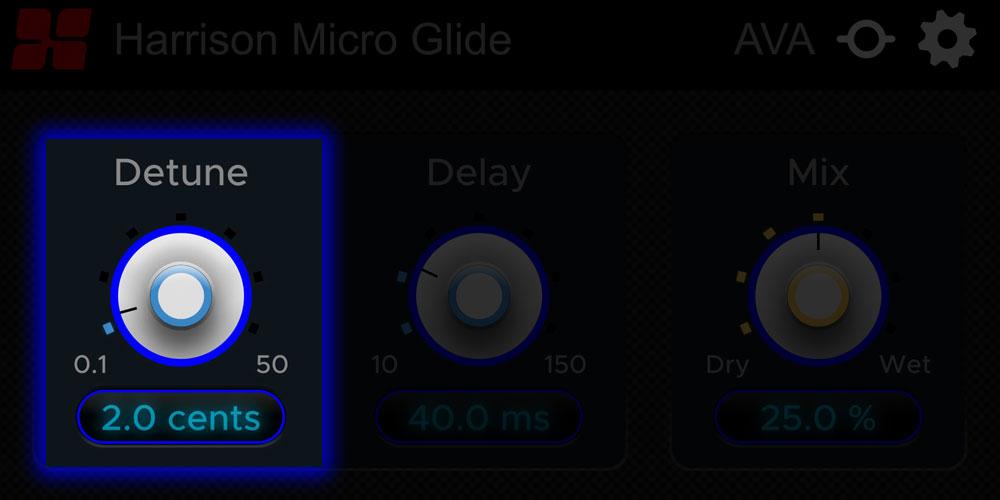
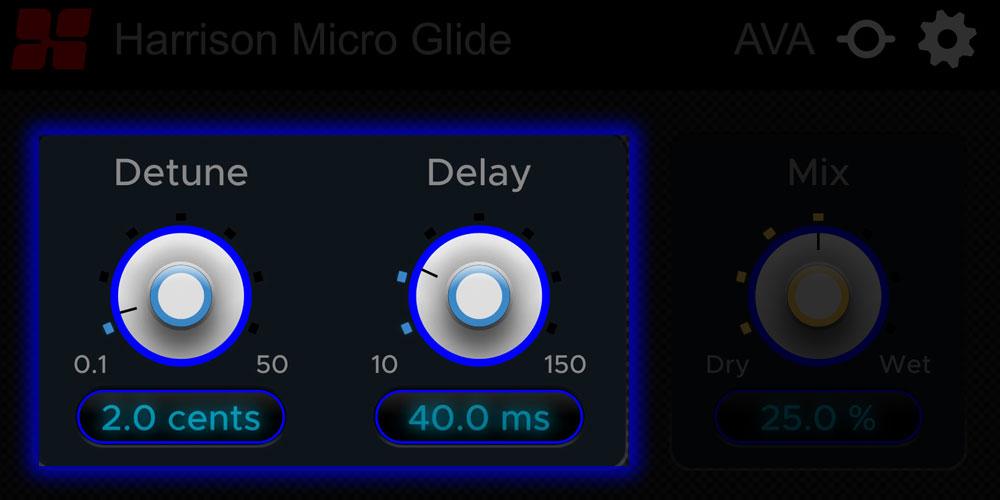
Detune Knob

Controls the spread of the pitch-shifted voices from subtle to extreme This can make your mix sound richer, fuller, or more harmonious. Experiment with different settings of the detune knob to find the best balance for your mix.
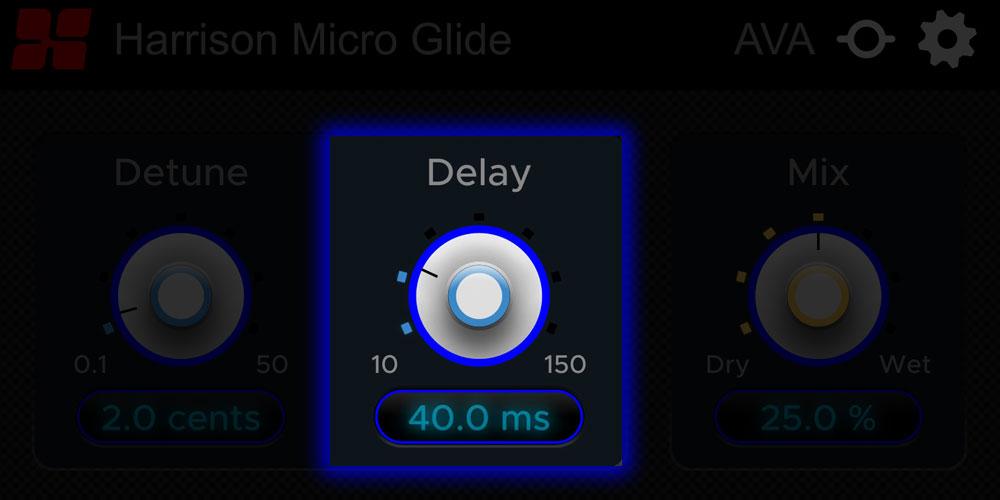
Delay Knob 

Add depth to the signal to make your sound more lively, vibrant, and spacious.
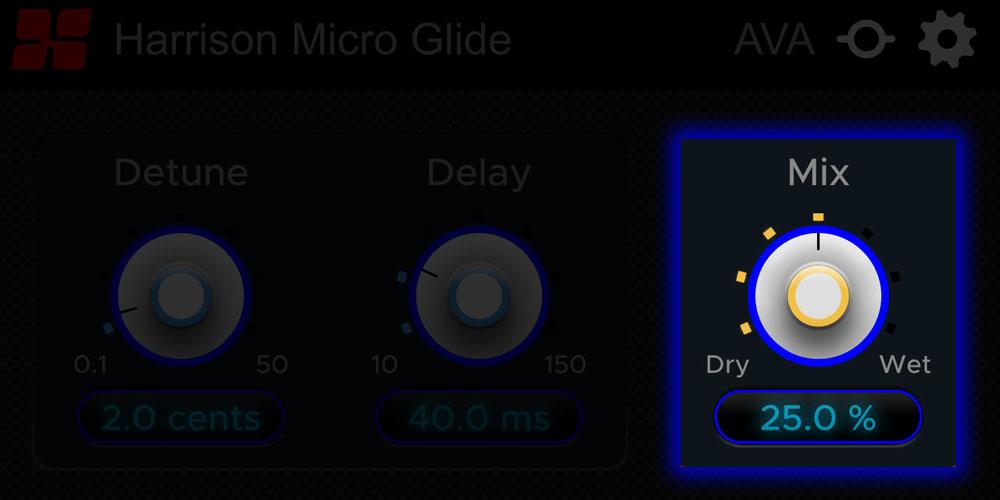
Wet/Dry Knob 

Quickly and easily control the balance between the original and processed signal with the handy Wet/Dry knob.
Create Focus 

Highlight the most important elements of your music and make them stand out by Creating contrast and variety and draw the listener’s attention.

Features

  • Sweeten lead instruments and vocals
  • Two pitch-shifted voices
  • Detune knob
  • Delay knob
  • Wet/Dry knob
  • Create focus for any instrument or voice

System Requirements

  • macOS 10.9 or higher is required
  • Windows 7 or higher required

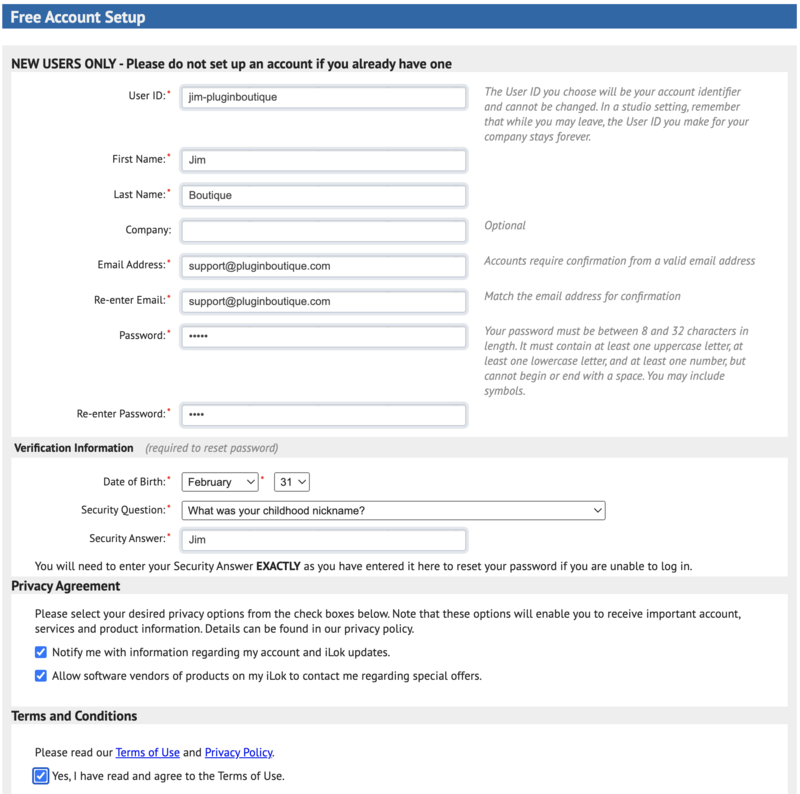
Please Note: A FREE iLok Account is required for the authorisation of this software.
Installation Instructions

Important note:

  • For licenses with the format - XXXXXXX-XXXX-XXXX-XXXXXXXX - please scroll down and follow the instructions for Harrison Multi Band Compressor, below
  • For iLok licences with the format XXXX-XXXX-XXXX-XXXX-XXXX-XXXX-XXXX-XX please follow the instructions for Harrison Bass Flow & SSL Guitarstrip immediately below

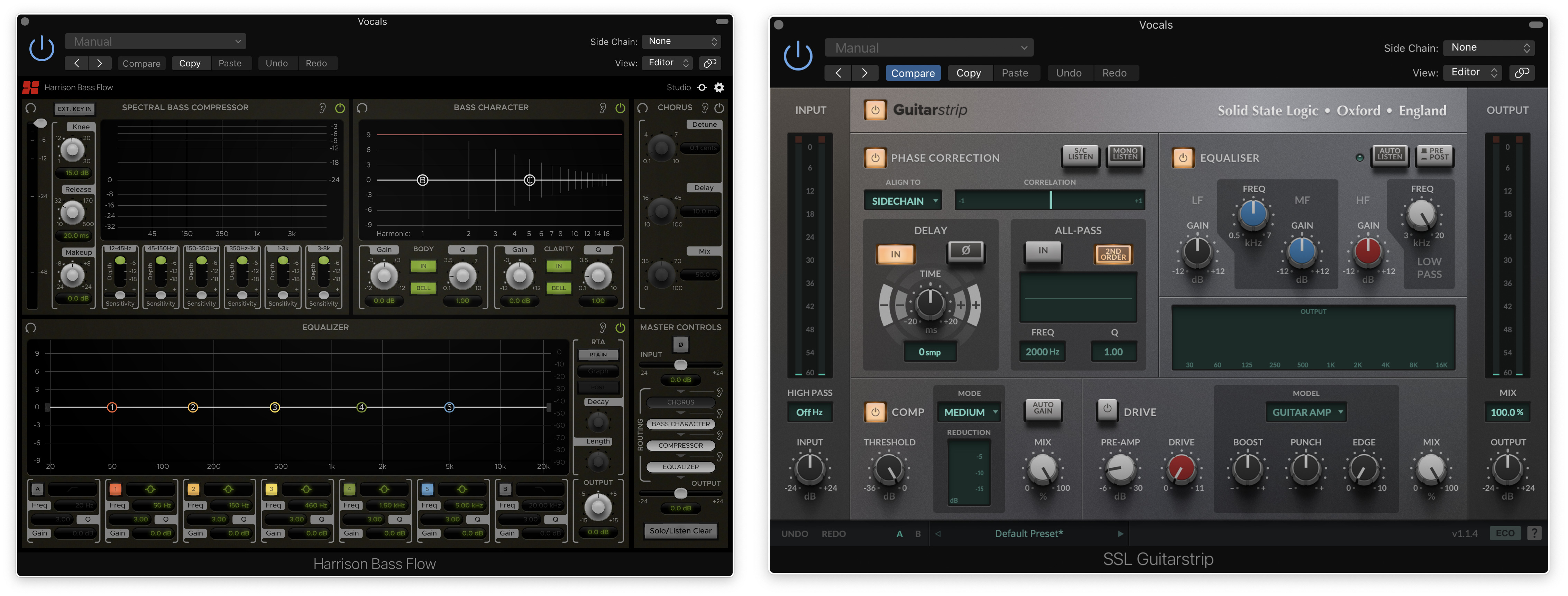
Please Note: Harrison Bass Flow & SSL Guitarstrip are used as examples

iLok Registration

1. Go to the iLok website and create a new account if you are not currently registered and do not have the iLok Licence Manager installed on your computer

Note: Skip to the 'Registration' procedure if you are already an iLok registered user

2. Download and install the iLok License Manager

SSL Download Manager Installation

1. Go to https://solidstatelogic.com/ssl-download-manager or click DOWNLOAD in your Plugin Boutique User Account

2. Click either macOS or Windows to download the installer (Linux versions available here)

3. Double-click installer > Follow the on-screen instructions to install

4. Open SSL Download Manager

5. Locate Harrison Bass Flow & SSL Guitarstrip > Click Install on each plugin

iLok Authorisation

1. Open your iLok license manager application > click Sign In

2. Enter your iLok registered User ID and password > click Sign In

3. Once you are signed in, click the ‘Redeem’ icon which is located at the top-right corner of the iLok Licence Manager’s interface

4. Copy and paste/manually enter the 30-digit code from your Plugin Boutique User Account into the available Activation Code boxes, and then click Next

5. Select your activation destination > Click Activate

6. Click OK

7. Open the plugins in your DAW

Your plugins are now installed and ready to use. Enjoy!


Please Note: Harrison Multi Band Compressor is used as an example

Note: Harrison and SSL plugins now share the same installation process via the SSL Download Manager

iLok Registration

1. Go to the iLok website and create a new account if you are not currently registered and do not have the iLok Licence Manager installed on your computer

Note: Skip to the 'Registration' procedure if you are already an iLok registered user

2. Download and install the iLok License Manager

Registration

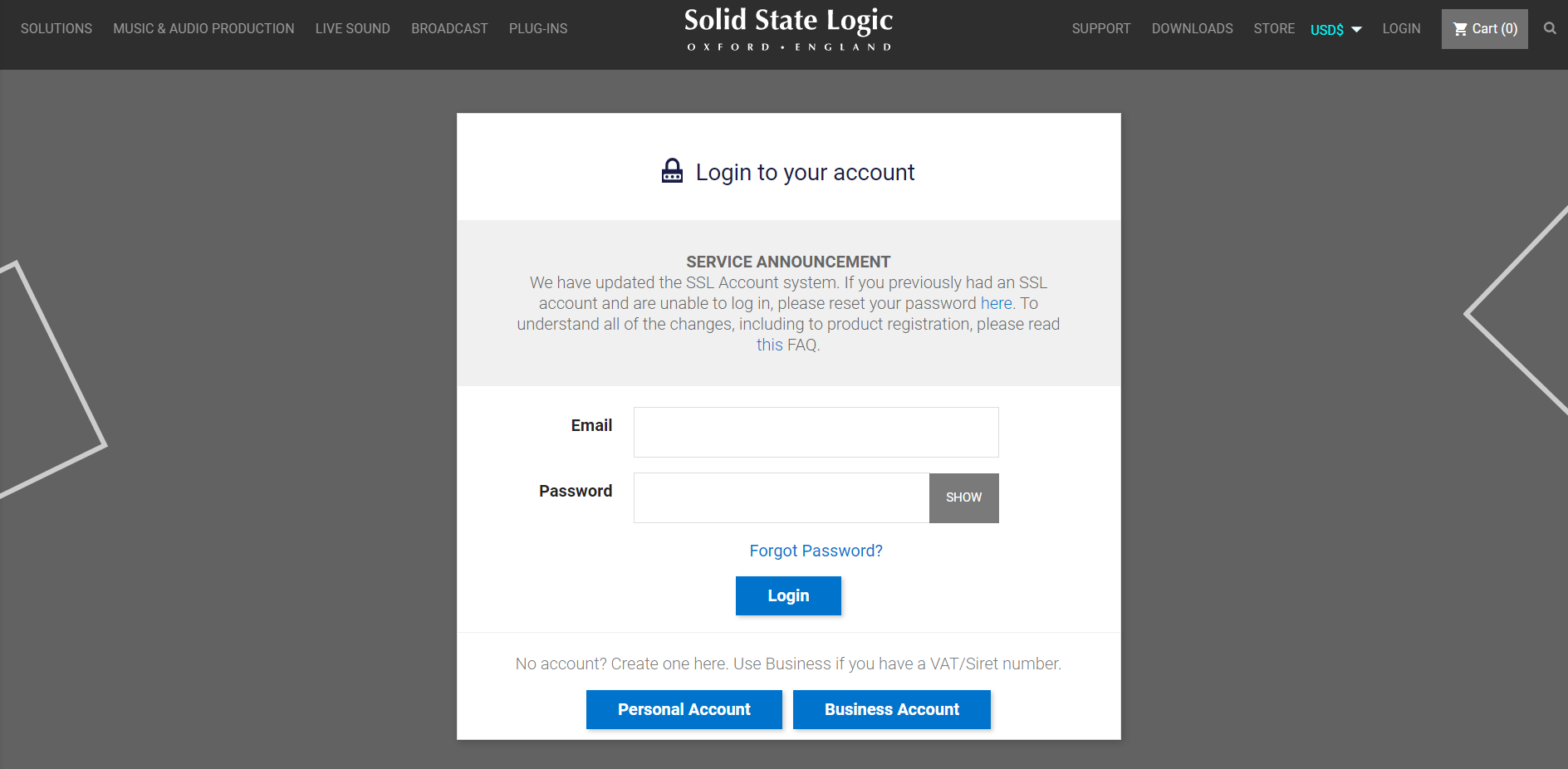
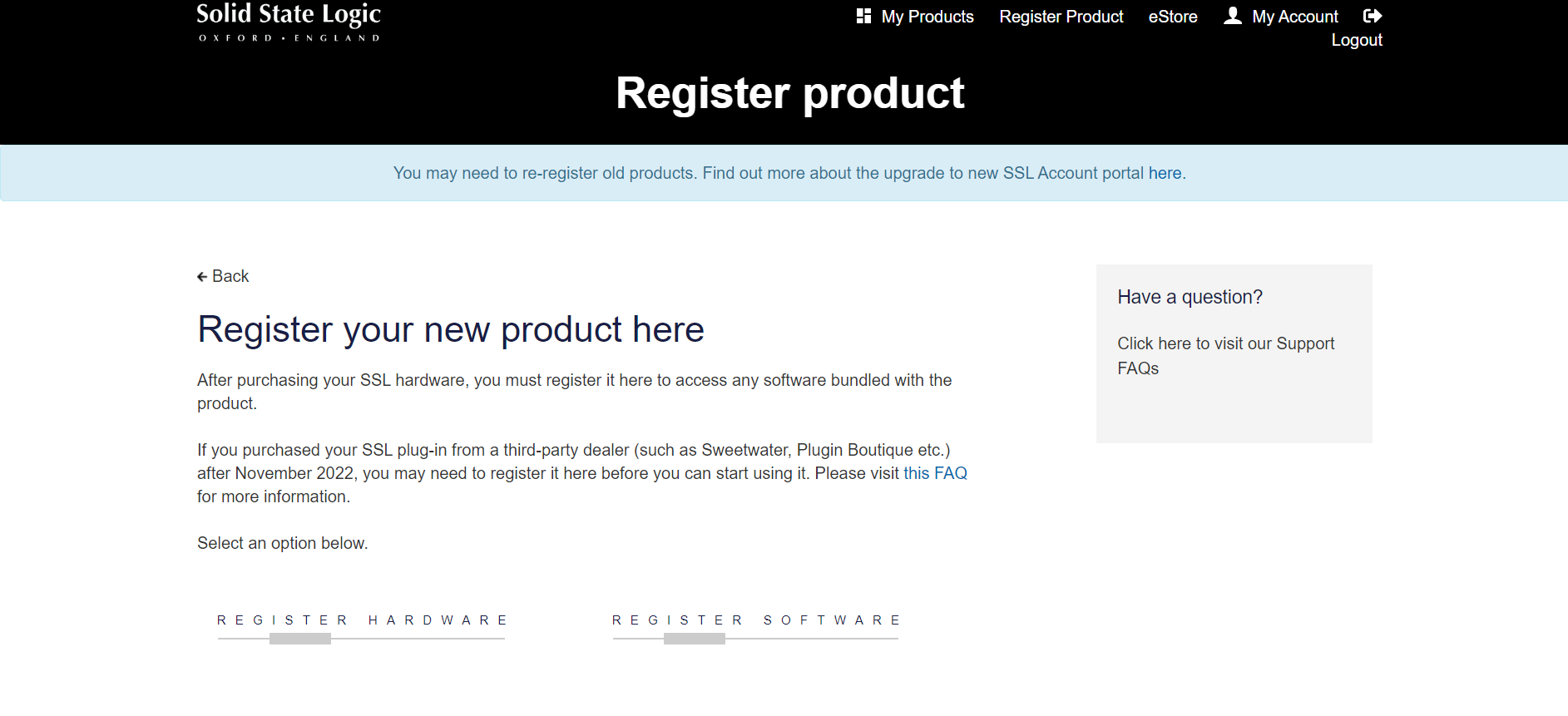
1. Go to https://account.solidstatelogic.com/register-software > Create a new account or log into your existing account if you have one

2. Click REGISTER SOFTWARE

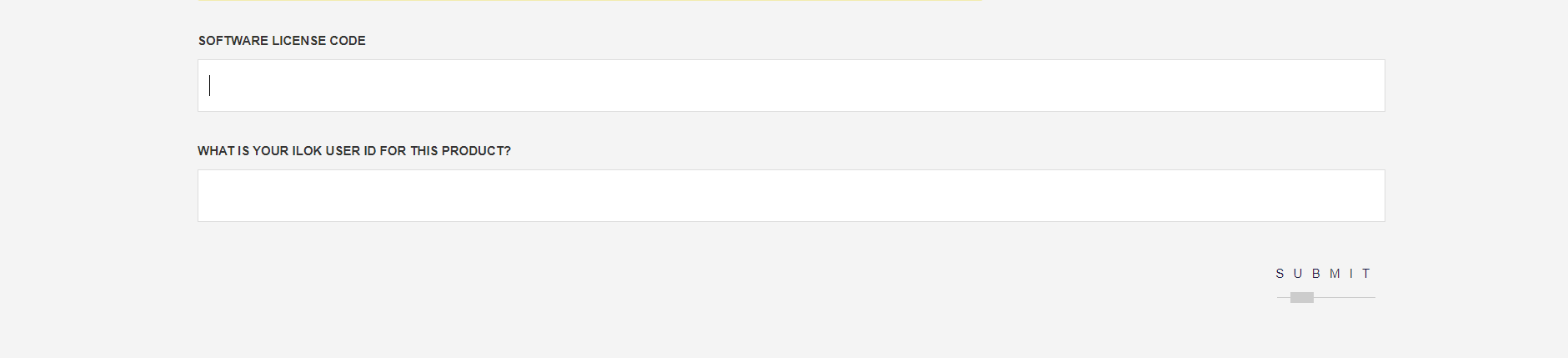
3. Enter your license code found in your Plugin Boutique User Account as well as your iLok ID > Click SUBMIT

SSL Software Installation

1. Go to https://solidstatelogic.com/ssl-download-manager or click DOWNLOAD in your Plugin Boutique User Account

2. Click either macOS or Windows to download the installer (Linux versions available here)

3. Double-click installer > Follow the on-screen instructions to install

4. Open SSL Download Manager

5. Locate Harrison Multi Band Compressor > Click Install

6. Open your DAW > Scan for plugins

7. Click Activate

8. Click Skip

9. Enter your iLok account details > Click Next

10. Select 'Harrison Multi Band Compressor' > Click Next

11. Select an activation location > Click Next

12. Click Continue

13. Open the plugin in your DAW

Your plugin is now installed and ready to use. Enjoy!

Plugin Boutique Rewards

Discover the most rewarding loyalty programme among all plugin retailers.

  • Free Loopmasters Samplepacks
  • Discounts on products and courses
  • Extra Virtual Cash claimed immediately at checkout
Find out more

Follow us:

X (Twitter) Facebook YouTube Instagram
Logo Logo

Plugin Boutique Limited, Part of the Beatport Group LLC.

Copyright © 2011-2025 Plugin Boutique. All rights reserved