


 Log In

Product information
Lazy Kenneth will help those who don’t know how to use, or are too lazy to use sidechain to handle heavy basslines that collide with the bass drum in 4/4 music. That is music where you put a bass drum on all fours, techno, house, trance, minimal, tribal and so on. Put Lazy Kenneth on the bassline track and it will automatically duck the signal when the bass drum hits. You could place a LK on all tracks except the bass drum for some real heavy pumping effect.
System Requirements
- For Windows 32Bit hosts (or bridged in 64bit hosts)
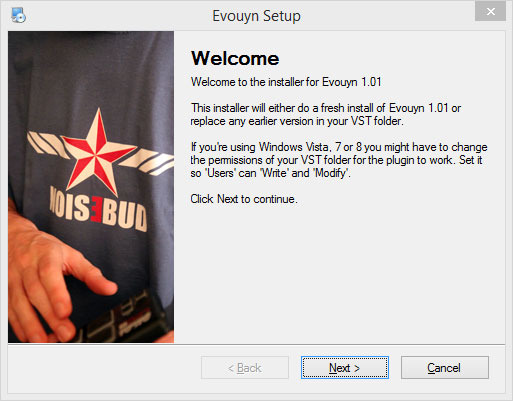
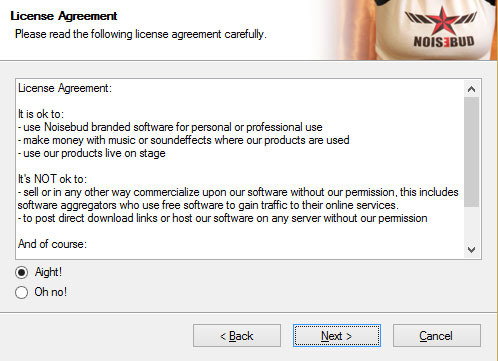
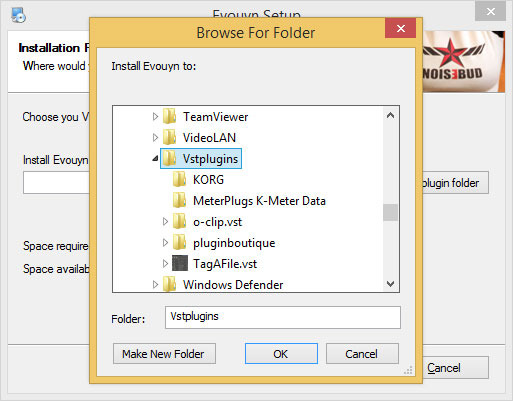
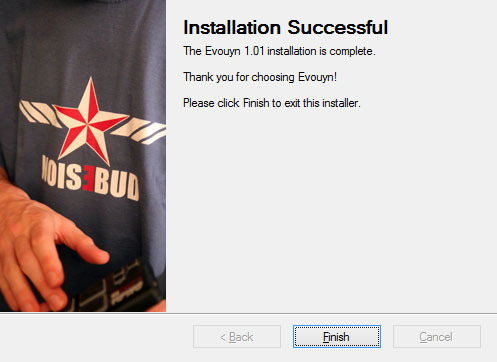
Installation Instructions
Customer Reviews
(1)


