Log In

Free gifts available with your purchase

If you want your tracks to be energetic, in-your-face and bold, make 'em "Schlap". Schlap is a characterful, colourful and aggressive sounding program-dependent compressor. It takes inspiration from hardware RMS compressors of the past and evolves them into a modern setting.
The compressor uses a program-dependent attack and release influenced by old hardware making the compression sound characterful and dynamic. The RMS detection means that Schlap detects the average loudness of a signal, resulting in sudden short peaks being uncompressed so that they can attack hard and sound heavy hitting. Also inherently in RMS detection, there is a slight delay in compression which allows the initial, early transients to sneak through uncompressed so they keep their punch.
You've got a safe, controlled track you think you're happy with, but you have to ask yourself... "Does it Schlap?"
Features
- Aggressive, in your face compression.
- Program dependent - attack and release settings are automatic.
- 4 ratio styles: expansion and gating, standard compression, infinite limiting compression and negative over-compression.
- Optional external side-chain input.
- Sidechain filtering.
- Inspired by old hardware.
System Requirements
Mac
- macOS 10.13 and above (64-bit only)
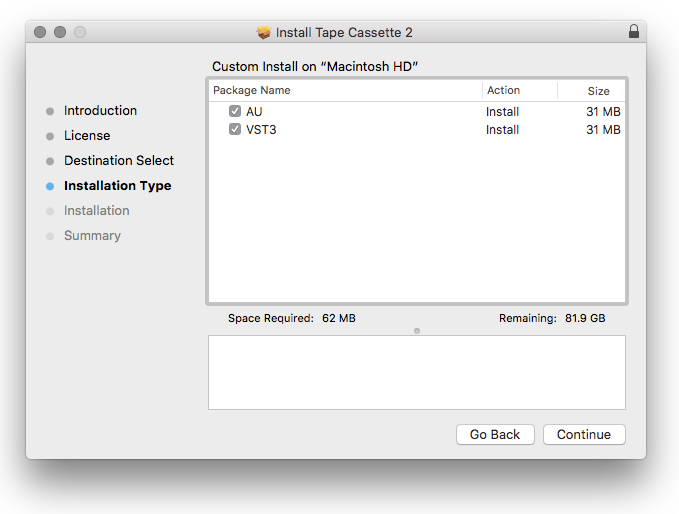
- VST3, AU, AAX
PC
- Windows 7 and above
- VST3 (32 & 64-bit), AAX (64-bit only)
Important Note: AAX Format for Windows is 64-bit only.