


 Log In

Free gifts available with your purchase
Loudness with Colour
Clippers are an essential tool for achieving a huge range of saturation effects. They can make tracks louder by adding harmonics, they can tame peaks to keep your levels in check, or they can achieve aggressive distortion and overdrive effects.

Introducing: DualClip
DualClip features a 16-band soft clipper and a single-band hard clipper, to achieve all these effects in one single unit.
What can DualClip do?
- Add presence and punch to drums.
- Add character to vocals and leads.
- Add edge and drive to guitars.
- Add warmth and loudness to full mixes.
- Add harmonics to bass to make them cut through a mix.
- Achieve experimental effects by pushing the hard clipper.
Soft Clipping
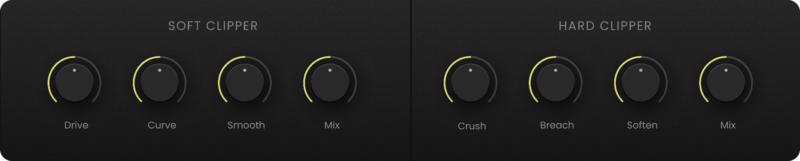
DualClip's soft clipper mimics the type of distortion found in certain analogue audio systems that creates a warm, full sound. Dial in the Drive to the desired level, use the Curve control to focus the effects towards lower or higher frequencies, and use the smooth control to increase the clipper's release time for a smooth, clean sound.
Hard Clipping
DualClip's hard clipper has a much more aggressive tone. By clipping the waveform, it creates a bitcrusher-style effect, resulting in gritty and powerful distortion. Use the Breach parameter to preserve transients in the audio, and use the Soften control to smooth out the hard clipper.
The Finishing Touch
DualClip also includes three colouration options - choose from warm, clean or bright to affect the overall tone of the plugin. It also features three transient modes for enhancing the audio's transients in the low, mid, or high frequencies. Finally, DualClip's built-in brick wall limiter keeps the overall signal level in check, right at the end of the signal chain.

Real-time Metering
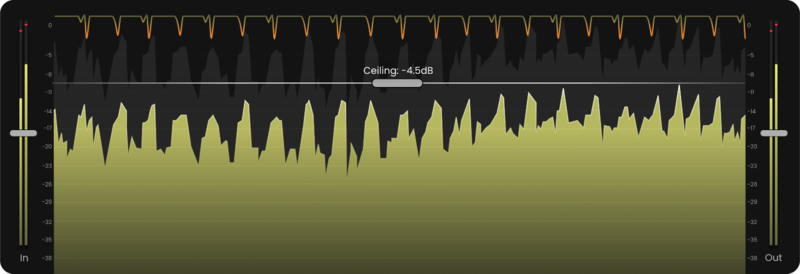
DualClip's metering provides a real-time display of the waveform, as well as the gain reduction of the clippers on the signal, so you can see exactly how your audio is changing as it is clipped.
Features
- Soft clipper that generates warm, analogue-style saturation.
- Hard clipper that generates heavier bitcrushing-style distortion.
- Tape and tube-style drive effects for the soft clipper.
- Curve control to focus the soft clipper on high or low frequencies.
- Crush control to dial in the hard clipper's distortion amount.
- Breach function to preserve the transients of the signal.
- Warm, clean and bright colouring modes to alter the clipper flavour.
- Transient emphasis for the low, mid or high frequencies.
- Built-in brick wall limiter to catch peaks in the signal.
- Realtime waveform and gain reduction displays.
- 75 Presets
System Requirements
macOS
- macOS 10.15 or higher.
- Natively compatible with Apple Silicon
- Plugin Formats: VST, VST3, AU, AAX, Standalone
- DAW's Supported: Ableton Live, Pro Tools, Logic Pro, FL Studio, Cubase, Nuendo, Reaper, Reason + more.
- Compatibility: 64-bit compatible only.
Windows
- Windows 7 or higher
- Plugin formats: VST, VST3, AAX, Standalone
- DAWs supported: Ableton Live, Pro Tools, FL Studio, Cubase, Nuendo, Reaper, Reason + more.
- Compatibility: 64-bit compatible only.
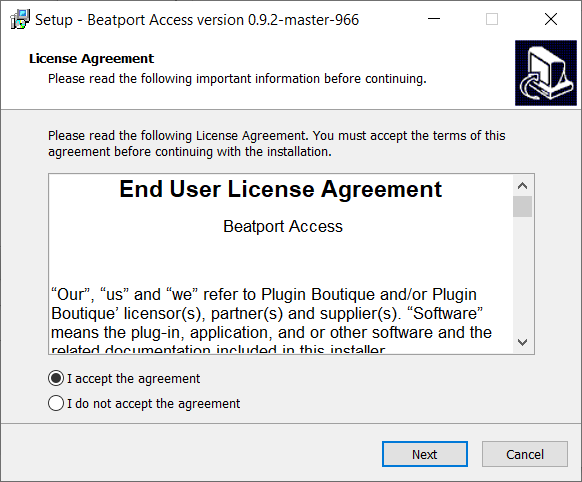
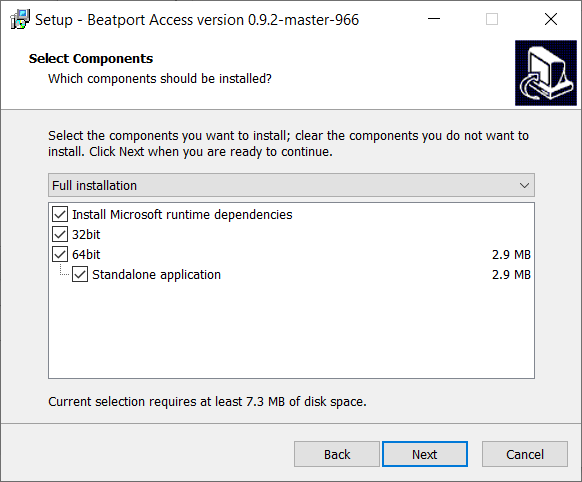
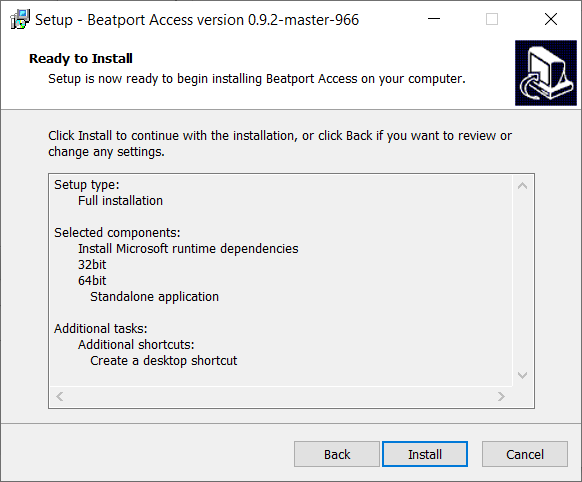
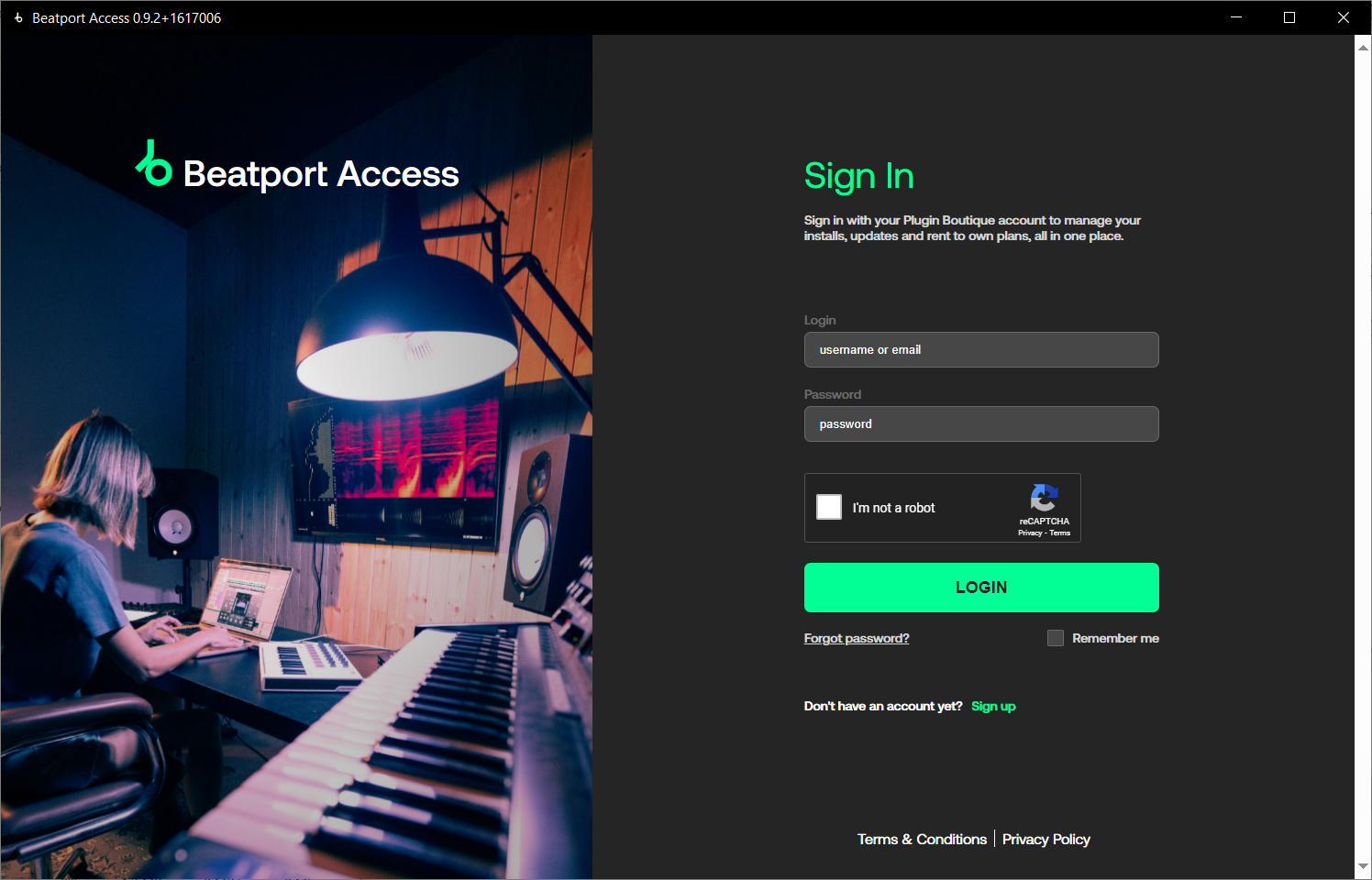
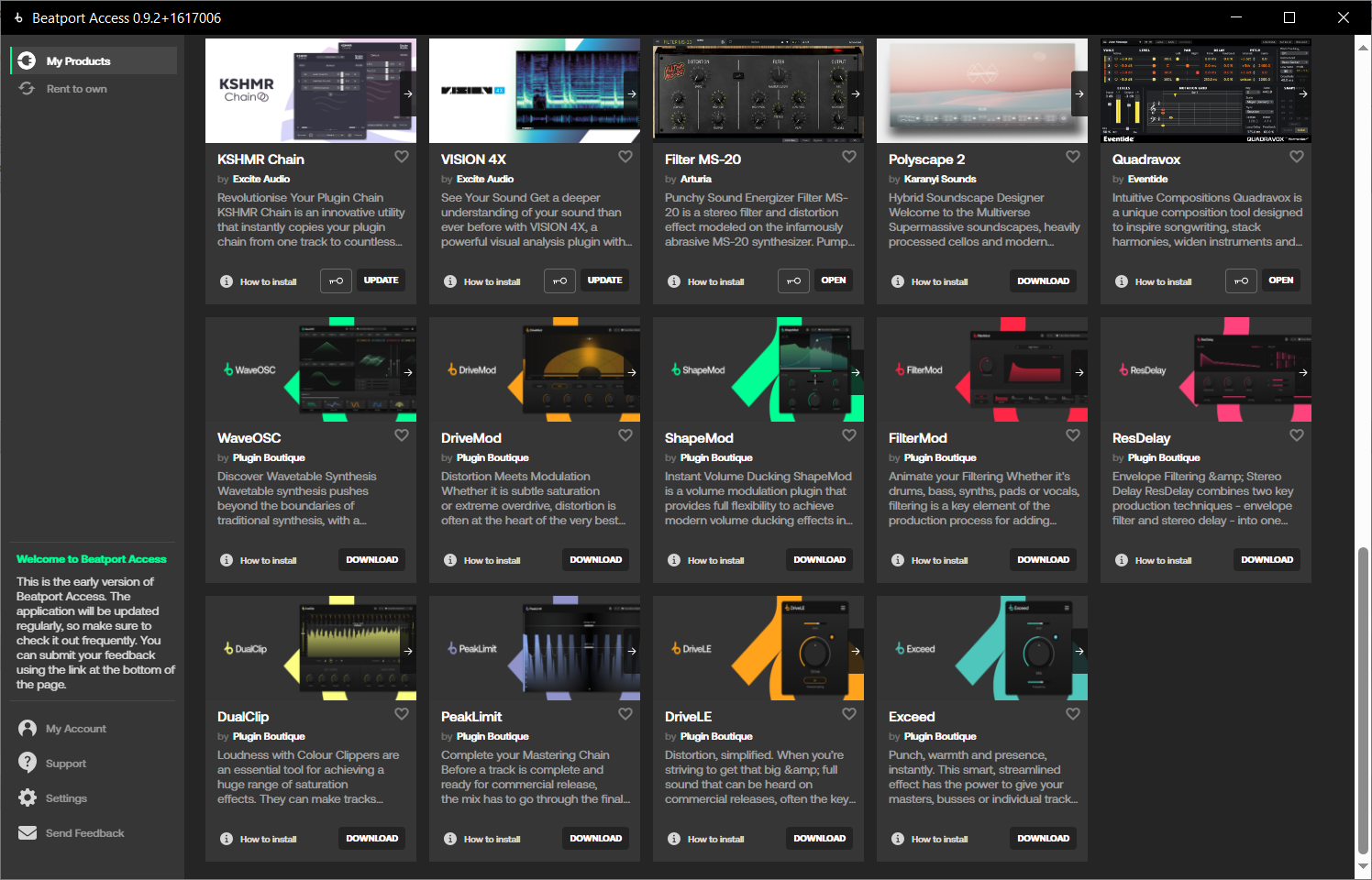
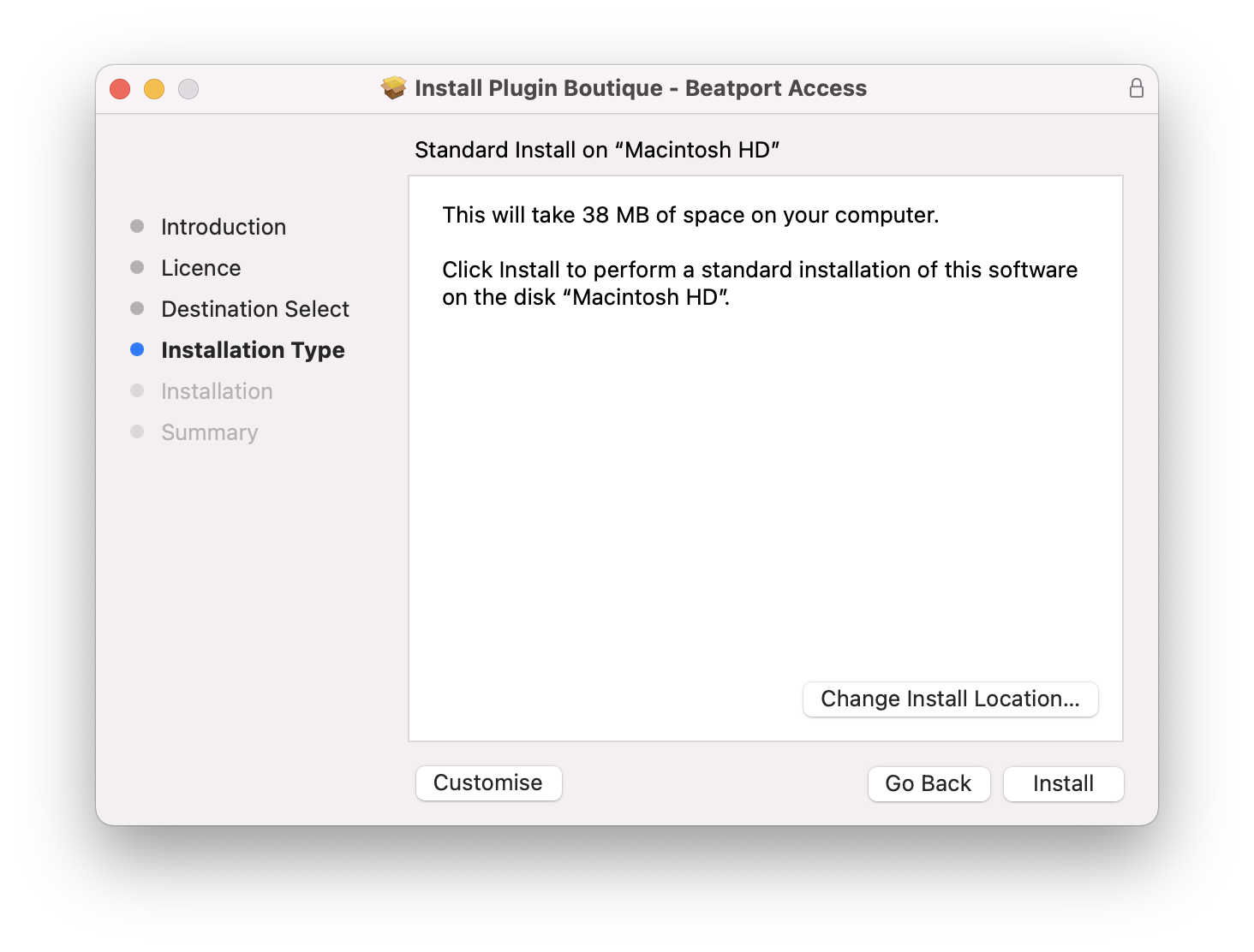
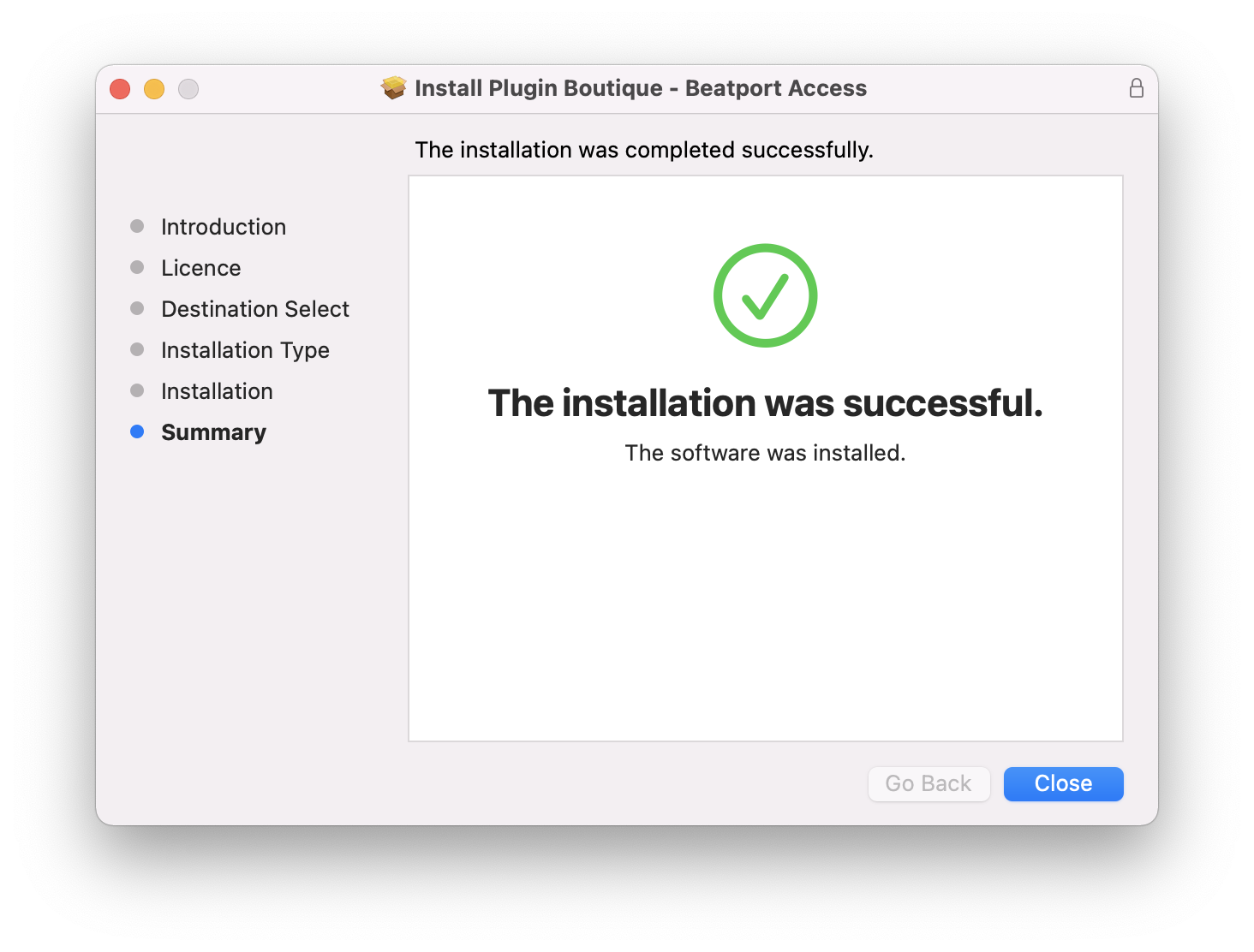
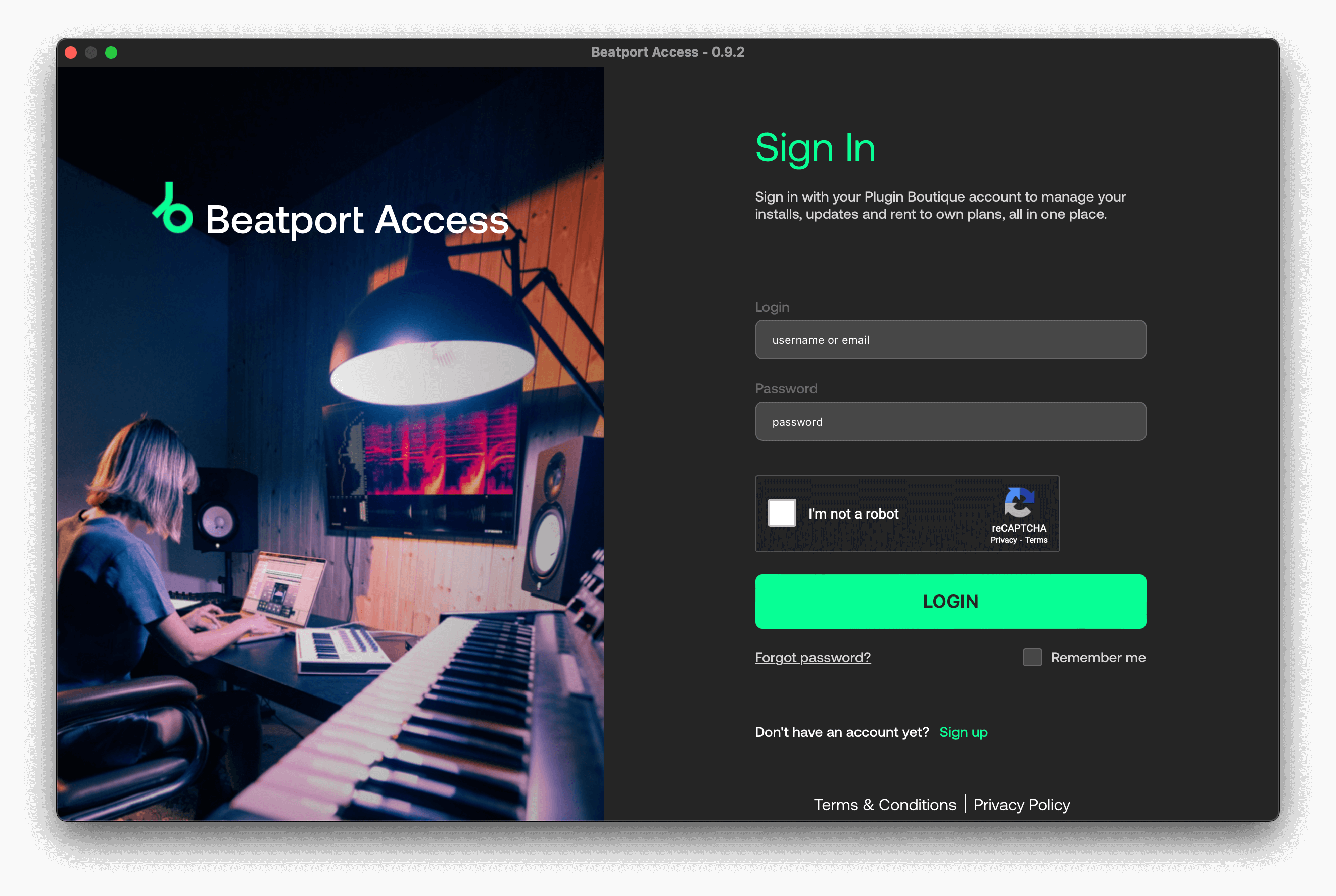
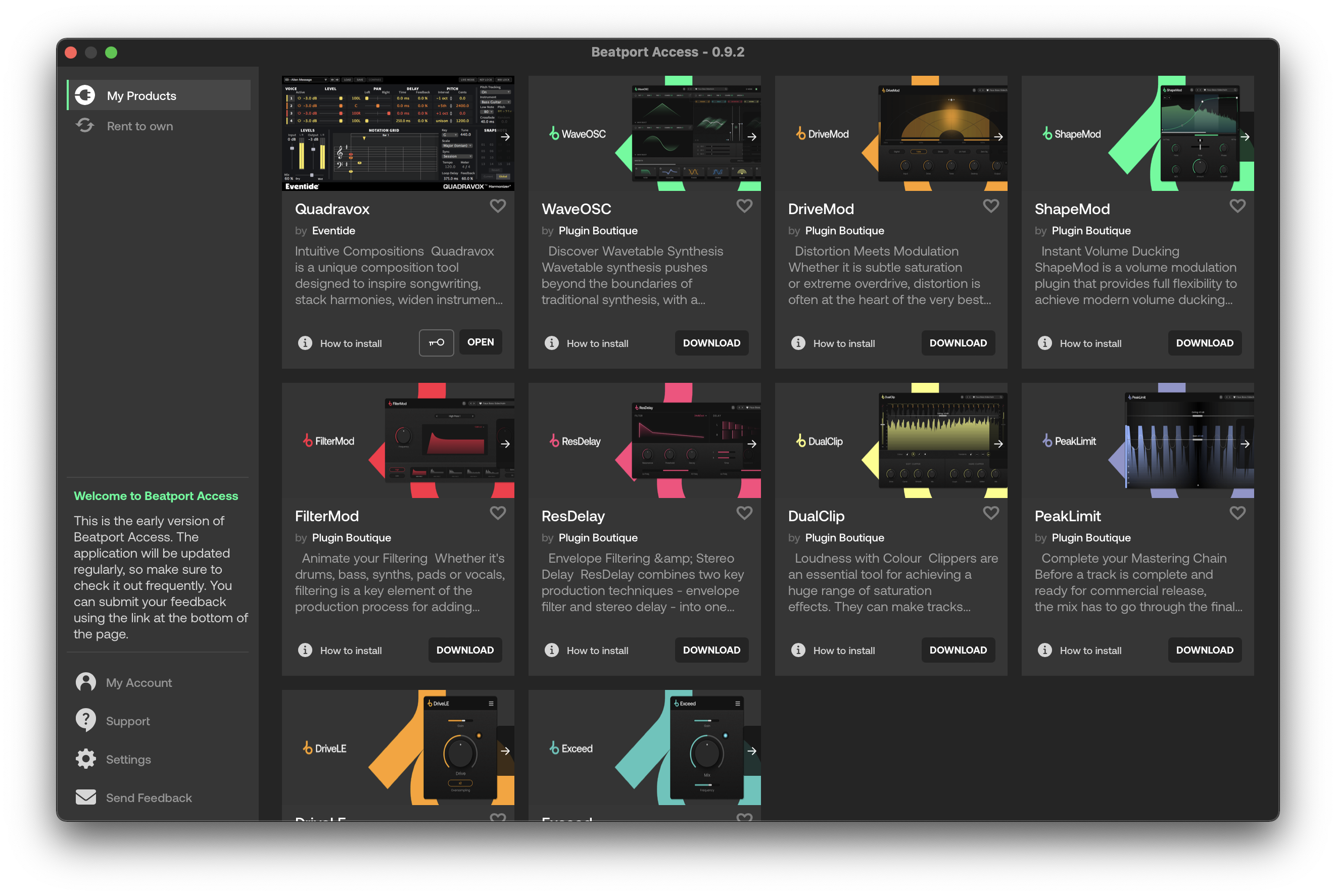
Important note: When accessing this software via a Rent to Own plan or the Beatport Studio membership, it's installed and run through the Beatport Access portal. An internet connection is required every 30 days to validate your license.

Reviews Summary
While it aims to provide a helpful overview, it may not capture every perspective or detail. We encourage you to read individual reviews to make an informed decision.
Users generally praise this VST plugin as a simple, intuitive, and highly effective soft clipper and limiter that offers excellent sound quality and volume boosting without excessive distortion. It is highlighted as a major, easy-to-use improvement over Soundspot's Nevo. Minor drawbacks mentioned include a lack of hardware emulation and one user finding it to be an average clipper they rarely use.


