Log In

Free gifts available with your purchase
Note: This is an upgrade to Syntorial 2 for owners of Syntorial 1. The full Syntorial 2 is available here - Syntorial 2.
What's New in 2.0?
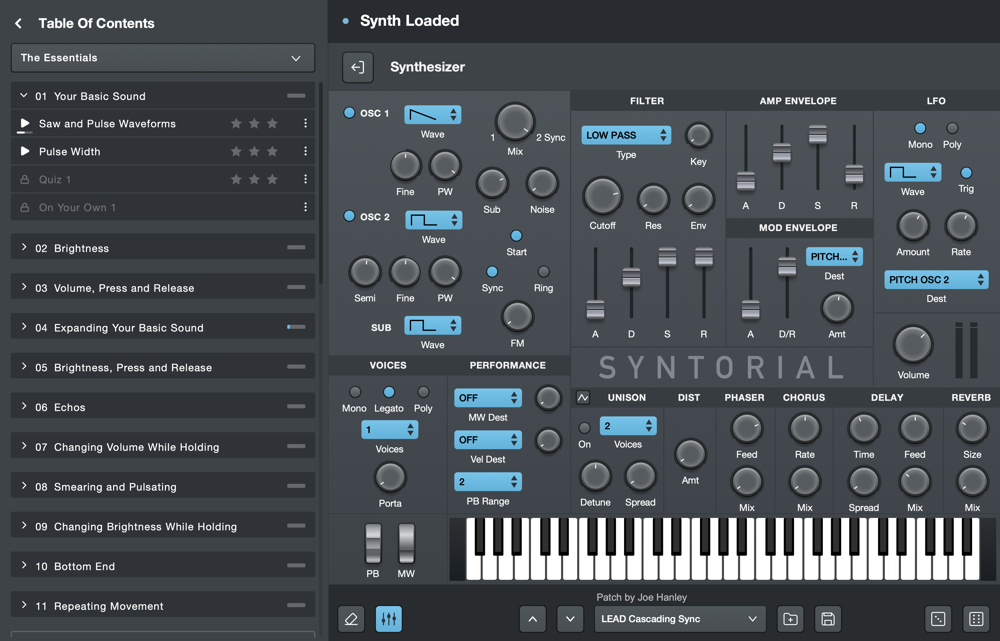
Brand New Look
Feast your eyes on the new modernized and fully resizable User Interface.
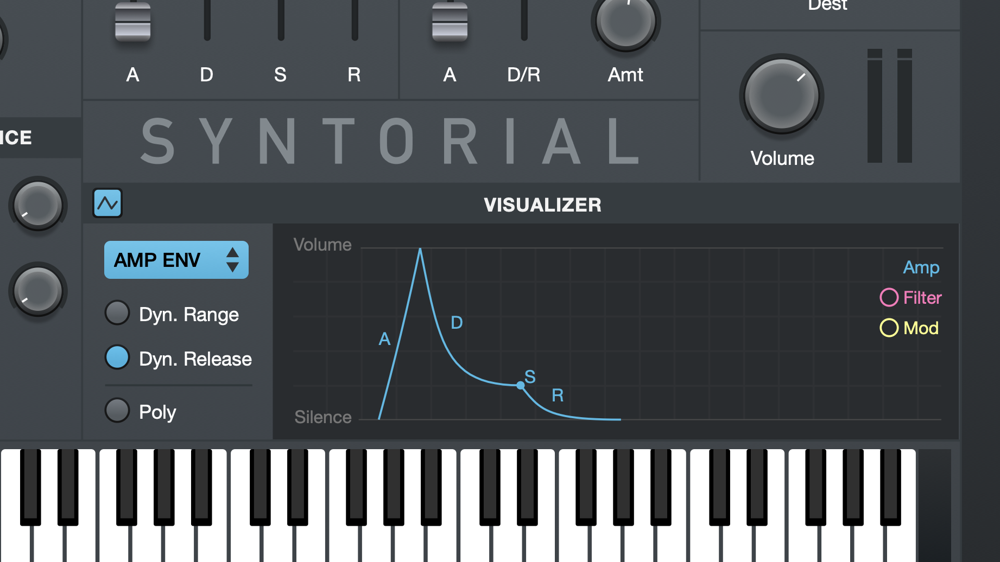
The Visualizer
Learn Modulation easier with the Visualizer, an intuitive visual animation showing how the Envelopes, LFO and Filter work in real-time.
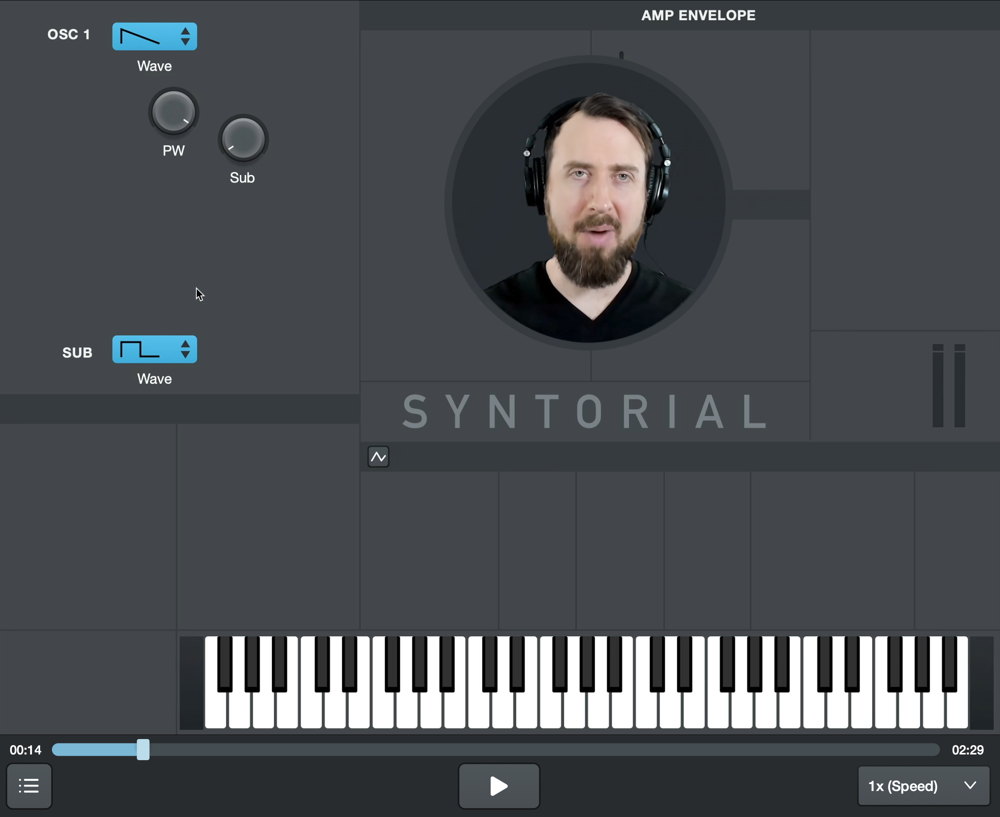
Brand New Videos
Every Video Demonstration has been remade with better pacing and face-to-face guidance with Joe Hanley. Certain challenging topics like the Filter Envelope have been rethought with more detail and insight. And new info has been added to the On Your Own videos touching on more patch types and subtle sound design techniques.
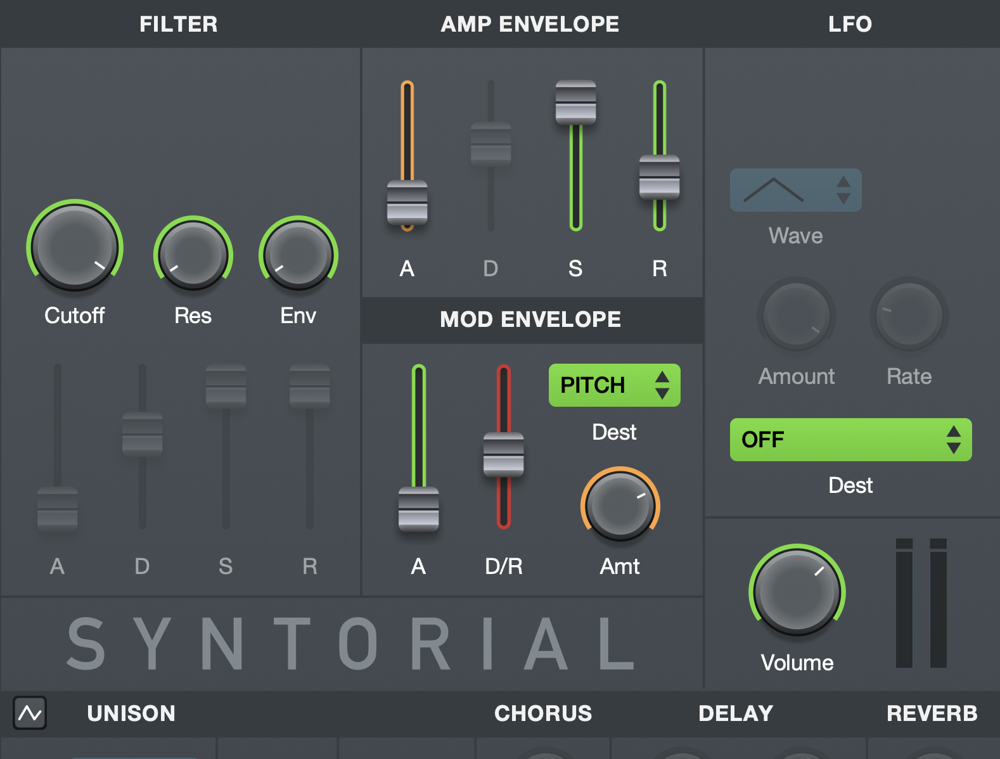
Nuanced Scoring and Remapped Parameters
The new orange color introduces a layer of subtlety to the scoring system allowing for more realistic feedback. And several of the knobs and sliders' fixed values have been remapped to avoid differences that are too subtle to hear. Together, these two new features will help you move through the course with more consistent progress and less frustrating roadblocks.
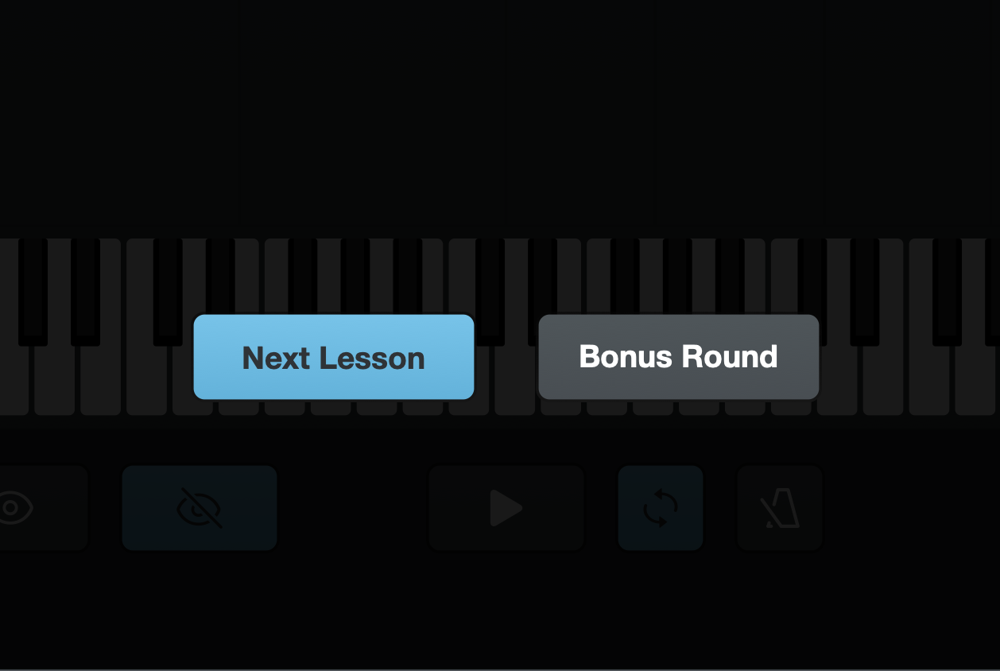
Shorter Group Challenges and Bonus Rounds
Group Challenges have been shortened from 6 patches to 3, to help you move forward through the course. Still want the other 3? Enter the optional Bonus Round. And if you still want more practice...
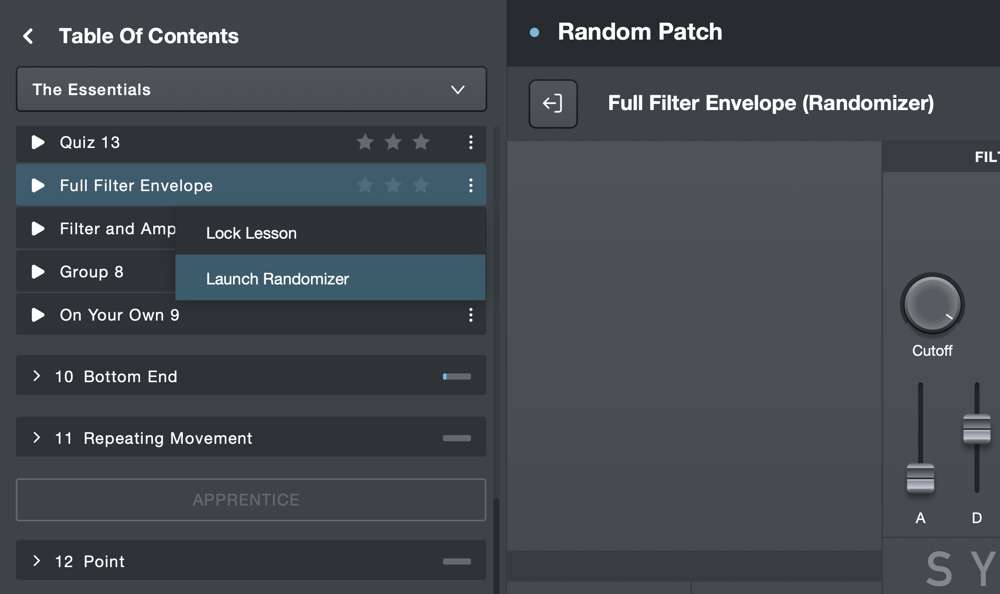
The Randomizer
Launch any Challenge in Randomizer mode and Syntorial will randomly generate infinite new patches for you to recreate. Need more practice? Need to go back and review an old challenge? The Randomizer has you covered.
A NEW WAY TO LEARN SYNTHESIS
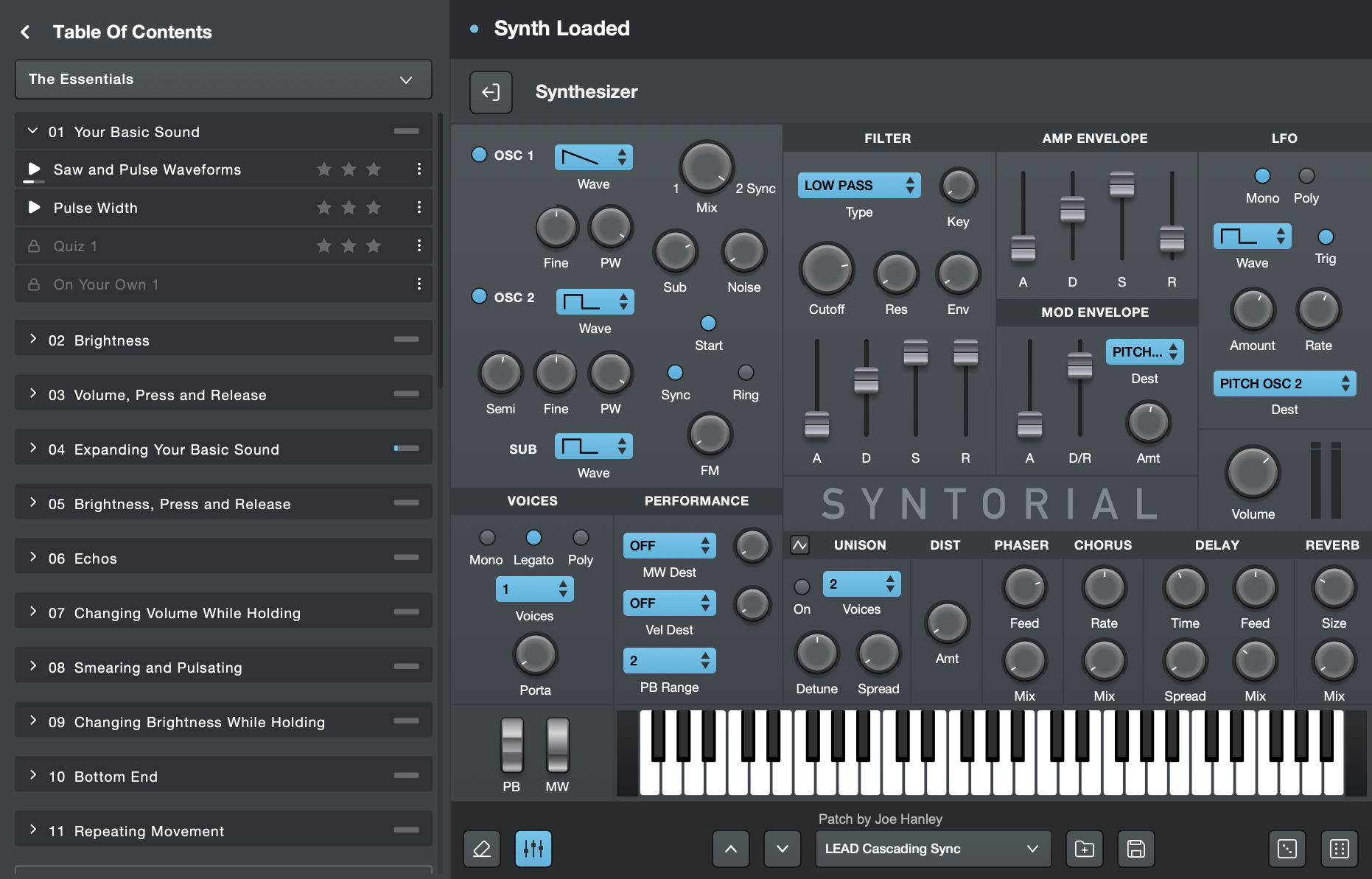
Syntorial is video game-like training software, that will teach you how to program synth patches by ear. With almost 200 lessons, combining video demonstrations with interactive challenges, you'll get hands-on experience programming patches on a built-in soft synth, and learn everything you need to know to start making your own sounds with ease.
This isn't your ordinary synth tutorial. This is Syntorial.
INTERACTIVE LEARNING
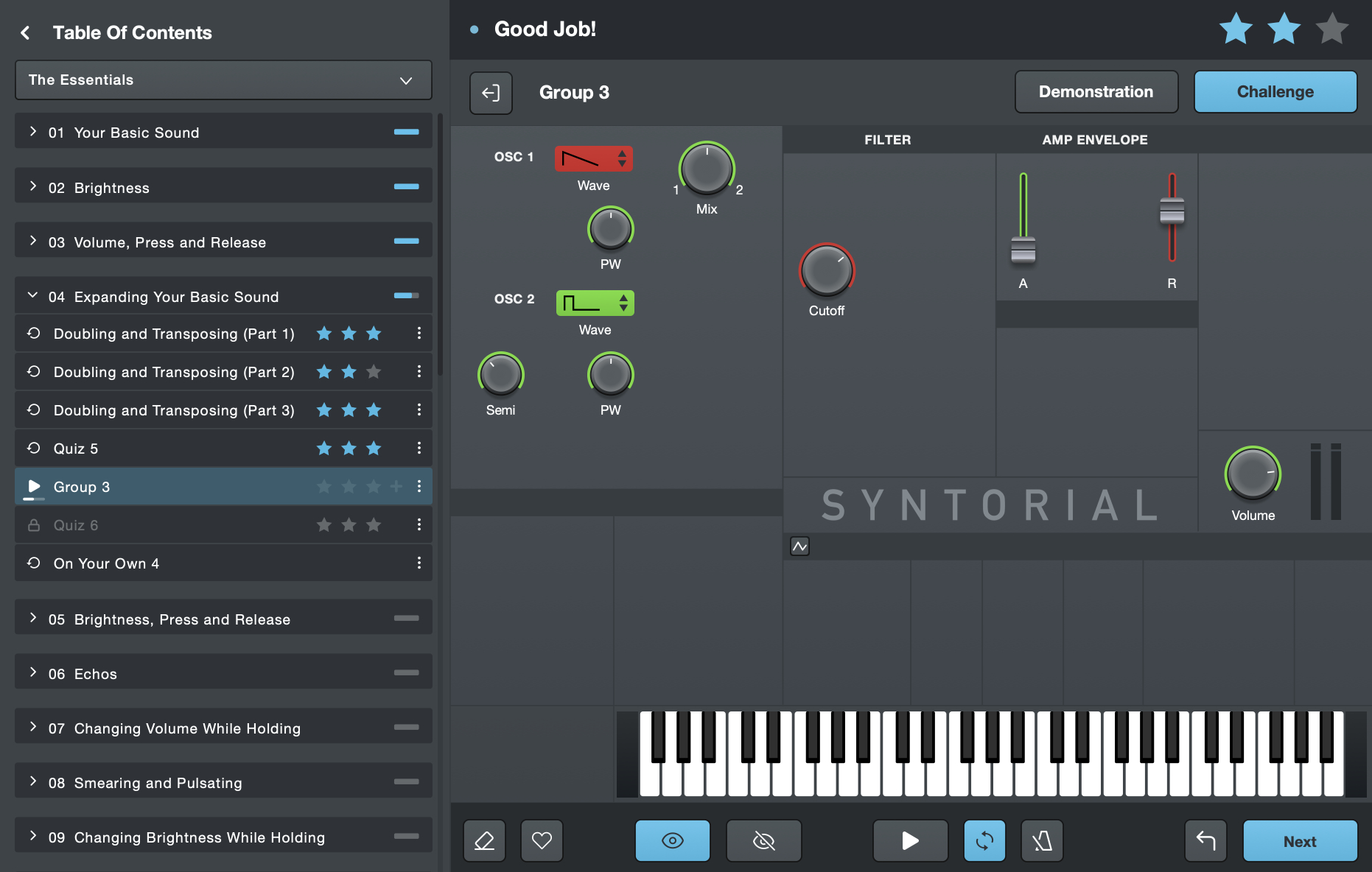
Syntorial doesn’t just show you how synth programming works. It engages you in 129 Interactive Challenges in which you have to program patches on a built-in synth. You aren’t just learning how to design sound, you are becoming a sound designer.
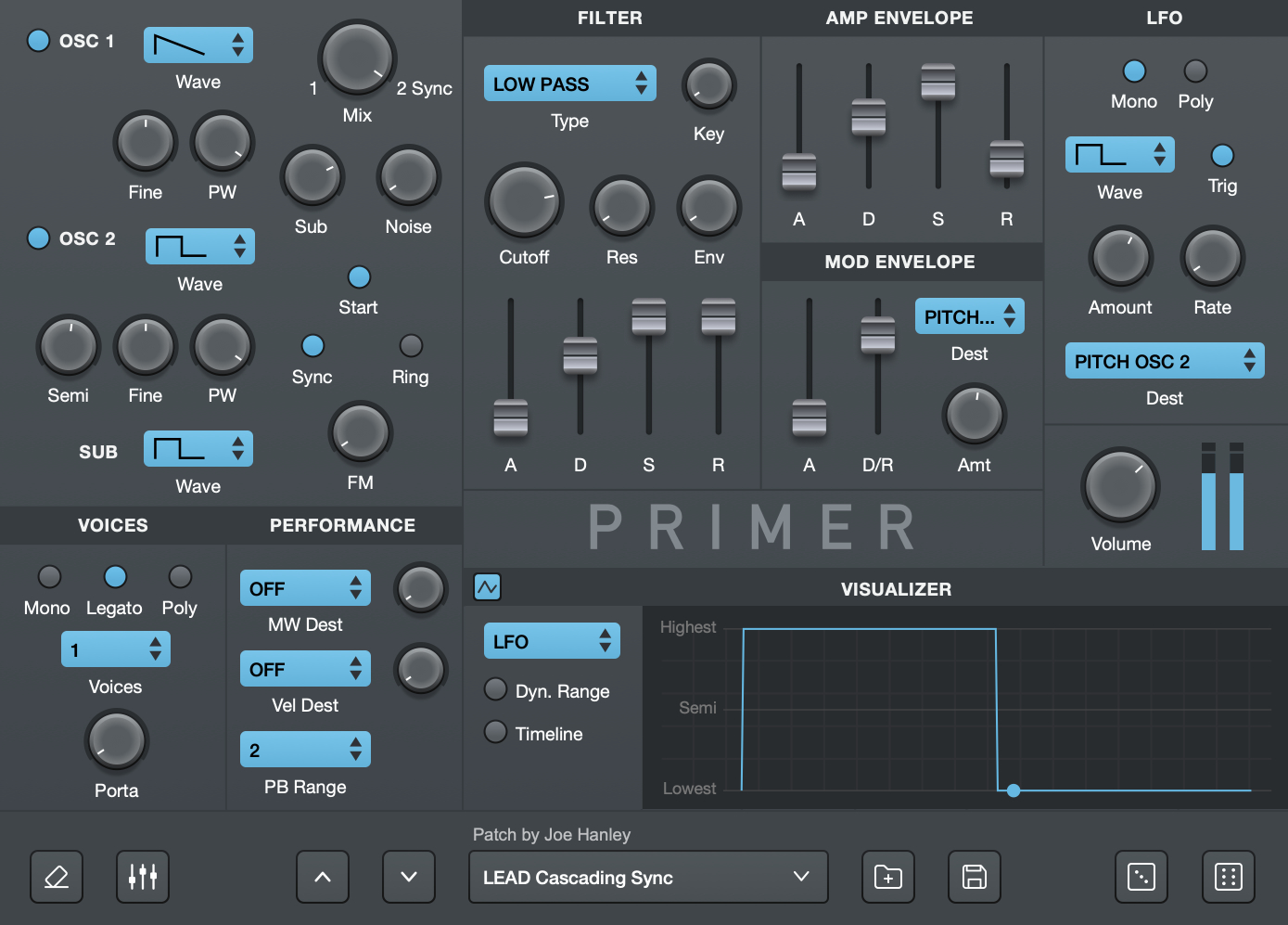
FOR MUSICIANS, NOT PHYSICISTS
Instead of talking about the science and physics behind synthesizers, Syntorial will show you how each control affects sound, as well as when, why and how you would use them when designing sounds. This is information that you can immediately apply to real-life situations.
IT’S ALL ABOUT THE EAR
One step at a time, Syntorial trains your ear to recognize how each control shapes and manipulates sound. By the end of the program, you’ll be able to take the sounds you hear and re-create them, completely by ear.
SYNTH PLUGIN INCLUDED
Syntorial's built-in synth, known as Primer, also comes as a VST/AU plugin, included with your purchase of Syntorial. This way you can take the very synth that you're training on, and use it in any recording software that accepts VST and AU plugins.
CAKEWALK Z3TA+2
The Cakewalk Z3TA+ 2 Lesson Pack adds 37 extra videos, totalling 3 hours and 17 minutes. Each video demonstrates how to apply everything you've learned in Syntorial, on Z3TA+ 2. Get to know Z3TA+ 2's ins and outs, and take advantage of the endless sonic manipulations it has to offer.
MINIMOOG VOYAGER LESSON PACK
The Minimoog Voyager Lesson Pack adds 34 videos, totalling 2 hours and 22 minutes. Each video demonstrates how to apply everything you've learned in Syntorial, on the Voyager. Get to know your Voyager's ins and outs, and learn the true value of this classic analog hardware synth.
SYLENTH1 LESSON PACK
The Sylenth1 Lesson Pack adds 38 videos, totalling 2 hours and 47 minutes, demonstrating how to apply everything you’ve learned in Syntorial, on Sylenth1, and guides you through the recreation of 46 Syntorial patches in Sylenth1. Learn how to really take advantage of Sylenth1’s rich virtual analog sound and unique layered interface.
MASSIVE LESSON PACK
Massive is an incredibly powerful and versatile soft synth with a deep selection of wavetables and modulation options, allowing for an endless variety of sound. The Massive Lesson Pack adds 41 Videos, totalling 4 hours and 44 minutes. Transfer everything you learn in Syntorial, to Massive, and learn all of the extra features Massive has to offer.
SERUM LESSON PACK
Serum is a truly innovative wavetable synth. Between its in-depth wavetable editing capabilities, and its intuitive visual feedback, Serum is both easy to learn and powerful to use. The Serum Lesson Pack adds 55 Videos, totalling over 9 hours. Transfer everything you learn in Syntorial, to Serum, and learn all of the extra features Serum has to offer.
Available in English, French and Japanese.
Choose your preferred language—English, French or Japanese—at startup and switch freely at any time. Experience The Essentials in either language. Optional add-on Lesson Packs are currently offered in English only, giving you more specialized content to explore.
Features
- 197 LESSONS
- 128 CHALLENGES - Learn by doing! Complete challenges by programming patches with Syntorial’s built-in synth.
- 706 PATCHES - Program, program, program. After all, that’s what it’s all about, right? By the end, you will have programmed over 700 patches, from simple to complex, familiar to strange.
- 33 ON YOUR OWN - Syntorial will give you periodic tasks to be carried out on your own with whatever synth(s) you use.
- 147 VIDEOS - Everything is taught through video demonstrations using the same synth that you’ll use in the challenges.
- 64 SYNTH PARAMETERS - Syntorial covers the most common parameters found on most synths.
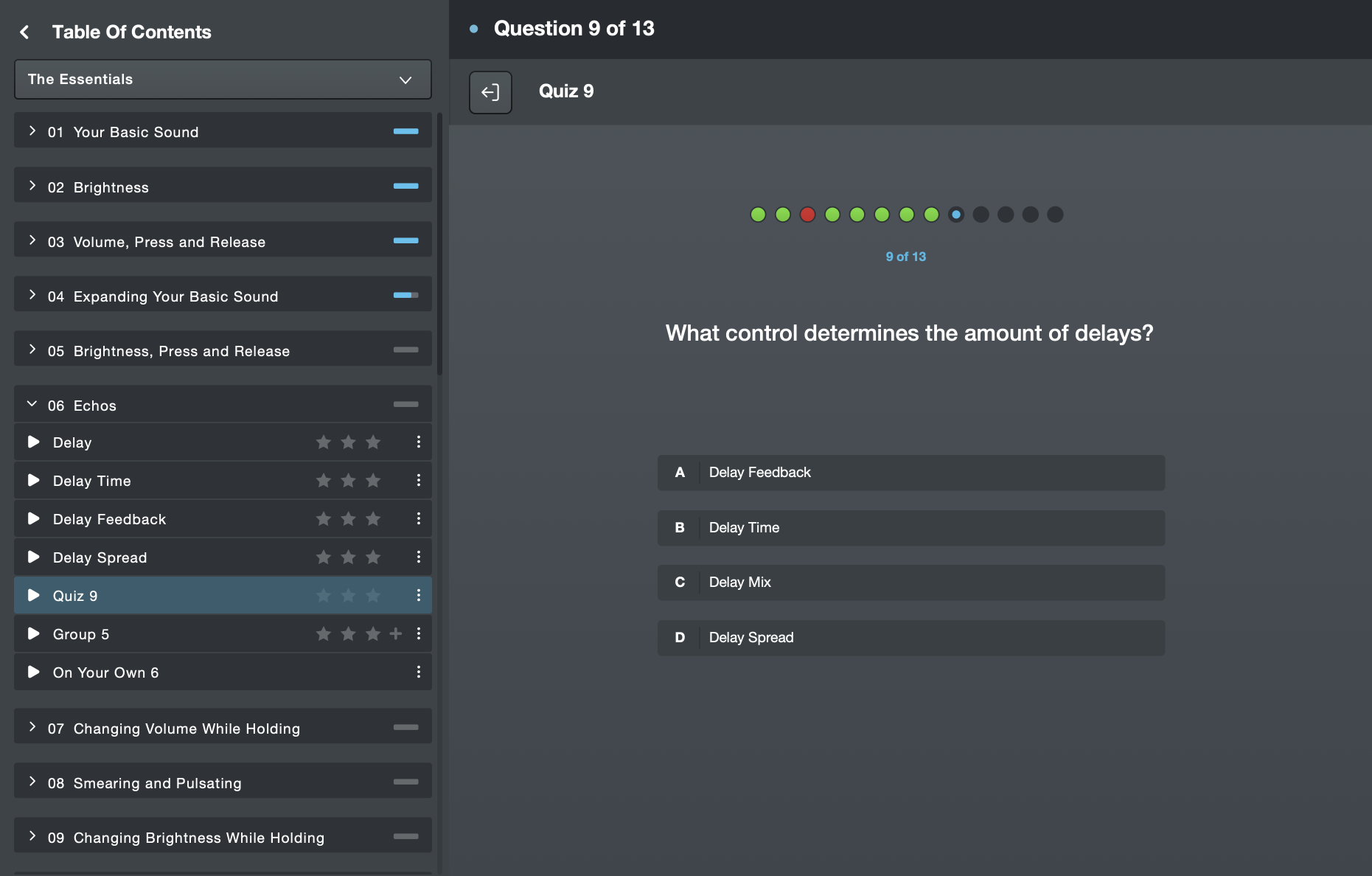
- 38 QUIZZES - Multiple choice questions to help you retain and remember everything you learn
- Pay once and get Syntorial on 3 platforms: Mac, PC and iPad
System Requirements
- macOS 10.9+ (M1 Apple Silicon supported)
- Windows 10, 8, 7, or Vista
- iPad (iOS 8+)
- MIDI keyboard recommended for Mac/PC, but not required
Awards


"Syntorial is the most direct route between hearing a sound in your head and knowing how to bring it to life. Lesson-by-lesson, module-by-module, Syntorial shows you almost everything that synths can do without getting bogged down in theory. Learn to aurally recognize VCO waveforms, filter ban...
Read MoreThere are countless books and videos on the topic of synthesis that aim to explain the theory and give you tips for programming your own sounds. However, it takes a certain amount of discipline to pause at a given point and then load up a synth to explore what you’ve just learned. Audible Geni...
Read MoreSyntorial: The Most Fun Way To Learn Synth Programming How do you learn to program a synthesizer? The owner’s manual is a good place to start, but it’s not always clear what a particular adjustment is really doing to the sound, and how it affects the overall makeup of a synth p...
Read More