Log In

Free gifts available with your purchase
Take your panning to the next level with this collection of advanced panning tools from Sound Particles.
Energy Panner
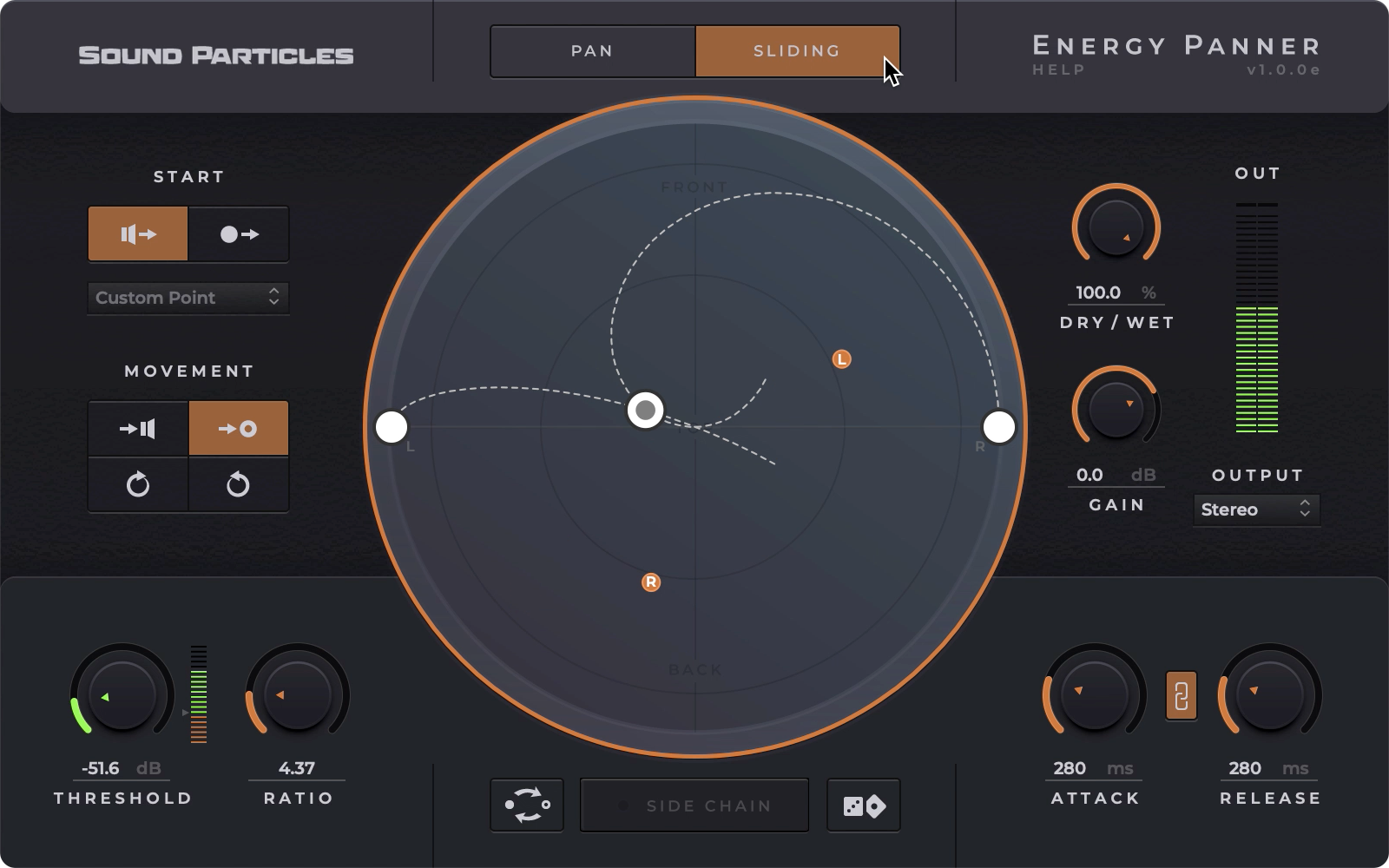
Energy Panner uses the intensity of a sound to control its movement. From traditional stereo to immersive, this plugin enables artists to add dynamic depth to their panning techniques without any effort or additional routing.
Sound Intensity Controls Panning
With Energy Panner, the sound intensity controls the panner, creating movement that reacts to sound. Imagine drums moving at the beat, synth notes that move on attack, among many other behaviours. From music to audio post, from stereo to Dolby Atmos, Energy Panner is a plugin that you definitely want in your toolset.
Panning Mode
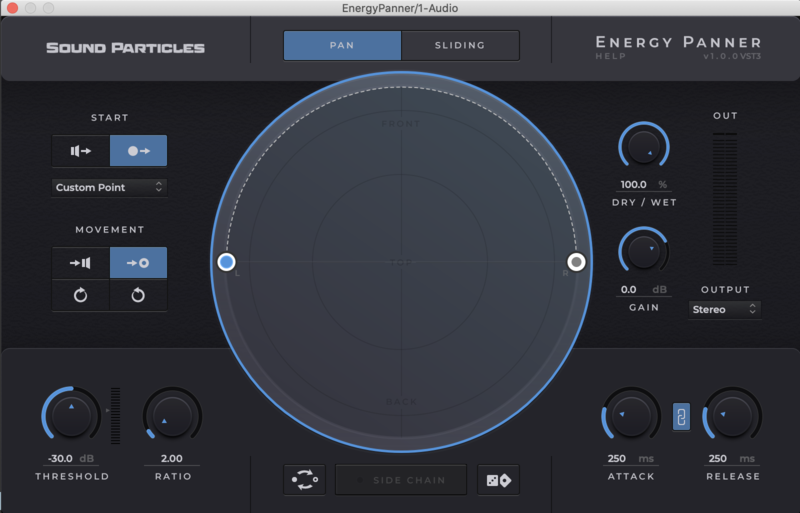
The Pan mode is essentially a normal end-to-end particle-based panning. This type of panning effect changes the position of the sound source between two points (start point -> endpoint) previously defined by you. Therefore, the greater the energy of the input signal the greater the shift from the starting point to the endpoint.
Sliding Mode
Whenever the audio signal reaches a certain level (threshold value), the sound source moves on a trajectory that you define. As opposed to pan mode, the sound source does not return to the starting point as soon as the signal level drops. The sound source will freeze that position until the audio signal exceeds the threshold value again, leading to a new shift of the sound source in the dome space.
Learn more about Energy Panner.
Brightness Panner
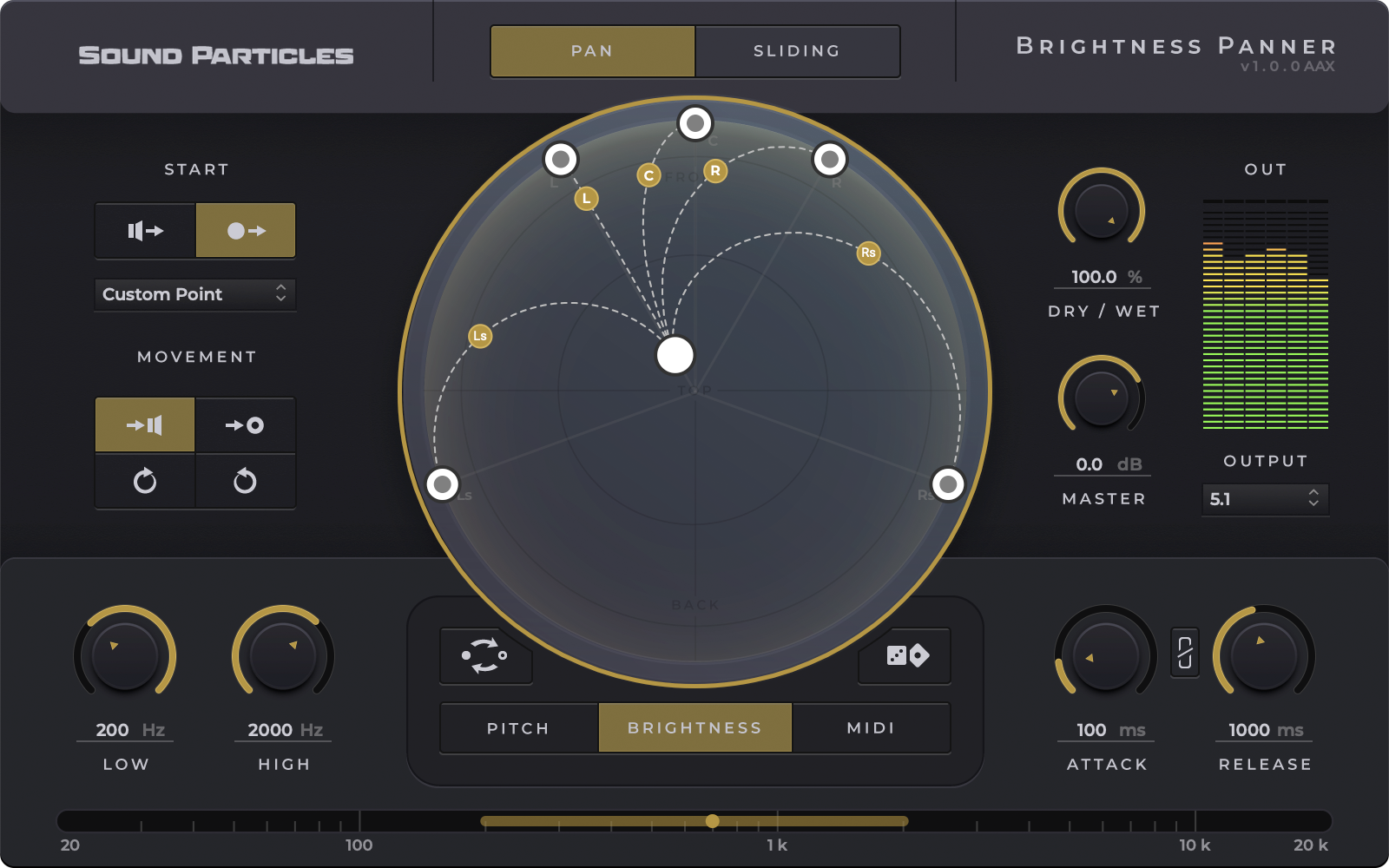
Brightness Panner will change the way you use sound in space, enriching your mixes by spreading sound around you.
This unique audio plugin makes panning easier than ever, by applying movement to your sounds using Brightness, Pitch and MIDI analysis.
Brightness Panner dynamically pans sound based on frequency, pitch or MIDI notes, using the familiar dynamics parameters of threshold, ratio, attack and release to pan channel outputs to any speaker configuration. From stereo to Atmos, from 5.1 to binaural or Ambisonics Brightness Panner enables music, post-production and game audio professionals to simply and creatively add dynamic movement to their mixes.
Brightness Analysis
Brightness Panner analyzes the spectrum of sounds in order to pan them in 3D according to a range of frequencies set by the user.
Pitch Analysis
Brightness Panner identifies the pitch of individual notes and pans them in 3D according to a range of pitch values set by the user.
MIDI Analysis
Brightness Panner receives MIDI notes and pans sounds in 3D according to a range of MIDI notes set by the user.
Learn more about Brightness Panner.
Features
- Stereo, Immersive & Binaural Outputs: From stereo, 7.1, HOA to Binaural and Dolby Atmos, Energy Panner gives you several output options based on virtual microphones technology.
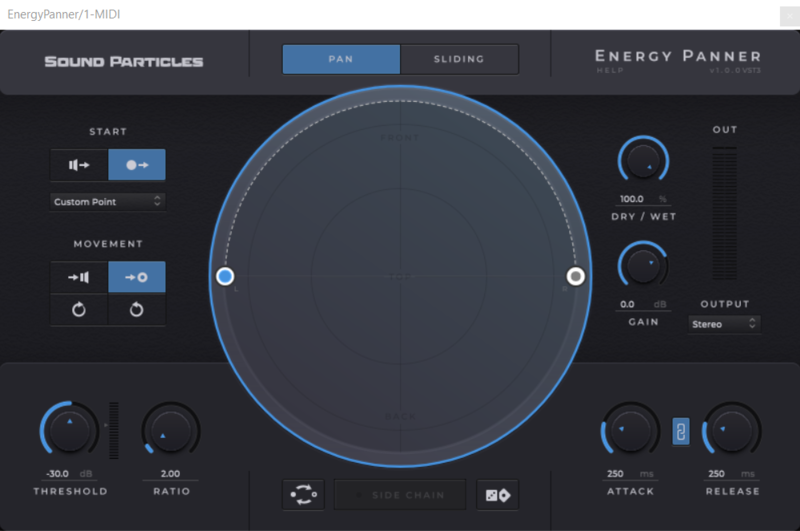
- Dynamic Movement: Easily set how the sounds will move. For instance, will they move from the speakers' position to the centre or will they move clockwise starting from a custom position?
- Sidechain: Use external signals to control the effect of the plugin instead of using the track’s sound for this.
- Visualization Dome: Track every single movement the sounds are making through the main component of the plugin’s UI: the dome.
- Randomization: Running out of ideas? Don’t worry! The Energy Panner has a randomize option that outputs a new result each time you click it.
- Absolute Control: Energy Panner brings you all the options you need to have complete control over how the sounds are moving in the panoramic field.
System Requirements
Operating System
- Mac OSX 10.11 or higher (Intel and native Apple Silicon Macs supported)
- Windows 10 or higher
Minimum Requirements
- CPU - 2-core or higher
- RAM - 4 GB or higher
- Disk Space 600 MB
Recommended Requirements
- CPU - 4-core or higher
- RAM - 8 GB or higher
- Disk Space - 600 MB
Formats
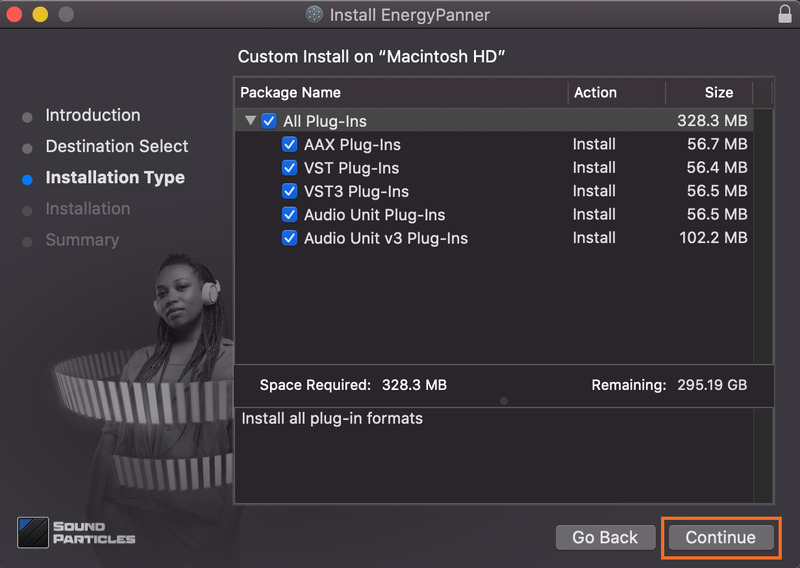
- AAX Native
- AU
- AUv3
- VST
- VST3
Note: Pro Tools 64-bit compatible (PT11 and above) required for AAX