Log In
Free gifts available with your purchase
Pulsar MP-EQ is designed and built to complement Pulsar Audio's variable-bias compressor plugin, Pulsar VM-COMP. This powerful combo already constitutes a complete mastering chain that allows a musical and colourful control of the spectrum and dynamics. Take your mix even further and give it warmth and colour while remaining transparent.
MP-EQ
A Different Equalizing Experience
Pulsar MP-EQ is an emulation of a legendary analog EQ found in almost every mastering studio worldwide. Designed as a synthesis of the best passive equalizers of the past 70 years, its fully parallel topology offers a unique and musical frequency response compared to digital EQs with the same settings. Because of this design, the bands naturally interact, producing a more musical overall response.
Its entirely passive circuit, featuring custom hand-wound inductors, tubes, and transformers, delivers creamy highs, balanced mids, and organic warmth through magnetic saturation. Pulsar MP-EQ faithfully recreates every sonic detail of the original hardware while adding modern features like visual curve editing, drive control, linear phase mode, or auto-gain.
Features
- Visual curve editing
- Mid-Side processing
- Oversampling
- Metering & Spectrum analyser
- Drive control
- Auto-gain
- Transformer
- Smart GUI
VM-COMP
An Industry-standard Tube Compressor
Variable-bias tube compressors deliver smooth, transparent gain control, and naturally “glue” buses, mixes, and masters together.
Unfortunately, the original hardware is expensive and difficult to integrate with in-the-box workflows. Software emulations exist, but most owners of the hardware agree that they cannot be compared to the original unit, as there’s always “something” missing.
With its unique Topology Preservation Technology, Pulsar VM-COMP sounds objectively identical to the hardware in every production context, but also introduces improvements such as visual sidechain EQ editing and extended timing ranges.
Features
- Topology Preserving Technology
- External Sidechain
- Mid-Side Processing
- Look Ahead, Look Behind
- Flexible Sidechain Equalizer
- Low CPU Consumption
Learn more about VM-COMP.
Andrei Lepori
Producer, Mixing Engineer
"Pulsar MP-EQ gives a whole new and more modern appeal to the sound even when used in the more ‘traditional’ boost/cut way"
Maor Applebaum
Recording & Mastering Engineer
"With Pulsar VM-COMP, you have the sound of the glue that you hear from the well-known variable-bias compressor, in a plug-in form with added controls and flexible side-chaining."
Neal Merrick Blackwood
Producer, Mixing Engineer, Songwriter
"I use Pulsar VM-COMP plugin on every mix. It gives me true tube smoothness which rounds off any harshness. I find that Pulsar Audio plugins give me the truly wonderful analog character and focus that I require."
Windows
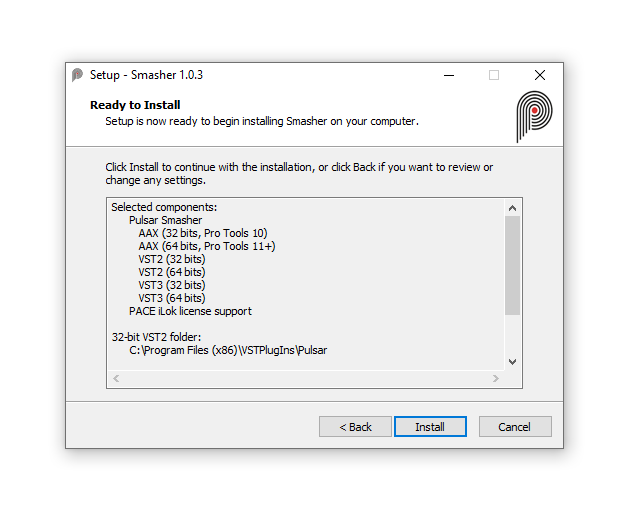
- Windows 7 with SP1 / Windows 8.1 / Windows 10 (all 64-bit only)
- CPU: Intel Core i3 / i5 / i7 / i9 / Xeon or AMD Quad-Core minimum
- Memory: 4 GB RAM & 1 GB free disk space
- GPU: OpengGL 2.0 compatible GPU
- Monitor: Minimum 1024×768 Resolution (recommended 1920×1080) & 60 Hz Refresh rate
Compatible Plugin Formats (32 & 64-bit):
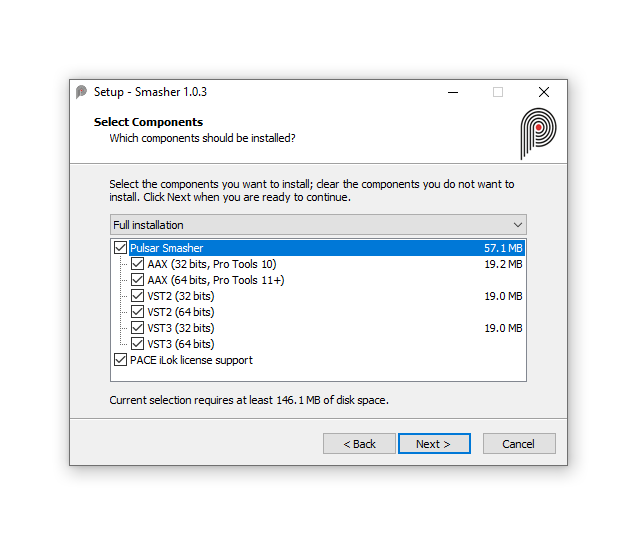
- AAX Native
- VST 2.4
- VST 3
Mac
- macOS10.9 and higher (M1 Apple Silicon supported) (64-bit only)
- CPU: Intel Core i3 / i5 / i7 / Xeon
- Memory: 4 GB RAM & 1 GB free disk space
- GPU: OpengGL 2.0 compatible GPU
- Monitor: Minimum 1024×768 Resolution (recommended 1920×1080) & 60 Hz Refresh rate
Compatible Plugin Formats (64-bit only):
- AAX Native
- Audio Unit
- VST 2.4
- VST 3
Activation:
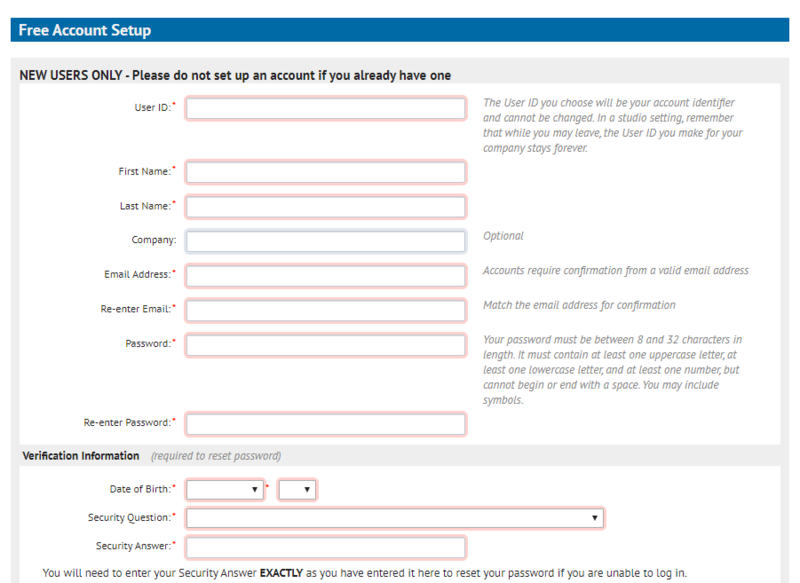
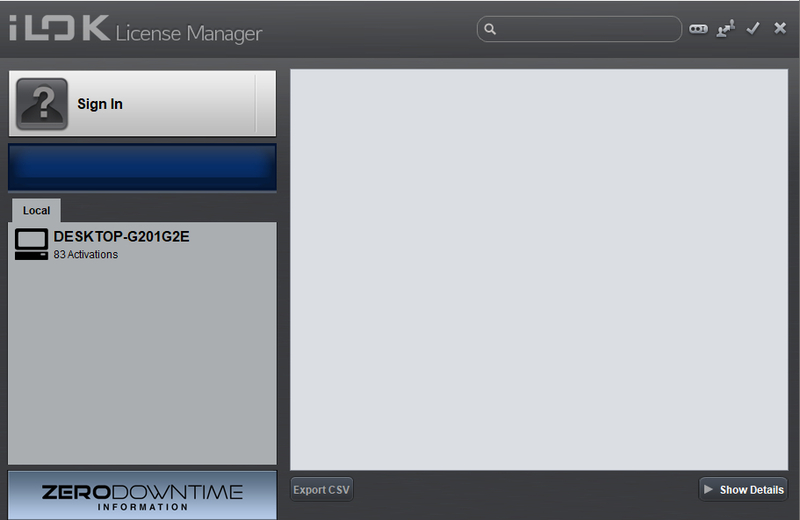
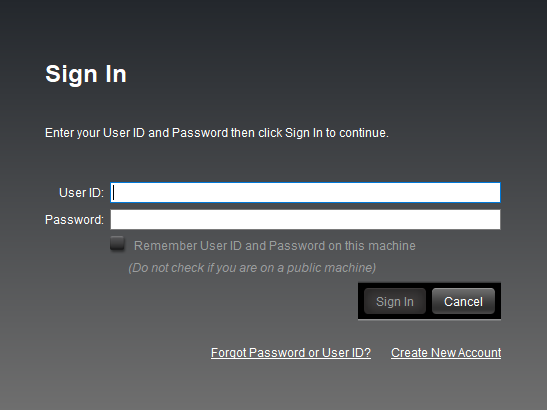
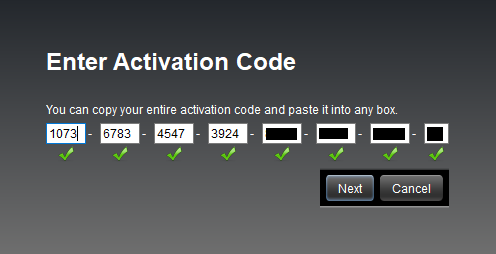
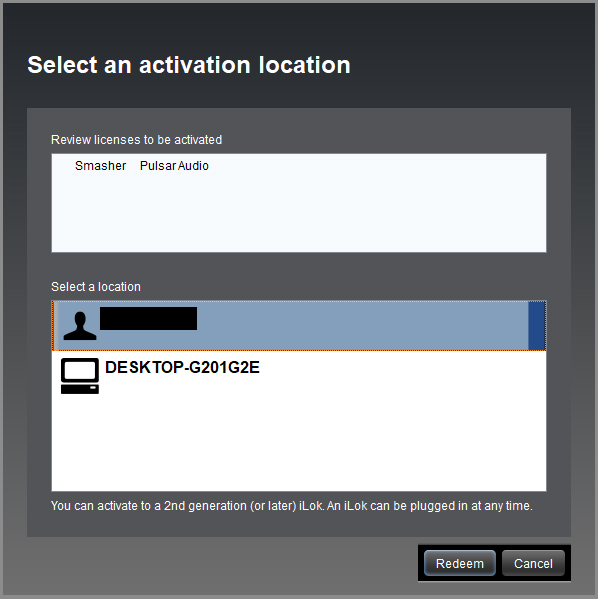
- You need to have an account at ilok.com to be able to use Pulsar software.
- The Mac version of this software is 64-bit only and will not function on 32-bit systems.