


 Log In

Free gifts available with your purchase
Product information
H-Series Bundle
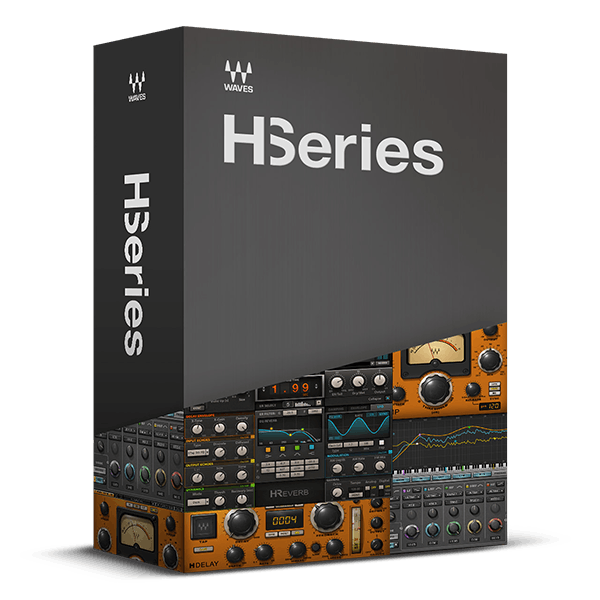
Analog Sound and Behavior Meet Digital Precision
While analog sound quality is highly esteemed, its inherent limitations such as inconsistency and inflexibility can be frustrating. Now, with the H-Series, you can enjoy the best of both worlds: Waves’ unparalleled expertise in analog modeling combined with the complete flexibility of digital processing.
Each H-Series processor embodies a spectrum of sonic possibilities—from nostalgic vintage tones to the pristine clarity of modern high-resolution technology—while retaining a distinct analog character that sets it apart.
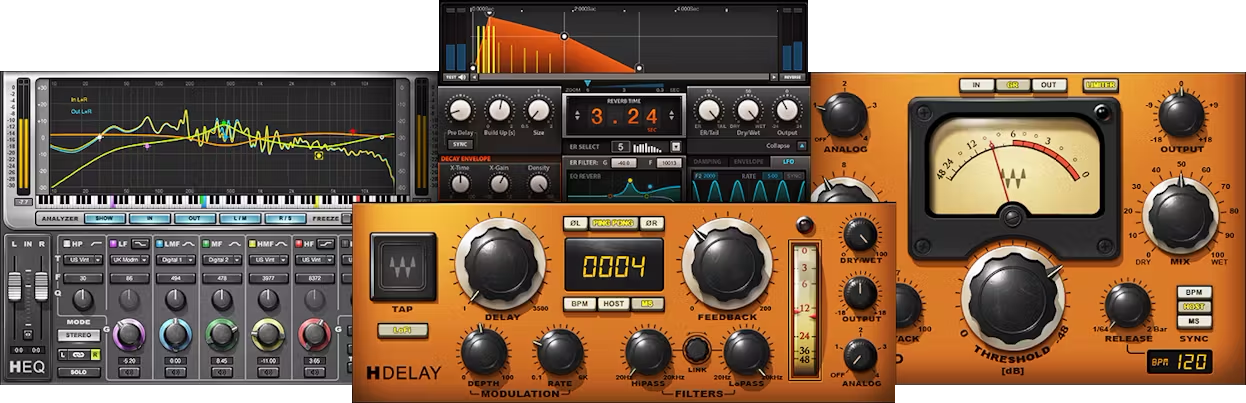
Included plugins:
- H-Comp Combine the performance and precision of modern compressors with the charming, and enduring, sound quality of tubes, transformers, and transistors. Even better, unlike the immutable nature of “character” compressors, you can choose from four distinct analog personalities.
- H-Delay The comprehensive control set delivers chorusing, flanging, echo, tape delay, looping, doubling, slapback, resonance, vibrato, self-oscillating feedback, and more. Best of all, it covers the sonic range from funky, old-school delays to today’s state-of-the-art sound quality.
- H-EQ All EQs have different characters, but no other plugin lets you choose one of 7 different console characters for each of 7 bands of EQ. From US and UK vintage, to US and UK modern, to two flavors of digital EQ, this amazing versatility always lets you choose what’s right for your music.
- H-Reverb Creates an entirely new class of deep, rich, and realistic reverb, by augmenting the rich flexibility of algorithmic reverb with the lifelike realism of convolution technology. From simple rooms to complex halls—and beyond—H-Reverb sets the standard for unparalleled flexibility.
Features
- Familiar, analog-style interfaces and controls
- Digital modeling adds versatility to established analog technology
- Includes compression, reverb, equalization, and delay
- Choose whether to include analog’s sonic quirks
- BPM sync for delay, compressor release, several reverb parameters
- MIDI Learn encourages hands-on, creative control—like analog gear
- For a true analog “feel,” these even model analog control tapers
- Stunning presets from world-class engineers showcase the H-Series
System Requirements
Mac
- macOS Monterey 12, Ventura 13, Sonoma 14, Sequoia 15
- VST / AU / AAX
PC
- Windows 10+
- VST / AAX
Installation Instructions












Customer Reviews
(1)


