


 Log In
.png)
Free gifts available with your purchase
Product information
Chris Lord-Alge Signature Series
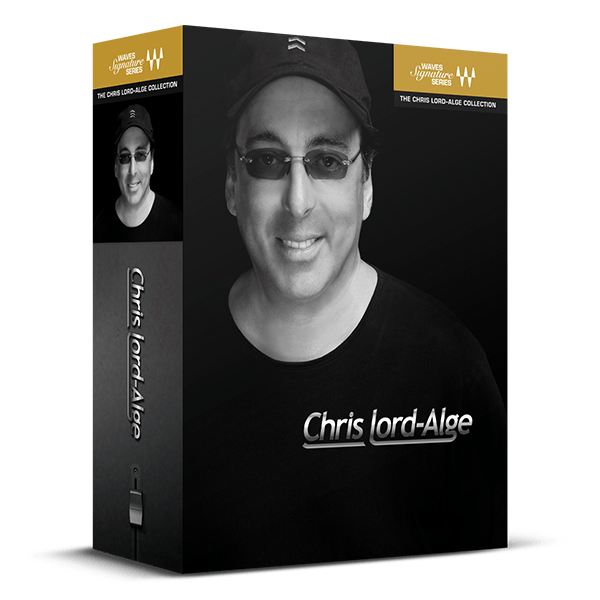
The Secret Formulas Behind Hit Mixes
Let mix legend Chris Lord-Alge handle your sound, allowing you to concentrate on your music. Each of these plugins simplifies Chris’s entire mixing chains—for vocals, drums, bass, guitars, and more—into a few intuitive controls, enabling you to achieve clear, punchy, and exciting mixes effortlessly.
These plugins encapsulate the mixing chains CLA uses to create classics for artists like Foo Fighters, Green Day, Bruce Springsteen, The Rolling Stones, Nine Inch Nails, and many others. Now, you can quickly access these iconic chains to elevate your mixes with the same professional touch.
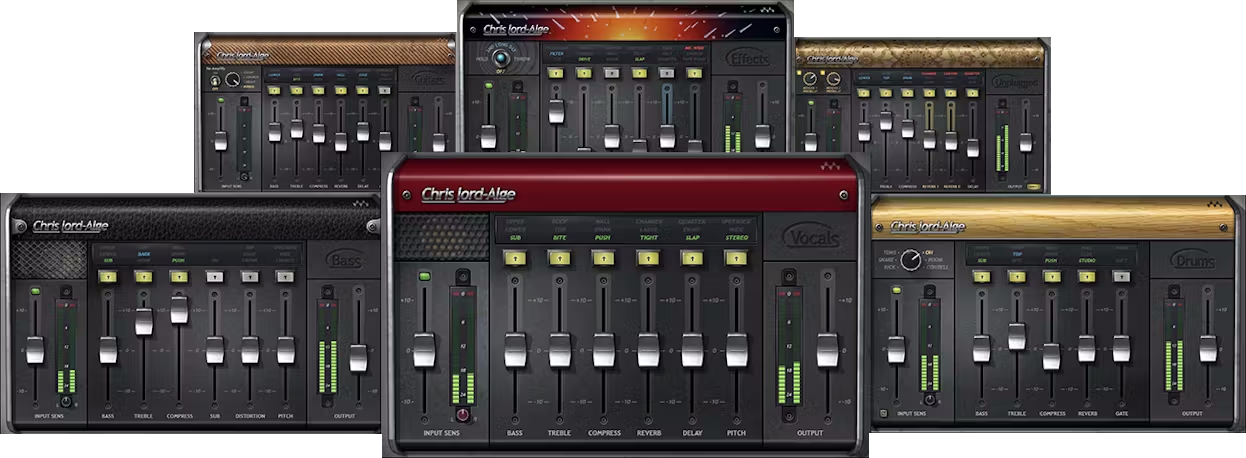
Included plugins:
- CLA Bass
- CLA Drums
- CLA Effect
- CLA Guitars
- CLA Unplugged
- CLA Vocals
Features
- Created by mix legend Chris Lord-Alge (Foo Fighters, Green Day)
- 6 plugins for vocals, drums, bass, guitar and acoustic instruments
- Each plugin gives you CLA’s entire chains—in just a few knobs
- Save time and mix fast, so you can keep your creativity flowing
- Includes the must-have CLA Vocals for standout vocal presence
- Presets designed by Chris himself for immediate pro results
System Requirements
Mac
- macOS Monterey 12, Ventura 13, Sonoma 14, Sequoia 15
- VST / AU / AAX
PC
- Windows 10+
- VST / AAX
Installation Instructions














