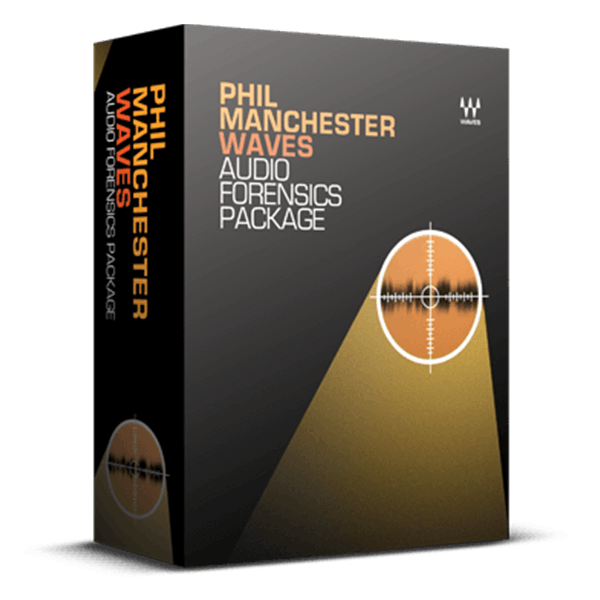
/ Various Category / Forensics Package
Waves

Forensics Package

$159.99 $499.00

67% off until Dec 07

Waves Forensics Package
Buy Now
Product information

Forensics Package

Formidable Tools for Audio Forensic Labs

These plugins are the tools relied upon by international forensics expert Phil Manchester to tackle challenging cases. His work with law enforcement spans national security, counter-terrorism, kidnapping, drug trafficking, and other serious criminal offenses that necessitate sophisticated forensic audio tools.

Equipped with noise reduction, EQ, artifact removal, compression, detailed analysis capabilities, and the ability to isolate low-level signals, this advanced collection of plugins is instrumental in uncovering concealed secrets within covert audio recordings.

Included plugins:

  • C1 Compressor
  • L1 Ultramaximizer
  • PAZ Analyzer
  • Q10 Equalizer
  • W43 Noise Reduction
  • X-Click
  • X-Crackle
  • X-Hum
  • X-Noise

Features

  • Designed in collaboration with forensics expert Phil Manchester
  • Multiband noise reduction reduces ambient noise
  • 10 bands of precision equalization isolate and focus audio
  • Spectral noise reduction identifies unwanted sound, then removes it
  • Reduce clicks, pops, crackles, and hum from low-fidelity recordings
  • PAZ Analyzer helps pinpoint artifacts and similar problem
  • Dynamic processors bring up difficult-to-hear sounds
  • Real-time operation speeds the analysis workflow

System Requirements

Mac

  • macOS Monterey 12, Ventura 13, Sonoma 14, Sequoia 15
  • VST / AU / AAX

PC

  • Windows 10+
  • VST / AAX
Installation Instructions

1. Head to https://www.waves.com/create-account

2. Enter your email and choose a password to create an account (if you already have a Waves account, choose Log in, enter your details and head to Step 5) > click 'Submit'

3. Open your email inbox > click the activation link in the email from Waves

4. Click 'Log in here' > Log in to your Waves account

5. Click 'Register New Products'

6. Enter the Serial Number found in your Plugin Boutique user account > click 'Submit'

7. Click download in your Plugin Boutique user account or head to https://www.waves.com/downloads/central > download the Waves Central app for your operating system

8. Install Waves Central > Open Waves Central

9. Click 'Log in' > enter your log in details

10. Click the 'Install Products' tab

11. Tick the blue dot on all products you wish to install or click the top dot to install all products > click 'Install & Activate'

12. Click 'OK'

13. Open your DAW > open the Waves plugin

Your Waves plugins are installed and ready to use, enjoy!

Plugin Boutique Rewards

Discover the most rewarding loyalty programme among all plugin retailers.

  • Free Loopmasters Samplepacks
  • Discounts on products and courses
  • Extra Virtual Cash claimed immediately at checkout
Find out more

Follow us:

X (Twitter) Facebook YouTube Instagram
Logo Logo

Plugin Boutique Limited, Part of the Beatport Group LLC.

Copyright © 2011-2025 Plugin Boutique. All rights reserved