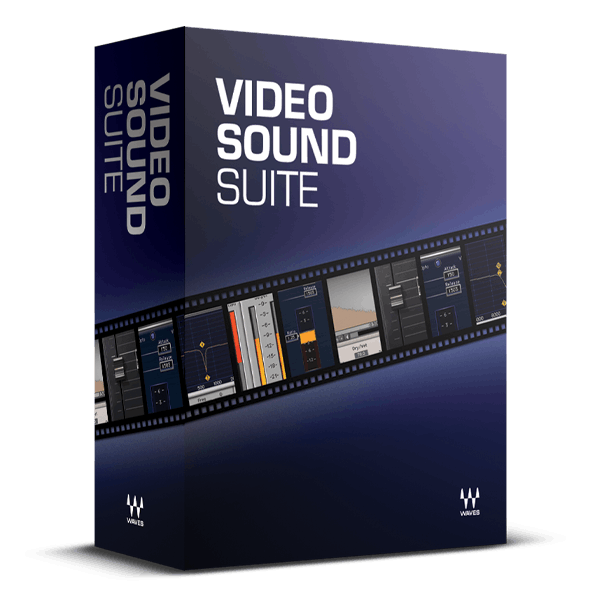
/ Various Category / Video Sound Suite
Waves

Video Sound Suite

$79.99 $399.00

79% off until Dec 07

Video Sound Suite
Video Sound Suite
Waves Video Sound Suite
Buy Now
Product information

Video Sound Suite

Add a Pro Audio Touch to Your Videos

A recent USC study revealed that audio quality significantly impacts the credibility of video content. These essential audio plugins integrate seamlessly into all major video editing software, enhancing not only your audio quality but also the believability of your productions.

Elevate your video projects with plugins designed to tackle common audio challenges: noise reduction, dynamic range control, intelligibility enhancement, sibilance reduction, and ambience addition.

Included plugins:

  • DeEsser
  • IR-L Convolution Reverb
  • L1 Ultramaximizer
  • Q10 Equalizer
  • Renaissance Compressor
  • W43 Noise Reduction Plugin

Features

  • Real-time editing—no rendering required to hear the results
  • Improve dialogue with 10-band EQ, compressor, and de-esser
  • Give productions punch and power by maximizing audio levels
  • Reduce background noise for additional clarity
  • Ideal for processing real-time, streaming video
  • Place productions in synthesized acoustic spaces with IR-L Reverb
  • Use the same plugins as movie and game audio professionals
  • Clean up and improve podcasts derived from videos

System Requirements

Mac

  • macOS Monterey 12, Ventura 13, Sonoma 14, Sequoia 15
  • VST / AU / AAX

PC

  • Windows 10+
  • VST / AAX
Installation Instructions

1. Head to https://www.waves.com/create-account

2. Enter your email and choose a password to create an account (if you already have a Waves account, choose Log in, enter your details and head to Step 5) > click 'Submit'

3. Open your email inbox > click the activation link in the email from Waves

4. Click 'Log in here' > Log in to your Waves account

5. Click 'Register New Products'

6. Enter the Serial Number found in your Plugin Boutique user account > click 'Submit'

7. Click download in your Plugin Boutique user account or head to https://www.waves.com/downloads/central > download the Waves Central app for your operating system

8. Install Waves Central > Open Waves Central

9. Click 'Log in' > enter your log in details

10. Click the 'Install Products' tab

11. Tick the blue dot on all products you wish to install or click the top dot to install all products > click 'Install & Activate'

12. Click 'OK'

13. Open your DAW > open the Waves plugin

Your Waves plugins are installed and ready to use, enjoy!

Plugin Boutique Rewards

Discover the most rewarding loyalty programme among all plugin retailers.

  • Free Loopmasters Samplepacks
  • Discounts on products and courses
  • Extra Virtual Cash claimed immediately at checkout
Find out more

Follow us:

X (Twitter) Facebook YouTube Instagram
Logo Logo

Plugin Boutique Limited, Part of the Beatport Group LLC.

Copyright © 2011-2025 Plugin Boutique. All rights reserved