


 Log In
Free gifts available with your purchase
Product information
Masters Bundle
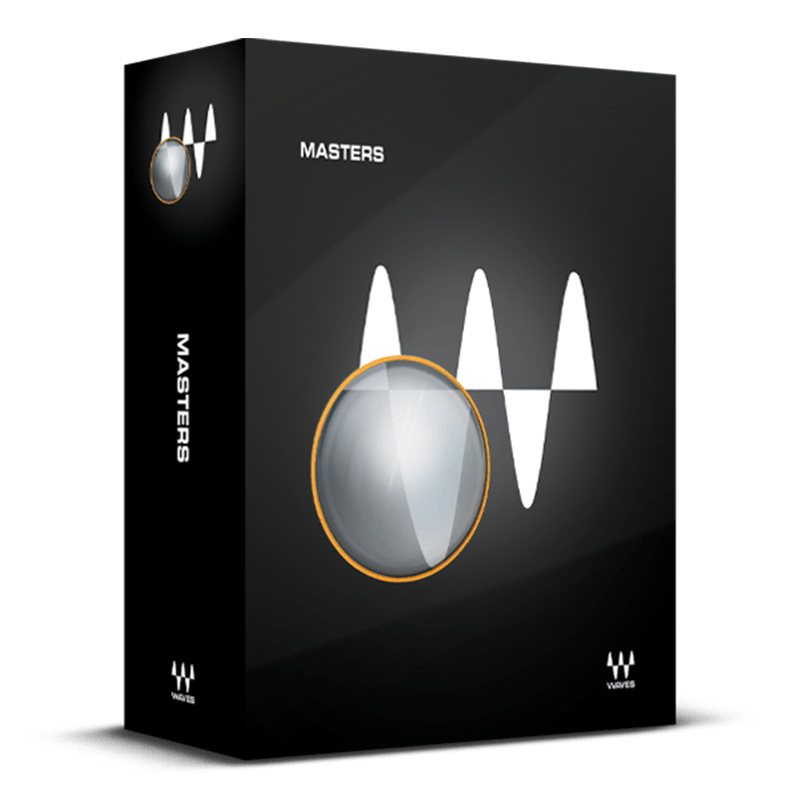
Create Masters with Immaculate Impact
For many mixes, mastering is about achieving greater impact, improved tonal balance, enhanced clarity, and sharper definition. This exceptional bundle excels in delivering these precise qualities through industry-standard maximizing techniques and the complete transparency of linear-phase EQ and compression.
Moreover, this package goes beyond audio processing capabilities. It includes advanced dithering algorithms and noise shaping techniques that flawlessly convert audio to lower bit depths, ensuring pristine results for mastered audio delivery.
Included plugins:
- L2 Ultramaximizer With its legendary combination of look-ahead brickwall peak limiting, level maximization, and ultra-high resolution, the L2 has become a mainstay in mastering and mixing chains in studios everywhere. And for delivering mastered audio, the advanced output dithering algorithms and noise shaping make it easier than ever to convert audio to lower bit depths.
- Linear phase EQ For scenarios where phase is critical—especially mastering—Waves’ Linear Phase EQ is the answer. It’s transparent, free of smearing, and can handle a wide variety of crucial equalization tasks.
- Linear Phase Multiband Compressor You’ve spent countless hours crafting the perfect mix, and it’s time for multiband compression to add that final touch. Conventional multiband dynamics processors can’t avoid adding some coloration, but this artfully engineered, linear-phase design is always true to your sound.
Features
- Linear-phase technology avoids phase-based “smearing”
- The classic L2 limiter / level maximizer adds energy and punch
- Match EQ to your material with broadband or lowband EQ
- Three different flavors of noise-shaping
- Compression also does upward expansion and “focusing”-type EQ
- Auto-makeup for Multiband Compressor and L2 Maximizer
System Requirements
Mac
- macOS Monterey 12, Ventura 13, Sonoma 14, Sequoia 15
- VST / AU / AAX
PC
- Windows 10+
- VST / AAX
Installation Instructions














