


 Log In

Free gifts available with your purchase
Product information

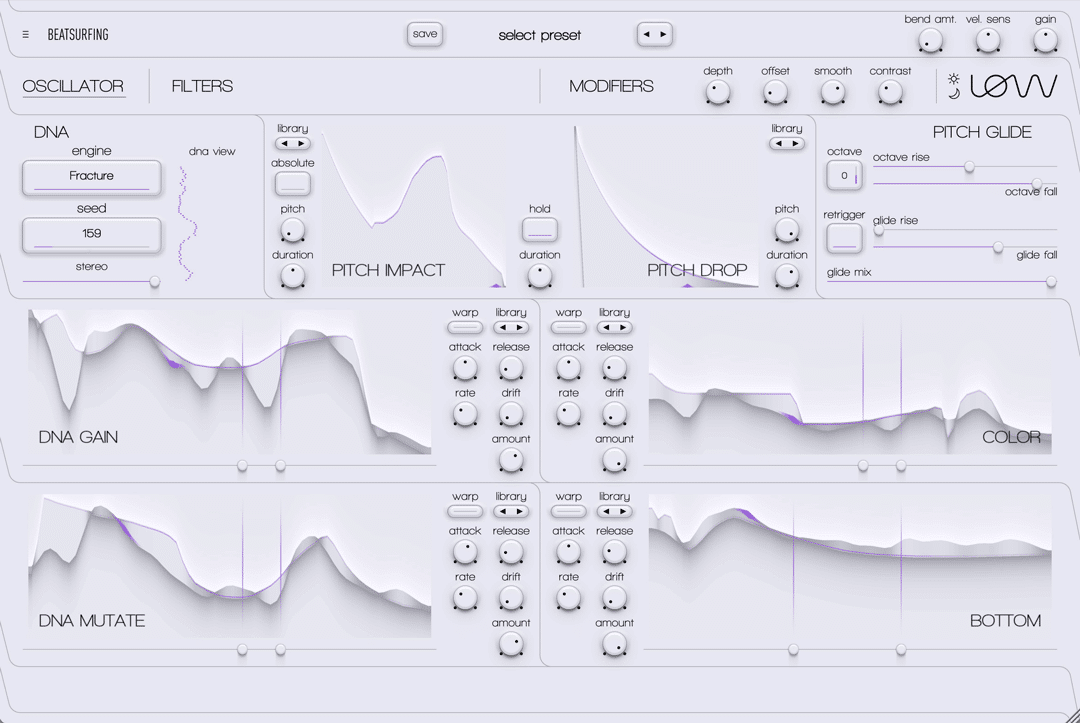
Shape the Depth. Control the Motion. Own the Low End.
Meet LØW, the Bass Synth Instrument
LØW is a bass-focused synth audio plugin designed for deep, expressive and mix-ready low end. Hand-draw, play, and loop envelopes to sculpt the perfect articulation for your track. LOW covers every Bass sound, from classics to original, from silky to gritty, from analog to digital.
Features
- 12 Free-Hand Envelopes: Draw modulation shapes with total freedom.
- Multiple Bass Engines: Choose between a wide range of core sound characters.
- DNA: Explore the bass engines mutations.
- Tone Shaping: Three band amp envelope.
- Rich Preset Library: From clean subs to aggressive growls.
- VST2 / VST3 / AU / AAX: Compatibility: Works in all major DAWs.
System Requirements
Windows
- Windows 10 or later
- 2GHz Pentium IV processor or equivalent
- At least 23MB free disk space
- A DAW that supports instrument plugins in one of these formats: VST, VST3, AU or AAX
macOS
- macOS 10.13 High Sierra or later
- Intel or Apple Silicon processor
- At least 54MB free disk space
- A DAW that supports instrument plugins in one of these formats: VST, VST3, AU or AAX
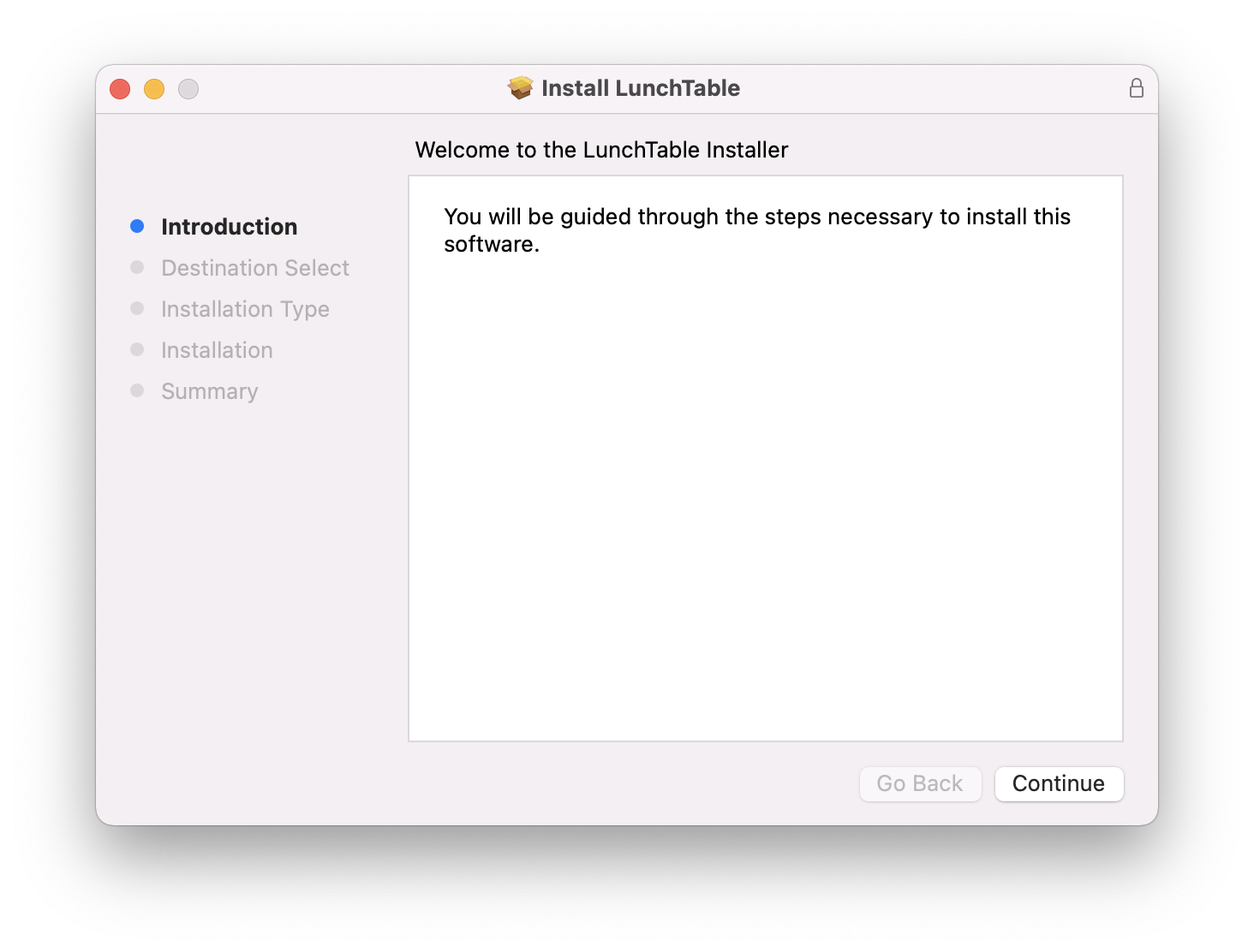
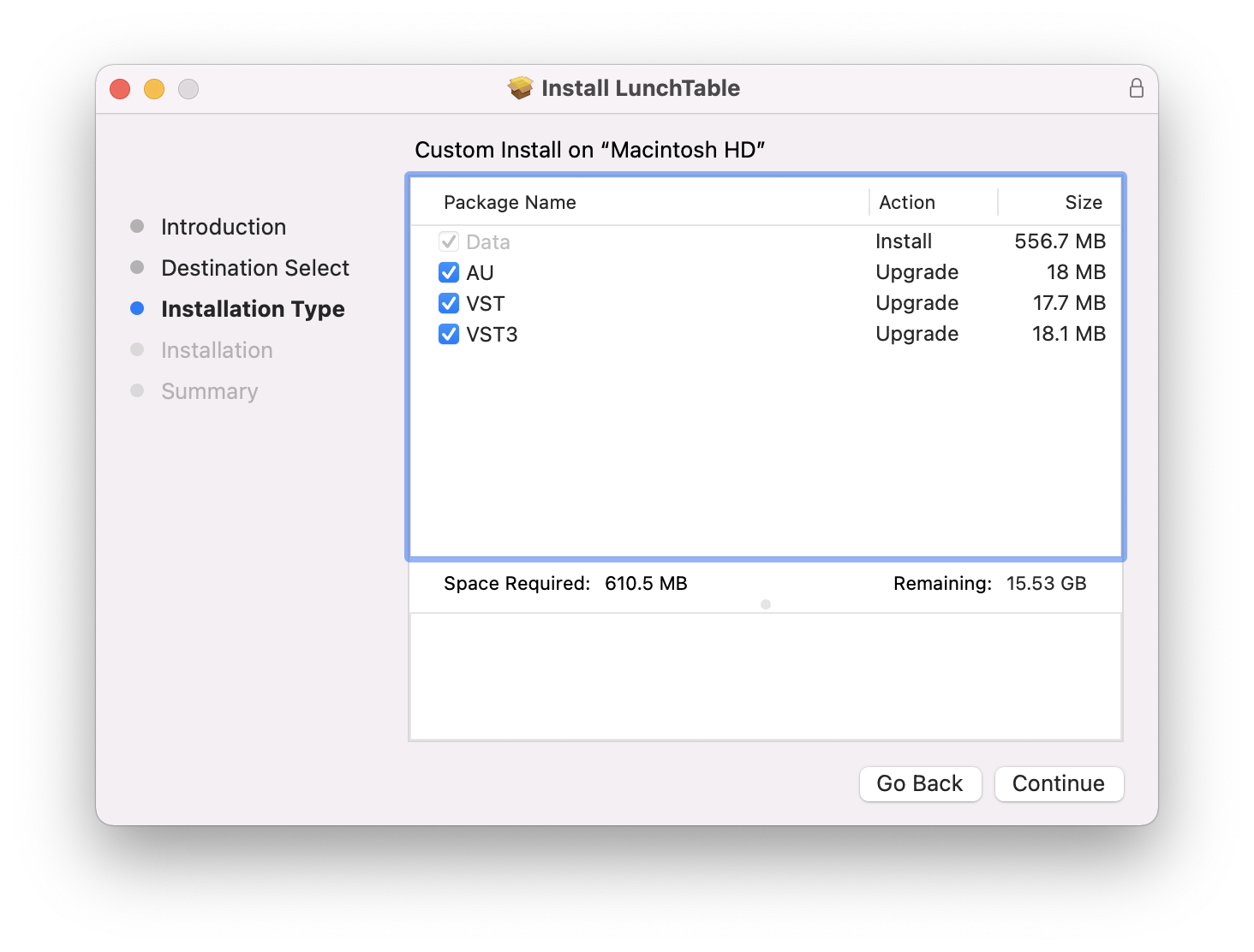
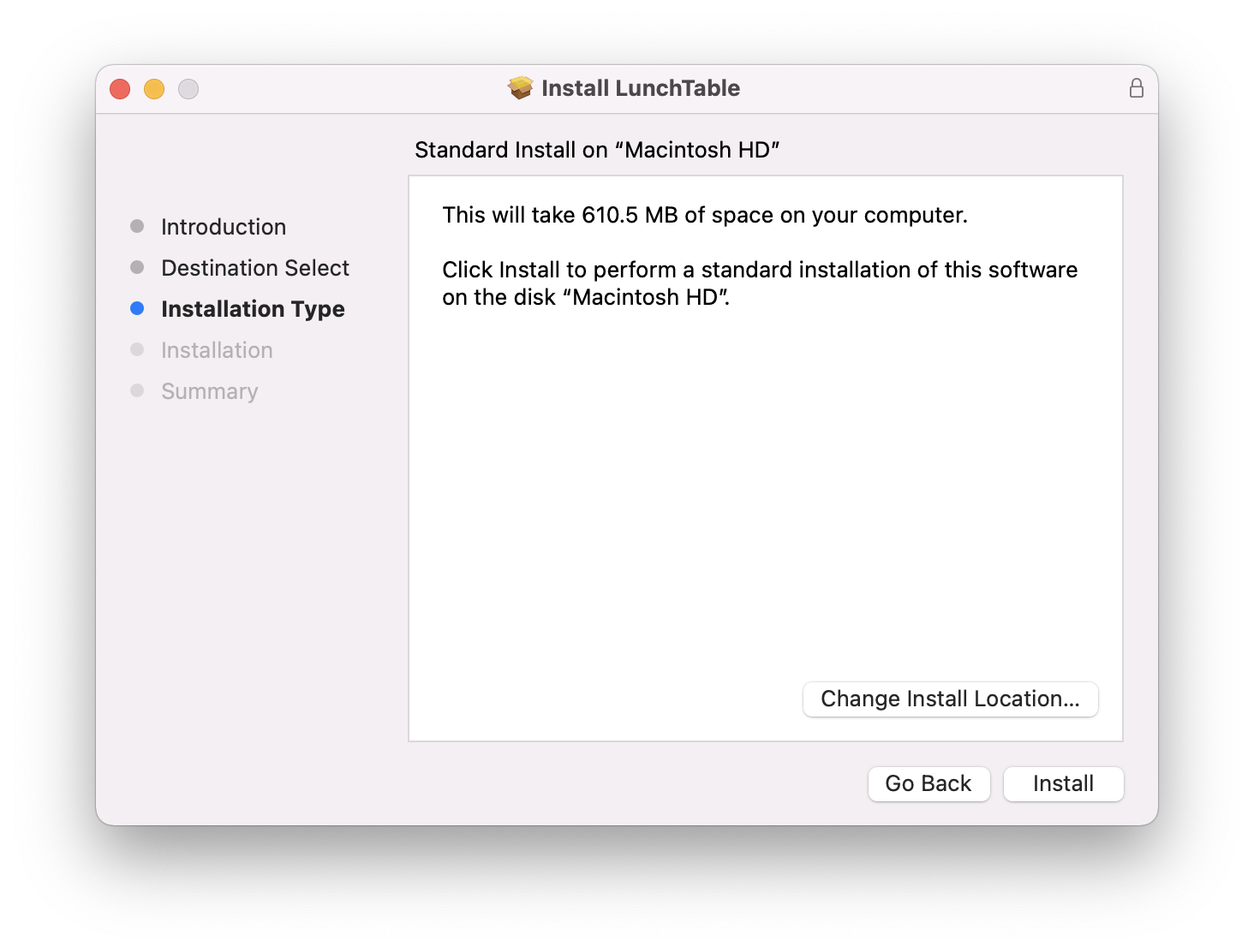
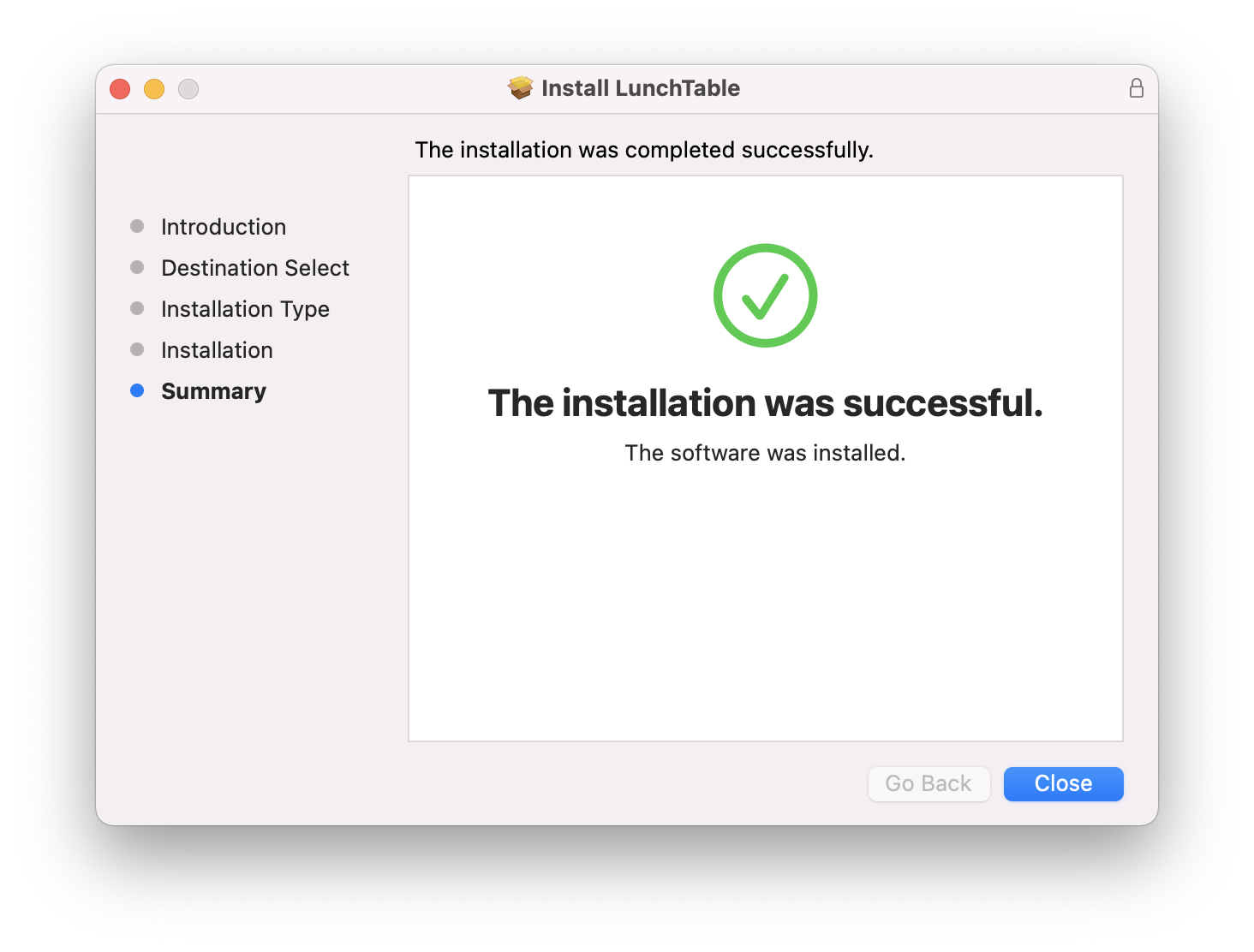
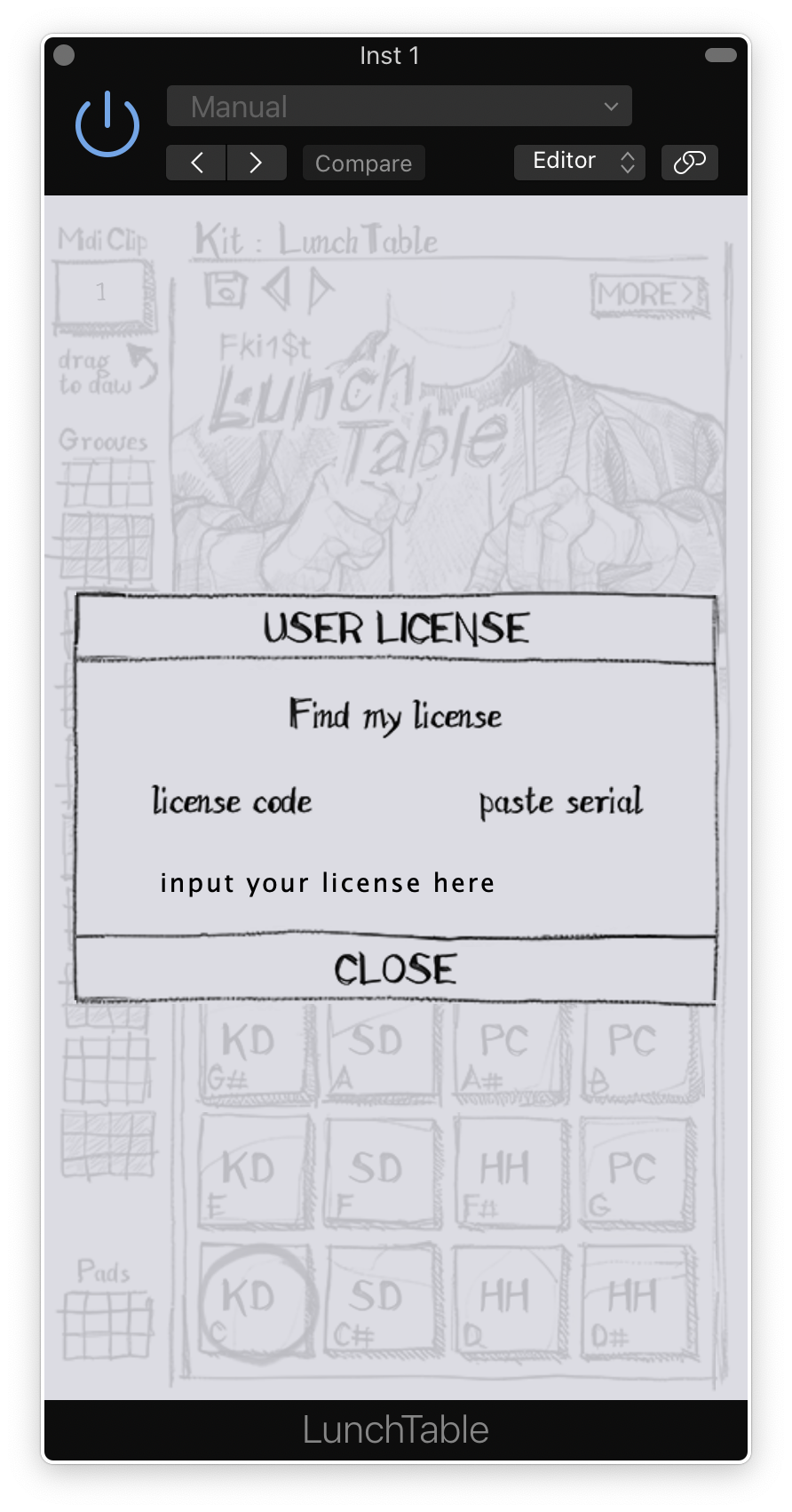
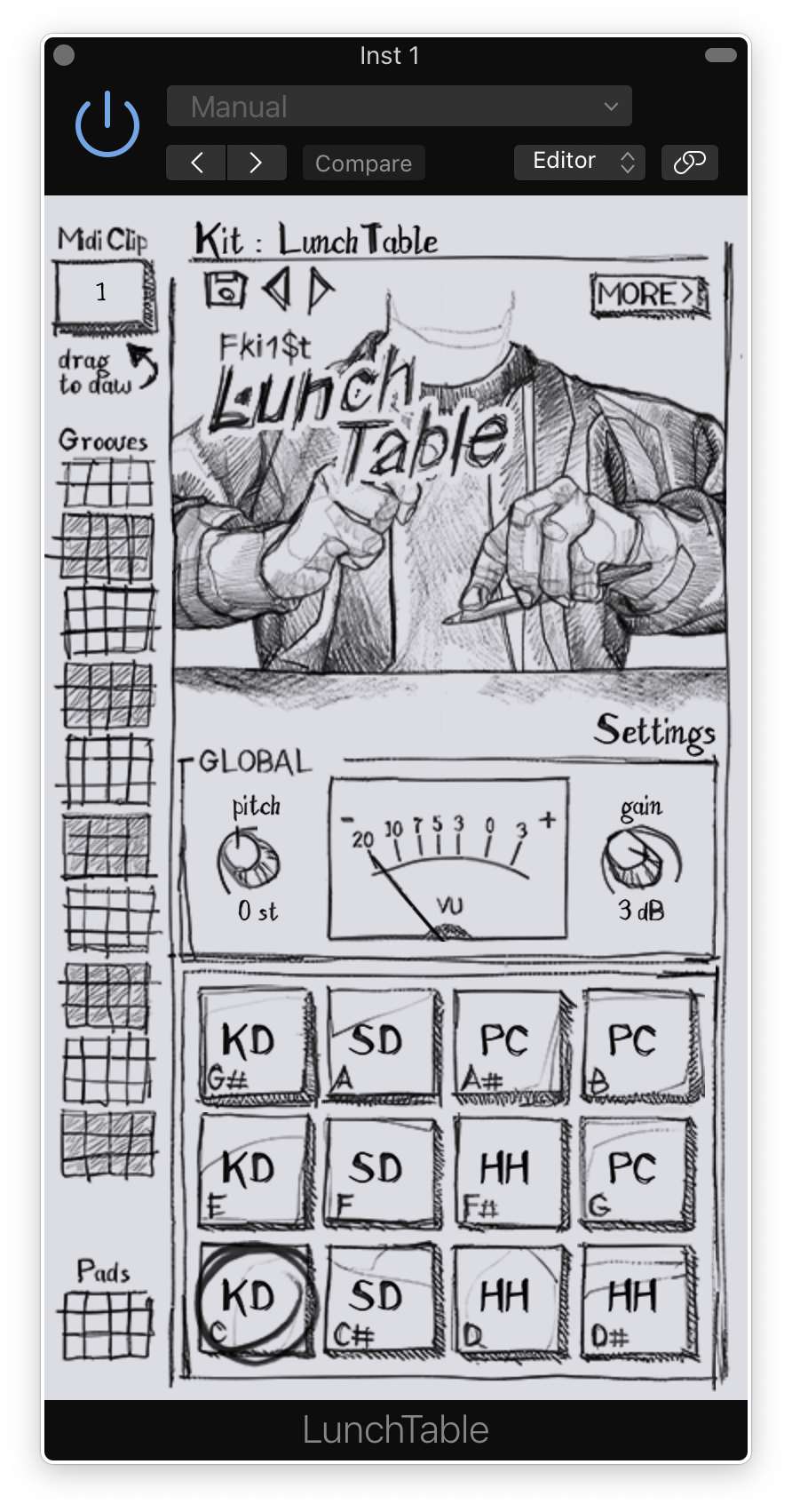
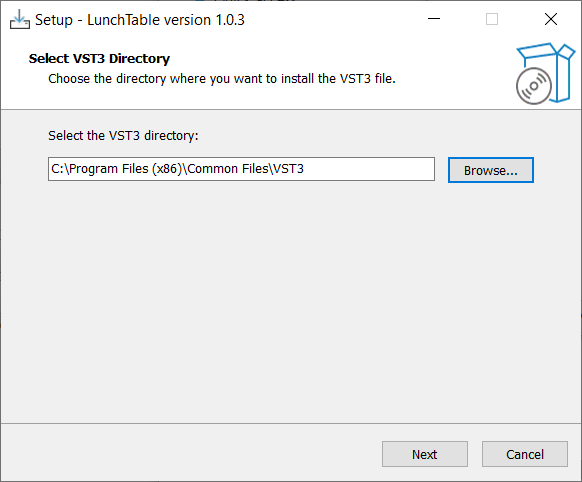
Installation Instructions

Customer Reviews
(4)
Bundle & Save
BEATSURFING Full House Bundle
$823.00
LOW + 7DeadlySnares Bundle
$228.00
$89.00
(60% off)


