Log In

Free gifts available with your purchase
Resonance Sound is pleased to introduce Melodic Techno Presets, a preset bank that is a true powerhouse for the renowned u-he Diva synth and focuses on the newest sounds in progressive house and melodic techno! Diva is an award-winning synth that many producers of Melodic Techno and Progressive House prefer because of its warm, rich sound and remarkable analogue edge.
With its deep character and innovative sound design, Diva Melodic Techno features 50 Diva Presets that include a wide variety of synth leads, rich analogue-style bass, arp presets, drifting pads, fx, and distinctive plucks.
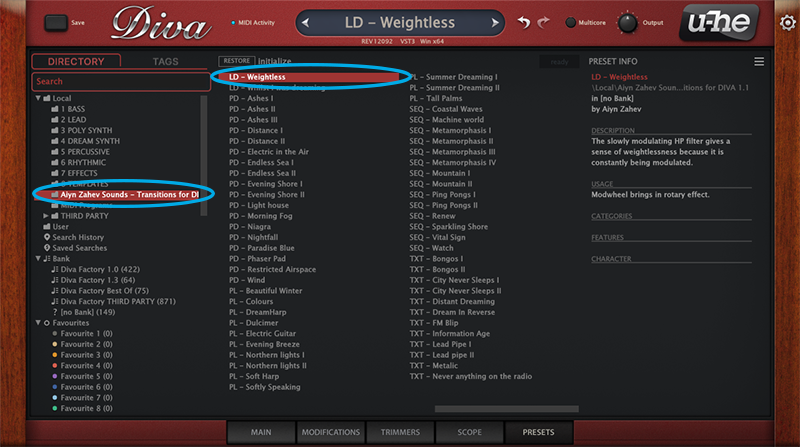
In addition to the imaginative sound design, every preset has complete modwheel allocation. This permits intriguing facets to be changed on each setup. Additionally, all settings utilize Diva's new preset browser. You can find the ideal preset for your needs even more quickly with this and its automatic labeling.
Because it emulates the sound and modules of many legendary analog synthesizers, Diva is more than just a fantastic synthesizer. DIVA provides amazing hardware like sound, great flexibility, and astonishing effects using cutting-edge modeling technology. Its exceptional adaptability makes it ideal for modern electronic music and sound design.
Listen to the demo to get a first impression of what is possible with this set. This deep, warm tone is one you don't want to miss.
In detail, the sound bank contains: 4 Arp, 12 Bass, 5 FX, 11 Lead, 10 Pad and 8 Pluck presets.
Features
- 50 Diva Presets
- Modwheel Assignments
- Tagged
System Requirements
- u-he Diva synthesizer v1.4.7 (rev 15105)