/ Synth Presets / Cypher2 & ROLI Studio Expansion: Dimension Art
ROLI

Cypher2 & ROLI Studio Expansion: Dimension Art

5.0 (9 Reviews)
$25.00
Cypher2 Expansion: Dimension Art (ROLI Studio Version)
Buy Now
Product information

Note: This expansion pack is compatible with both ROLI Studio and the full version of Cypher2.

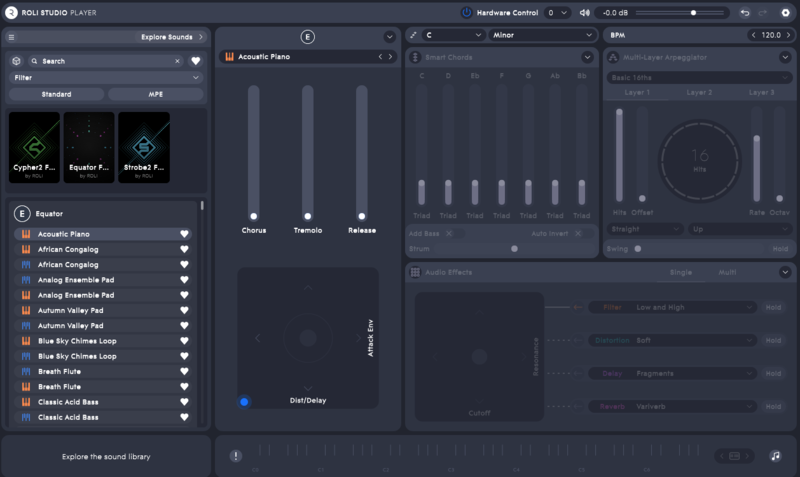
Dimension Art is for the players — a selection of delicate, malleable and rich sounds for a variety of styles and genres, carefully crafted by sound designer Geoffrey Gee. Choose from a range of smooth, reedy and organic sounds with a synthetic edge that respond to a variety of touches and gestures, keeping you inspired and adding new flair to your MPE performances.

Clavinets and electric pianos are available in a range of timbres, as well as percussion, synth and mallet sounds that are incredibly responsive to MPE touch, all with performance & XY controls that can be used to gently augment each sound further.

Features

  • 50 MPE Presets
  • 50 Standard Presets

System Requirements

Installation Instructions

Mac Installation

1. Visit https://roli.com/start > Click 'Download for Mac'.

2. Go to the location of the downloaded .dmg ROLI Connect installer > Double-click it to run.

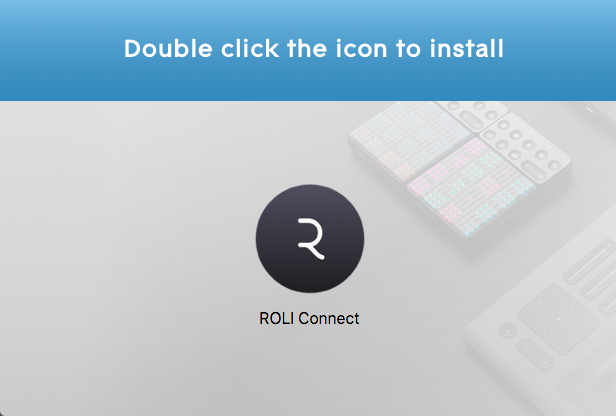
3. Double click the icon to install.

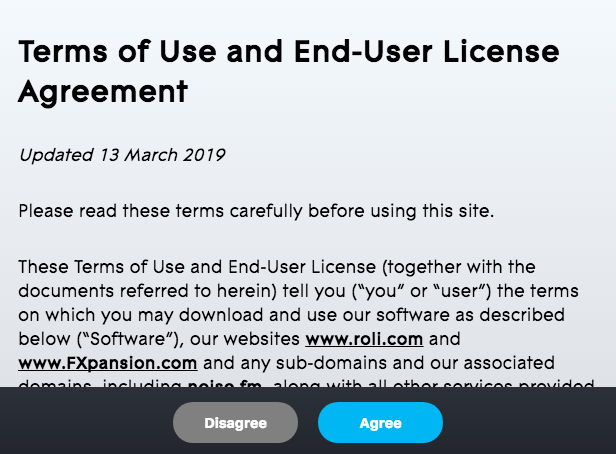
4. Click 'Agree'.

5. Open ROLI Connect > Click 'Sign up'. (If you already have a ROLI account click 'I have a ROLI account', sign in and skip to step 8).

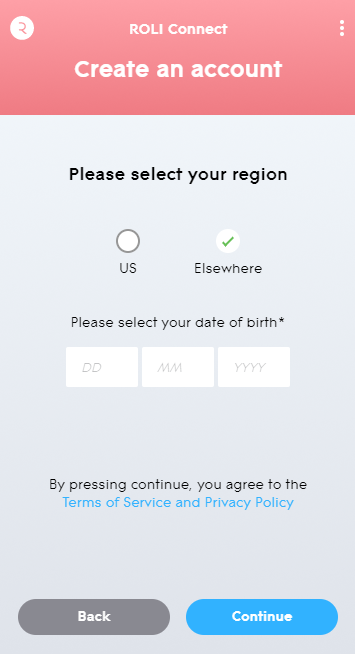
6. Select your region and enter your date of birth > Click 'Continue'.


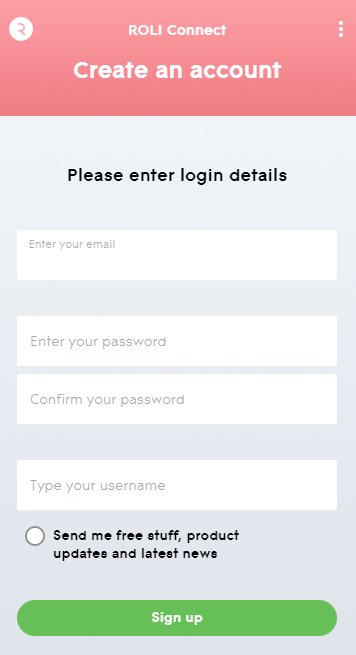
7. Enter your login details > Click 'Sign up'.

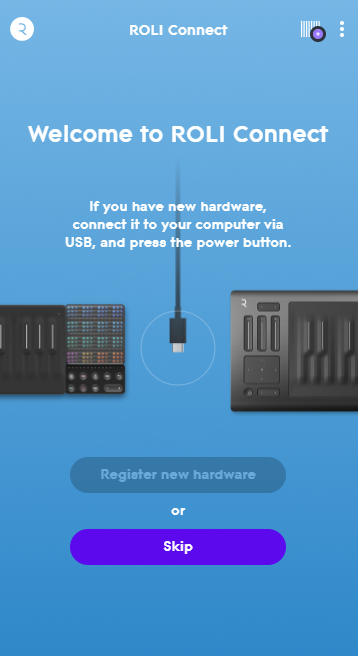
8. Click 'Skip'.

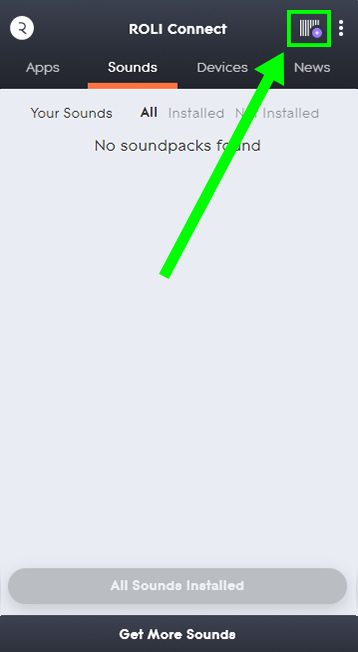
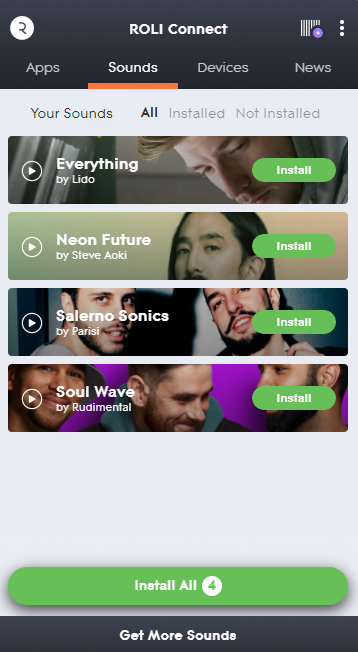
9. Click the Barcode icon at the top right of the display.

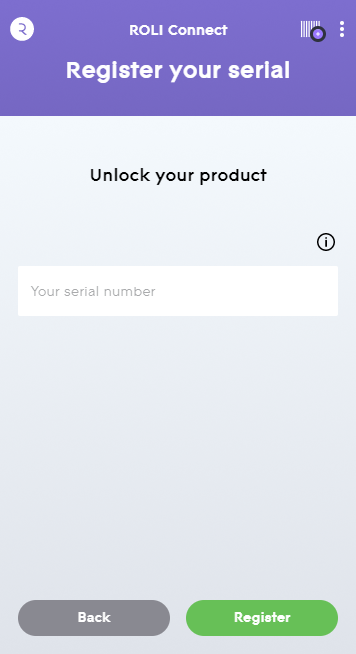
10. Enter the serial number found in your Plugin Boutique User Account.

11. Click 'Install' on the product you would like to install.

12. Open ROLI Studio as a standalone or inside of a DAW.

Your synth presets are now activated and ready to use!

Windows Installation

1. Visit https://roli.com/start > Click 'Download for Windows'.

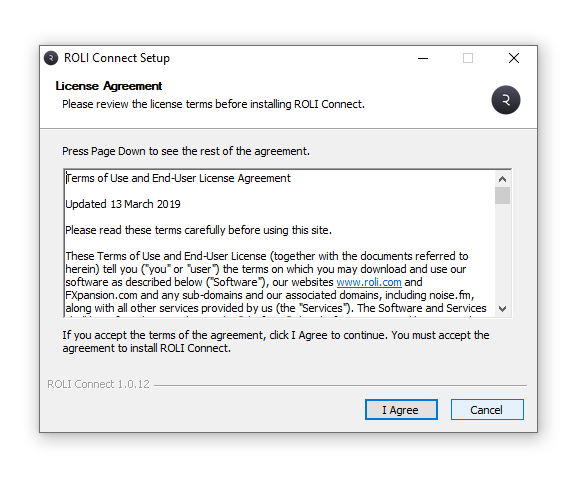
2. Go to the location of the downloaded .exe ROLI Connect installer > Double-click to run.

3. Open ROLI Connect > Click 'Sign up'. (If you already have a ROLI account click 'I have a ROLI account', sign in and skip to step 7).

4. Select your region and enter your date of birth > Click 'Continue'.


5. Enter your login details > Click 'Sign up'.

6. Click 'Skip'.

7. Click the Barcode icon at the top right of the display.

8. Enter the serial number found in your Plugin Boutique User Account.

9. Click 'Install' on the product you would like to install.

10. Open ROLI Studio as a standalone or inside of a DAW.

Your synth presets are now activated and ready to use!

Plugin Boutique Rewards

Discover the most rewarding loyalty programme among all plugin retailers.

  • Free Loopmasters Samplepacks
  • Discounts on products and courses
  • Extra Virtual Cash claimed immediately at checkout
Find out more

Follow us:

X (Twitter) Facebook YouTube Instagram
Logo Logo

Plugin Boutique Limited, Part of the Beatport Group LLC.

Copyright © 2011-2025 Plugin Boutique. All rights reserved