


 Log In

Free gifts available with your purchase
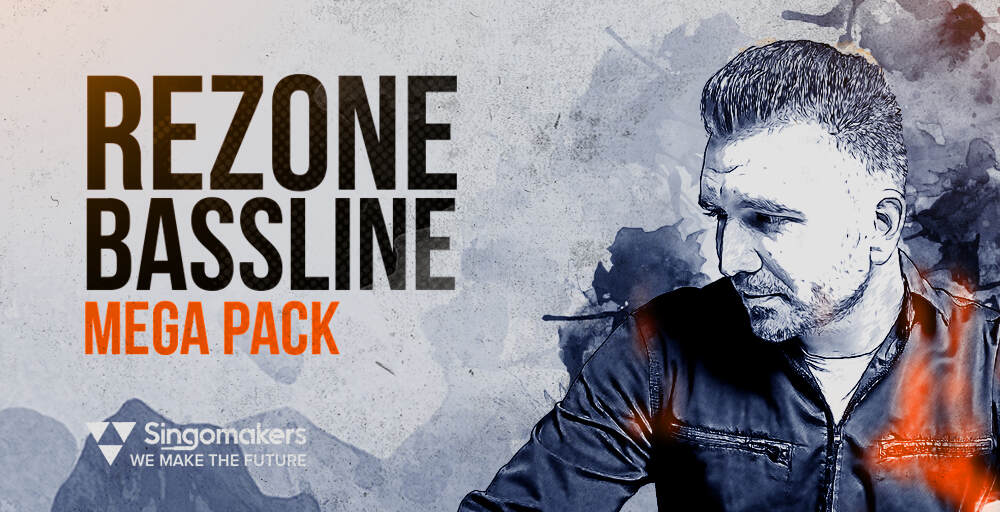
Singomakers are very proud to present a new volume of Artist Series! Now they are back with an amazing Bassline sample pack from label’s founder - REZONE, an artist who is standing behind many ghost-produced tracks for artists on Spinnin, Confession, Dirtybird, Night Bass, Orient Records, Monstercat, IN / ROTATION and many more!
REZONE has released his own tracks on Ultra Music, Mixmash, Armada, CR2 Records, Toolroom, Unreleased Digital and his music has been played by Pete Tong, David Guetta, Axwell, Tiesto, Hardwell, Joachim Garraud, Dannic, Benny Benassi and many more!
Inspired by the sound of artists like Joyride, Valentino Khan, BYOR, Habstrakt, Malaa, Felguk, Tchami, Brohug, Wax Motif Drezo, and labels like OWSLA, Confession, Monstercat, Musical Freedom, Spinnin Records, Night Bass, Box Of Cats, Mad Decent and more.
Don’t forget that all samples from Singomakers are 100% royalty-free and you can use them in your own tracks and release on labels. Also, you’re free to use it for commercials Ads, youtube, radio and more!
Grab your copy of Rezone Bassline Mega Pack. You won’t regret it!
Features
- 1.48 GB
- 24-bit samples at 125 BPM
- 120 Drum Loops (60 Full, 60 Top)
- 63 Bass Loops
- 101 Genre Serum Patches with Macro Controls (you may hear some of the sounds from those A-List ghost-produced tracks)
- 38 Synth Loops
- 101 MIDI Files (very important - all MIDI files are for the corresponding Serum Patches, Bass and Synth Wav Loops!!)
- 238 One Shots (incl. 40 Kicks, 63 Bass Shots, 38 Synth Shots, 30 Claps & Snares, 30 HiHats, 32 Percussions and 5 Crashes)
- 15 Bonus Loops from Audio Demo
- 266 REX2 Files
- 55 Sound FX
- 4 Track Starters (Construction Kits with Wav, MIDI, Synth Patches and One-Shots)
- 30 Vocal Chops
- 8 Sampler Patches (incl. 5 Drum Kits, 1 FX Kit, 1 Bass Shot Kit, 1 Synth Shot Kit)
- Promo & Discount Folder and UNLIMITED INSPIRATION!
System Requirements
- Xfer Records Serum
- Native Instruments Massive 1.3 or higher
- Ableton Live 8.2 +
- Cubase
- Reason 4 +


