Log In
Free gifts available with your purchase
Please note: These presets are compatible with Serum v1 and v2
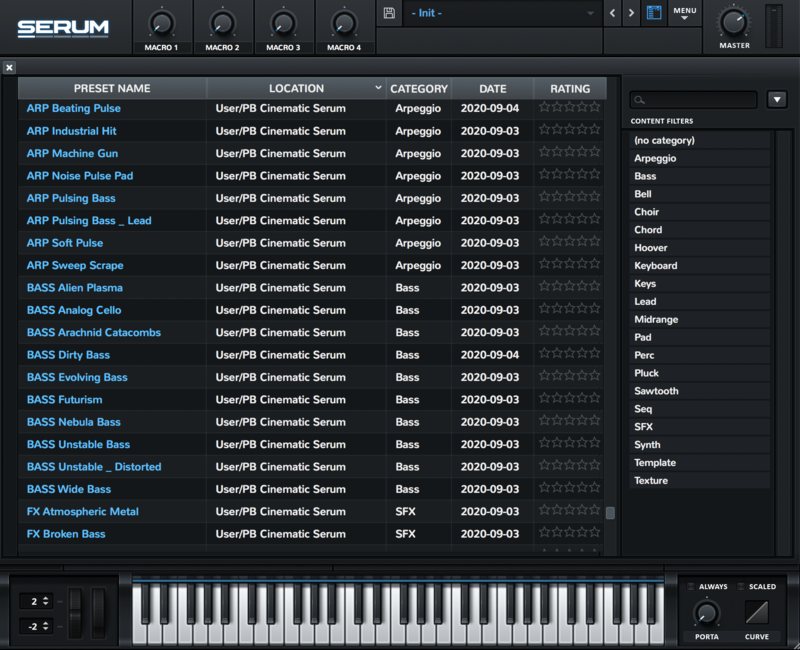
Introducing Serum Expansion Pack: Chill Hop Lo-Fi, a complete selection of patches for creating all kinds of lo-fi chilled hip hop sounds with Serum.
This pack of 64 presets will take you into the land of warm coffee, cosy pillows and home-sweet-home warmth. You’ll find smooth leads, FM pianos, organs, dreamy bells and pads, springy plucks, lo-fi drums and in-style FX like vinyl, tape, radio and even rain and sounds of a distant storm. Just what you need to bring a soothing touch to your productions.
Evoke hazy summers and sun-soaked studio sessions with the Chill Hop Lo-Fi expansion and take your copy of Serum to some hitherto unknown places. For anyone seeking those wonky, nostalgia tipped flavours that are very much the order of the day this pack has it all.
Masterfully crafted by Adam Pietruszko (knobz.net) to use right out-of-the-box with mod wheel and macro assignments for quick shaping.
Features
- 64 presets for Xfer Records Serum
- 4 Atmospheres
- 2 Bells
- 1 Brass
- 8 Basses
- 2 Chords
- 5 Drums
- 4 FX
- 6 Keys
- 9 Leads
- 5 Mallets
- 2 Organs
- 7 Pads
- 4 Plucks
- 1 Sequence
- 3 Strings
- 1 Woodwind
System Requirements
- The latest version of Xfer Records Serum