


 Log In

Free gifts available with your purchase

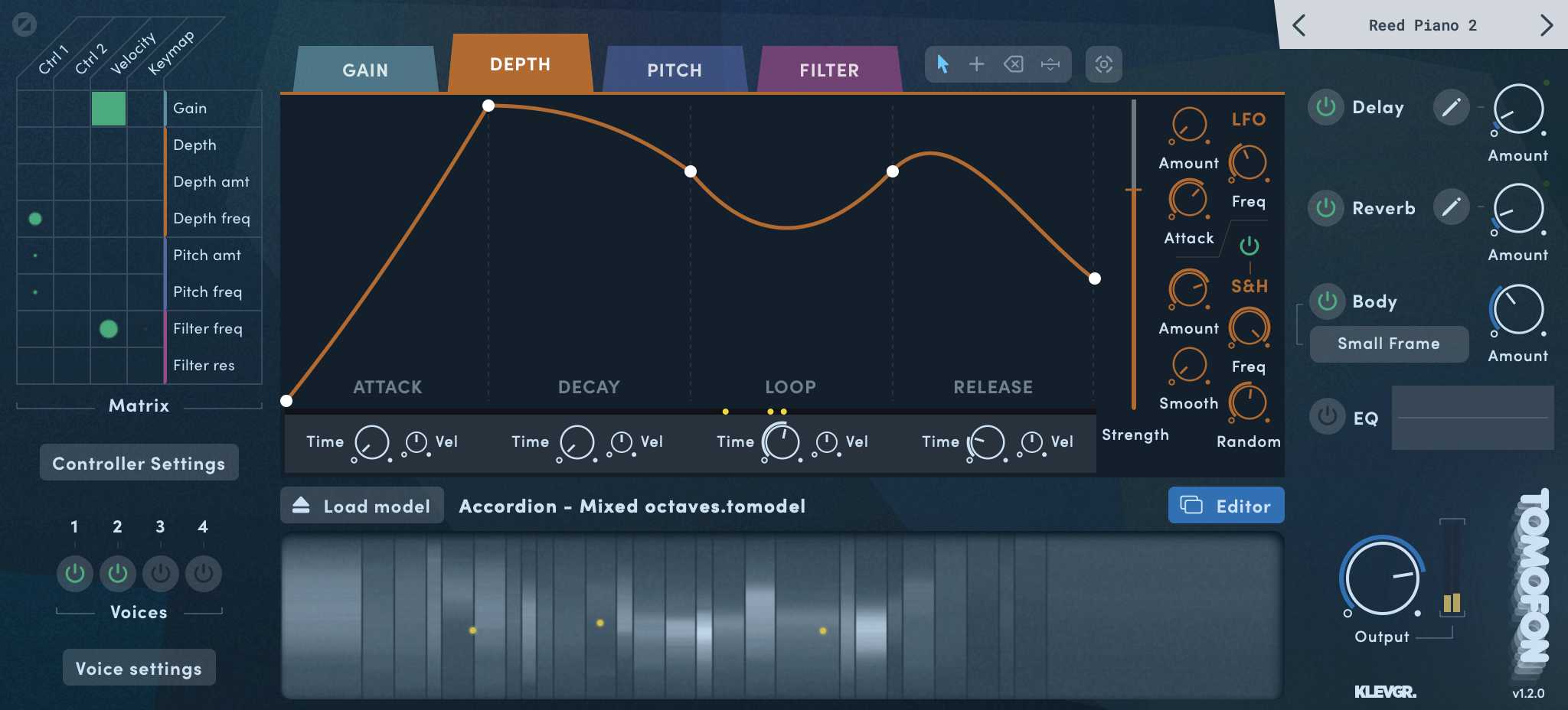
Tomofon is a groundbreaking new synth from Klevgrand. This virtual instrument is using a new innovative ”Audio Model” format with a unique capability to process very large volumes of waves, extracted from real audio. Whether you want to play around with the included Audio Model Starter Pack (instruments & voices) and presets, or import your own audio to shape your own unique soundscapes – it is fair to say that you are in for a creative journey.
There Are Already Lots Of Synths And Samplers Around, So Why This?
Simply put, Tomofon is not a sampler. It is a musical instrument in its own right and doesn’t necessarily aim to imitate real instruments or voices. Tomofon introduces a new "Audio Model” format where the generated sounds are seamlessly morphed between different layers and sections of a massive amount of real audio waves. This gives an instantly playable synthesizer that can sound very organic, but also like something out of this world. The possibilities of changing the character of the sounds are so vast and multi-layered that it will add a new extra dimension to your music production.
How Does It Work?
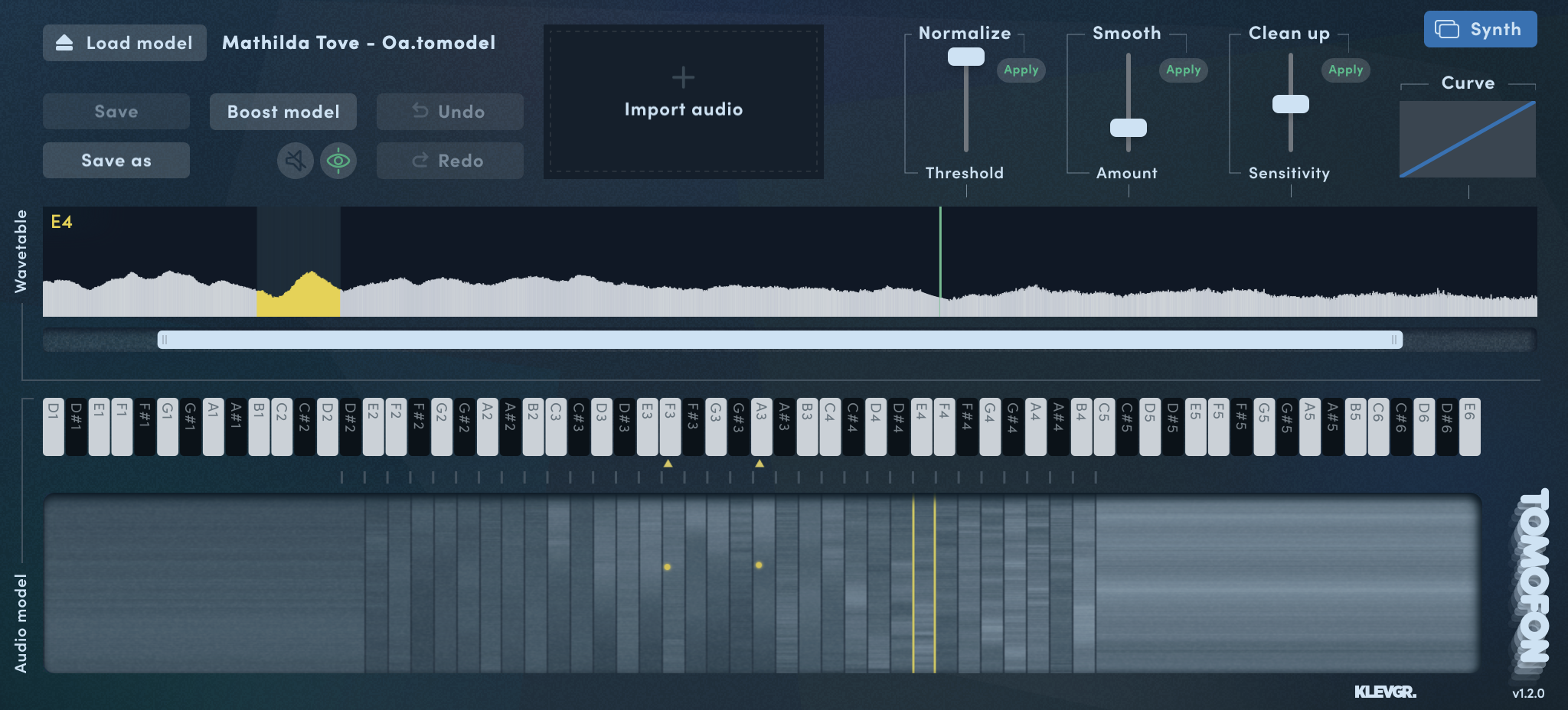
Tomofon converts audio files into a large set of oscillating waves, which are then mapped into pitch zones where each wave represents one layer (a bit similar to how a sampler structures different velocity zones). The main difference is that since each zone is populated with waves instead of ordinary samples, the synth engine can morph between them (both layers and zones). This makes all transitions between zones and layers continuous and seamless. The structure containing these organized wavetables is called an Audio Model and gives Tomofon its dynamic properties and characteristic sound.
Create And Share Your Own Unique Sounds
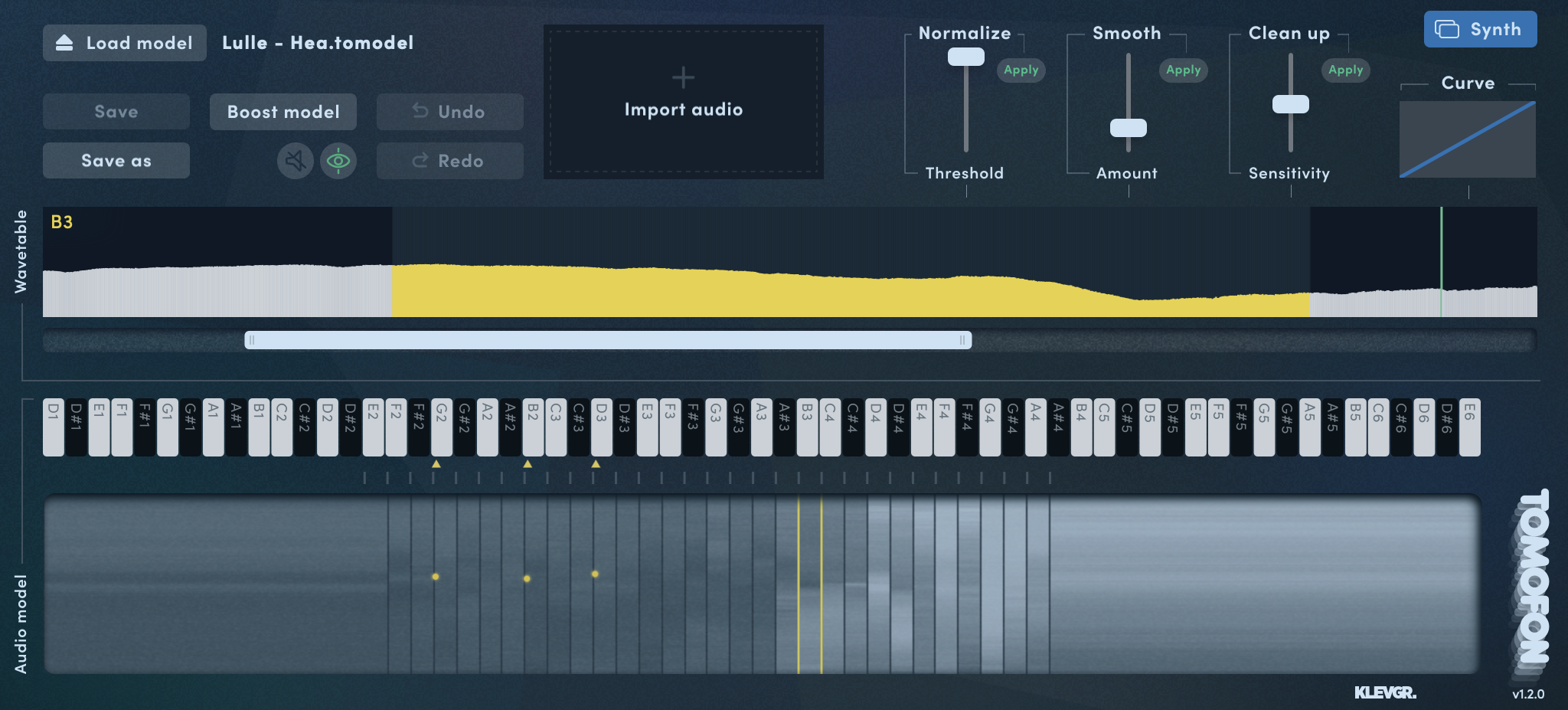
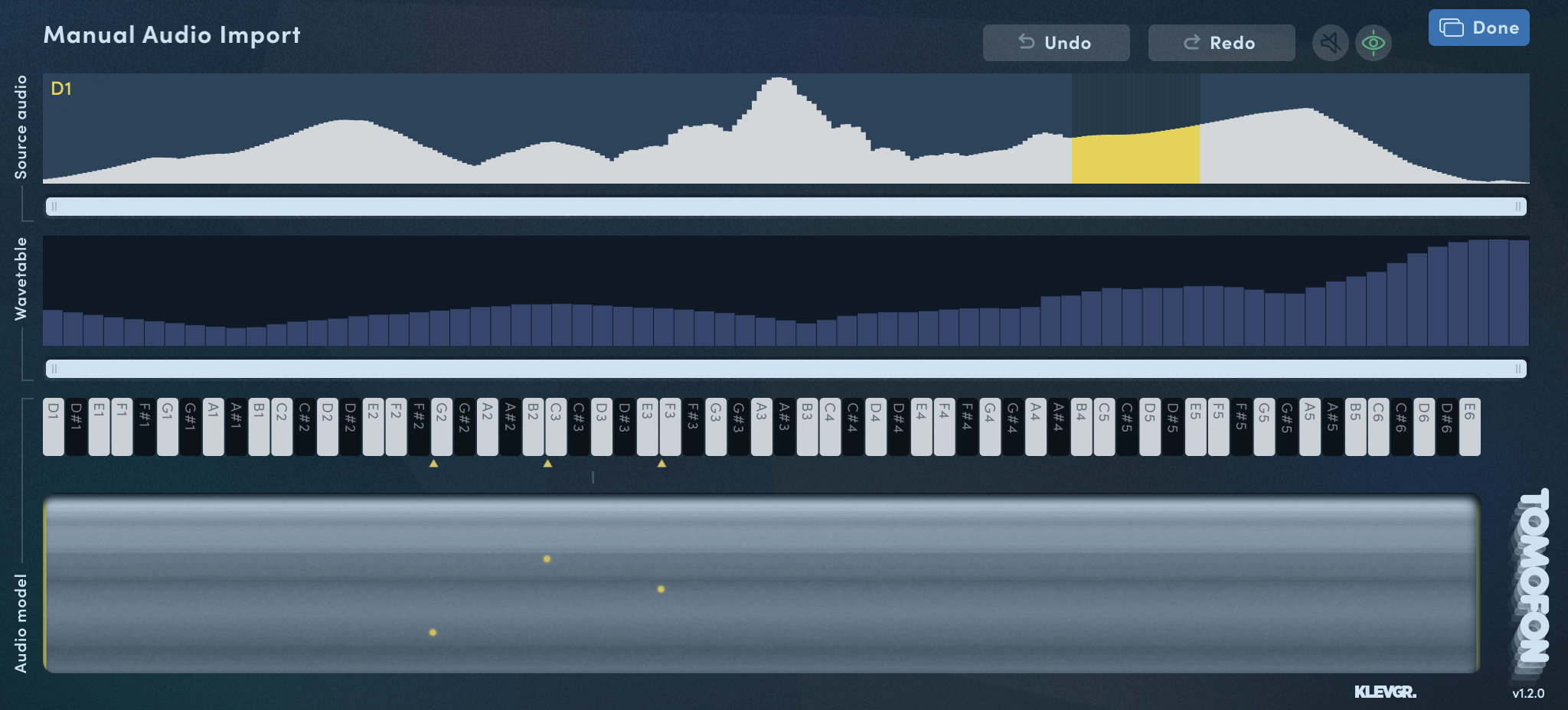
A significant feature of this plug-in is that users can import their own audio files and create new and unique Audio Models. Ordinary audio files (preferably with monophonic content) can easily be imported and distributed into different pitch zones over the keyboard range, either automatically or manually. Doing an automatic import is basically a one-click process that instantly results in a proper playable Audio Model. A manual import gives the user full control of which waves should end up in which pitch zone. Last but not least you can easily share your own created Audio Models with others.
Included In Tomofon v1.2
Tomofon comes pre-loaded with a pack of 124 Audio Models. Included with your download is also over 180 presets to choose from, to get you going right away. From there on you can venture further and experiment with the existing Audio Models, or start using the built-in editor of the plug-in, importing your own sounds to shape and deconstruct. More instruments (Audio Model Packs and presets) will be added by Klevgrand in the future. Now compatible with MPE.
Keep your eyes open for upcoming releases – the Tomofonia has just begun!
Features
The synth engine is packed with features that emphasizes the musical and audible possibilities of how to play back an Audio Model. Everything is displayed in an intuitive manner that supports a musical workflow.
Pitch and (layer) depth envelopes that can be edited by the user
- 124 instruments
- Over 180 presets
- Envelope times can separately be controlled via MIDI velocity
- Several LFO’s (including Sample and Hold with randomness)
- Modulation matrix (2 x MIDI CC, Velocity and Keymap)
- Monophonic playback with separate glide times for pitch and velocity
- Polyphonic legato playback where started notes syncs envelopes with currently playing ones
- Up to 4 doubling voices with separate pitch, pan and level
- Expanded filter with modulation possibilities
- Post Reverb, Delay and EQ
- MPE compatibility
- Ability to assign a "body" to each patch
- Import .tun files to utilise custom tunings
System Requirements
- Requires macOS 10.10 or later (optimized for the M1 processor),
- Windows 7 (SP1) or later,
- AU, VST3 or AAX compatible 64-bit host.

























Reviews Summary
While it aims to provide a helpful overview, it may not capture every perspective or detail. We encourage you to read individual reviews to make an informed decision.
Reviewers praise this synth and sampler hybrid as a unique, powerful, and versatile tool for experimental sound design, textures, and music production. While some note a slight learning curve and request minor additions like an init preset or extra features, users overwhelmingly agree that it truly shines when loading custom samples, offering endless creative possibilities and exceptional value.


