


 Log In

Free gifts available with your purchase

A Mesmerising Development in Synthesis
Pushing the boundaries of technology and synthesis, KULT delivers fascinating, unique synth sounds. From warm to cold, from soft to hard, from familiar to alien, from vintage to futuristic: it’s alive.
Strangely Attractive
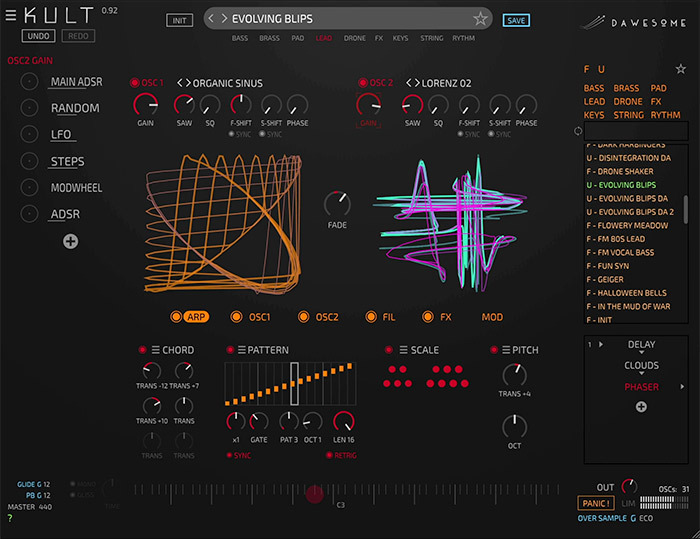
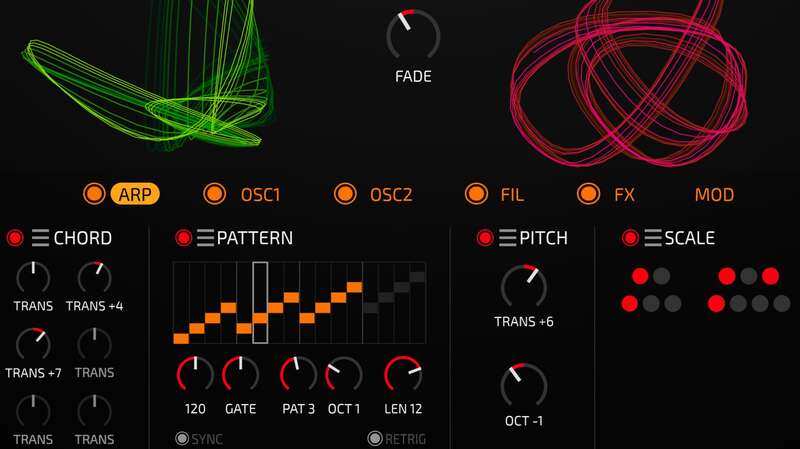
Two hearts are found beating in the chest of KULT. These independent and immensely powerful oscillators are based on the mathematical theory of chaos and named “Strange Attractors” - there are more than 30 models to choose from, ranging from classical waveforms to chaotic sculptures. Innovative sound shaping options allow for organic overtones - a paradise for west-coast Buchla-style synthesis enthusiasts.
The Geometric Beauty of Sound
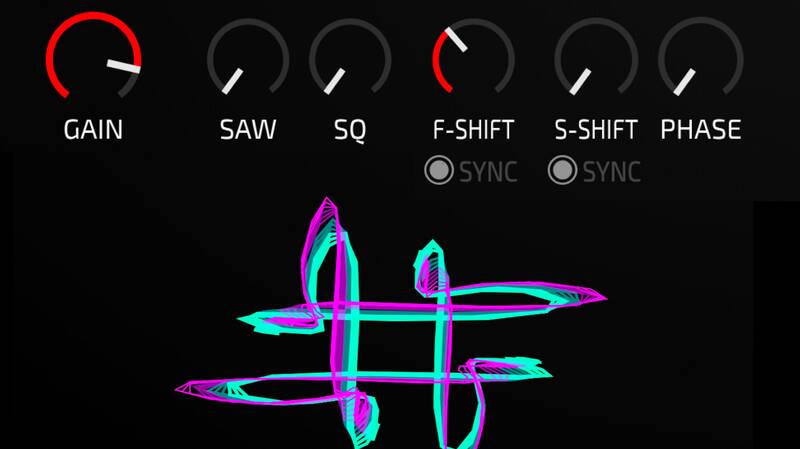
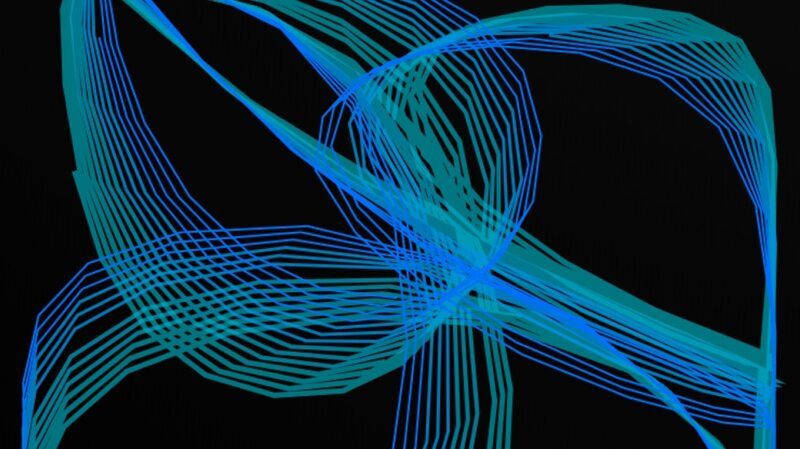
The sound engine of KULT represents and sculpts sound as curves in a 2D space - this innovative approach to synthesis allows unprecedented possibilities to shape the sound. The real magic when designing sounds comes from the mesmerizing visual feedback. Ever struggled to really understand FM synthesis? Try it in KULT and you will be enlightened!
Bringing the best of Classical Synthesis
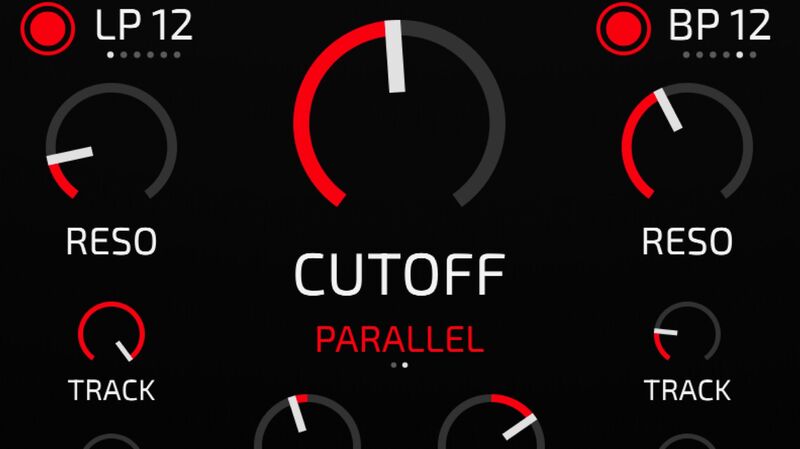
The unique OSCs in KULT can create a vast range of sonic timbres. Their sound can be further shaped with intuitive FM and AM synthesis and interact beautifully with natural, organic sources. The expanded filter section features a formant filter per voice, two comb filters that are driven by a distortion stage, and an analog filter with two coupled stages.
Get in tune with the Magic
Allow yourself to be enchanted by KULT and immerse yourself in its possibilities. - it is exactly the kind of satisfying instrument that gives you the fresh inspiration you and your music deserve.
The Mad Genius Behind KULT
Peter (aka Dawesome) has gained wide reputation with his innovative instruments Abyss and Novum, which took the world by storm. Being a musician himself (playing the Bassoon and the Contrabassoon) he is true innovator in the area of synthesis methods. Peter believes that drawing inspiration from visual art can only benefit composition and sound design. His mission is to create a new generation of emotive tools that inspire, make you think differently and set a foundation for telling your musical stories.

Features
- Two unique oscillators with innovative sound-shaping parameters
- More than 30 oscillator models to choose from
- FM synthesis (Frequency modulation)
- AM synthesis (Amplitude modulation)
- Complex filter section with Formant Filter, 2x Comb Filter and 2x Analog Filter
- Creative arpeggiator
- Full MPE support
- Powerful and intuitive modulation system
System Requirements
Mac
- macOS 10.13 or Later
- 64-bit Intel or Apple Silicon
- AAX / AU / VST3
Windows
- Windows 10, 11
- 64-bit
- AAX / VST3




















