


 Log In

Free gifts available with your purchase

Add a Touch of the Classic: VirtualCZ
Plugin Boutique Present VirtualCZ - Inspired by an Iconic Series of Digital Synthesizers Made in the 1980s
About the Synth
Many artists still use the CZ today for its unique sounds, including great pads and synth strings, screaming leads, big basses, weird FX, metallic percussion and above all RAVE ORGANS. Like many timeless synths, it has a unique sonic quality and will be a beneficial addition to anyone's synth collection.
For the First Time User: Faithful Emulation and Great New Sounds
If you are new to the CZ you'll find that VirtualCZ delivers the same sound quality as its hardware predecessor, along with new features that bring its sound up to date.
- As with its hardware inspiration, VirtualCZ uses Phase Distortion, which is similar to FM Synthesis but easier to program.
- Big stereo UNISON sounds (new feature!) - great for modern synth stabs.
- Familiar ADSR envelopes (or switch to 8 Stage MSEG for the purists!)
- 200 quality presets featuring both retro and modern sounds.
For the Experienced User: Amazing New Features with a Modern Workflow
If you are familiar with the CZ synths, we think you will find VirtualCZ faithfully emulates the sound of the hardware in both sound and feel, also offering some great new features.
- VirtualCZ mirrors the synthesis architecture of the original.
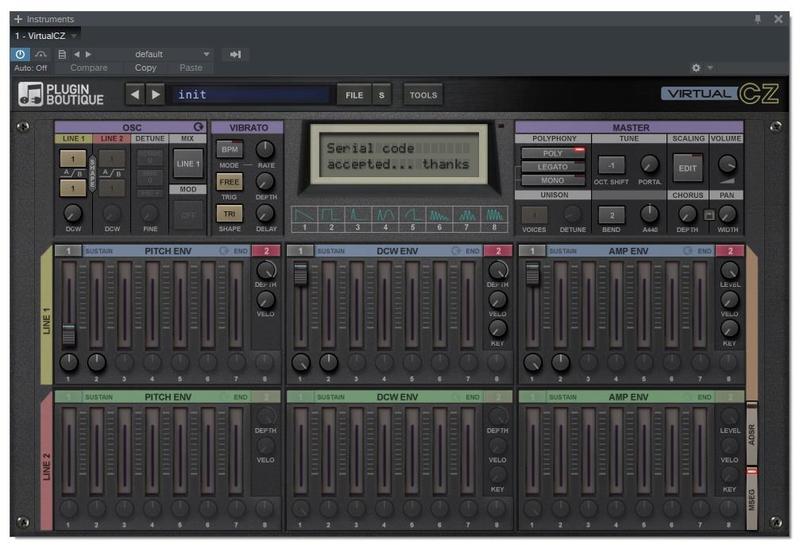
- All key synthesis functions are on the front panel, with graphic envelope displays - no more menus!
- It can load and transmit CZ patches (it functions as a sysex editor for the hardware).
Powerful CZ-Style 8-Stage MSEG Envelope Control with Graphical Display

Easy-to-Use ADSR Envelope Control with Graphical Display

New Effects Including Stereo Panning, up to 8 Voice Unison and 2 Vintage Chorus Algorithms for Creating Rich Detuned Pads and Fat Dirty CZ Basses!

Works as a SysEx Editor/Librarian for all CZ Hardware as well as an Emulation

Features
- Recreates the unique synthesis engine of the CZ synths
- Works as a SYSEX editor/librarian for all CZ hardware as well as an emulation.(it models the flagship CZ-1, but is also compatible with the CZ-101, CZ-1000, CZ-3000 and CZ-5000)
- 2 CZ-style Phase Distortion oscillators per voice (each has 8 wave shapes, which can be different for alternate cycles)
- 6 loop-able envelope generators per voice (switchable between easy-to-use ADSR and powerful CZ-style 8-Stage MSEG modes)
- Tempo sync-able LFO for vibrato, with 7 shapes
- Ring Modulation and Noise Modulation
- 32 voice polyphonic/mono/legato modes
- Unison and detuning effects
- Stereo panning effects
- Microtonal tuning support
- Vintage stereo chorus/ensemble effect (2 different algorithms)
- Randomization of parameters
- Easy to use interface (all key synthesis functions accessible on the front panel)
- Includes over 200 high quality presets plus ability to load thousands of CZ patches online
- Presets come in multiple formats: fxp/aupreset/vstpreset/tfx
- Import/export presets for all plugin formats
- Optional cross-format preset browser
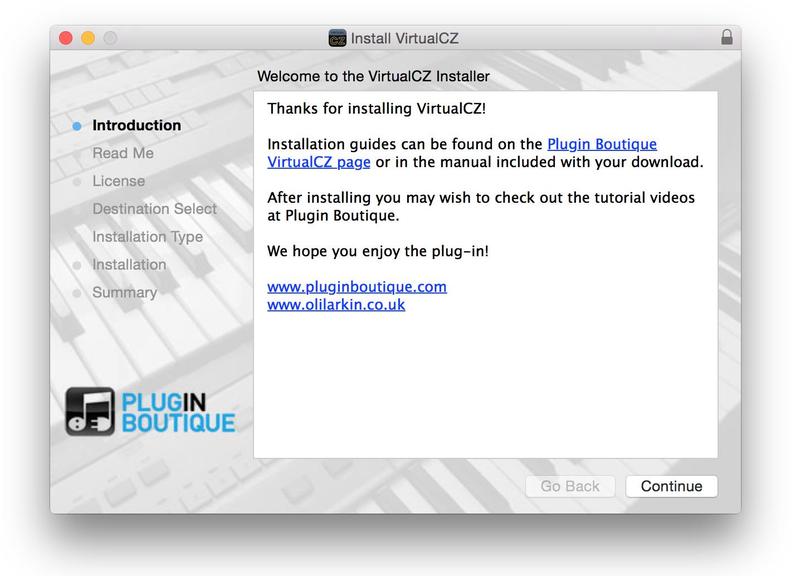
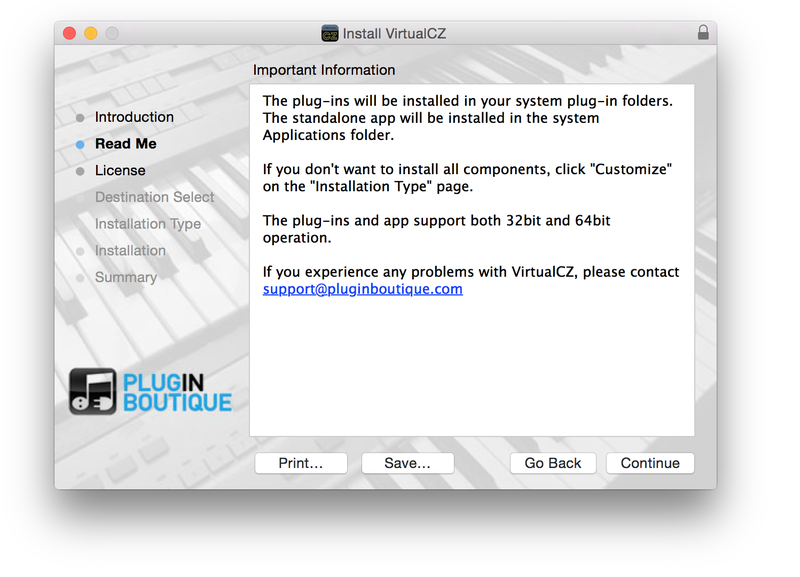
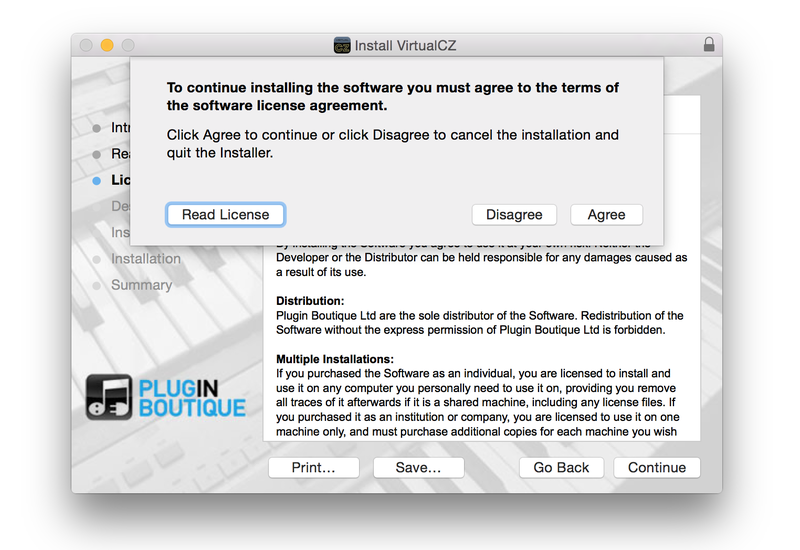
- Available for Mac and PC in VST2, VST3, AU and AAX plug-in formats plus standalone app
Preset Designers:
- Oli Larkin
- Don Solaris,
- Scott AbstractCats
VirtualCZ Expansion Packs Available!
There is a great collection of bespoke, genre inspired Expansion Packs specifically designed and available for VirtualCZ!
System Requirements
Mac
- macOS 10.9 (Mavericks) or higher is required, along with a 64-bit host application
- Intel i5 or better CPU and 4GB ram recommended
- AU/VST - Apple Silicon M1 supported - VirtualCZ AAX is not Silicon compatible
Formats:
- AAX (ProTools 11.02 +)
- Audio Units (AU)
- VST2.4 and VST3
Windows
- Windows 7 or newer (32 and 64-bit)
- Intel i5 or better CPU and 4GB ram recommended
Formats:
- AAX (ProTools 10.36 + or ProTools 11.02 +)
- VST2.4 and VST3
Awards


Chris Carter
Throbbing Gristle, Chris & Cosey, Carter Tutti Void.
"I'm really enjoying VirtualCZ - absolutely amazing what you have done there. It’s like a trip back into the 80s… and it’s going to be used all over our next studio album for sure".
Graham Massey - 808 State
Legendary Acid House Producer.
"Anyone that grew up with 80s tech would know how often we would throw in a bit of CZ into the mix. It is great to have it back in a convenient plug in with a better layout including all the SysEx working".
Mike Huckaby
Tastemaker, Educator, Sound Designer, and Motor City Proponet. Mike Huckaby has done much for Detroit electronic music.
"Probably one of the most underrated synths out there. Finally, someone has realised its importance, and taken its features further than ever before".
Think of a poly synth that’s purely beautifully digital and shows with pride its condition… Think again… Now you’ve got it! The guys from Plugin Boutique have recreated this digital wonder from mid 80s, the Casio’s CZ series of synths with their VirtualCZ, and right now, I’m feeling ...
Read MoreIt’s modest in the world of soft synths - in keeping with the online store’s theme of simple-but-effective own-brand synths, it appears to be have been built with emerging producers in mind, and it’s here that it utterly excels. With styling and layout based on the original CZ hardware syn...
Read MoreAll classic synths deserve a software emulation. ARP, Moog, Prophet and now...er...Casio. Andy Jones sees (or Cz) why... I've interviewed many hundreds of musicians over the last two or three decades and each one of them has a favourite classic synth or three. The most common names are...
Read MoreCZ NEVER DIES... Once again a software developer provides us with a clone of cult acquaintances from the 80s - The Casio CZ... Casio CZ-1 in good company The CZ-series was once Casio's answer to the successful series of Yamaha DX. While Yamaha put on the FM synthesis which lat...
Read MoreMusicTech Magazine have awarded their prestigious Platinum Award to Plugin Boutique's VirtualCZ for Best Software Synthesizer 2014! VirtualCZ is a real gem of a synth in a world that has become obsessed with analogue. A must-buy to increase your sonic palette! (MusicTech Magazine) ...
Read MoreThe Casio CZ line of synthesizers had a great sound in the 1980s. Our reviewer checks out VirtualCZ, and it puts a new spin on the classic sounds from yesterday. by Rob Mitchell, Jan. 2015 Back in the late 1980’s, I remember getting my first synthesizer to use with my At...
Read More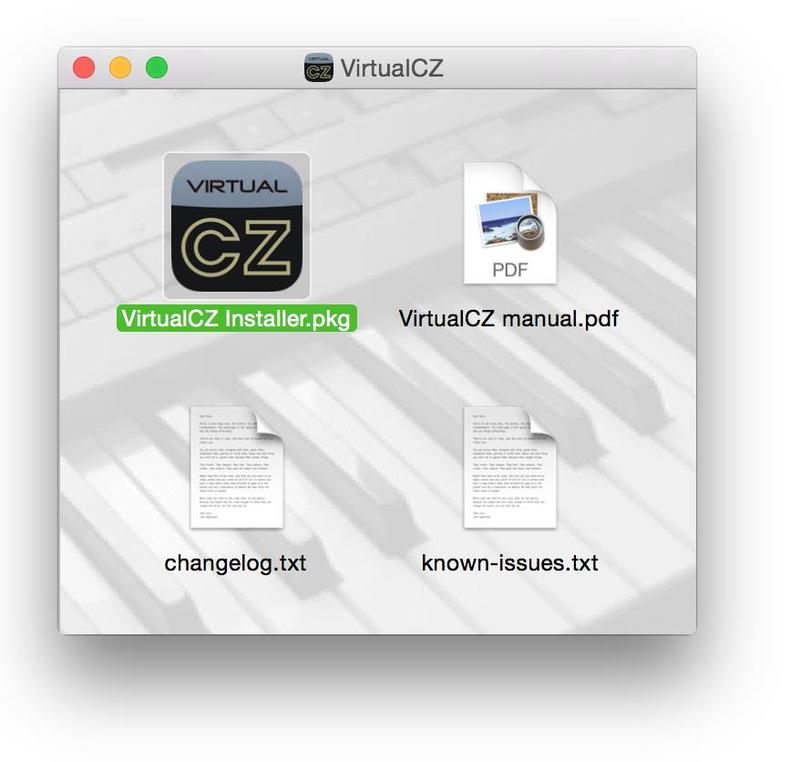
Reviews Summary
While it aims to provide a helpful overview, it may not capture every perspective or detail. We encourage you to read individual reviews to make an informed decision.
Reviewers widely praise this plugin as an authentic, great-sounding, and nostalgic Casio CZ emulation that is easy to program compared to the original hardware, offering excellent presets and value for the price. The primary drawback mentioned by multiple users is the non-resizable user interface, which makes it very small and difficult to read on modern high-resolution monitors.


