


 Log In

Free gifts available with your purchase
Minimonsta2 - Boldly Going Where No Mini Has Gone Before
When GForce first released it, the original Minimonsta gained heavy praise from fans and critics alike for providing an extraordinarily accurate sonic replication of the legendary Model D®.
But it went much further, augmenting the simplicity of the original design with a host of new features that allowed the deeply familiar tones to be pushed into previously unexplored sonic realms.
Minimonsta2 retains the fundamental architecture at the heart of its predecessor, but builds on this in ways that extend its sonic and musical capabilities into a uniquely deep & musical instrument and sets it apart from other Mini.
New In Minimonsta2
- a new fully resizable UI,
- an improved audio engine,
- a powerful new Preset Browser,
- over 300 new presets,
- a new Reverb effect,
- a Vintage control for adding subtle analogue imperfections,
- four programmable Macros,
- selectable 4-stage envelopes,
- an alternative bass-preserving ladder filter,
- PWM for OSC1 and much more.
These powerful new features give Minimonsta2 an authentic experience that’s designed for the modern setup.
[Mini]monsta
True to the original Model D®, the heart of Minimonsta2 provides the full original feature set with precise waveforms, a beautifully accurate resonant filter, snappy ADS envelope generators and the wonderful Mini loop-feedback function.
Using just these classic parameters, Minimonsta2 has a huge tonal palette that ranges from fat to fierce, and searing to sizzling. However, there’s so much more here, as a plethora of additions turn a beautifully realised Mini into a truly unique Monsta.
[Monsta]mini
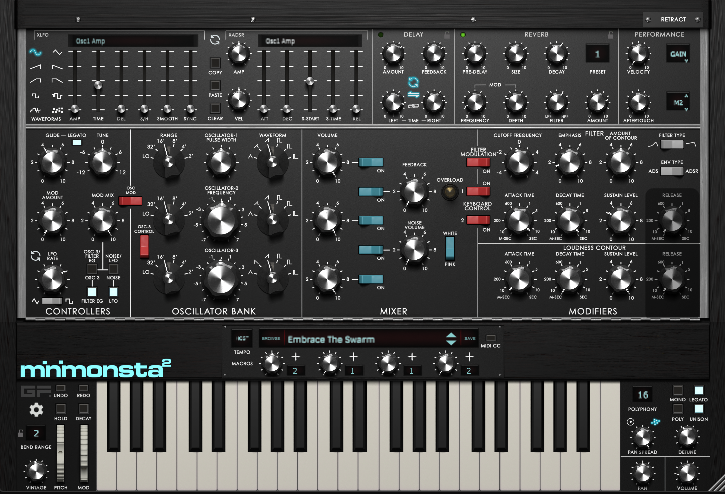
Using GForce's unique X-Modifier technology, the scope of sound modulation possibilities is immense. An intuitive X-LFO and X-ADSR section provides you with the ability to create extensive modulations of almost every parameter, allowing you to create hugely complex, yet musical, sounds.
First click on the knob for the synth parameter that you wish to modulate, you’ll see blue selection corners surround the slider or knob to indicate it is the target for the X-LFO and X-ADSR. Then apply an X-LFO amount via the X-LFO Amp slider and/or an X-ADSR amount via the Amp knob. You’ll see a blue glow surround the knob, as you turn up the amp values, it’ll glow more.
So, while the tone and character at the heart of the synth remains authentic to the original, the additional features turn it into a true sonic Monsta with no equivalent.
Inspiration At The Speed Of Sound
Minimonsta2 features GForce's new, highly flexible preset browser, giving you the power to organise your sounds in a way that suits your workflow. With extensive tagging, sorting and search possibilities, it’s now quick and easy to find the presets you want. Talking of presets, GForce have got them by the bucketload.
They’ve included more than 300+ brand new production-ready presets. You can also access 500 legacy presets, which have all been categorised and tagged for easy navigation. With a total of over 800 presets, inspiration is just moments away.
Features
- Analog modelling of the legendary ‘Model D’
- [New] Fully-scalable UI
- [New] Powerful Preset Browser
- [New] Over 800 presets including 300+ new presets
- [New] Alternative bass-preserving ladder filter
- [New] Alternative 4-stage envelopes
- [New] Matrix Reverb effect
- [New] Vintage knob for authentic analog imperfections
- [New] Four programmable Macros for easy manipulation of sounds
- [New] Programmable Aftertouch and expanded Velocity controls for extra playability
- [New] Pulse Width Control & Modulation for VCO1.
- All original features including 3 oscillators and the famous 4-pole, 24dB/octave filter
- Monophonic, polyphonic, legato and unison trigger modes
- Vast modulation options via X-Modifiers
- Pan spread for wide stereo sounds
System Requirements
Mac
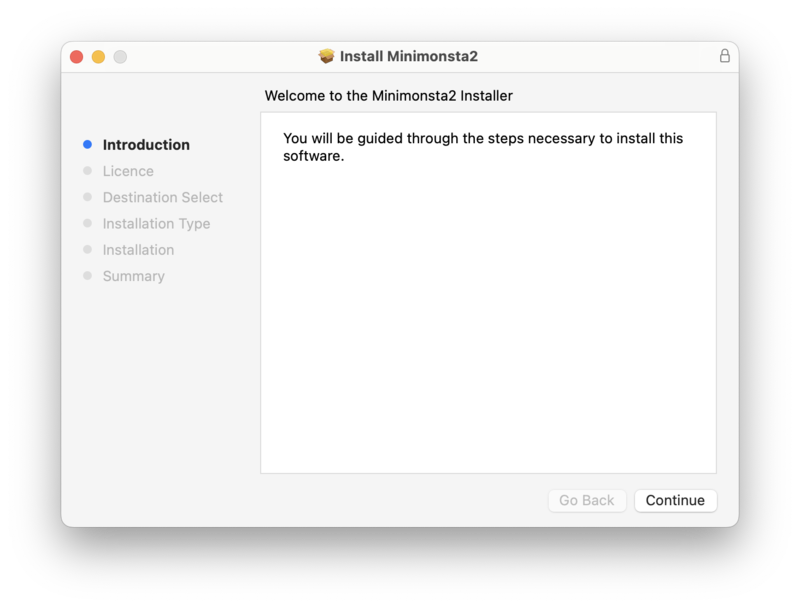
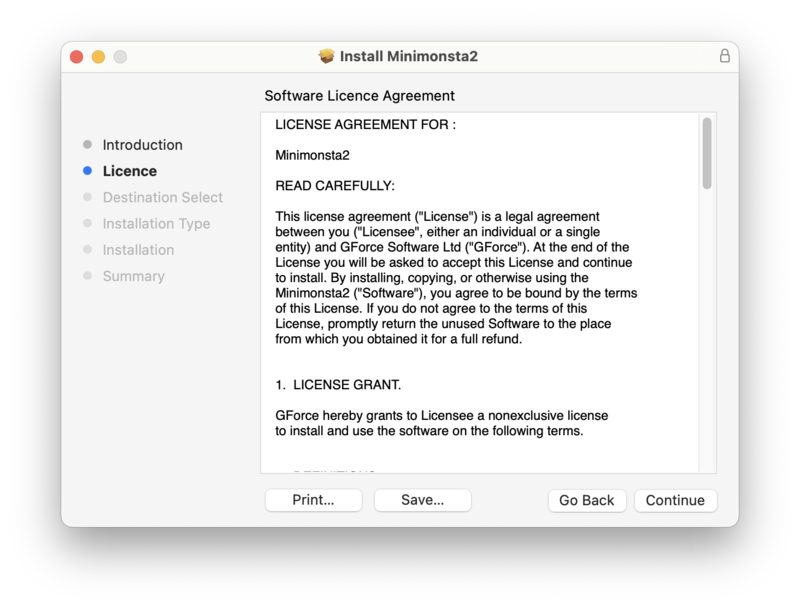
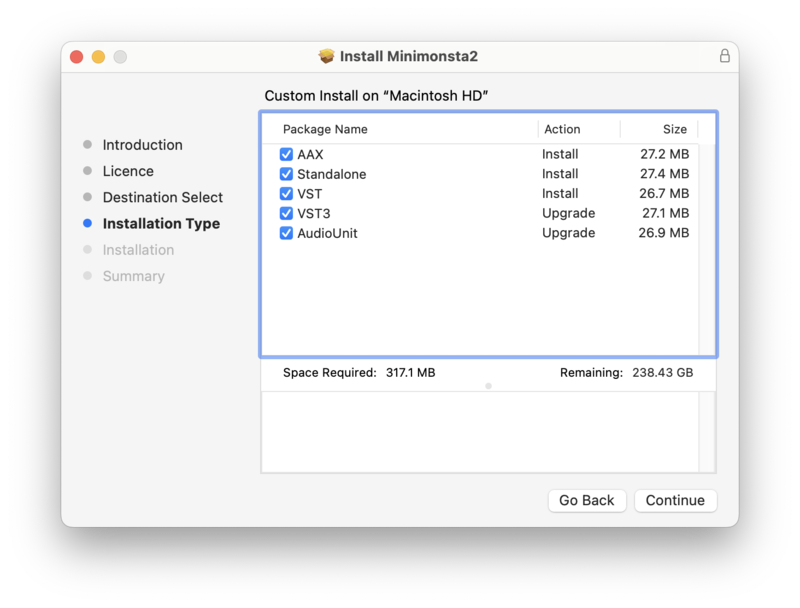
Minimonsta2 is a virtual instrument in the following formats:
- Intel & Apple Silicon Native.
- Standalone Application
- AudioUnit
- AAX
- VST2
- VST3
The Minimum System Requirements are as follows:
- Intel or Apple Silicon Mac
- macOS 10.13 or above
Windows
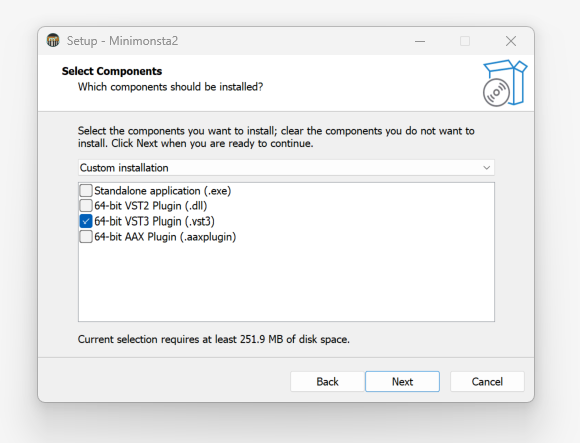
Minimonsta2 is a virtual instrument in the following formats:
- Standalone Application
- VST
- VST3
- AAX
The Minimum System Requirements are as follows:
- 2GHz CPU with 2GB RAM
- Windows 7 and above


Reviews Summary
While it aims to provide a helpful overview, it may not capture every perspective or detail. We encourage you to read individual reviews to make an informed decision.
This synthesizer is highly praised by users as an exceptional Moog Mini D clone, offering amazing sound quality, great bass, and over 800 highly usable presets that are easy to program.


