/ Synth / Orange Dreams 2 Lite
ZAK Sound

Orange Dreams 2 Lite

4.4 (46 Reviews)
FREE
Orange Dreams 2 Lite
Orange Dreams 2 | ZAK Sound gallery thumbnail
Orange Dreams 2 Lite - GUI
Orange Dreams 2 Lite - FX UI
Product information

Explore the world of chill beats with Orange Dreams 2 Lite, the free version that offers a taste of smooth lofi, hip hop, jazz hop, and chill hop vibes. Perfect for getting started, this version packs essential tools for your production, all at no cost.

Features

  • 22 Presets: A curated selection of sounds ranging from soothing melodies to nostalgic textures, providing a strong foundation for your tracks. 
  • 2 Samplers: Layer and combine sounds with two samplers for versatile sound design. 
  • 1 Filter: Sculpt your audio with a customizable filter, perfect for adding depth and character. 
  • Complete Effects Rack: Dive into the full vintage and lofi effects rack, featuring saturator, bit crusher, reverb, delay, and more to add a retro touch to your productions.

System Requirements

Windows

  • 4GB RAM
  • Windows 7 or higher (64-bit)
  • VST3-compatible DAW
  • 430MB of space

macOS

  • 4GB RAM
  • macOS 10.11 or higher
  • VST3 or AU-compatible DAW
  • Intel & Native Apple Silicon Support
  • 470MB of space
Installation Instructions
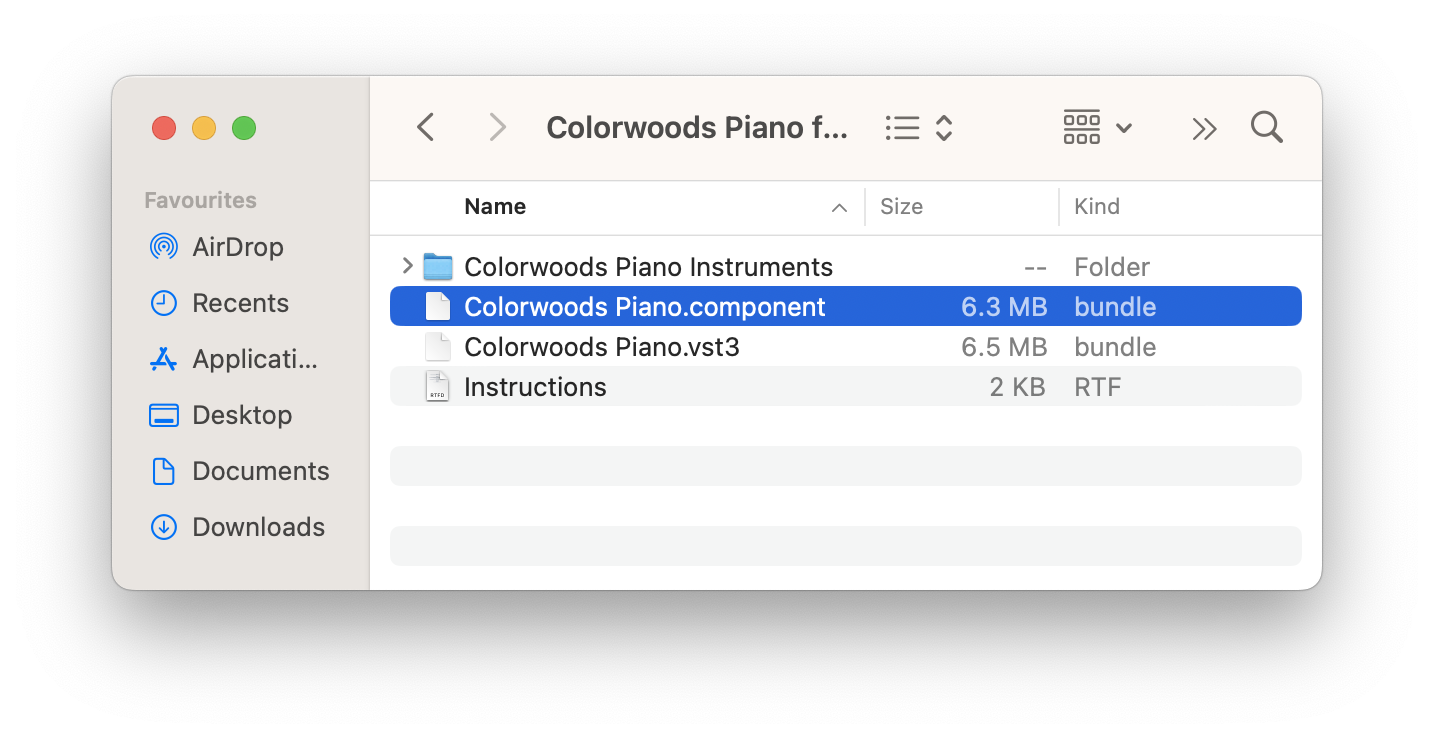
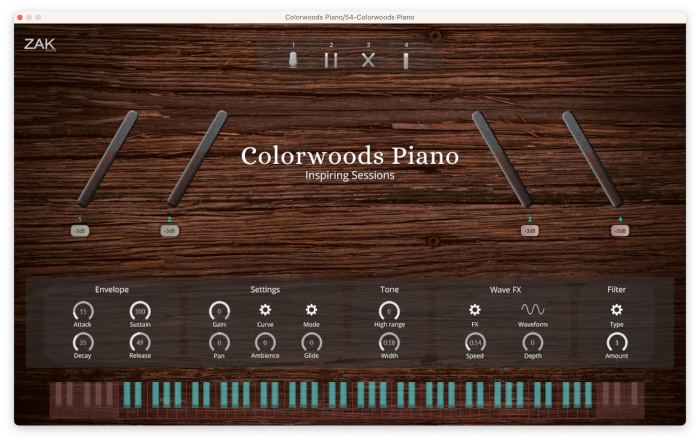
Please Note: Colorwoods Piano is used as the example

macOS

1. Download the .zip from your Plugin Boutique User Account

2. Extract the contents > open the folder

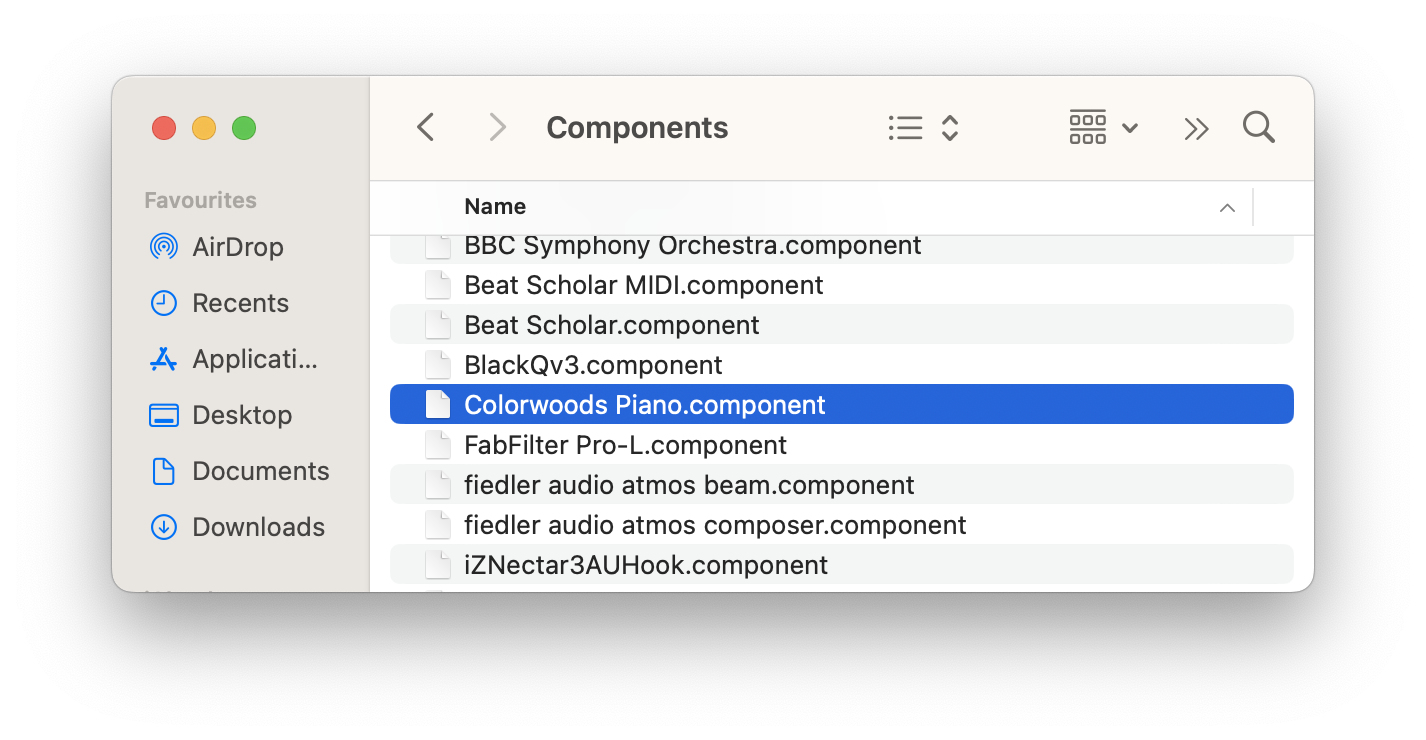
3. Select the .component file

4. Navigate to Library > Audio > Plug-Ins > Components 

5. Paste the Colorwoods Piano .component file to the Components folder 

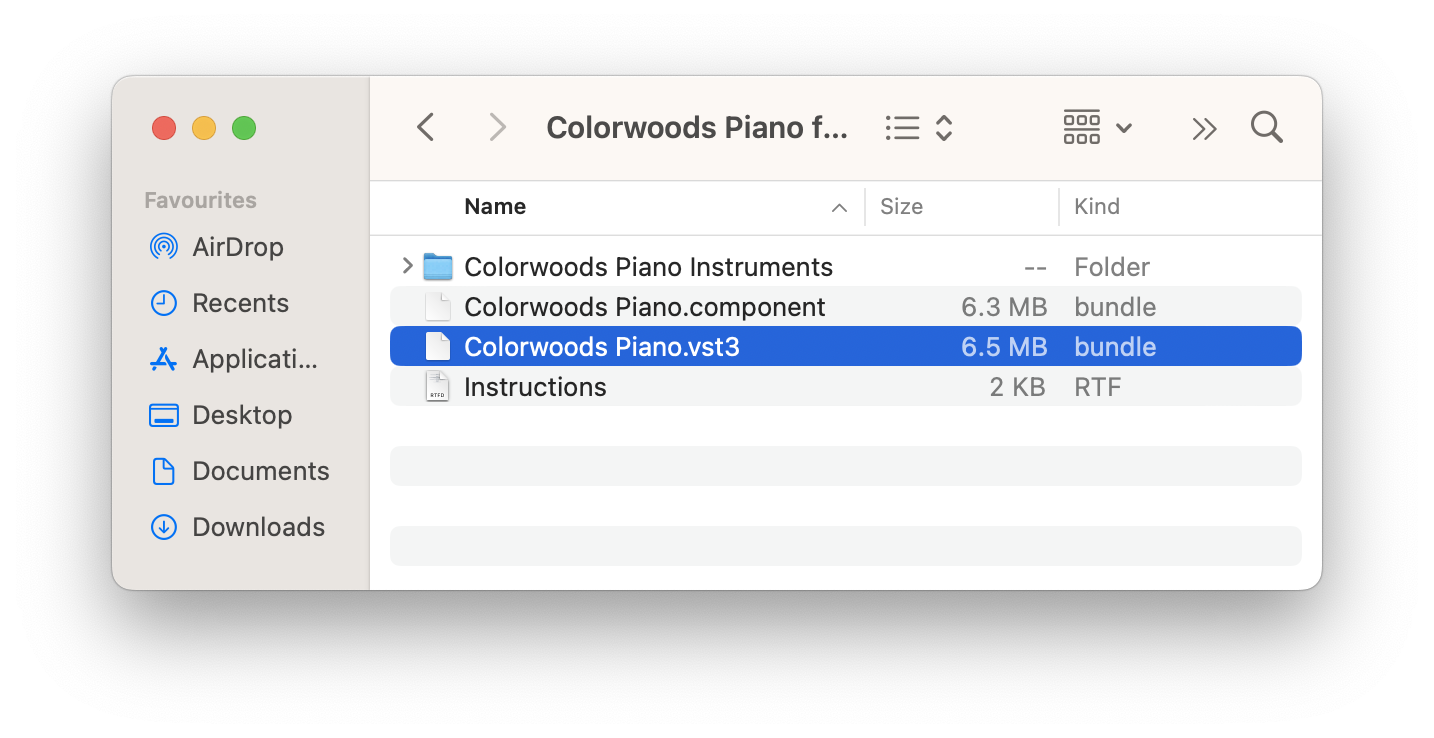
6. Return to the original Colorwoods Piano extracted folder

7. Select the .vst3 file 

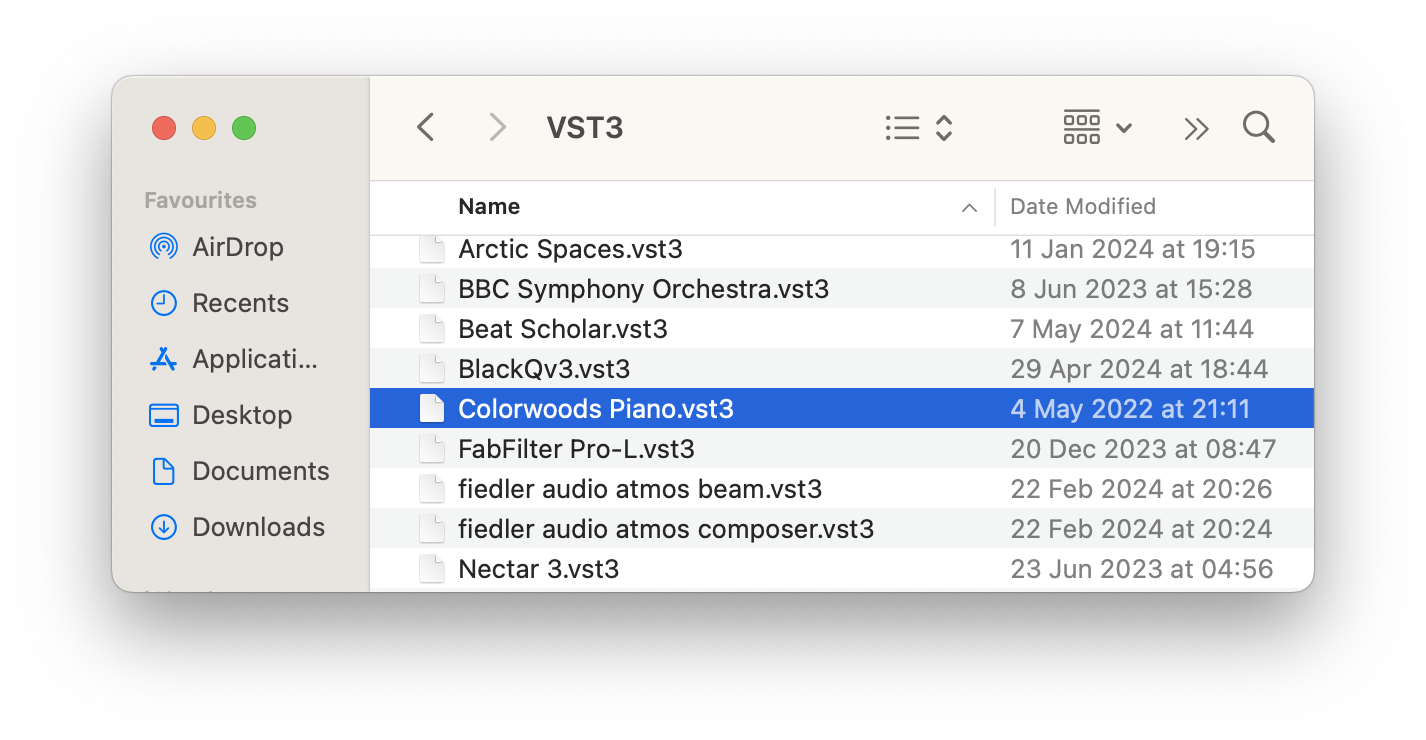
8. Navigate to Library > Audio > Plug-Ins > VST3 

8. Drag and drop the Colorwoods Piano .vst3 file to the VST3 folder 

9. Once this is complete, move the original Colorwoods Piano folder to any location on your computer or external hard drive- for example;

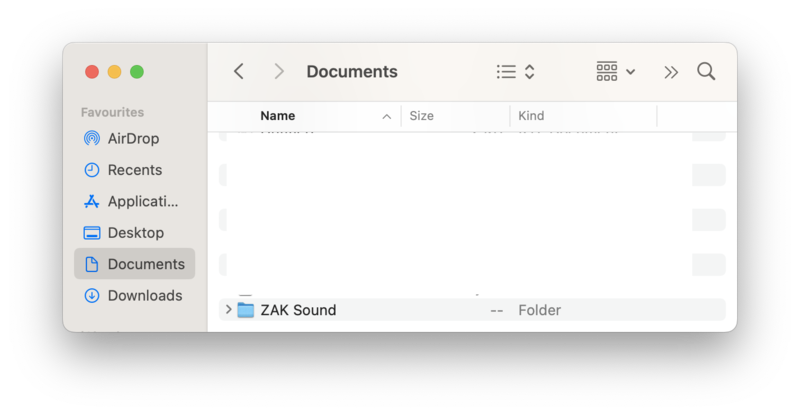
a) Navigate to Documents

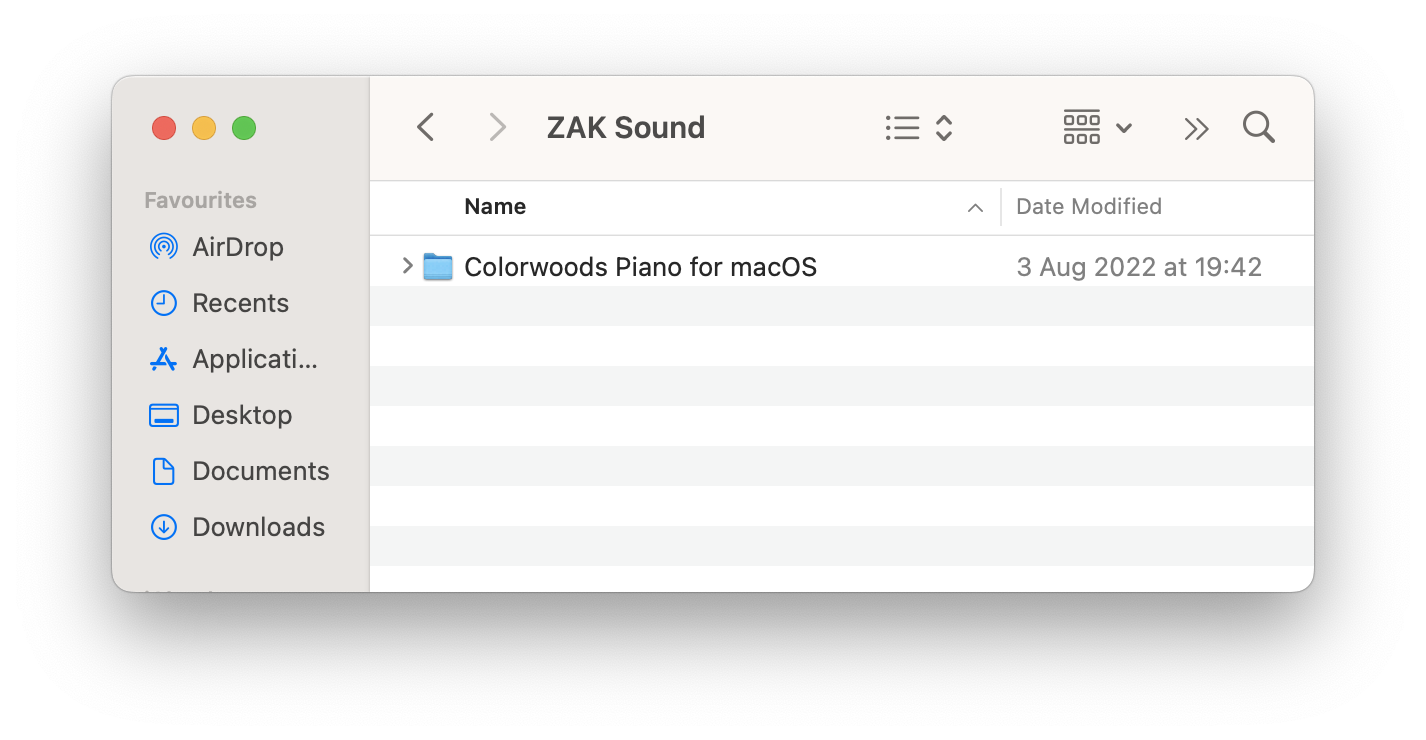
b) Create a new folder named ZAK Sound

c) Move the Colorwoods Piano folder to the new folder

10) Open your DAW > Rescan plugins if necessary 

11) Open Colorwoods Piano on a new track 

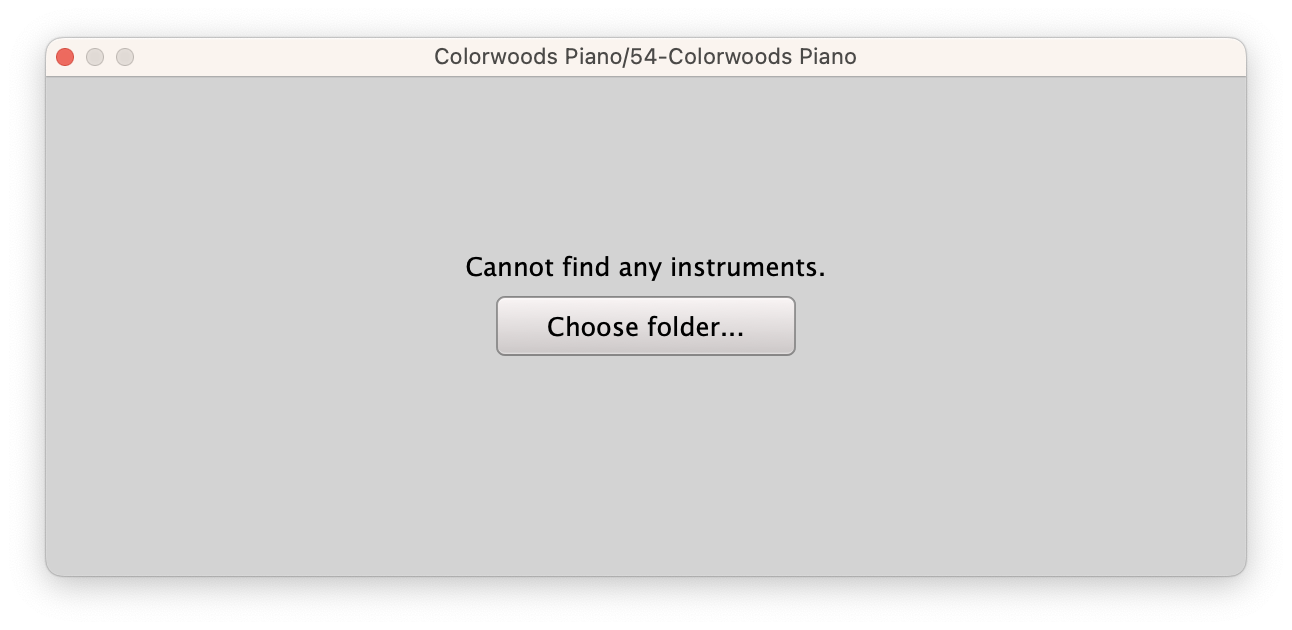
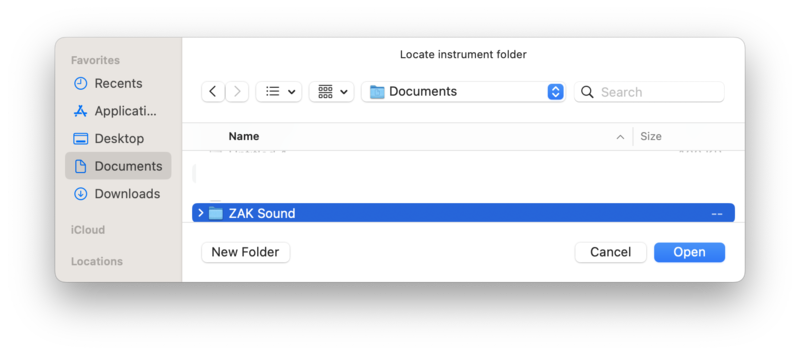
12) Select the folder you moved the Colorwoods Piano folder to in Step 9

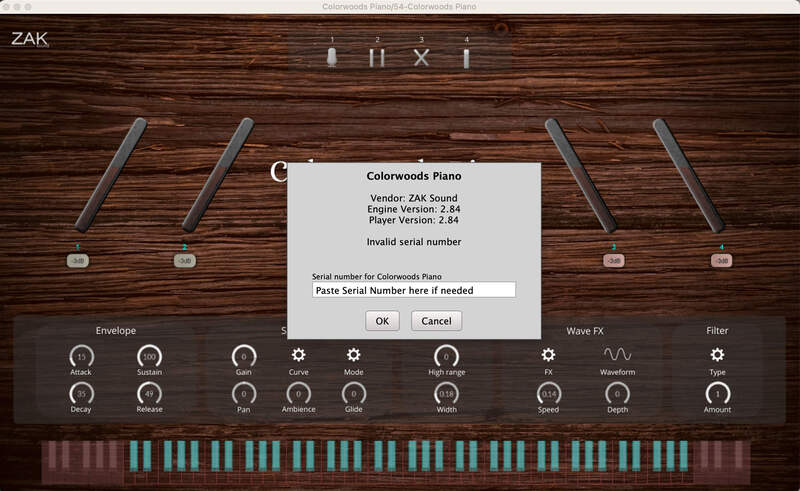
13) Enter the serial number found in your Plugin Boutique User Account

Your plugin is activated and ready for use! 

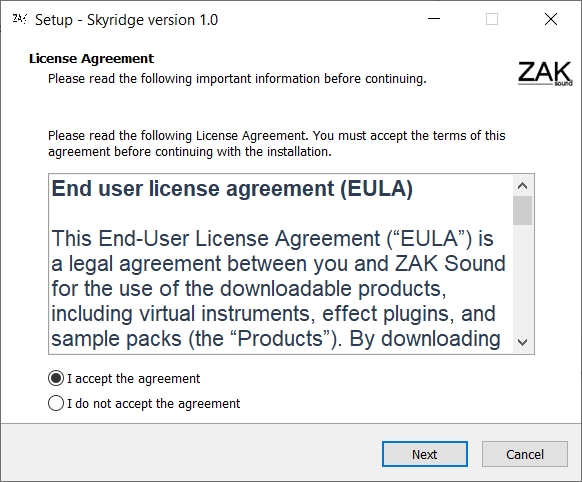
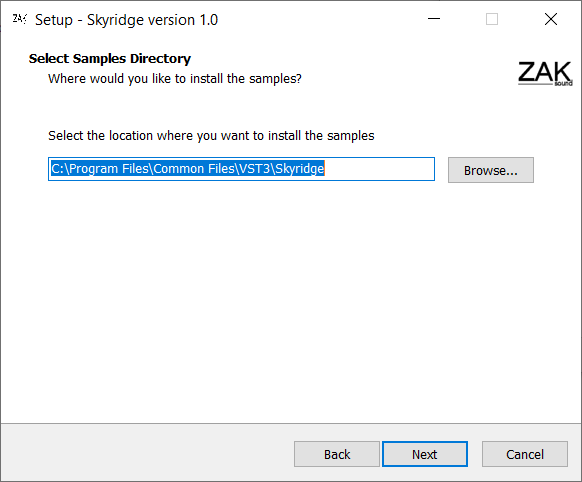
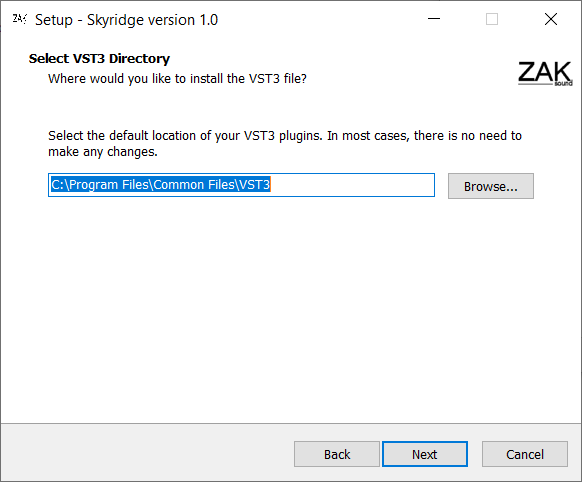
Please Note: Skyridge is used as an example.

PC

1. Download the .zip from your Plugin Boutique User Account.

2. Extract and run the .exe file.

3. Click 'I accept the agreement' > Click 'Next'.

4. Click 'Next'.

5. Click 'Next'.

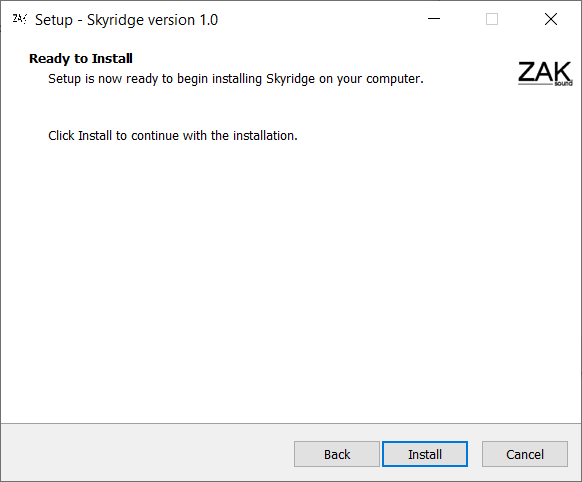
6. Click 'Install'.

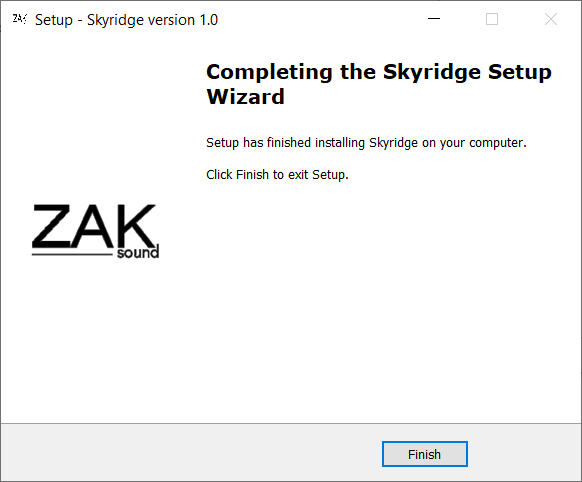
7. Click 'Finish'.

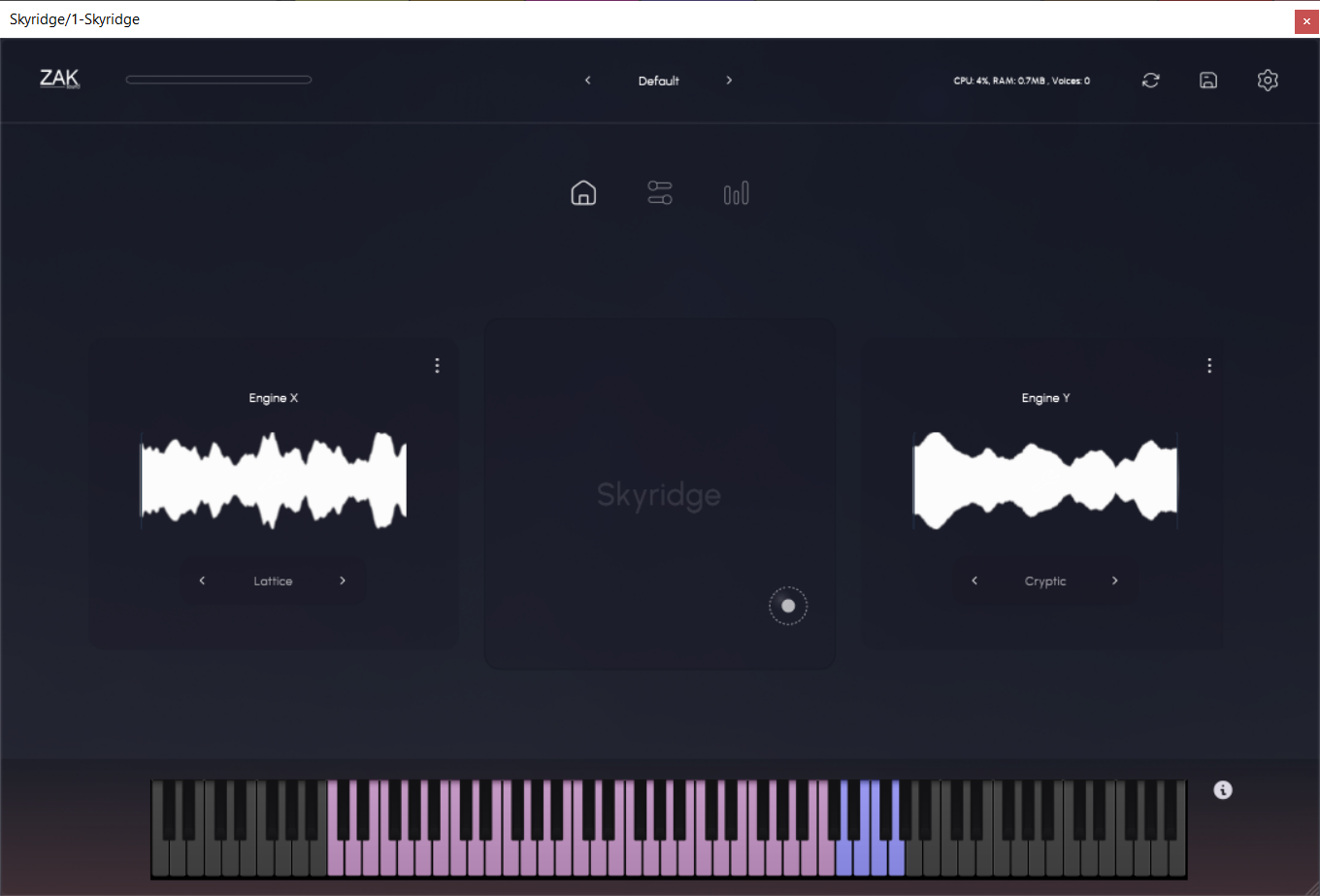
8. Open your DAW > Open Skyridge.

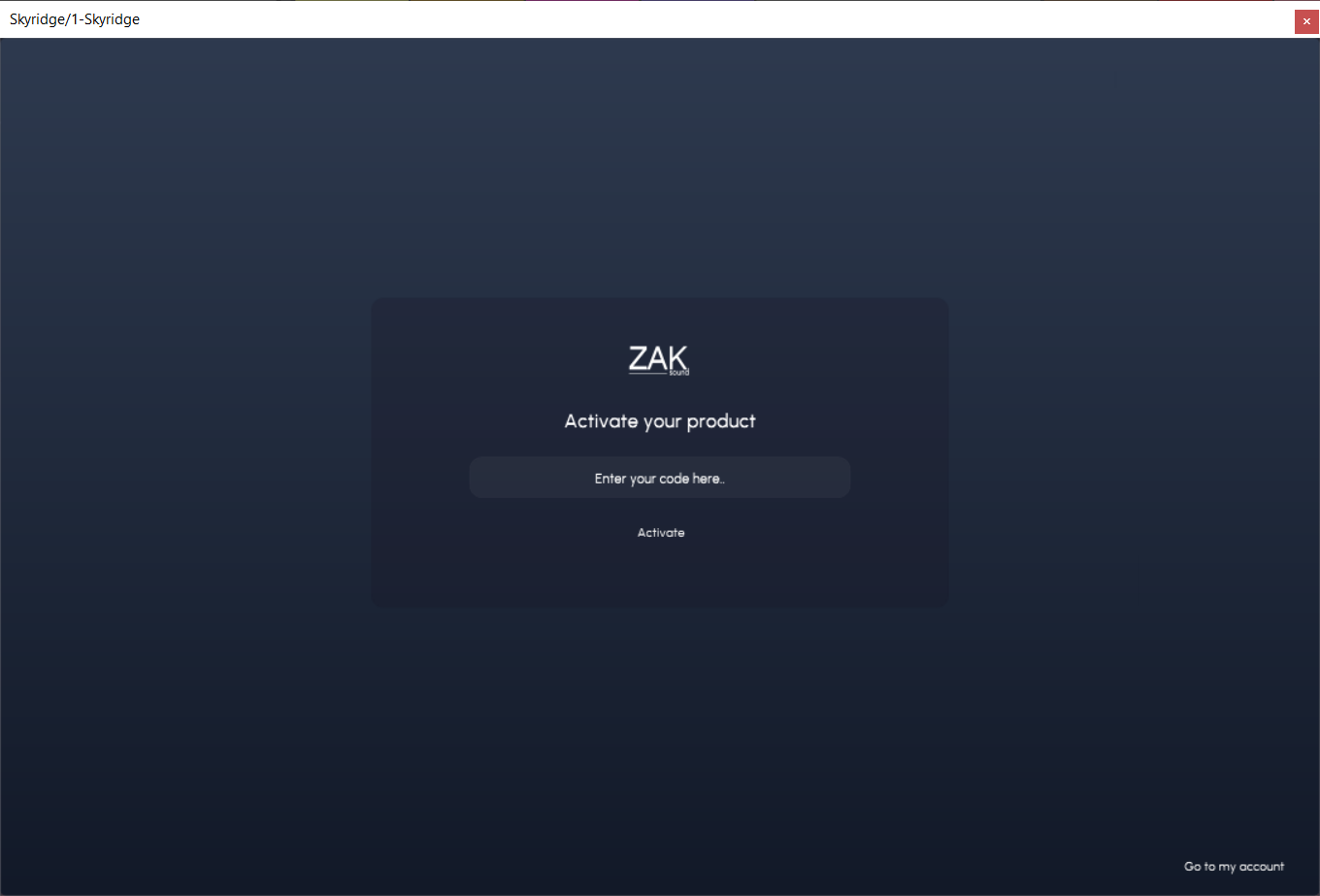
9. Enter the serial number found in your Plugin Boutique User Account > Click 'Activate'.

Your product is now activated and ready to use!

Your product is now activated and ready to use!

Plugin Boutique Rewards

Discover the most rewarding loyalty programme among all plugin retailers.

  • Free Loopmasters Samplepacks
  • Discounts on products and courses
  • Extra Virtual Cash claimed immediately at checkout
Find out more

Follow us:

X (Twitter) Facebook YouTube Instagram
Logo Logo

Plugin Boutique Limited, Part of the Beatport Group LLC.

Copyright © 2011-2025 Plugin Boutique. All rights reserved