Buy MidiShaper, get a free gift with purchase:

What is MidiShaper?
MidiShaper brings Cableguys' awesome drawable LFOs to your favorite MIDI CC-controllable synthesizers and effects. Software or hardware, vintage or modern.
With 4 editable LFOs, 4 classic AHDSR envelopes, and a powerful modulation routing matrix, you can take full control of Pitch Bend, Mod Wheel, Aftertouch and up to 6 CCs of your choice.
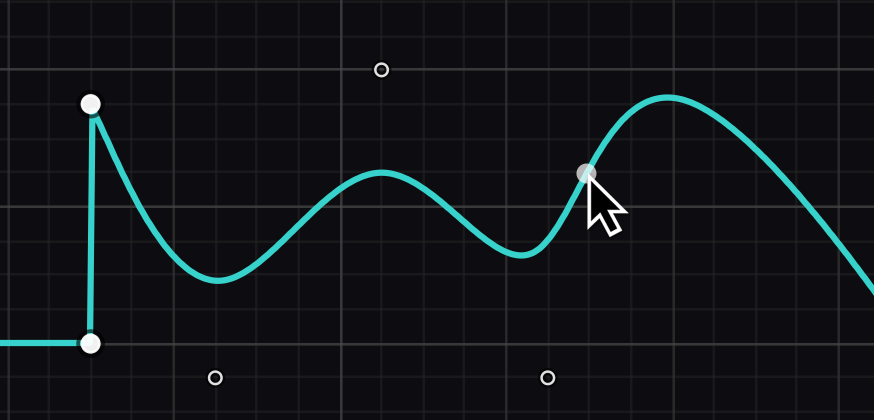
Draw your own LFOs
Get custom movement using the same easy LFO drawing tools found in the acclaimed ShaperBox effect. Design curves, steps, ramps – any shape at all – in seconds, and output them as MIDI.
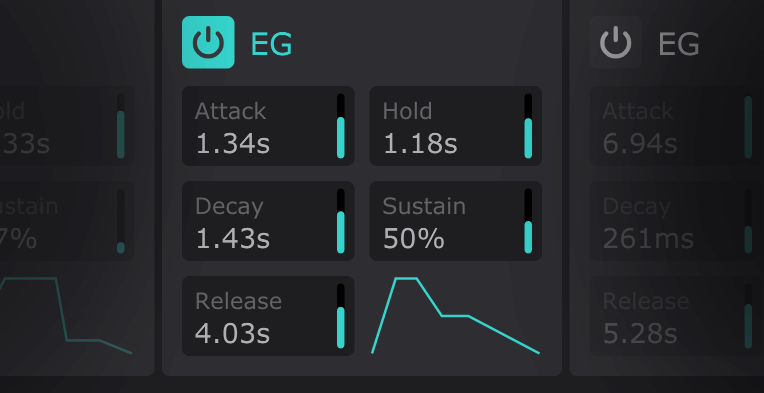
AHDSR envelopes
Fade each LFO in and out with its own AHDSR envelope that's triggered by MIDI notes.
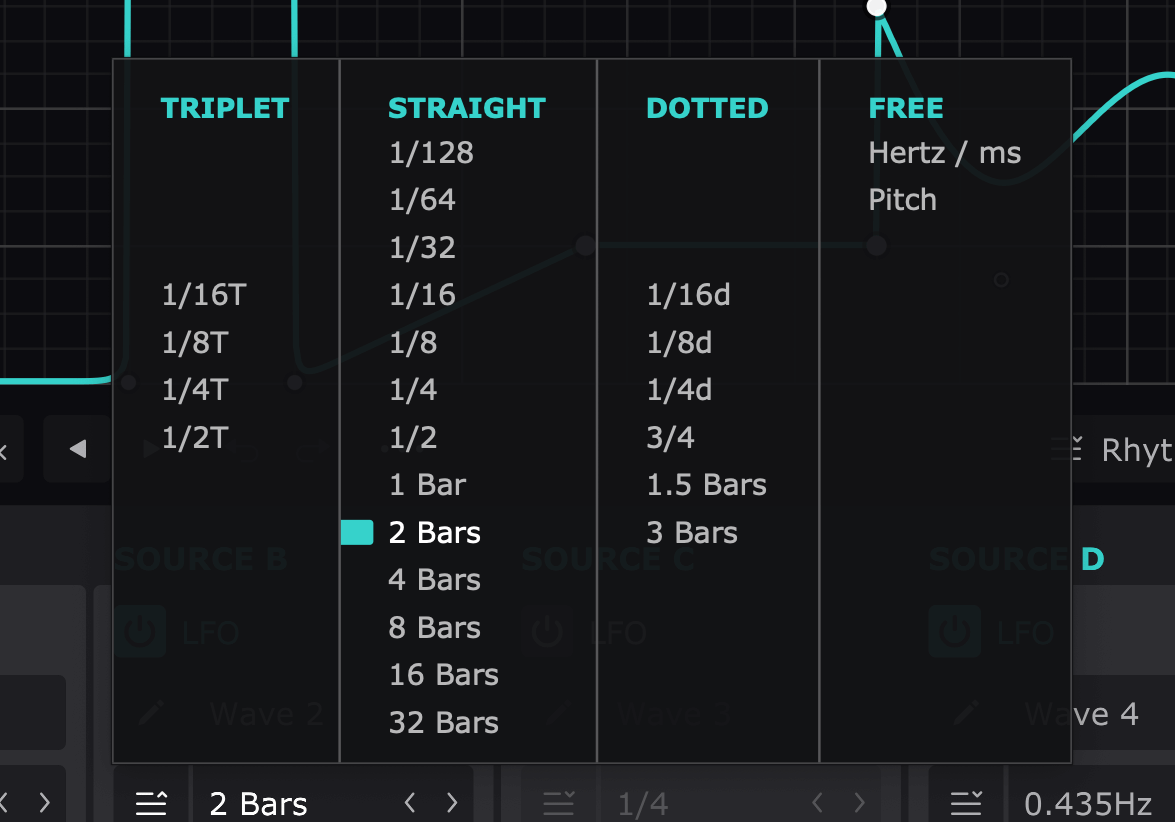
Sync or free-running
MidiShaper's LFOs sync automatically to your DAW timeline, at any length from 32 bars down to a 128th note. Or let them run free, analogue-style, from 0.02Hz right up to 5.24kHz.
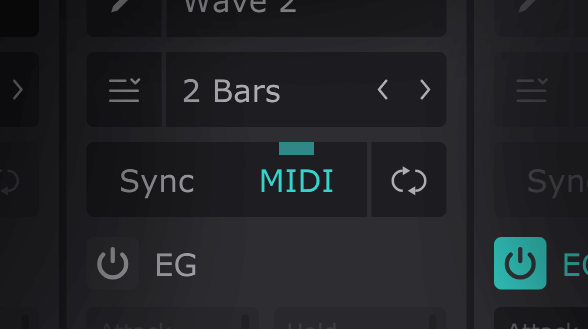
Lock LFOs to notes
Restart any LFO's phase with MIDI notes, for patterns that track each note you play.
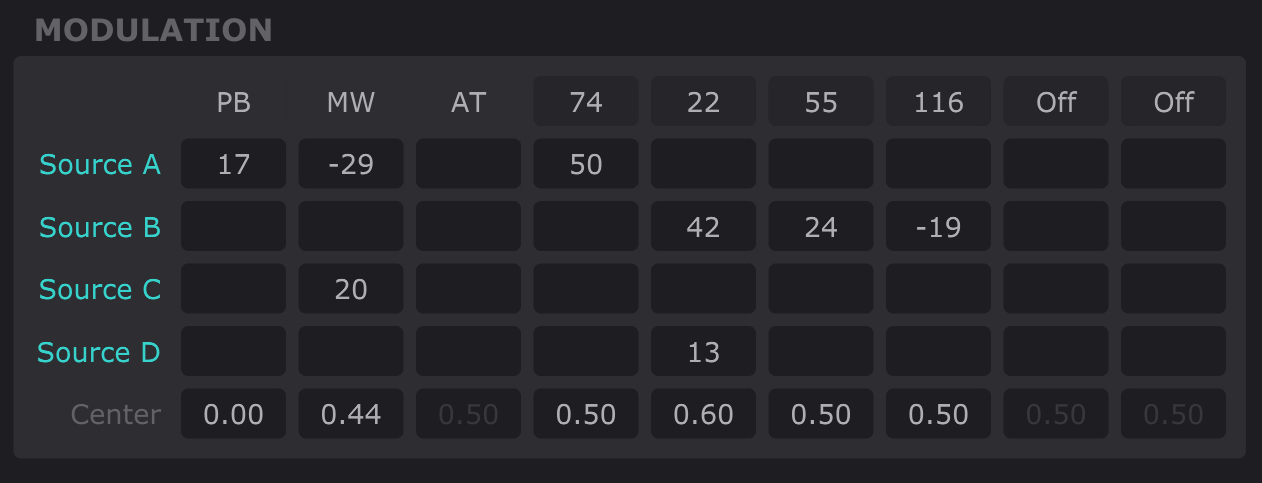
Modulation matrix
Creating sophisticated patches is easy with the modulation matrix that routes the four modulation sources to Pitch Bend, Mod Wheel, channel Aftertouch and up to 6 MIDI CCs of your choice.
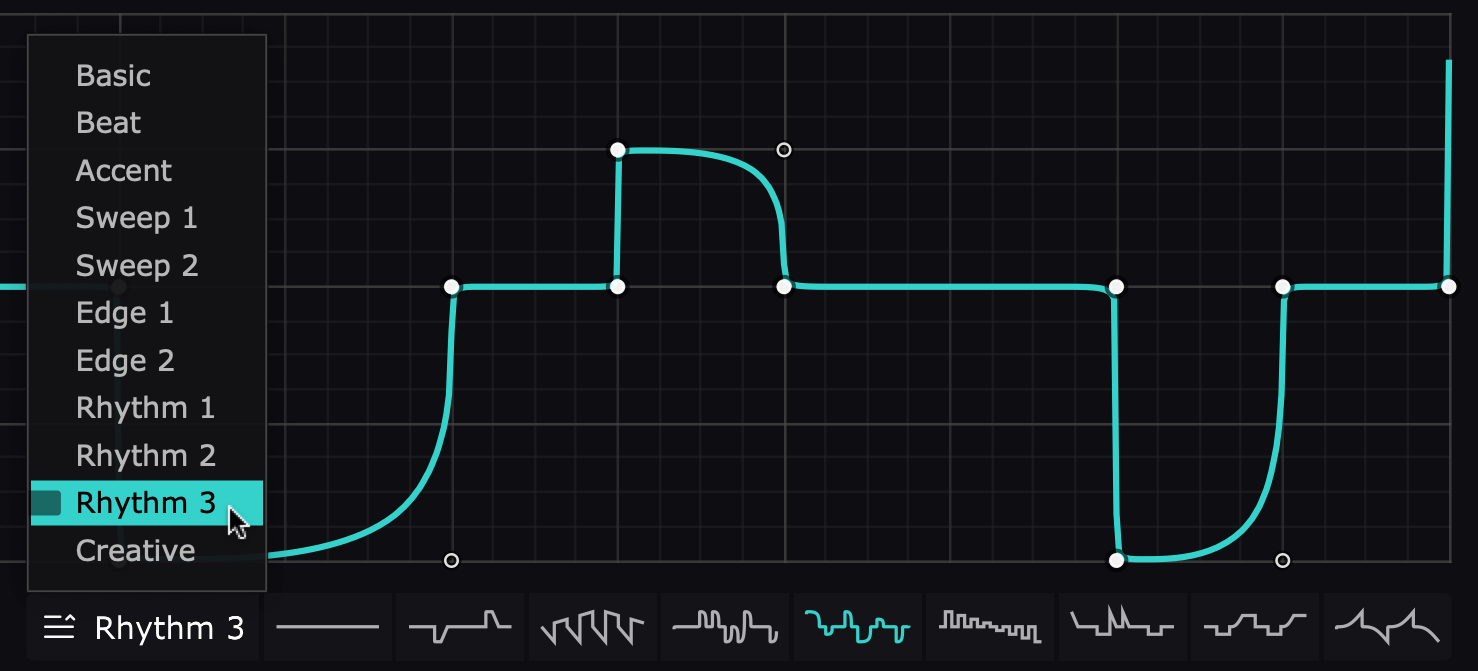
Creative patterns
Inspiration is only clicks away with a categorised library of LFO waveforms designed by Cableguys.
System Requirements
Windows
- Windows 7, 8, 10 or 11
- 64-bit
- VST 2, VST 3 or AAX host DAW
Mac
- Mac OS X 10.13 or later
- Intel or Apple Silicon processor
- VST 2, VST 3, AU or AAX host DAW
Note: ShaperBox is used as the example.
Mac
1. Head to the Cableguys registration page and enter your email address and serial number which can found in your Plugin Boutique account > click 'Register'.

2. You have now registered an account with Cableguys > click 'User Account' to log in.

3. Enter your registered email address and password > Click 'Log in'.

4. Click 'DOWNLOAD' to access your software installer and then click 'LICENSE FILE' to download your key for activating the plugin.

5. Once downloaded, run the .dmg installer > click 'Continue'.

6. Check you are happy where the contents will be installed and then click 'Install'.

7. Once the installation has concluded > click 'Close'.

8. If prompted, enter your password for your login > click 'Install Software'.

9. Launch your Cableguys plugin within your chosen DAW > click 'Choose License File'.

10. Browse and find your .lic license file which you downloaded and unzipped earlier. Select the file > click 'Open'.

11. Confirm that your email address is correctly listed and then click 'Yes'.

12. Click 'OK'.

13. Exit the plugin and then launch it again. Your product will now be activated.

Windows
1. Head to the Cableguys registration page and enter your email address and serial number which can found in your Plugin Boutique account > click 'Register'.

2. You have now registered an account with Cableguys > click 'User Account' to log in.

3. Enter your registered email address and password > Click 'Log in'.

4. Click 'DOWNLOAD' to access your software installer and then click 'LICENSE FILE' to download your key for activating the plugin.

5. Once downloaded, extract the contents from the .zip file and run the .exe installer. Select your destination location > click 'Next >'.

6. Confirm where you wish to install the 32-bit VST2 plugin > click 'Next >'.

7. Confirm where you wish to install the 64-bit VST2 plugin > click 'Next >'.

8. Select which components/formats you wish to install > click 'Next >'.

9. Confirm you are happy with the installation settings > click 'Install'.

10. Once the installation has concluded > click 'Finish'.

11. Launch your Cableguys plugin within your chosen DAW > click 'Choose License File'.

12. Browse and find your .lic license file which you downloaded and unzipped earlier. Select the file > click 'Open'.

13. Confirm that your email address is correctly listed and then click 'Yes'.

14. Click 'OK'.

15. Exit the plugin and then launch it again. Your product will now be activated.