Log In

Free gifts available with your purchase
Product information
A New Kind Of FM Experience
In the early 1980s, FM synthesis changed the sound of popular music forever. Now, with FM Lab for HALion, you can design FM sounds with an ultra-modern, intuitive user interface. Featuring classic eight operator FM synthesis with additional VA synthesis, a vast array of modulators, new freehand drawable multi-stage envelopes, pristine effects and a powerful arpeggiator, FM Lab brings a completely new dimension to digital synthesis.
Features
- Eight operator FM synthesizer with additional VA synthesis
- Intuitive Algorithm designer and finder
- Design powerful multistage envelopes
- FM-X and DX7 emulation with DX7 and TX81Z SYX file import
System Requirements
- 35 MB free HD space
- Please note that this library requires the free HALion Sonic 7 or the full version of HALion 7
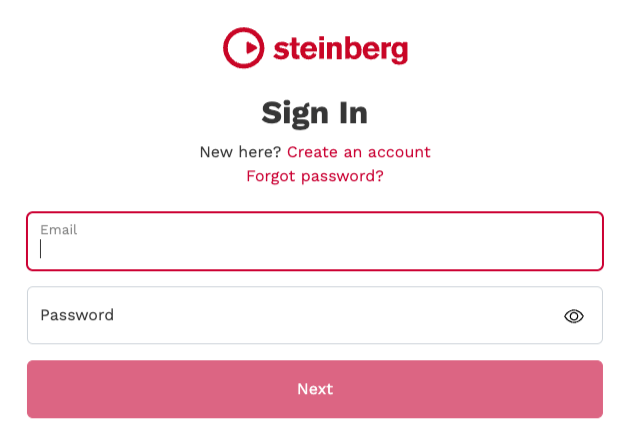
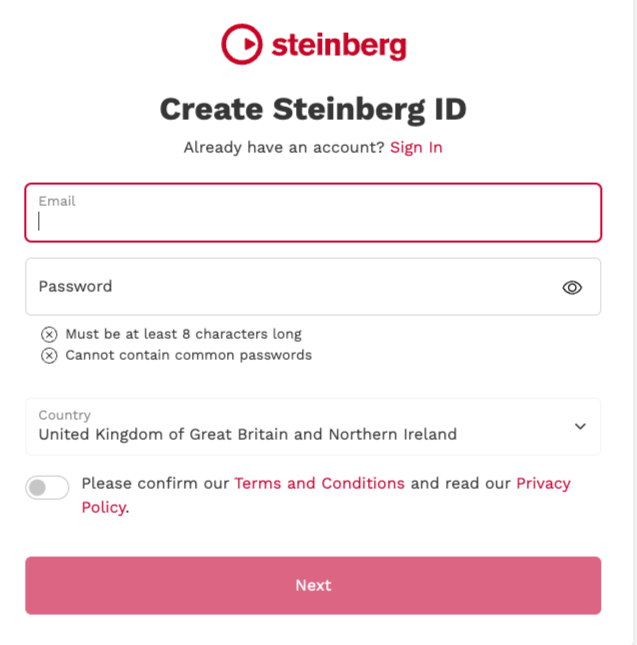
- Internet connection required for activation, download, account setup and personal / product
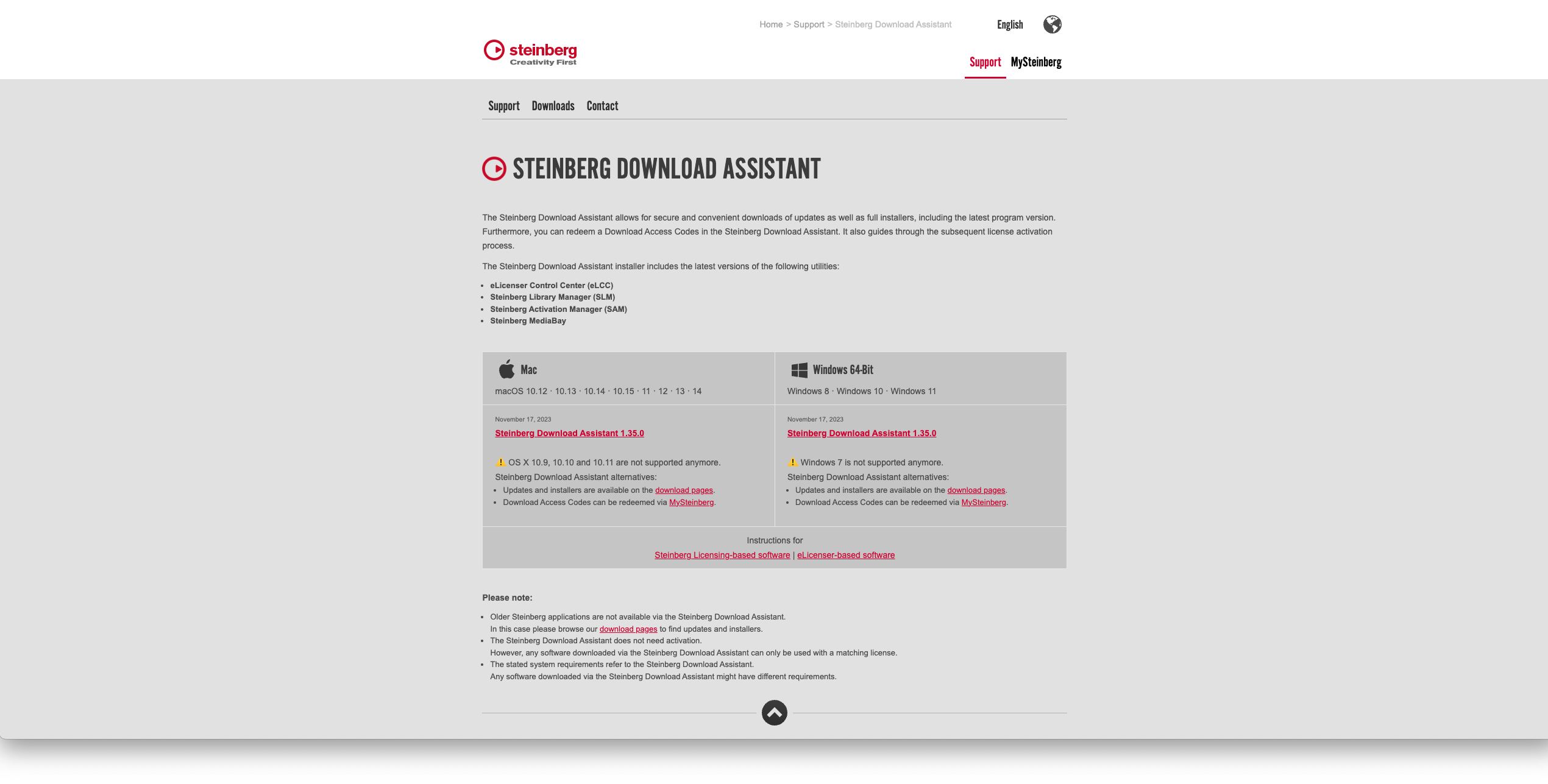
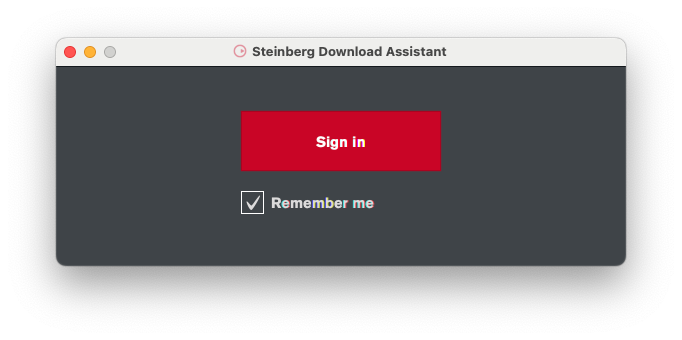
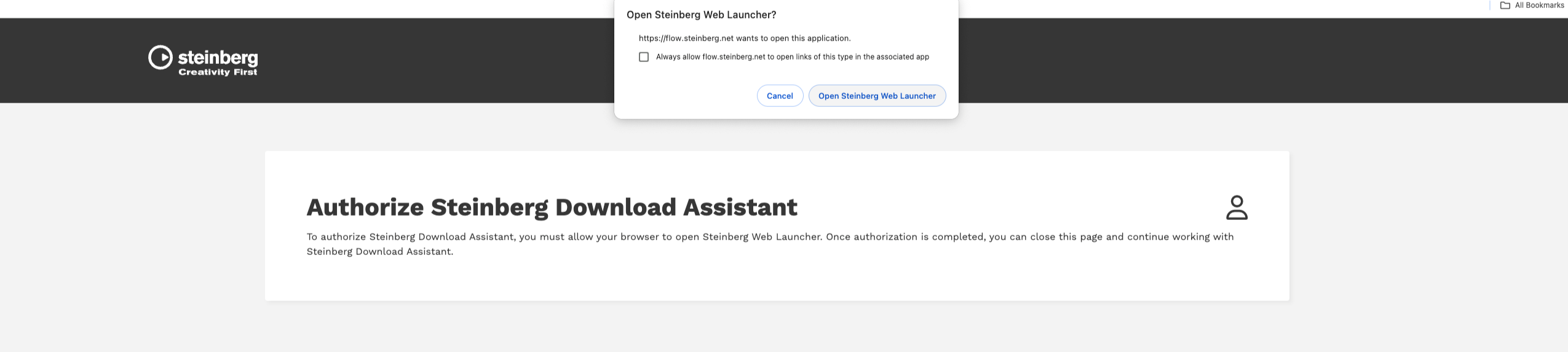
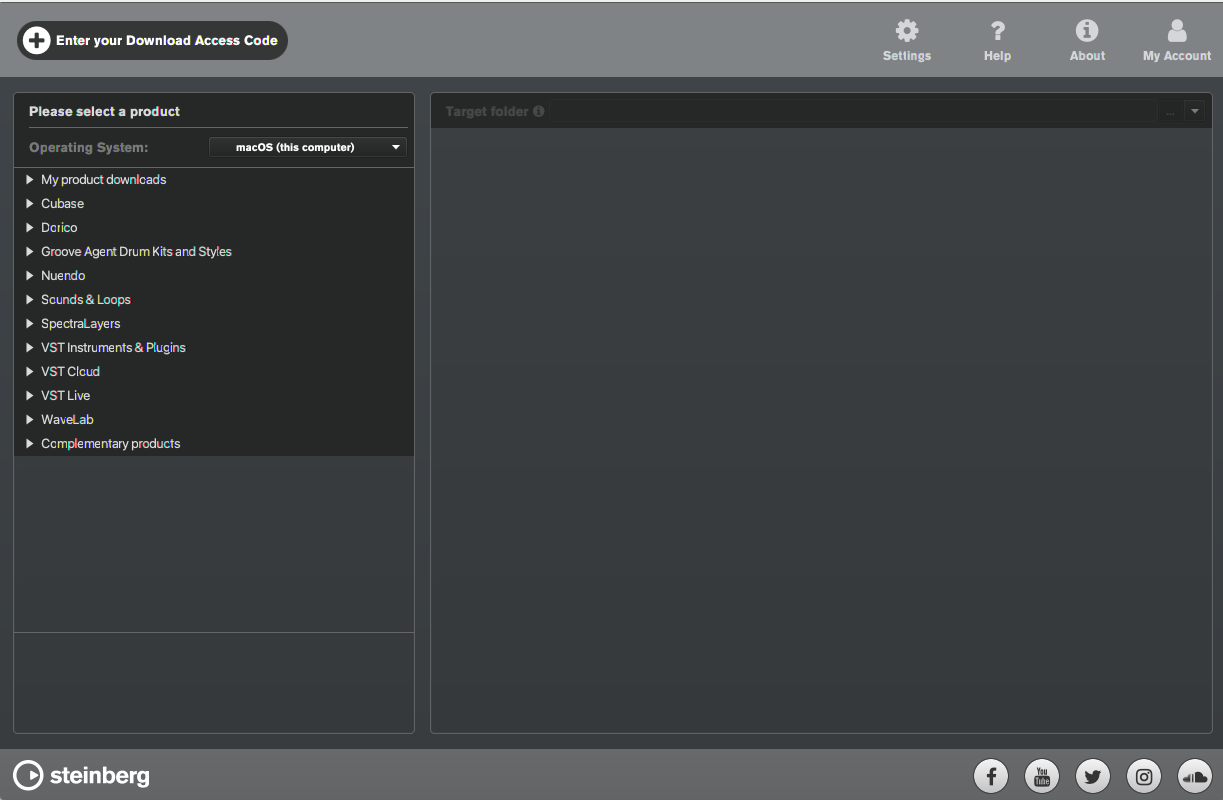
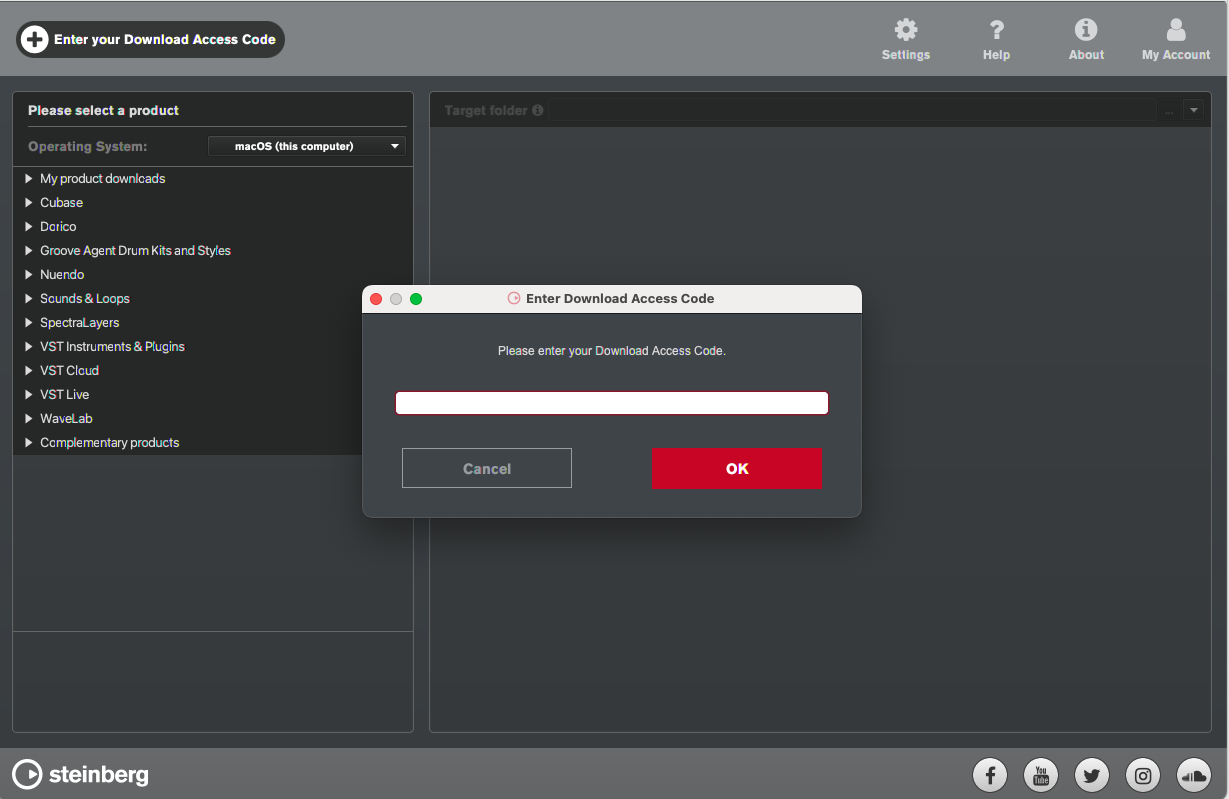
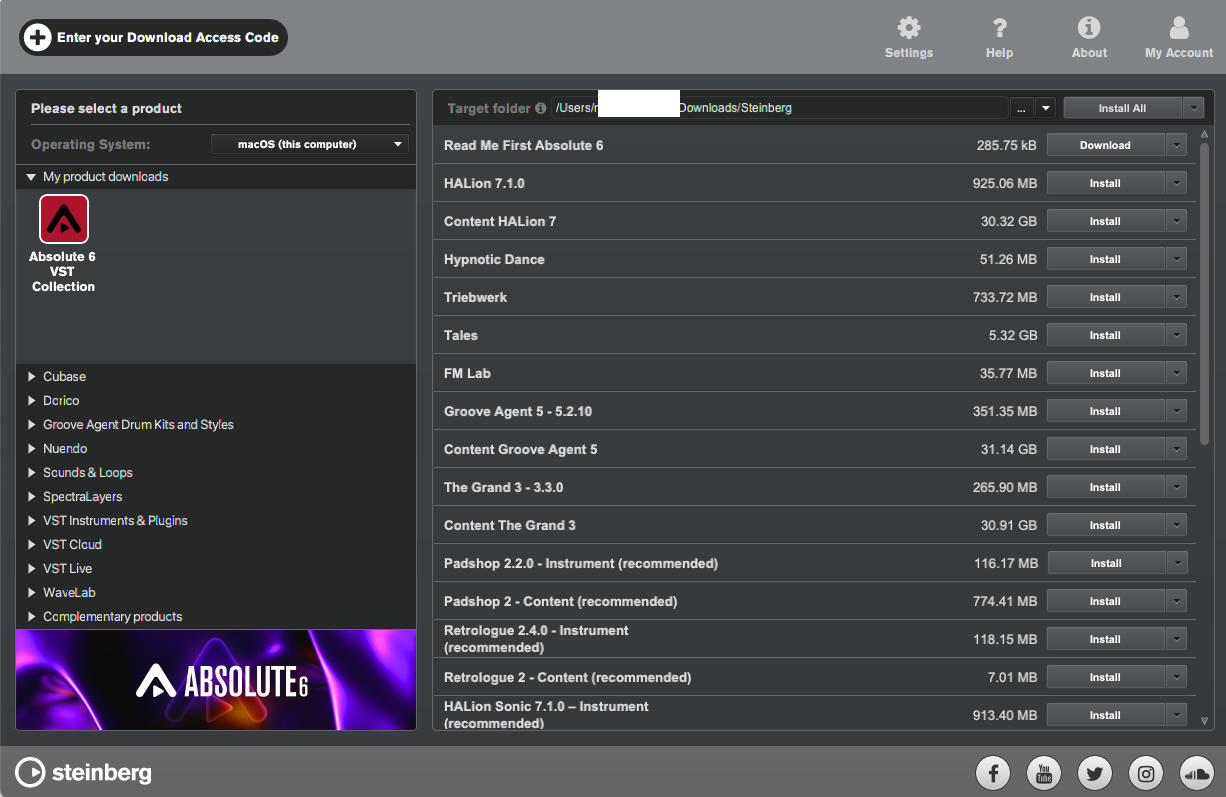
- registration. Additional software is required for the installation.
PC
- Operating System: Windows 10 (64-bit), Windows 11 (64-bit) Version 21H2 or higher
- Plugin Formats: VST3, AAX
Mac
- Operating System: macOS Big Sur, Monterey, Ventura, Sonoma, Sequoia
- Apple Silicon Compatibility: Rosetta 2 App, Native App
- Plugin Formats: VST3, AU, AAX
Installation Instructions