Log In

Free gifts available with your purchase

The Sub Bass Instrument for Every Producer
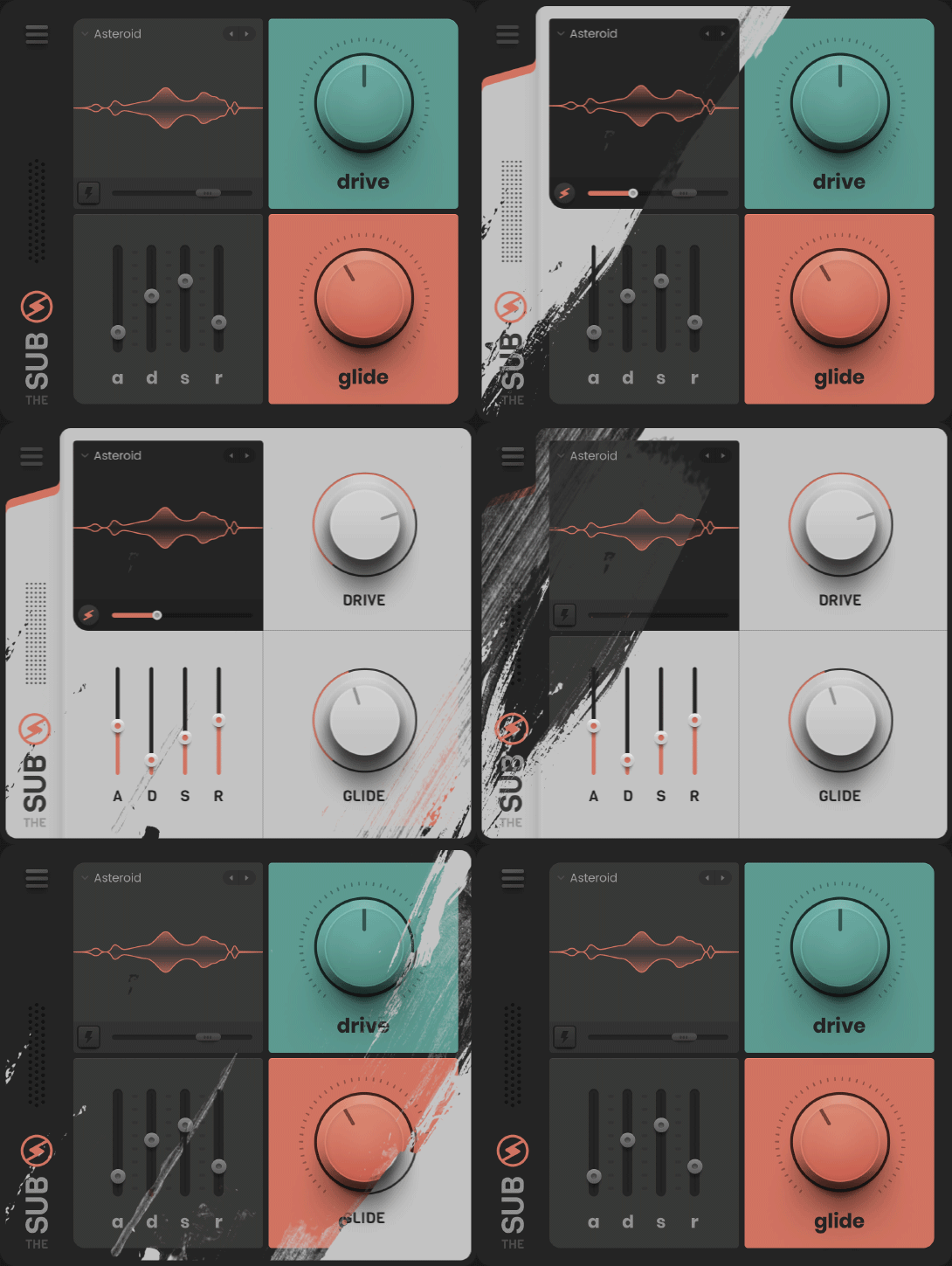
The Sub now comes with...
- One FREE Expansion Pack
- Resizable UI
- New White Skin
- Retina-Ready
The Solution for Sub-Bass
Producers tell us The Sub has become their go-to instrument for sub-bass because it delivers the best sound and focuses on doing one thing incredibly well.
Less is more. Use a refined set of sounds and spend less time tweaking and more time creating music.
Created by Davide Gubitoso (The Golden Army) and Philip Mackenzie (Reality Decks VR).
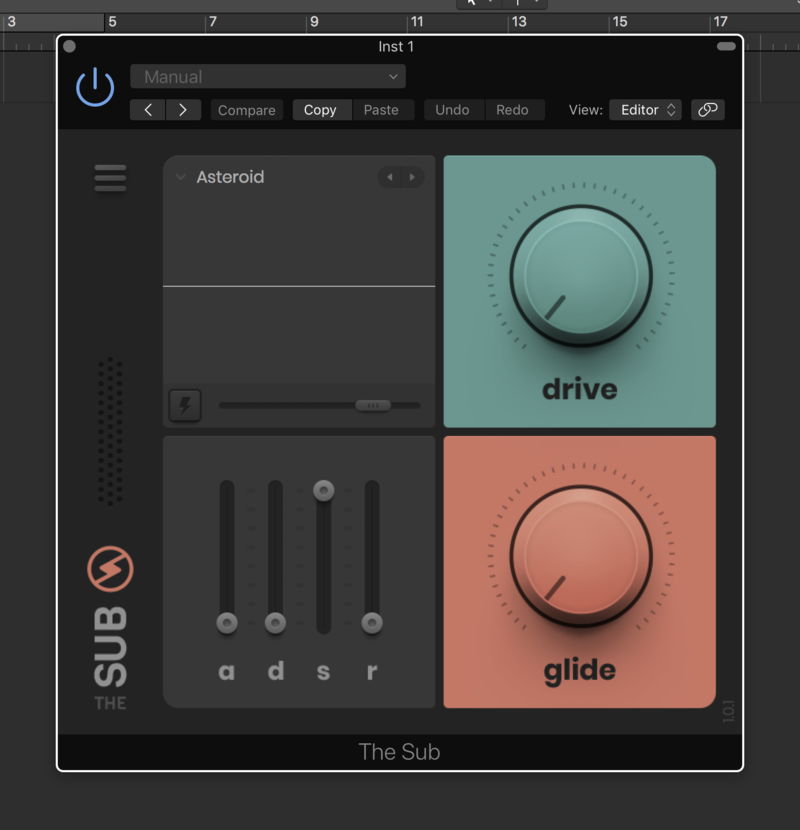
Drive
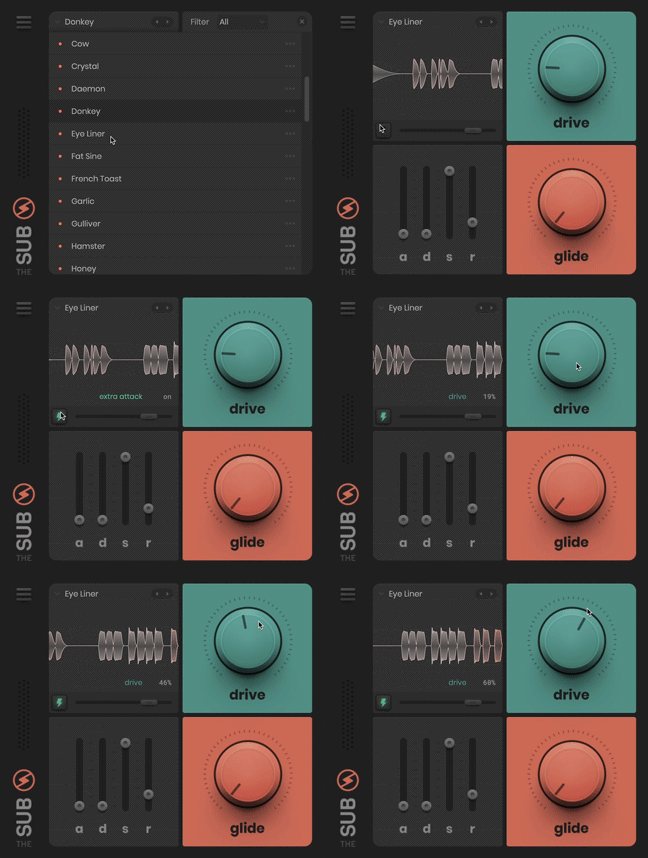
Custom designed algorithm for sub-bass frequencies.
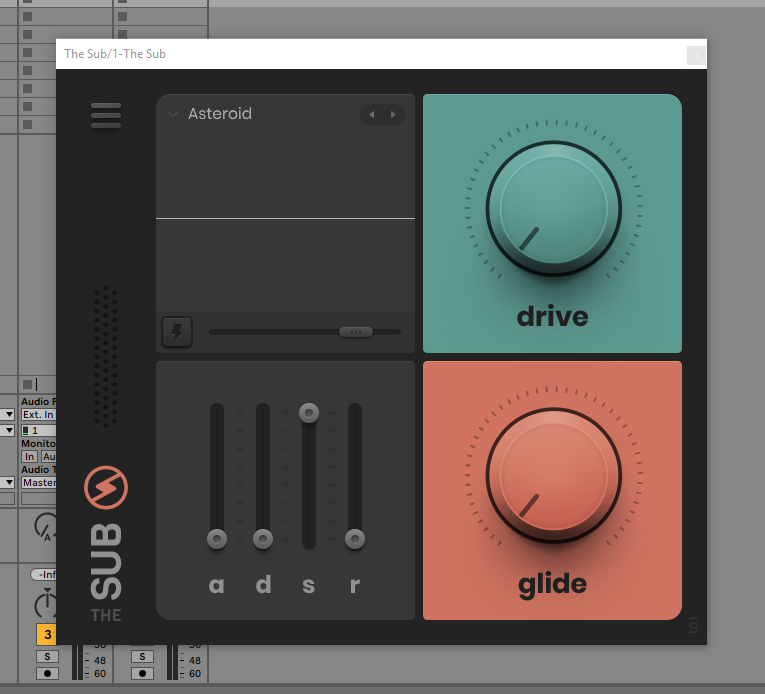
Sub-bass is the foundation of your mix, that’s why we developed a drive control tailored to not only sub-bass but the particular sound set of The Sub.
With its advanced algorithm, it allows The Sub to be heard across a wider range of audio systems, ultimately resulting in a better sounding mix.
Use it to add warmth and depth to your sound, without compromising the clarity of the lowest frequencies.
Extra Attack
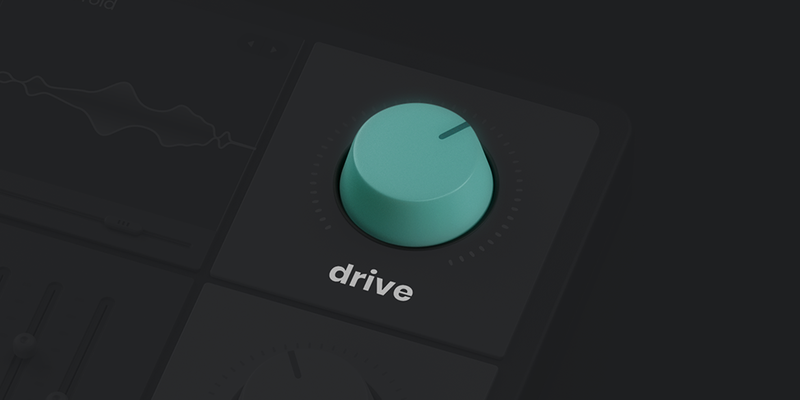
Need more punch? Extra Attack helps you cut through the mix.
This is not just an envelope. Each preset comes with a custom-designed Extra Attack profile. Each one is carefully tuned to make that particular preset punch through.
Internally, Extra Attack works by applying a pitch independent attack overlay. This ensures each note punches with equal force.
Lock Controls
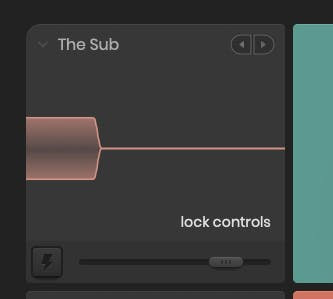
Using Lock Controls, you can quickly audition other sounds without changing the position of drive, glide and ADSR parameters. To use it hold down Command on Mac or Ctrl on Windows while you select another preset. This can be done using the left/right arrows, the scroll wheel or in the preset window.
Expanding The Sub
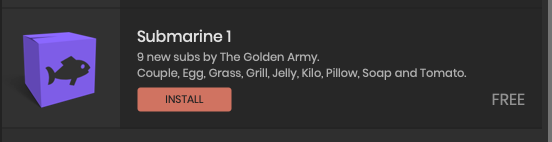
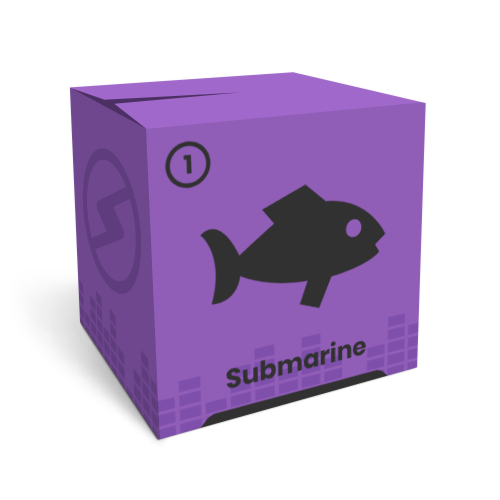
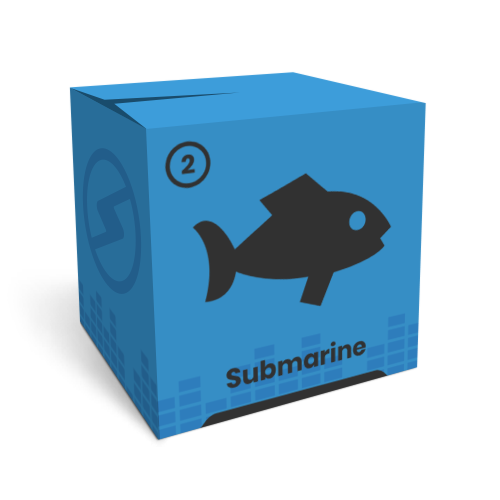
The latest version of The Sub is now expandable and comes with FREE copies of the Submarine 1 and Submarine 2 Expansion Packs, featuring 13 essential subs by The Golden Army - Couple, Egg, Grass, Grill, Jelly, Kilo, Pillow, Soap, Tomato, Clip, Highlighter, Pencil and Ruler.
System Requirements
- Compatible with macOS 10.10 and higher and Windows 10 (Intel / M1 Apple Silicon Native Supported) (64-bit only)
- DAW Support - Ableton Live, FL Studio, Logic, Cubase, Studio One and more
- Available in VST3, AU and AAX formats
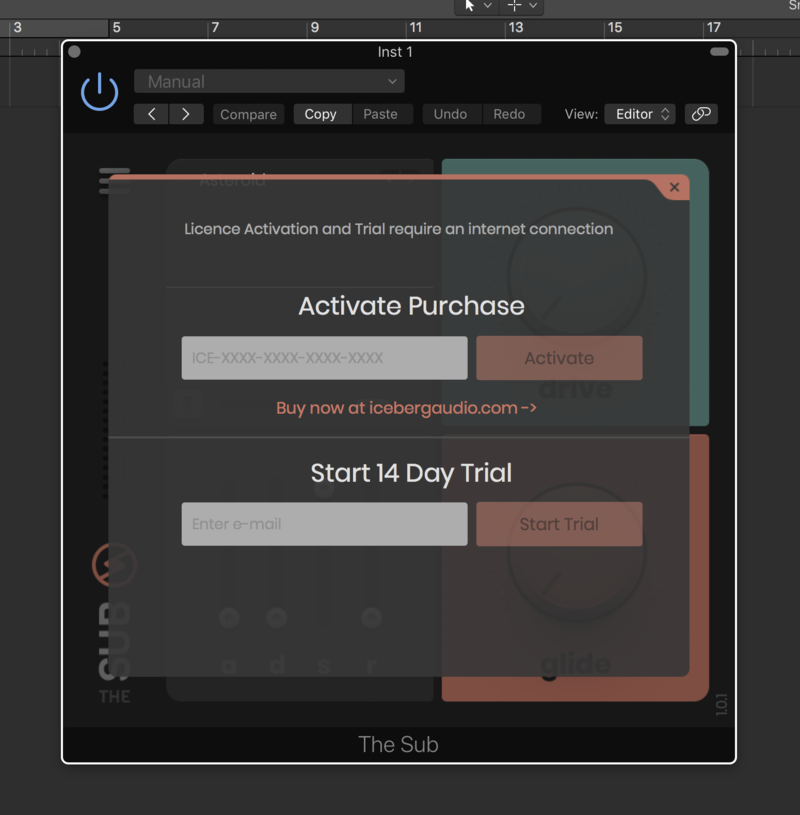
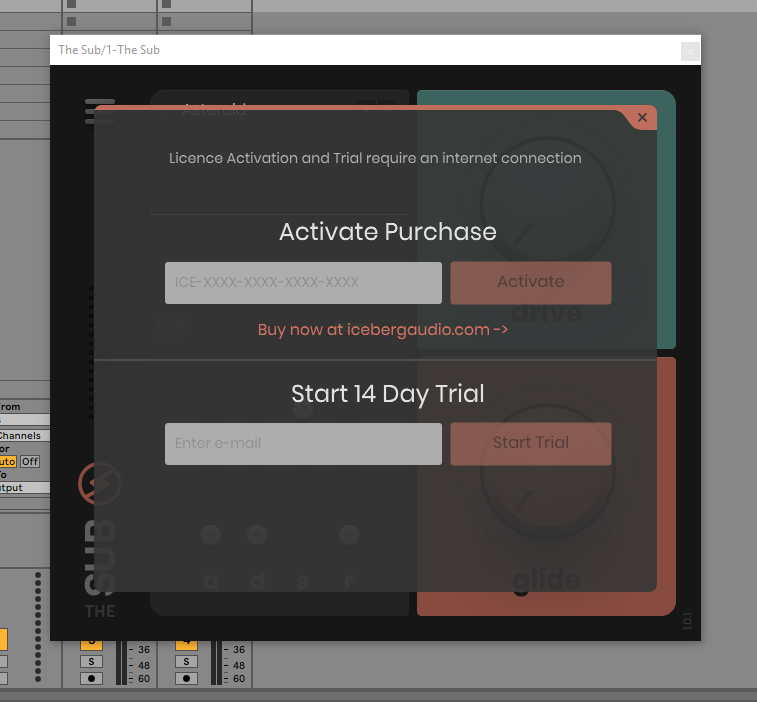
- Internet connection required for activation
- One licence/purchase covers all your computers
Important Note: VST2 formats are NOT available.
Gear News.com
The latest equipment news for guitar, recording and synthesizers.
"A quick fix for massive low-end."
Rik Simpson
Grammy award-winning producer, mixer & musician (Coldplay, Jay-Z, Portishead).
"I LOVE The Sub, it's so good, well done!"
KSHMR
#12 DJMag, Multiplatinum Producer.
"We all know how important sub is to tracks - finally, with The Sub it's simple and easy to add the perfect sub layer. I've used it on almost every track since installing."