/ Synth / HY-POLY
HY-Plugins

HY-POLY

4.8 (54 Reviews)
$60.00
HY-POLY - Main GUI
HY-POLY - Main GUI
HY-Poly - Quick Start gallery thumbnail
HY-POLY - Vector Oscillator gallery thumbnail
HY-POLY - MidiFX gallery thumbnail
HY-POLY - AudioFX gallery thumbnail
HY-POLY -  Arpeggiator gallery thumbnail
HY-POLY - Main GUI 2
HY-POLY - Arpeggiator
HY-POLY - Filter
HY-POLY - Oscillator
Buy Now
Product information

Polyphonic Synth

HY-POLY is a subtractive type polyphonic synthesizer with MIDI and audio effects. Many of the synth and audio fx parameters can be modulated with drag and drop modulation assignment.

It can also create a wide variety of sounds and works well for most genres of music.

Oscillator Types

  • 2Osc + Sub
  • 3Osc
  • Mod Osc
  • PD Osc
  • Vector Osc

MIDI FX

  • 8 MIDI FX units available (Arpeggiator, Octave, Transpose, Harmonizer, Scaler, Velocity, Note Chance, Note Echo).

Audio FX

  • 25 Audio FX units available

Features

  • 5 oscillator types
  • Dual multi-mode filters
  • Drag and drop modulation assignment
  • 24 modulation sources
  • 9 midi effect units
  • 25 audio effect units
  • Midi learn
  • Preset browser
  • Resizable interface

System Requirements

Mac

  • macOS 10.12 or higher (Intel / M1 Apple Silicon supported (64-bit only)
  • VST2, VST3, AU

Windows

  • Windows 7 or higher (32 / 64-bit)
  • VST2, VST3
Installation Instructions
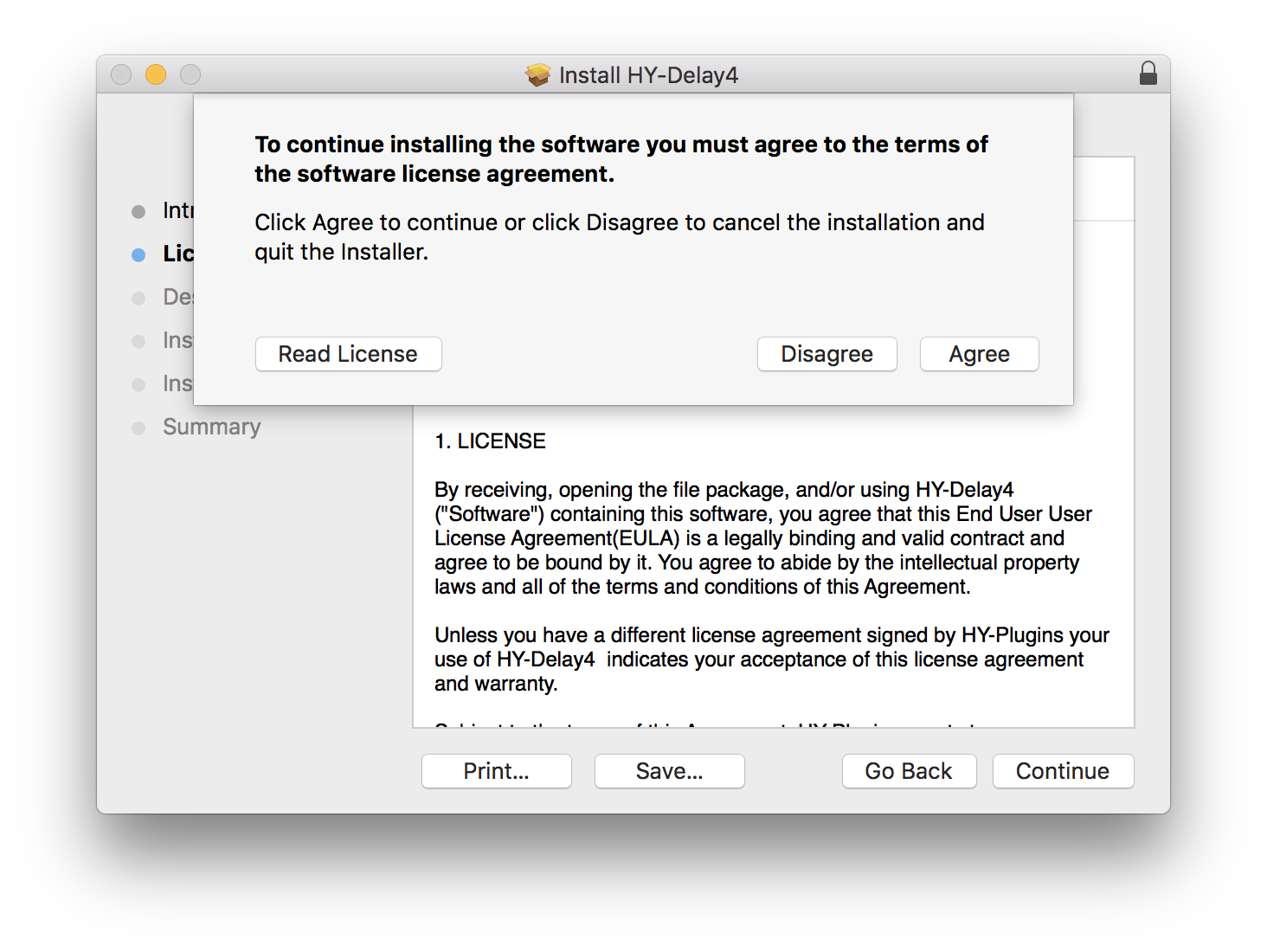
Note: HY-Delay4 is used as an example.

Mac

Installation

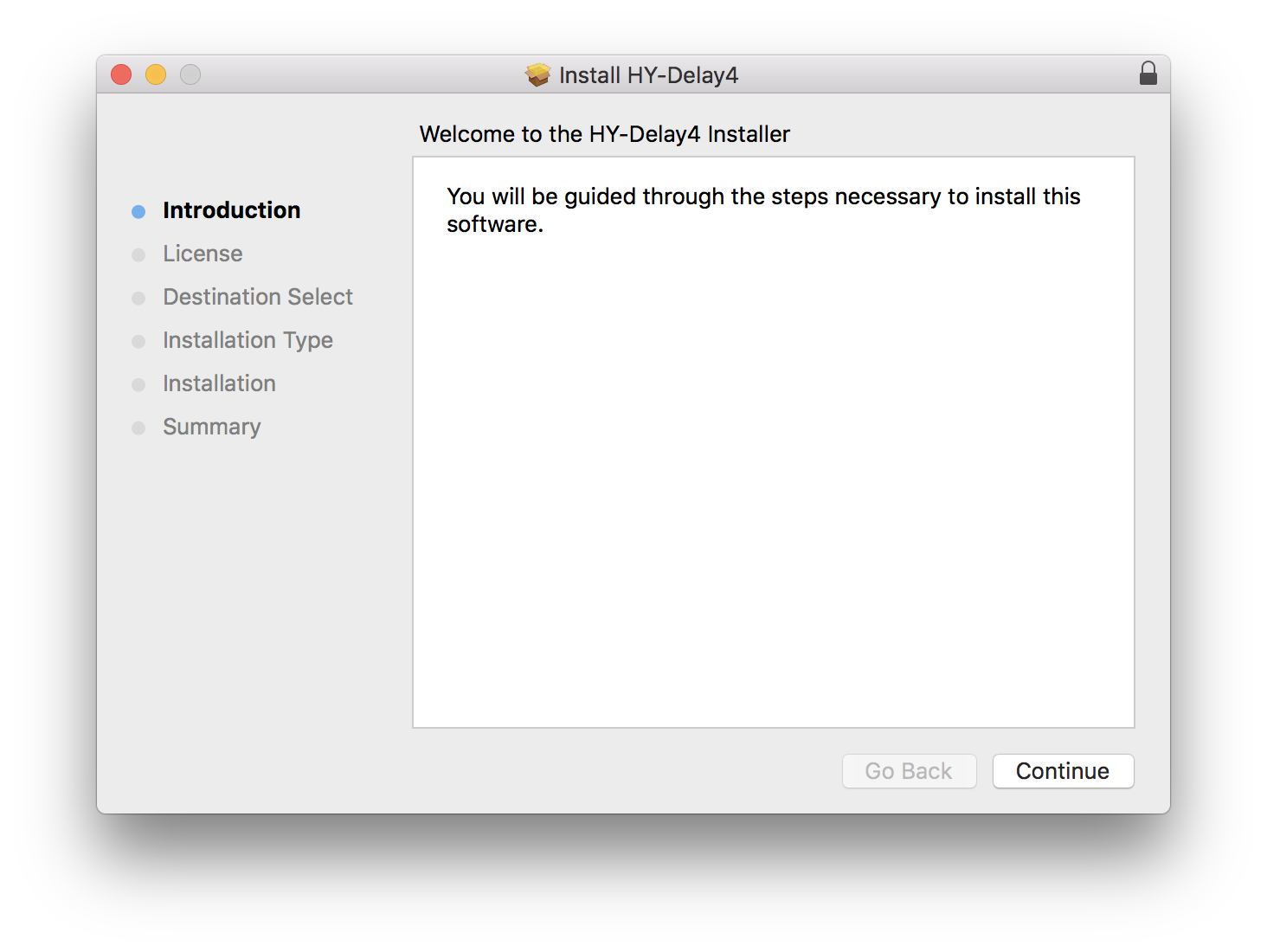
1.  Download the .zip folder from your Plugin Boutique User Account and double-click it to extract the .dmg file.

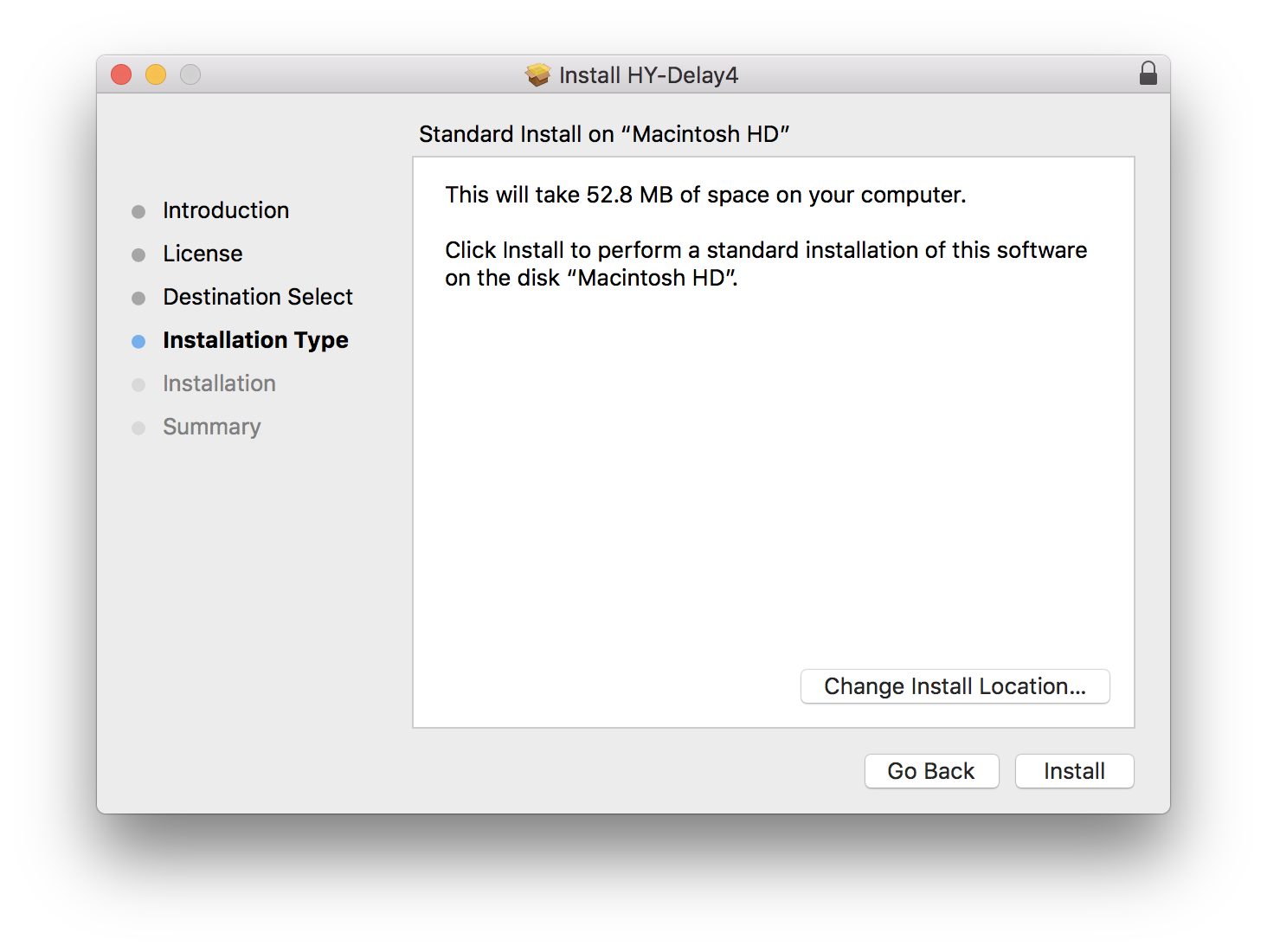
2. Double-click the .pkg file to begin the installation process.

3. Click 'Continue'.

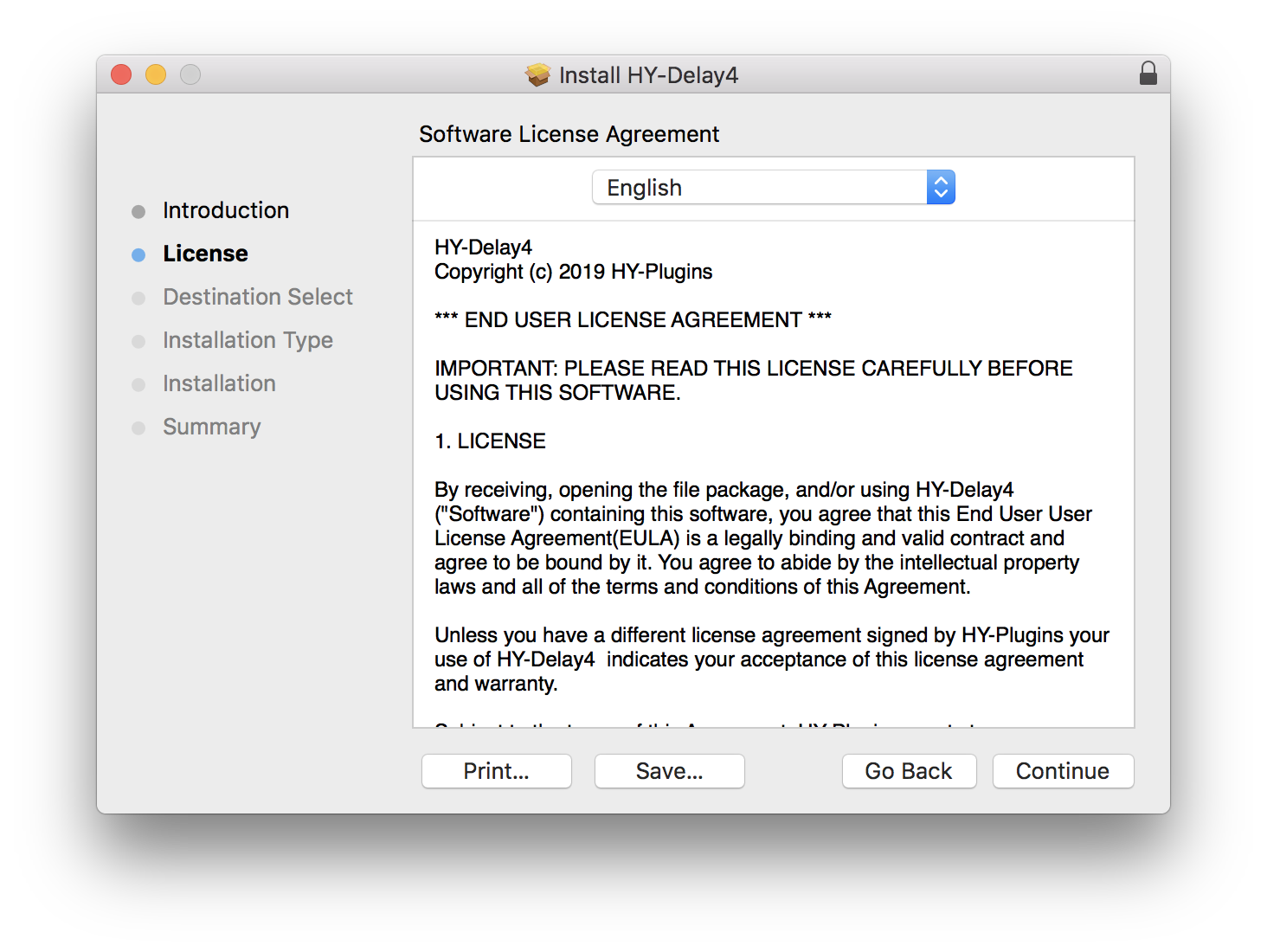
4. Read the License Agreement and click ‘Continue’.

5. Click 'Agree'.

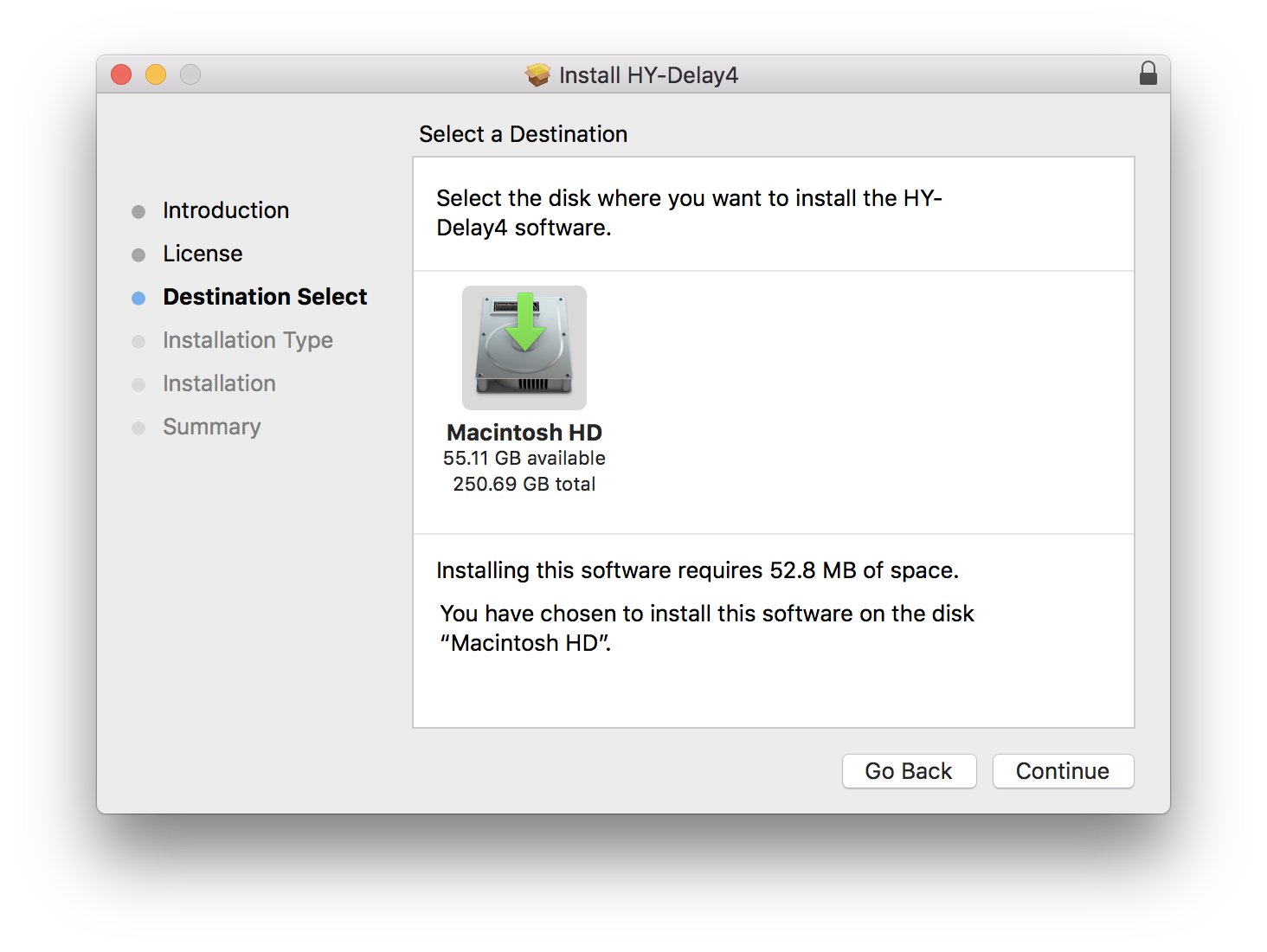
6. Select the disk you want to install HY-Delay4 on, then click 'Continue'.

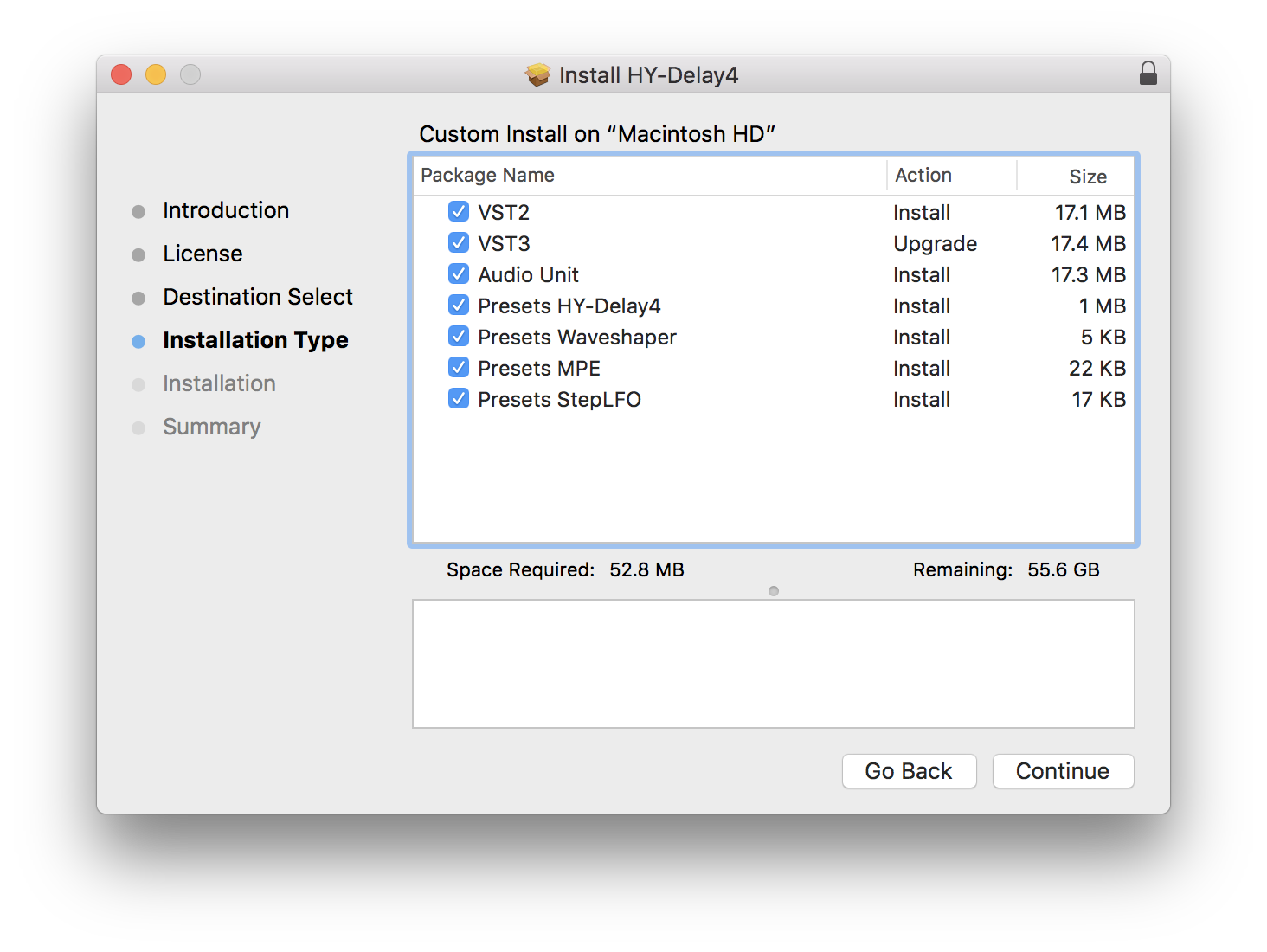
7. Choose which packages to install, then click 'Continue'.

8. Click 'Install'.

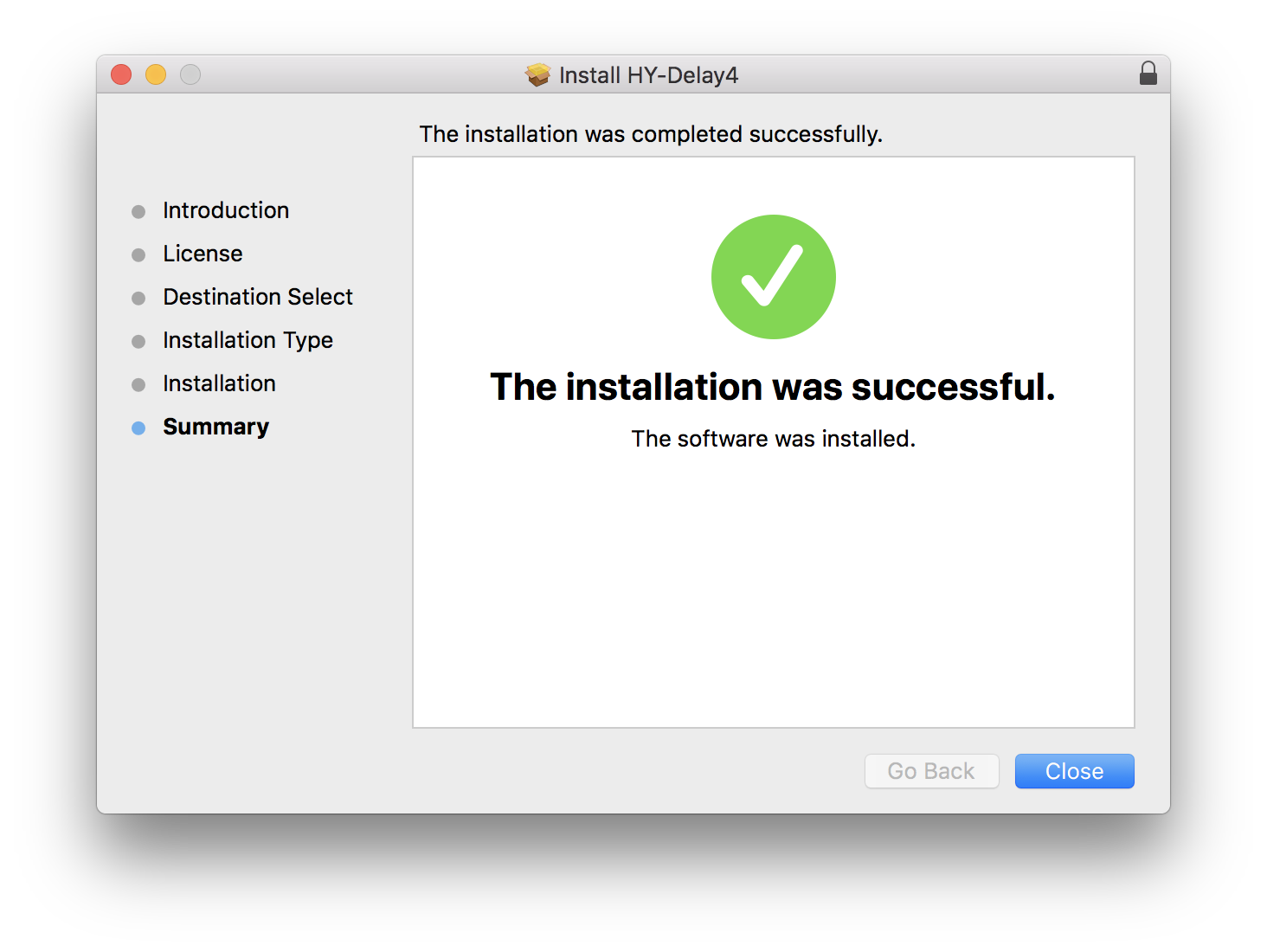
9. Click 'Close'

Activation

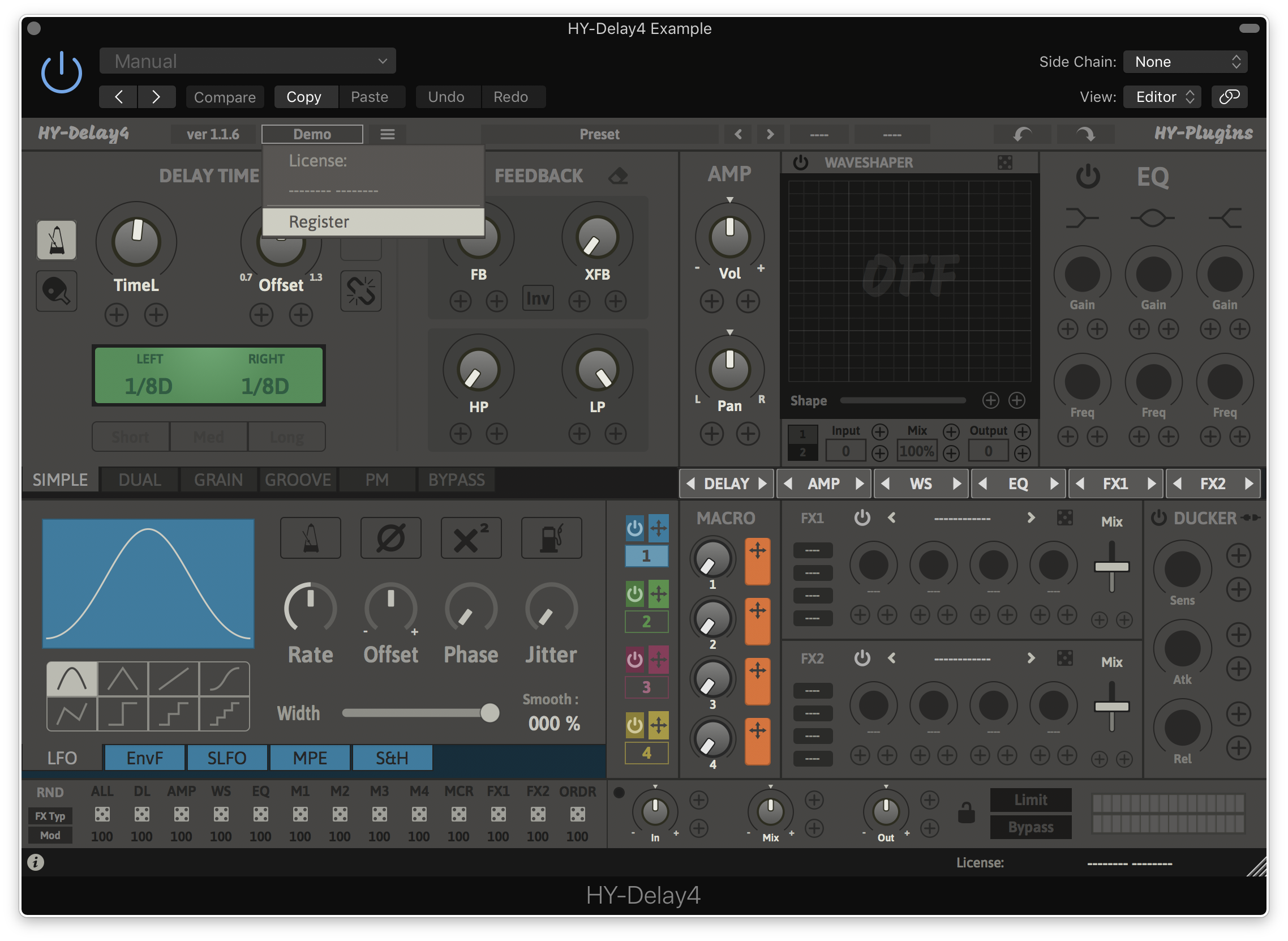
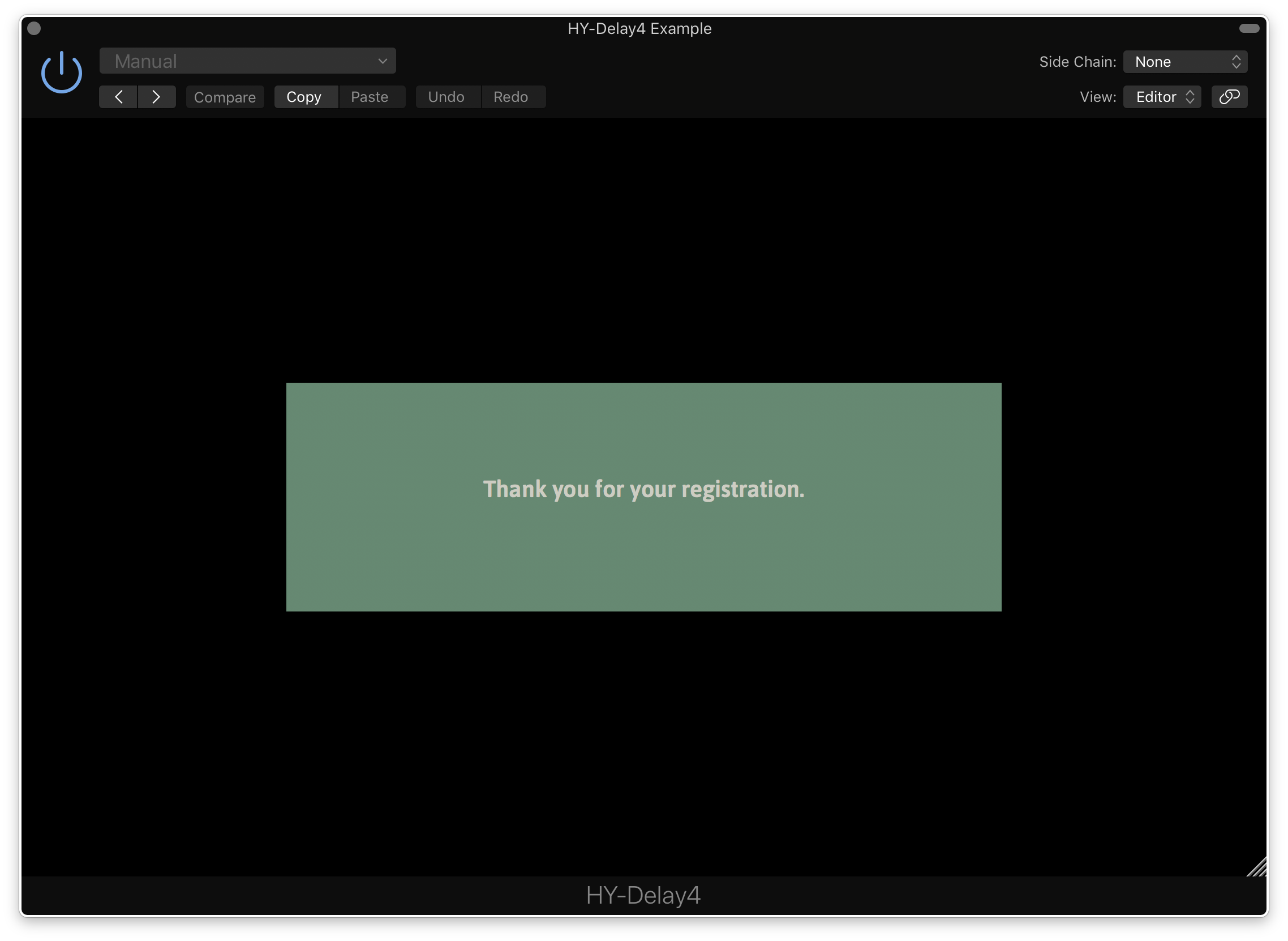
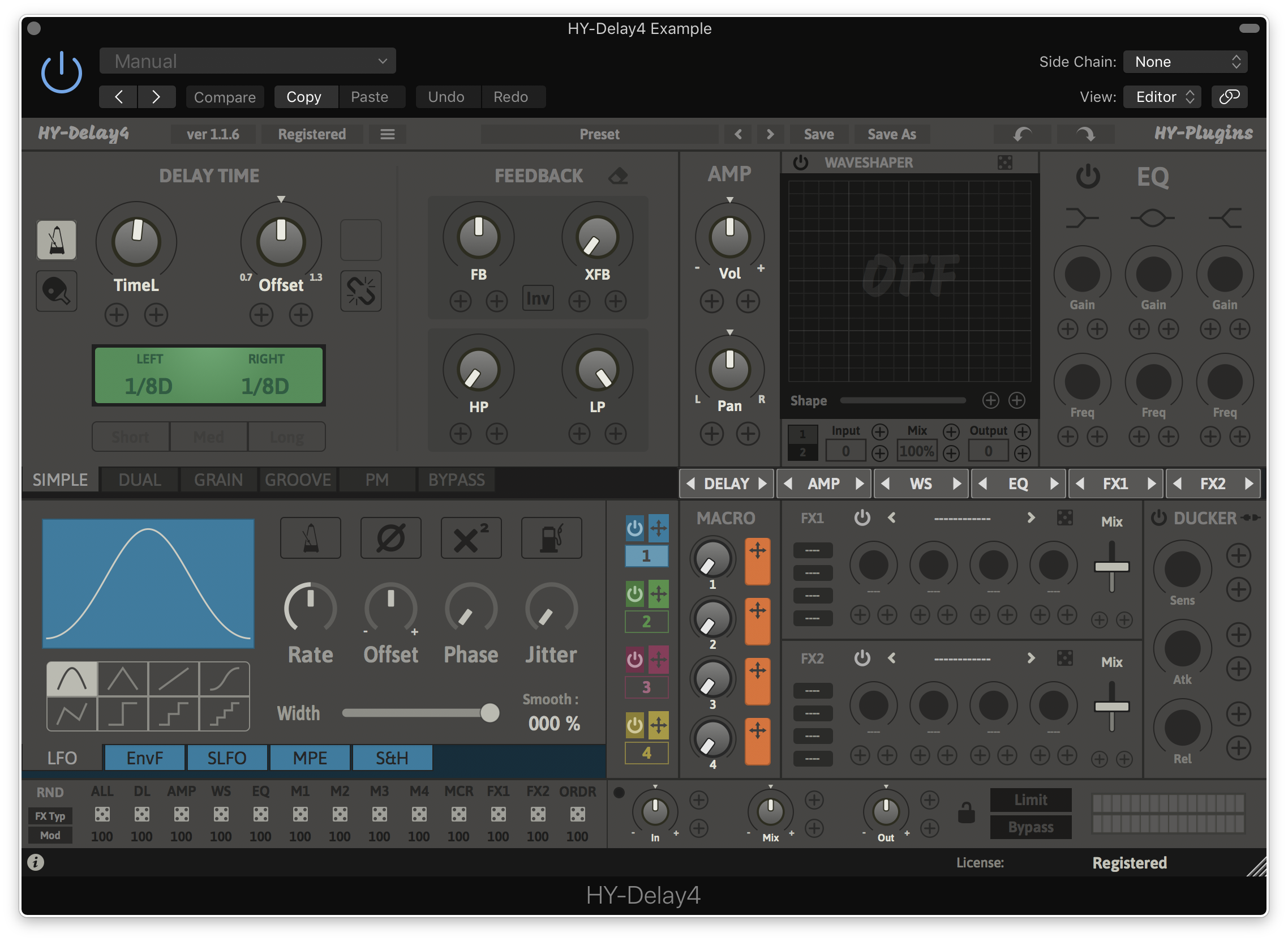
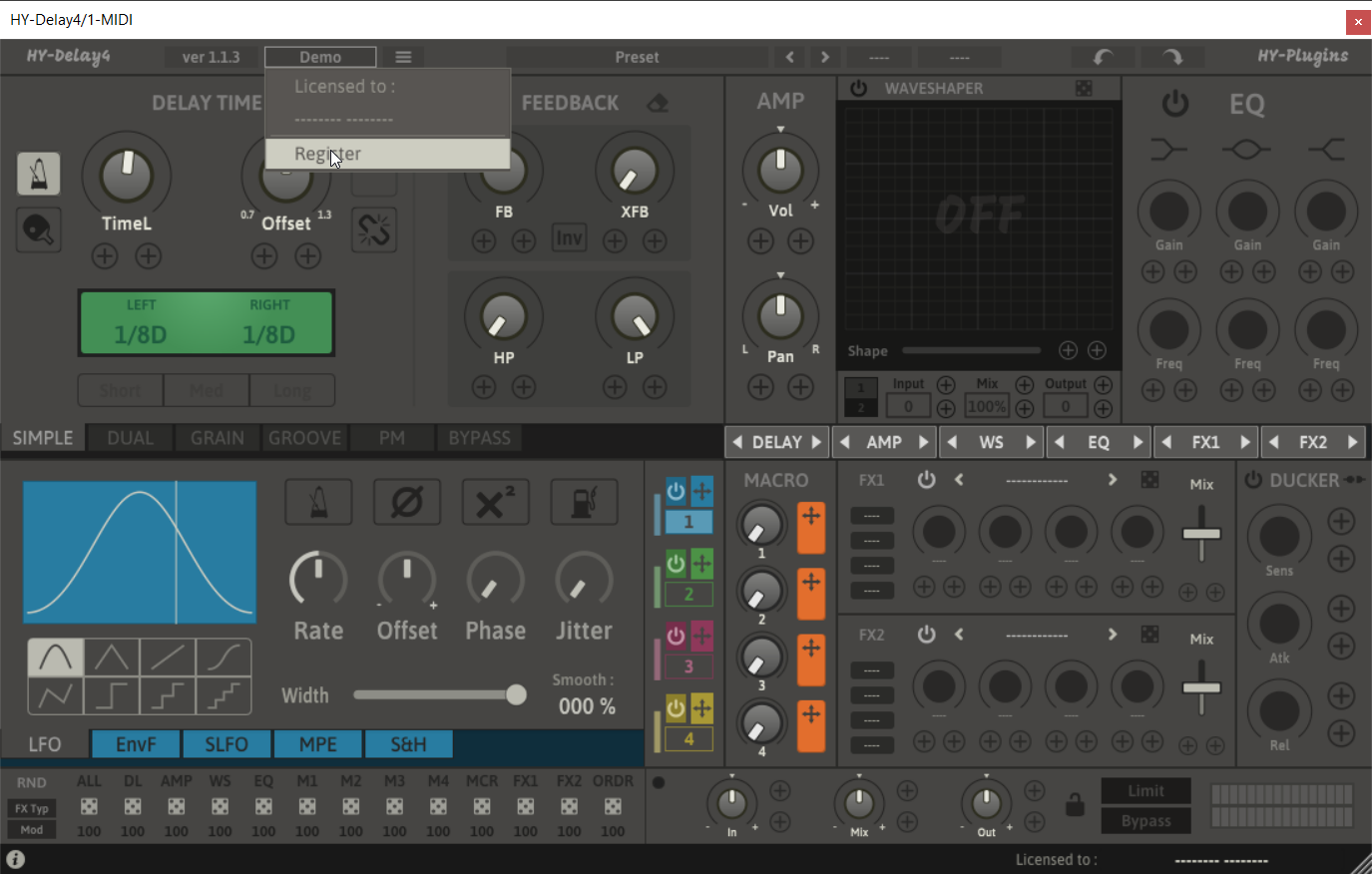
1. Open HY-Delay4 in your DAW > Click the 'Demo' dropdown and then click 'Register'.

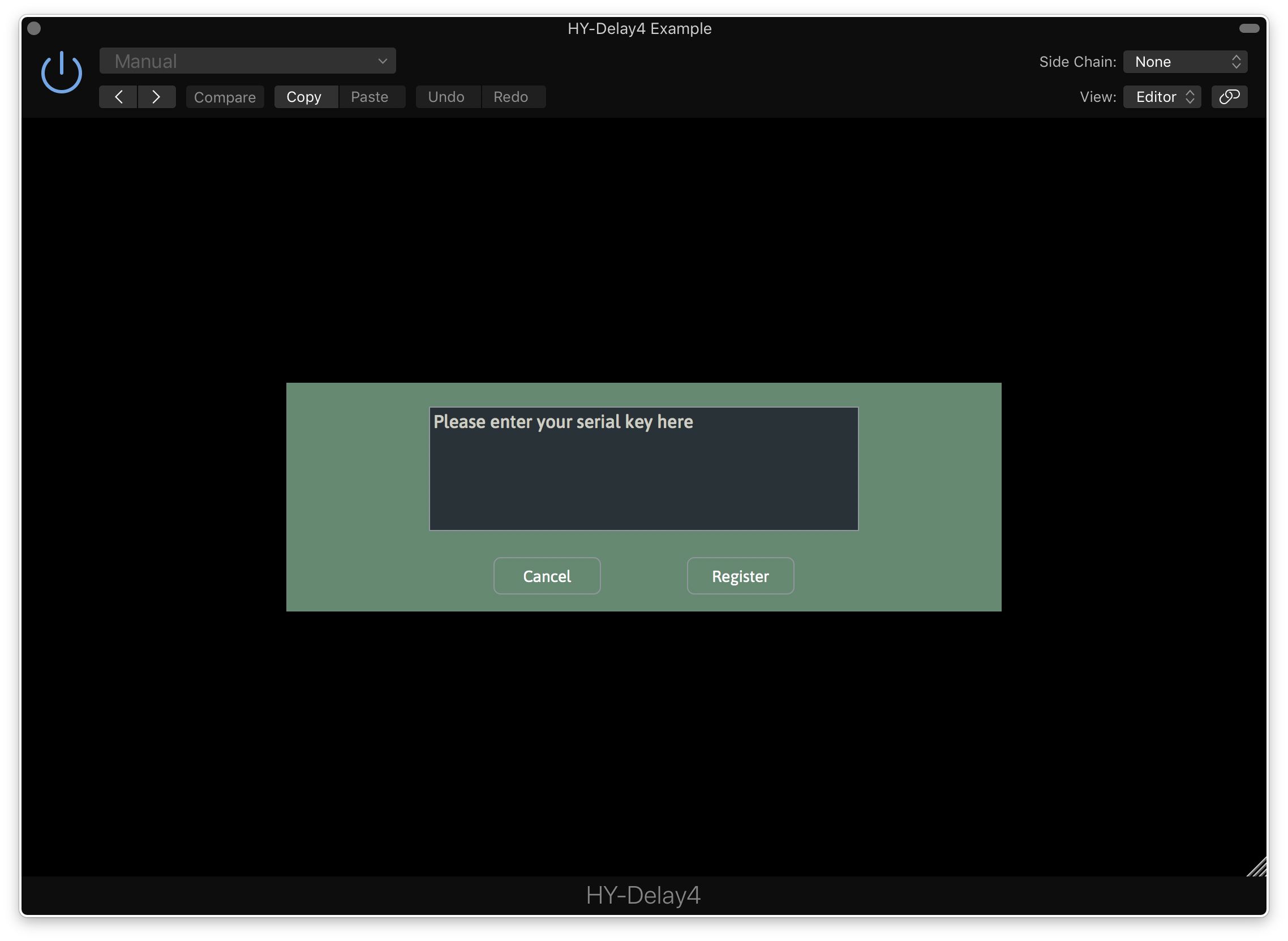
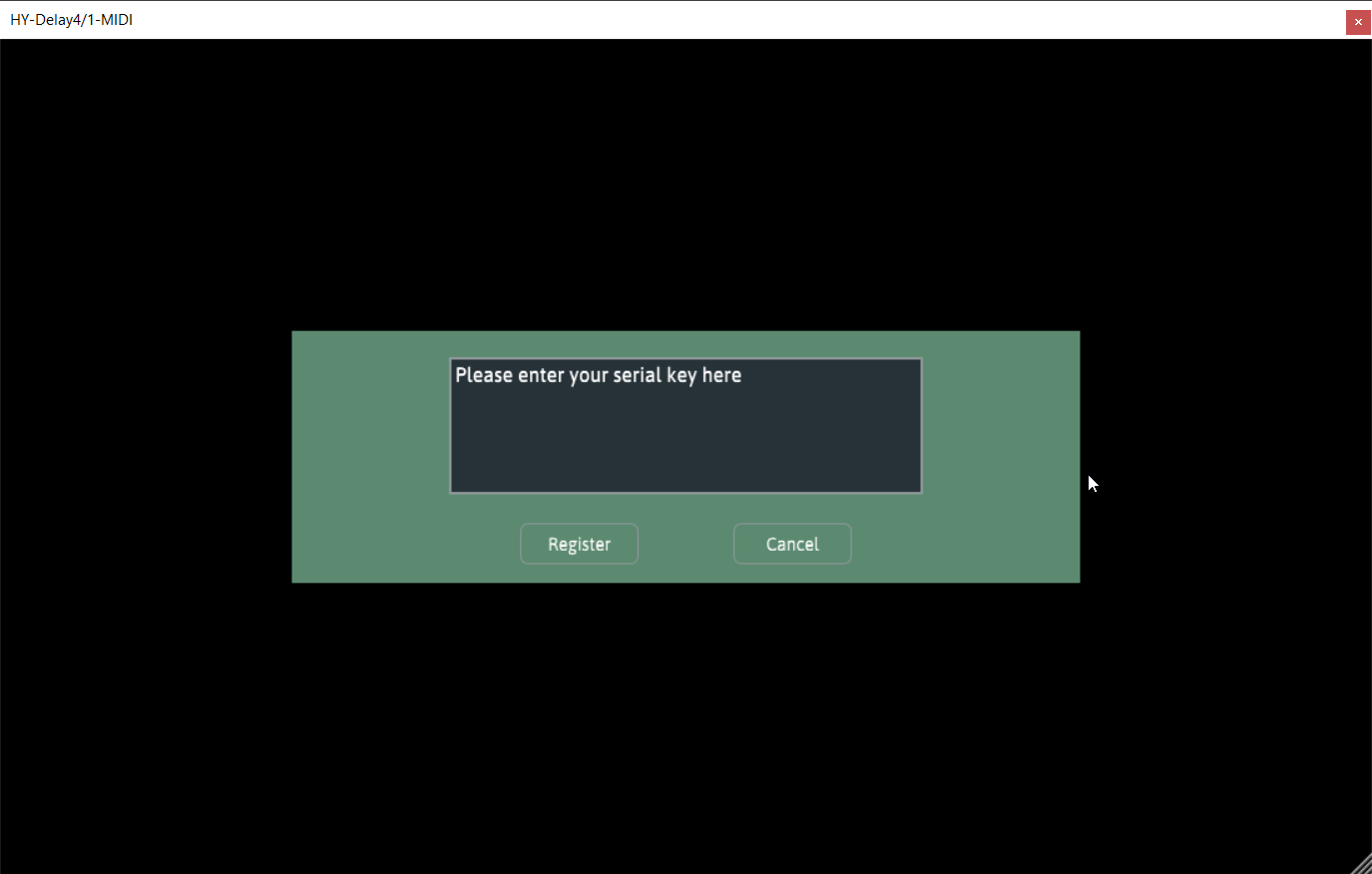
2. Enter your serial from your Plugin Boutique User Account > Click 'Register'.

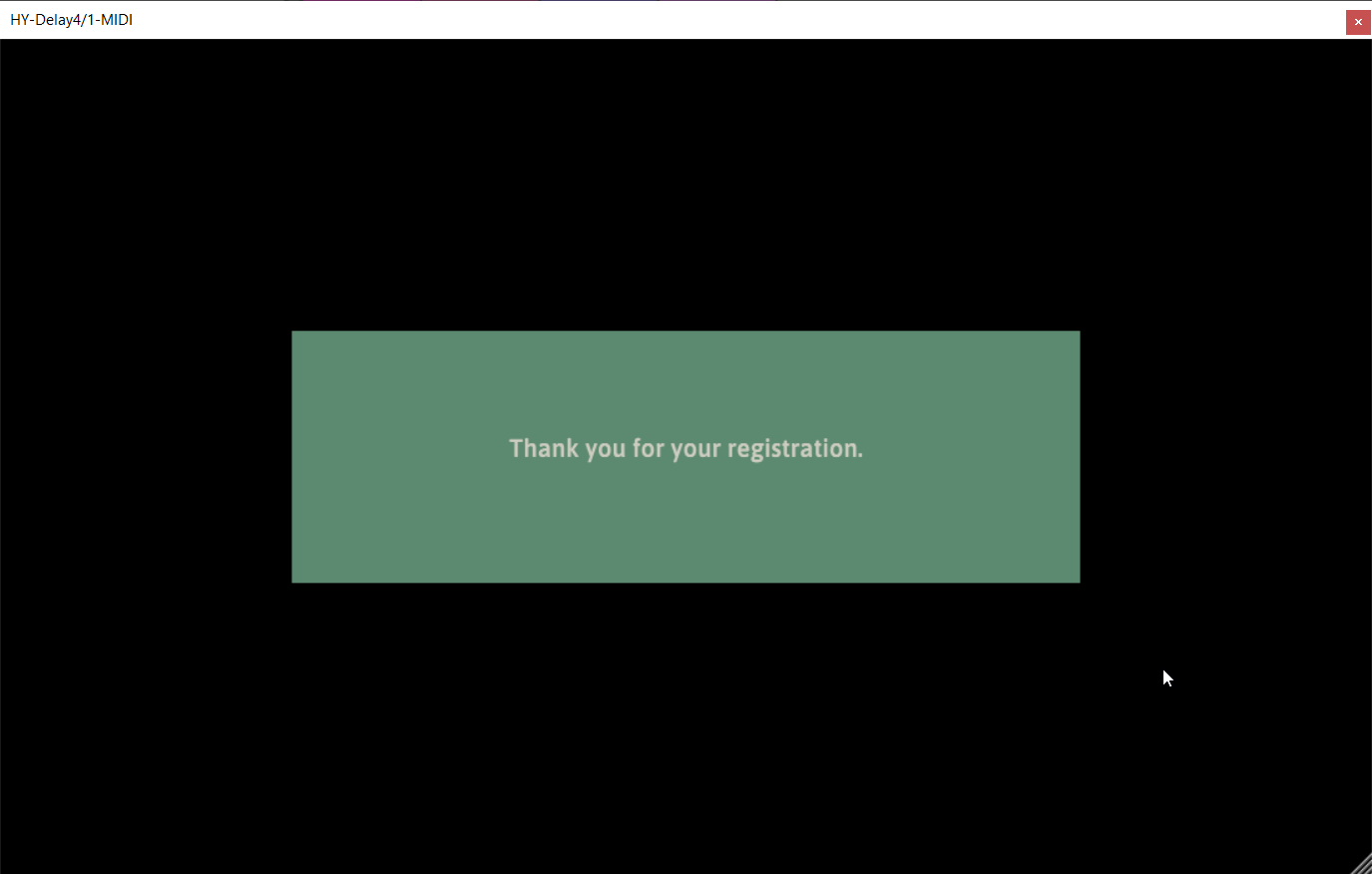
3. Your serial will have now been registered.

Your software is now activated and ready for use in your DAW.

Windows

Installation

1.  Download the .zip folder from your Plugin Boutique User Account and double-click it to extract the .exe installer file.

2. Double-click the .exe installer file to begin the installation process.

3. Select which folder you'd like to install and click ‘Next’.

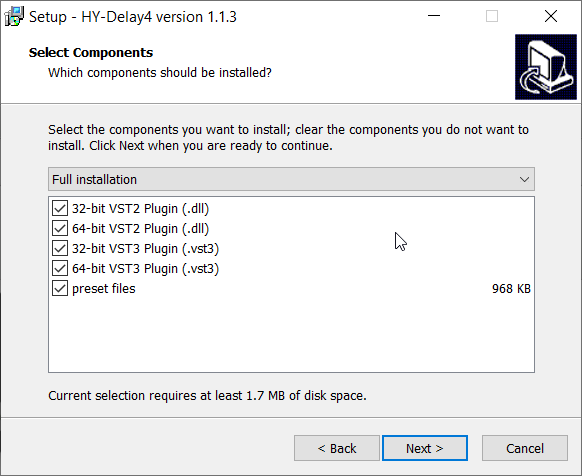
4. Select which components you would like to install.

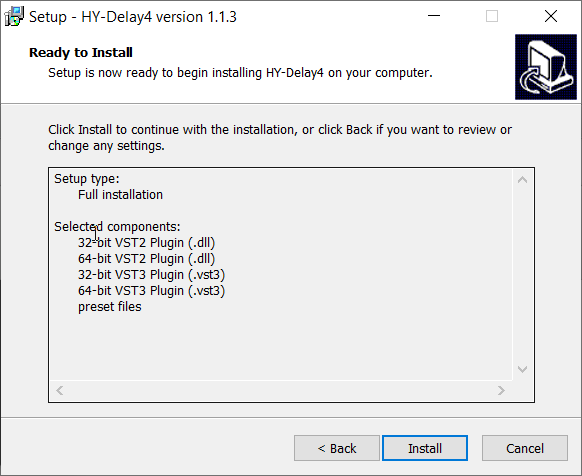
5. Click 'Install'.

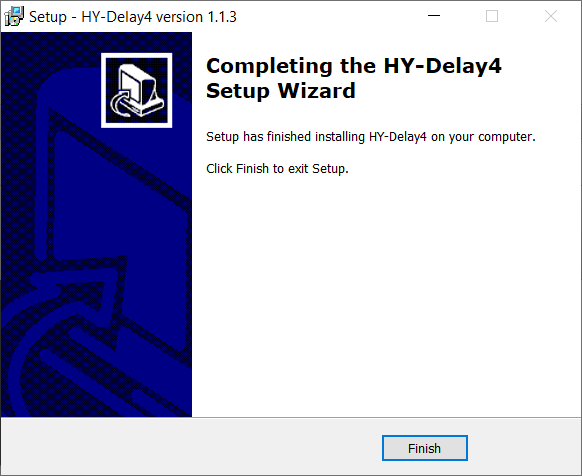
6. Click 'Finish"

Activation

1. Open HY-Delay4 in your DAW > Click the 'Demo' dropdown and then click 'Register'.

2. Enter your serial from your Plugin Boutique User Account > Click 'Register'.

3. Your serial will have now been registered.

Your software is now activated and ready for use in your DAW.

Plugin Boutique Rewards

Discover the most rewarding loyalty programme among all plugin retailers.

  • Free Loopmasters Samplepacks
  • Discounts on products and courses
  • Extra Virtual Cash claimed immediately at checkout
Find out more

Follow us:

X (Twitter) Facebook YouTube Instagram
Logo Logo

Plugin Boutique Limited, Part of the Beatport Group LLC.

Copyright © 2011-2025 Plugin Boutique. All rights reserved