


 Log In

Free gifts available with your purchase
Voyage through granular space.
Easy To Play, Yet Powerful
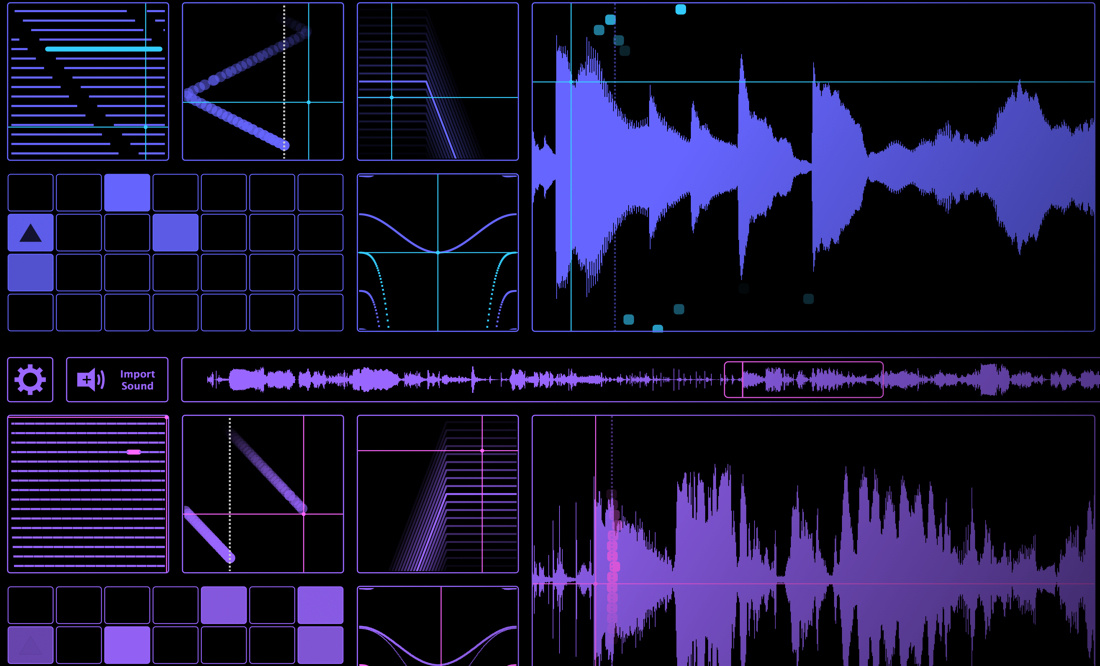
The hugely popular iOS app by Delta-V Audio has come to the desktop! SpaceCraft Granular Synth is well known for providing instant gratification and inspiring creative flow. Two parallel granular engines provide grain frequency/length control, sample position LFO, stereo reverb/filter and pitch/ring-modulation. The innovative grain pitch sequencer, MIDI / MPE and live sampling capability open up further depths of performance and expression.
Innovative Granular Engine
Grain pitch is controlled by a unique, arpeggiated note/grain sequencer grid which is capable of a wide range of styles spanning classical granular effects, lush sample layering and organic rhythmic effects. Over 24 scales provides a wealth of melodic possibilities. With the grain control XY pad you can seamlessly morph from granular chords and drones to arpeggiated rhythmic sequences.
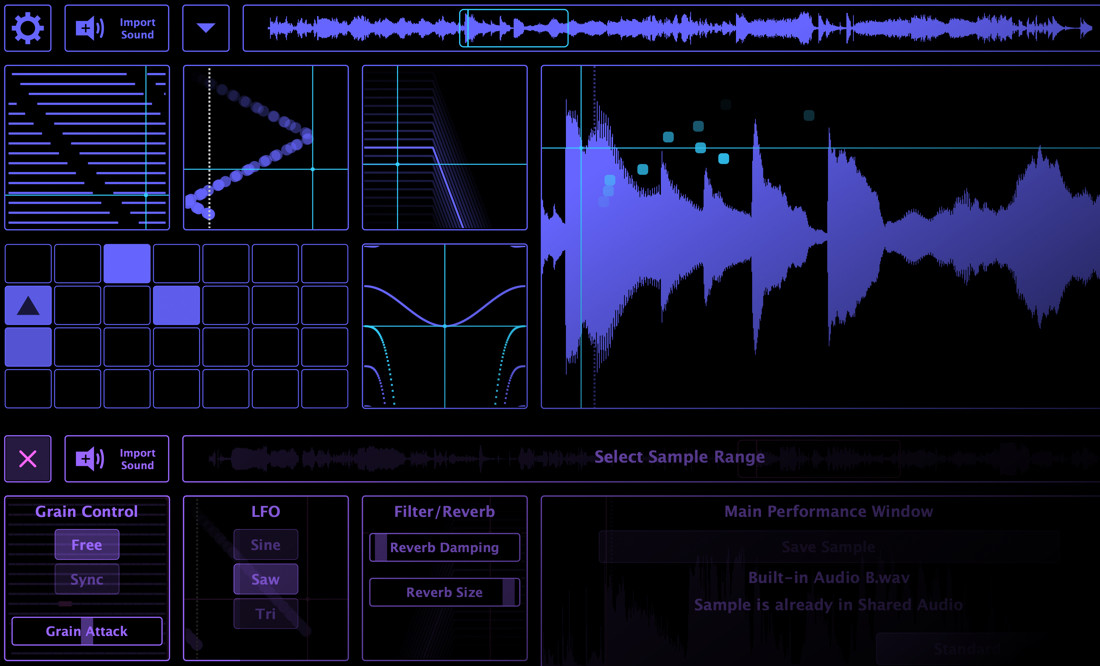
Elegant Single Page GUI
The focused GUI encourages a creative, interactive experience. With carefully chosen components presented in a single page layout, the user can quickly dive into sound design without the need for time-consuming configuration of parameters and mappings, it’s all there in front of you. Reactive visualisation with a choice of fifteen colour themes provides an engaging audiovisual experience.
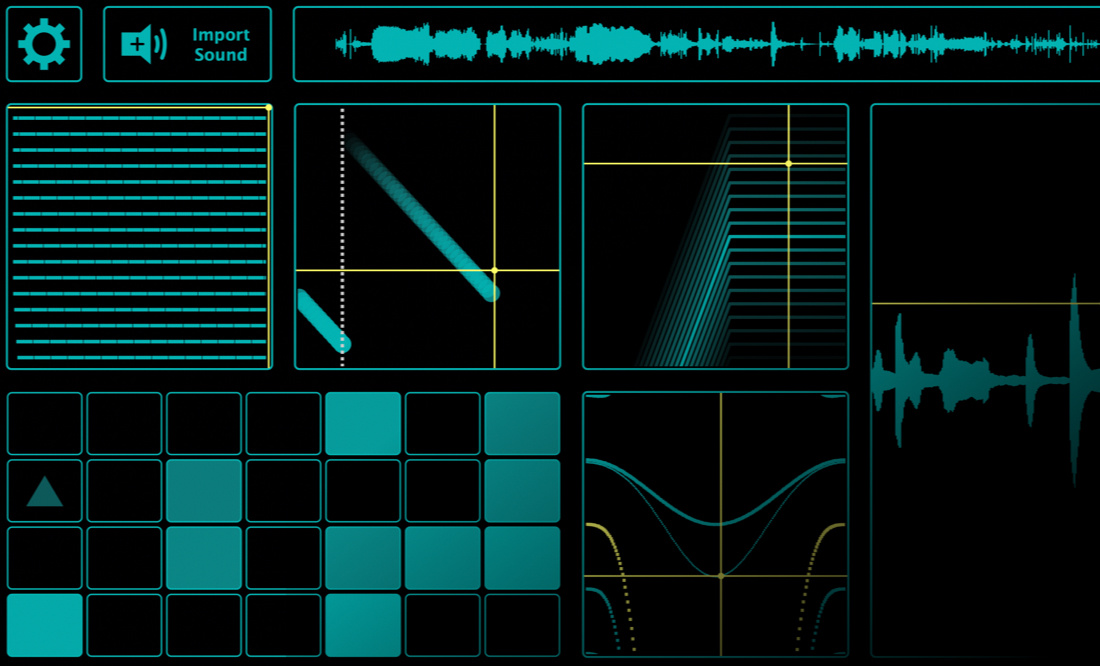
MIDI and MPE
Any sample loaded or recorded into SpaceCraft instantly becomes a playable MIDI or MPE instrument with no need to configure mappings. Plug in an MPE device, SpaceCraft becomes a tactile, exploratory experience allowing for expressive pads, and singing melodies: 16 note polyphony provides per-note pressure control, pitch-bend (Glide) and grain position modulation (Slide). Modulating the grain position over the sample (via Slide) allows for expression of timbre, driven by the timbral changes in the sample itself.
Spacecraft Design Team
SpaceCraft is the creation of Mark Watt, an audio plugin developer (Delta-V Audio) by night, whom by day works as a senior Guidance, Navigation and Control systems (GNC) engineer on real-life interplanetary space science missions. His background in control systems engineering gave him a head-start in diving into the world of audio DSP, both of which have a remarkable cross-over. Mark also has a deep love for music; he is a multi-instrumentalist and has a fascination with music technology, starting off his audio development adventure in NI Reaktor, in which the prototype of SpaceCraft was created.
Features
- Multitouch compatible interface
- Drag and drop samples directly into GUI
- Enhanced, higher fidelity granular engine DSP
- Up to x8 the number of grains (CPU dependent)
- Up to 16 minutes sample duration (RAM dependent)
System Requirements
Mac
- macOS 10.11 or Later (64-bit)
- Intel Core 2 Duo 2GHz Processor
- 2GB RAM (4GB Recommended)
PC
- Windows 7, 8, 10 and 11 (64-bit)
- Intel Core 2 Duo 2GHz Processor
- 2GB RAM (4GB Recommended)




















