


 Log In

Free gifts available with your purchase


Explore a New Sonic Universe
Ushering in the next generation of creative sampling, Novum opens the door to a universe of sonic possibilities. Create fascinating instruments from a single sample - from delicate pads to massive walls of resonating synths - Novum's sonic range is only limited by your imagination.
Sound Clay
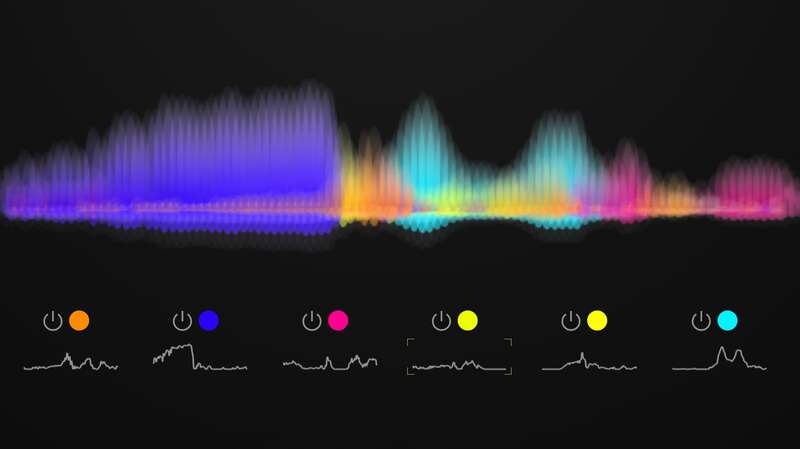
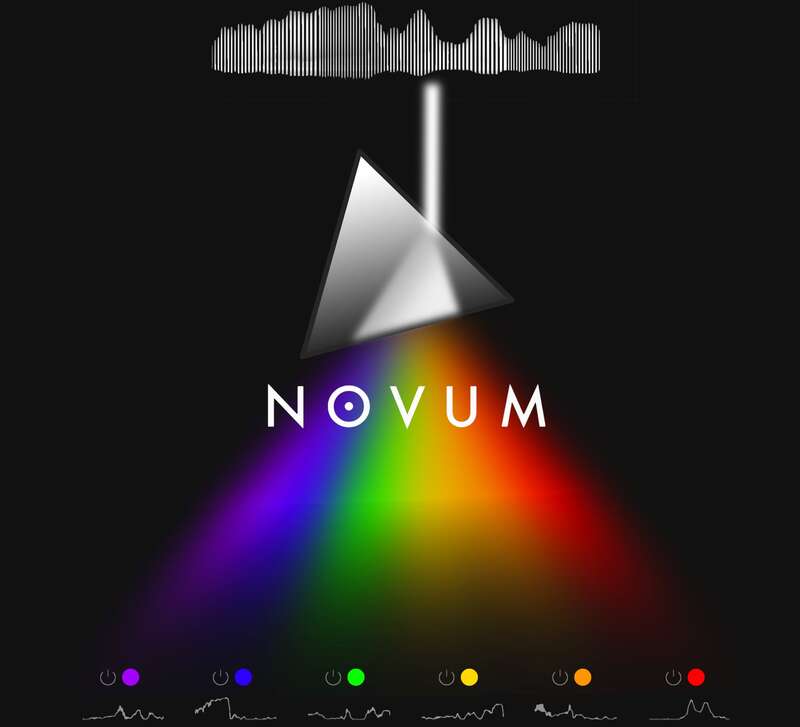
Tracktion was used to summing audio layers into a single audio file. But how about the other way round? At the heart of Novum lies the possibility to "decompose" a single sample into 6 independent layers. This gives you disentangled access to the timbral characteristic on the one hand and the temporal dynamics on the other hand. And that makes all the difference, turning your static sample into flexible sound clay.
Cross-Synthesis
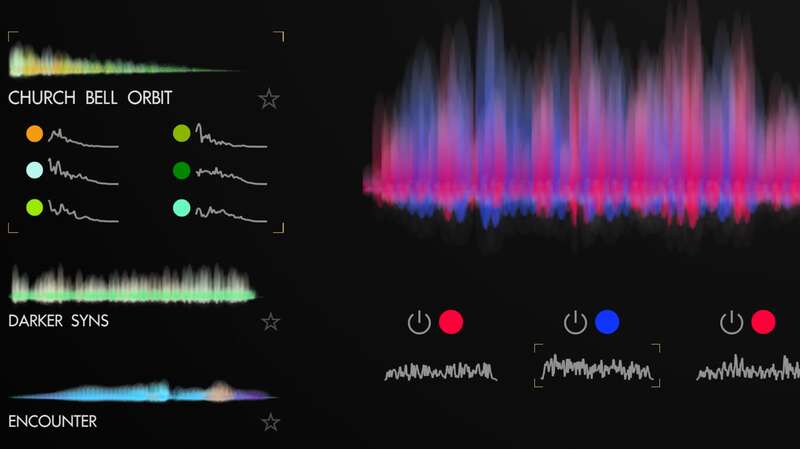
Want to take a flute sample, but hear it with the timbre of a piano? Or trigger a classic filter sweep, but with the tone colours of a church bell? Novum makes this easy - with a simple drag and drop you can combine sonic elements with each other freely. To make this process even simpler: import your sample, then lock its tone colours and envelopes. Now you can browse through the presets keeping your sample in place: dozens of truly unique variations are at your fingertips in seconds.
Advanced Granular Synthesis
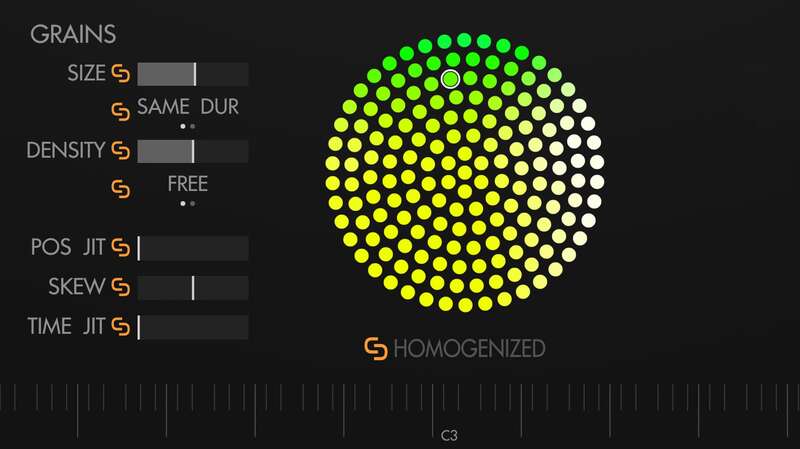
Shimmering sound particles, sonic glitter and a good measure of acoustic fairy dust - granular synthesis renders even the mundane beautiful. Speed and pitch are independent, plus you can sync the grains to your DAWs' tempo to create pulsing rhythms. Novum's unique HOMOGENIZE feature allows for smooth, velvet-like textures that are hard to create with classical granular synths. Add to this the immense power of six granular layers and you have sounds bigger than life.
Endless Possibilities
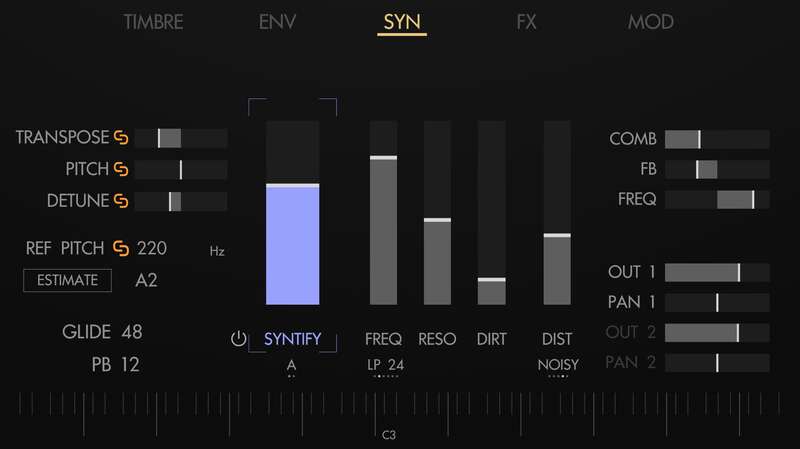
"Every sound can be an instrument" - this is the design philosophy that lies at the heart of Novum. Turn field recordings into playable, tuned instruments with the Comb-Filter, while maintaining the original texture. Convert an out-of-tune Violin sample into a soaring string ensemble with a few tweaks of the granular playback. Use the timbre flower to transform a choir into a shimmering glass pad? Or use SYNTIFY to transmute your sample into a dark synth drone, like something straight out of a weird modular monster. What will you create with Novum?
Origin Story
Meet the Team
Following Abyss and then Chop Suey - Novum is the third instrument from Peter V aka Dawesome. Peter is a musician at heart, playing the bassoon and contrabassoon in multiple ensembles while pursuing a lifelong passion for synthesisers. Peter believes you can find music in everything and that drawing inspiration from visual art can only benefit composition and sound design.
His mission is to create a new generation of emotive tools that inspire, make you think differently and set a foundation for telling stories.
A Word From Peter (AKA Dawesome)
"A few years ago my kids and I were fascinated by a prism, when I was struck with an idea: can we do the same with audio, splitting it into its natural tone colours? This was the starting point of a three year journey that involved tons of intricate math, concepts, experiments and permanent feedback from a team of professional sound designers. But in the end the effort paid off providing me with the vast fields of exciting sonic possibilities I share with you today."
Features
- Unique algorithm breaks samples into layers.
- Granular Synthesis with up to 6 layers.
- Disentangled editing of timbre and temporal evolution.
- Timbre flower allows spectral modification of timbres.
- Cross synthesis via drag and drop.
- Advanced subtractive with SYNTIFY, analog filter and comb filter.
- Powerful and intuitive modulation system.
- Full MPE support.
- Highly optimised for CPU efficiency.
- 300+ factory patches.
Mac
- macOS 10.13 or later (Intel / M1 Apple Silicon supported) 64-bit only)
- AAX / AU / VST3
Windows
- Windows 10 - Windows 11 (64-bit only)
- AAX / VST3




















