Log In
Free gifts available with your purchase
TAL-Sampler is not just a sample player. It's a full-featured analog-modelled synthesizer with a sampler engine as a sound source, including a powerful modulation matrix and high-quality self-oscillating filters.
Don't expect a 40 GB piano sample library with samples for every velocity or something similar. The idea is to bring back the fun sampling was in the good old times with small samples, fast loading times and an intuitive workflow to create your own sample presets without getting lost in the settings.
It's possible to choose between different digital analog converters (DAC's) to get the vintage sound of different hardware samplers inside your DAW. TAL don't make cheap bit crushing or decimation on the output signal. TAL really down-sample the sample to the desired sampling frequency, then process the data depending on the chosen DAC and up-sample it to the desired pitch. Most DAC modes offer a LEVEL slider. This feature allows the user to reduce the volume of the recorded sample and decreases the sample quality. Load your favourite high-quality sample and make it sound vintage and noisy. The 24dB low pass filter will like it!
The following diagram shows the signal flow if you choose the DAC Emu II mode:

The plug-in has four layers and can play four samples simultaneous. There is also a simple SFZ import for samples that imports the mapping and sample paths, but the plug-in also contains an easy-to-use mapping editor.
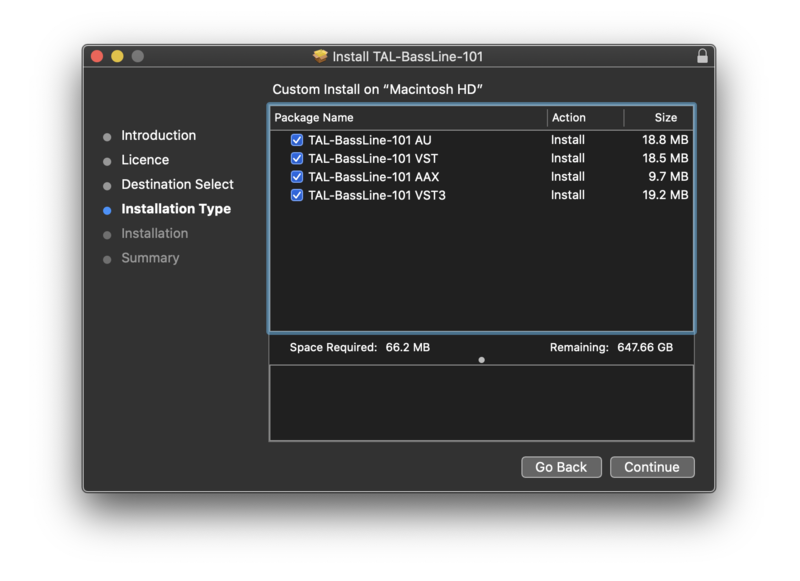
TAL-Sampler is available in the VST, Audio Unit and AAX plug-in format. You can load and play your own samples in every common sample format (*.wav, *.aiff, *.aif, *.mp3, *.ogg, *.flac). Import samples with drag & drop from finder or explorer. There is also an intuitive sample browser that helps to find samples fast.
Some nice additions like a vintage real-time time stretcher and the possibility to modulate the sample loop positions.
Features
- Vintage DAC modes (Emu II, AM6070, S1000, Sample Hold, Linear, Clean).
- Steep 96dB low-pass reconstruction filter (Emu II and AM6070 F).
- Variable sample rate.
- Powerful MOD-Matrix.
- Four sample layers.
- Three AHDSR envelopes with vintage Digital / RC mode.
- Three LFOs (Triangle, Saw, Rectangle, Random, Noise).
- High-Quality effects (Reverb, EQ, Delay).
- Self resonating zero feedback delay filter (24/12/6 dB LP, HP, BP, AP, Notch).
- Wide range of audio formats supported (*.wav, *.aiff, *.aif, *.mp3, *.ogg, *.flac).
- Scalable high-resolution user interface.
- The possibility to change font and background colour.
- Fast sample and preset loading.
- Load SFZ presets (mappings and samples up to 4 layers).
- SF2 sample import (mappings and samples up to 4 layers).
- Microtuning support (tun file import and MTS Client).
- More than 100 presets available to download.
- Resizeable GUI
- MTS, MPE supported
- Supports MIDI Mapping
System Requirements
Mac
- Mac OS X 10.9 or higher (64-bit only)
- Universal Binary 2 with native Apple M1 support.
- VST, VST3, Audio Unit, AAX, CLAP
Windows
- Windows 7 or higher (64-bit only)
- VST, VST3, AAX, CLAP
Please Note: AAX Format requires Pro Tools 10.3.6 or higher.