


 Log In

Free gifts available with your purchase
Feel The Sound Of Modern Club
Kinetic brings you a whole universe of modern sounds for genres such as techno, dark techno, tech house, edm, big room and more, packed into the most advanced and intuitive interface! Mysterious and dark synths, well recognizable and completely new basses, as well as a wide selection of pluck sounds for maximum choice in your work. The most powerful set of built-in and fully customizable effects will allow you to create your absolutely unique sound!
What is Muze Evo Engine?
Muze Evo is a completely new sound engine created by Muze's team of programmers and sound designers based on hundreds of your comments and feedback to satisfy the most demanding taste of professional musicians. The performance & flexibility of the instruments based on the new engine will surpass all previous products and set a new standard in the industry.
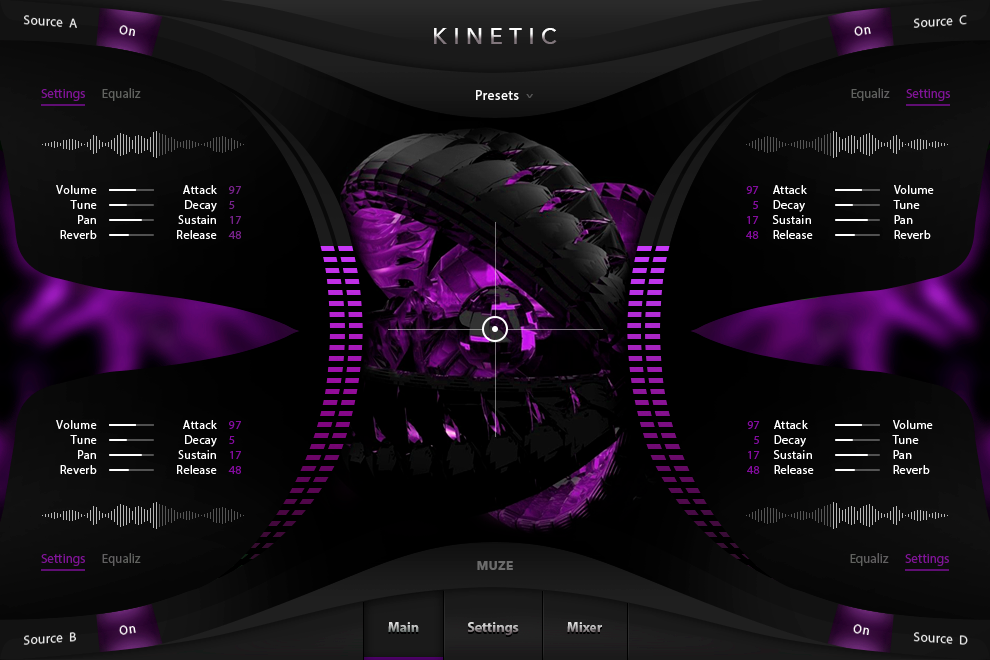
Interface
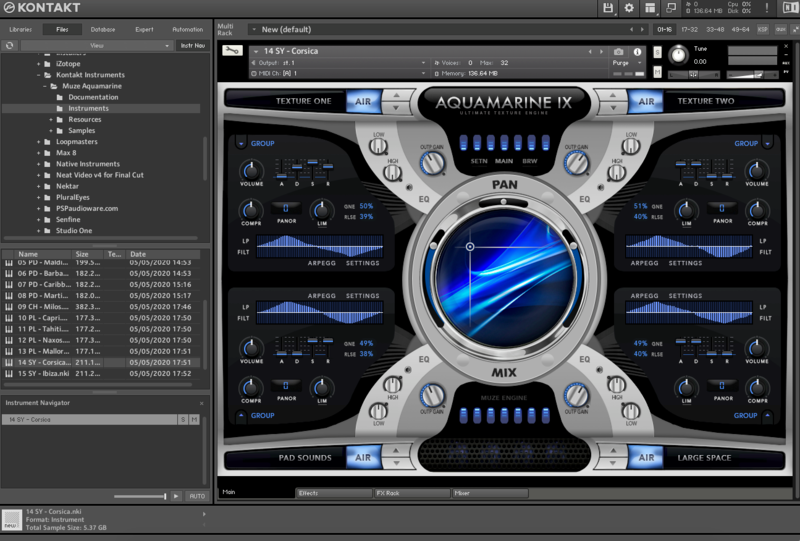
Fully customizable, discover the instrument and make it yours, thanks to the easy-to-use UI and to the big amount of settings.
Features
- 19440 Samples
- 648 Presets: Synths, Pluck, and Massive Bass
- 3.6 GB library size (losslessly compressed).
- 14 Built-in Effects: Compressor, Delays, Reverb, Limiter, Cabinet, Gainer, Rotator, Stereo Panner, Chorus, Phaser, Flanger, 3 and 5-Band EQ & more
- Full set of effects in the settings for total customization
- Powerful Layering Engine with Sound Browser and Fx
- Sampled with Analog & Digital equipment
System Requirements
Mac
- Minimum – 8GB RAM / Mac OS X 10.7 or later / 7200 RPM or faster HDD.
- Recommended – 16GB RAM or more / Mac OS X 10.7 or later / SSD (Solid State Drive).
PC
- Minimum – 8GB RAM / Windows 7 or later / Sound card with ASIO drivers / 7200 RPM or faster HDD.
- Recommended – 16GB RAM / Windows 7 or later / Sound card with ASIO drivers / SSD (Solid State Drive).
Please Note: This product requires the FULL version of Kontakt and is NOT compatible with the free Kontakt Player.

Reviews Summary
While it aims to provide a helpful overview, it may not capture every perspective or detail. We encourage you to read individual reviews to make an informed decision.
The product generally receives praise for its sound quality, versatility, and gritty sonic character. However, some users note that it is resource-intensive on SSD and CPU, while another felt it was just an ordinary sample library.


