Log In

Free gifts available with your purchase
Rule Breaking Alchemy of Synth and Acoustic
The Next Leading Role for Musical Storytelling
Revelation Fusion Harp is the second in the Revelation series of rule breaking hybrid synths from Sound Yeti. Built on a meticulously sampled orchestral pedal harp with four character filled articulations, Revelation Fusion Harp combines the acoustic beauty of the orchestral harp with a power trio of sampled instrument layers (50 of them). Once again, the powerful alchemy of synth and acoustic inspires remarkable musicality and expression.
Start with one of the 100 onboard presets or score your own ensemble for fantasy trailers, expressive cinematic cues, extraordinary underscore, luxurious leads or, go solo with the harp only for an acoustic touch. New with Revelation Fusion Harp, the on-board arpeggiator fuels inspiration for creating genuinely unique rhythmic patterns, textures, meandering motifs and unexpected ambiences all with magical ease. Revelation Fusion Harp – for Free Kontakt Player, nothing else to buy. It’s your next leading role for musical storytelling.
Audio Alchemists Feel Right at Home
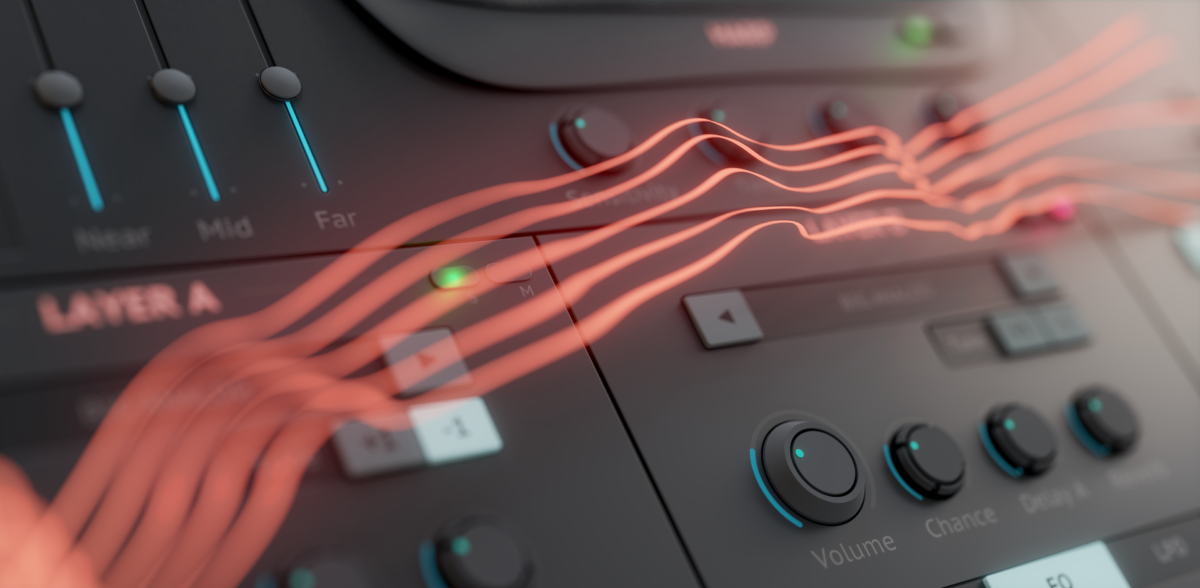
Revelation Fusion Harp is a Kontakt Instrument that might ruffle some feathers. Perhaps break the rules of traditional sampled instruments. Spend a few moments with Revelation Fusion Harp and you'll see how musical disclosures flow with the greatest of ease, like a truth serum for musical storytelling. Unmasking your musical intuitions with a new alchemy of synth and acoustic.
Classically Unconventional
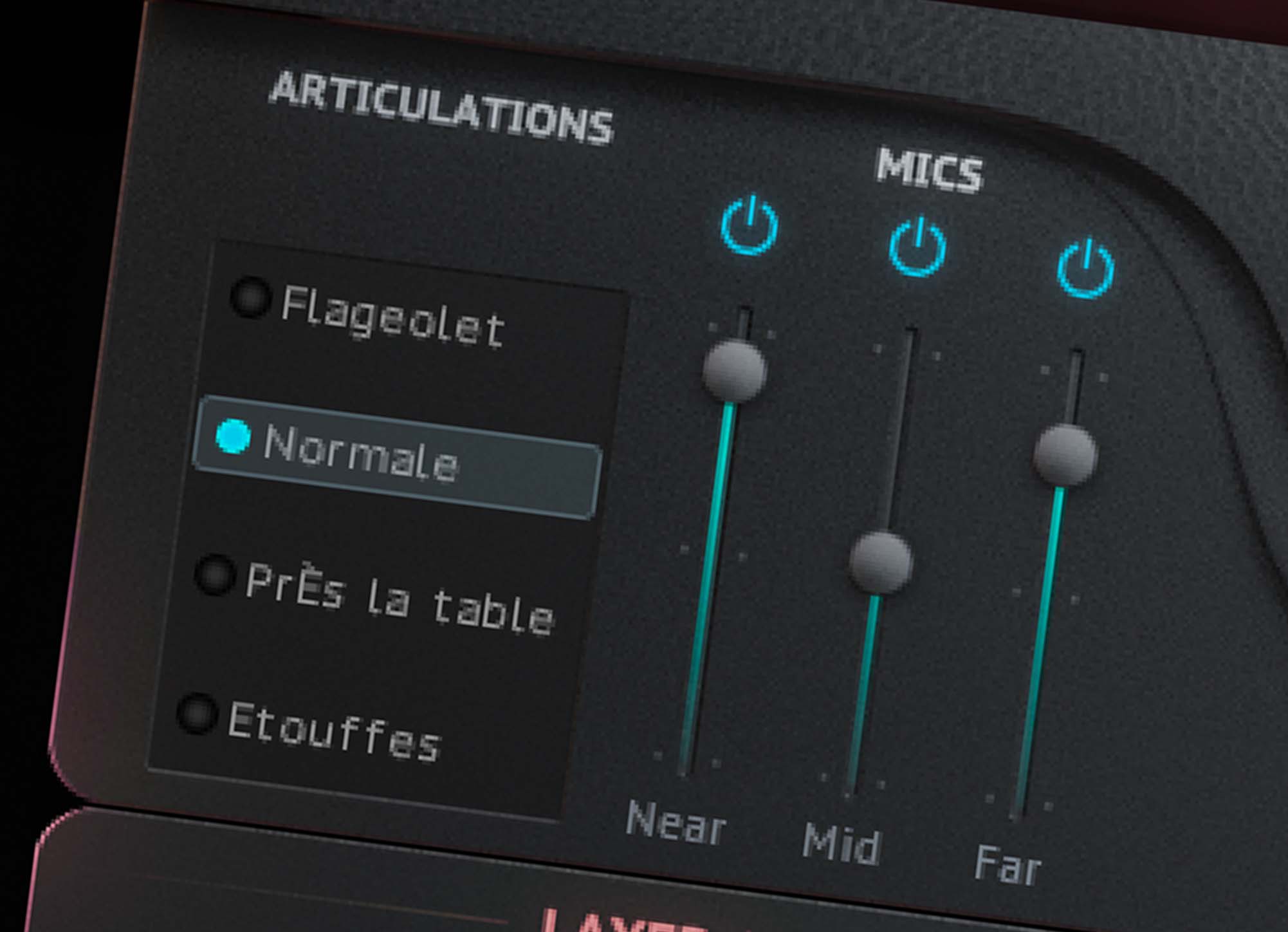
Revelation’s foundation is built on a meticulously multi-sampled orchestral pedal harp. Three microphone perspectives are beautifully captured – near, mid and far – for dialing in a masterful mix from four discreetly sampled harp articulations. The revelation: an extraordinary range of tones and timbers on which your ears can machinate.
Performance and expression is enhanced by simple sensitivity and tone controls. Choose between four articulations for interjecting a human, organic touch and performance into your fusion harp’s speaking voice.
A Power Trio of Layers
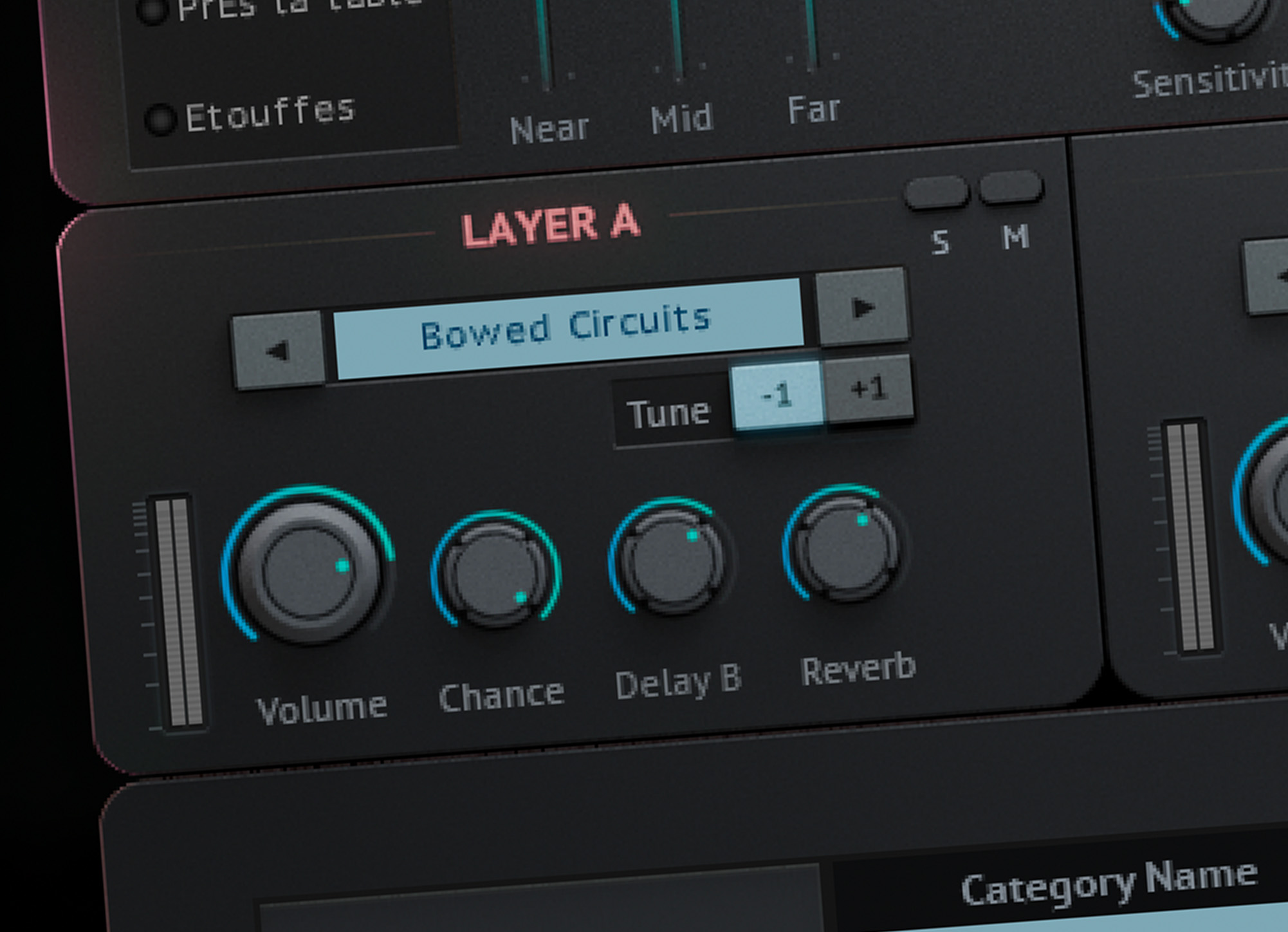
On top of Revelation’s classic harp foundation is a power trio of sampled instrument layers. Easily assign sounds to layers with the instrument’s browser of 50 uniquely sampled instruments, categorized for easy recall with Sound Yeti’s proprietary preset browser. Summon any combination of the three layers and assemble an all-star supporting cast of timbres, textures and tones. Mix for eloquent and subtle compliments to the orchestral harp or break some rules and design fully realized hybrid keys, pads, complex textures and rhythmics that become the main character in your musical story.
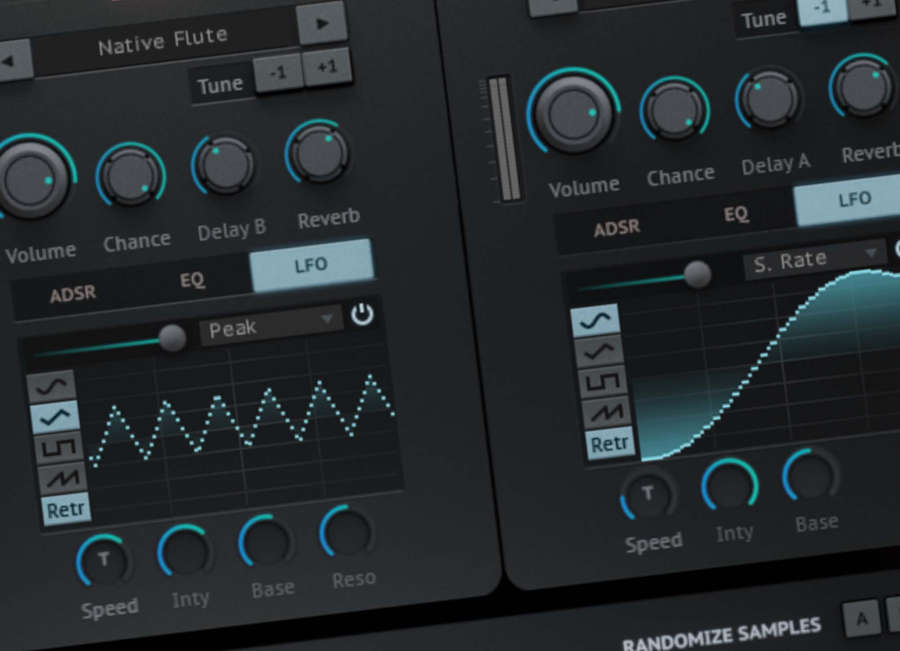
Each stereo layer is accompanied by a combo of sound molding tools; ADSR, Delay, Reverb with 24 custom IR environments, 4 Band EQ and Sound Yeti’s proprietary LFO design with tempo sync, resonance, wave shape selection, fade in control and awesome LFO visualization. Thinking of taking the power trio on tour as the headliner? Simply mute the Fusion Harp and you’ll find this trio is ready for top billing.
Every Harp Needs a Harpeggiator
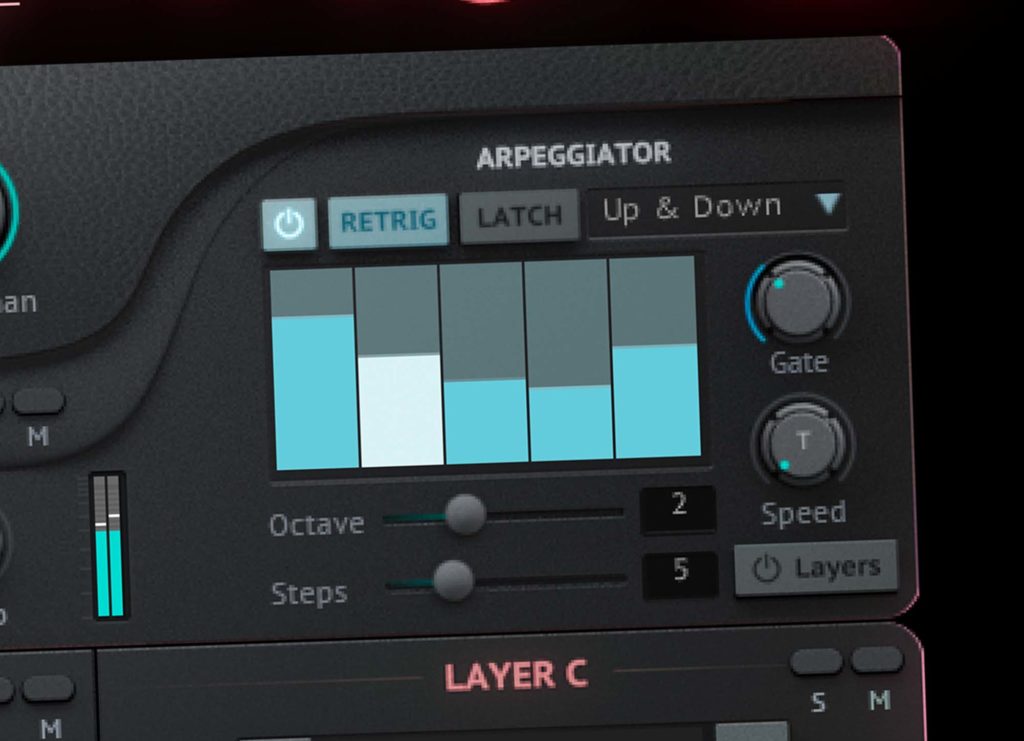
New with Revelation Fusion Harp, a 16 step arpeggiator that offers two unique performance modes. Easy to use and certain to send you on a path to new discovery of textures, tones and kinetic motion filled sounds, the harpeggiator will generate sounds that are destined to become the centerpiece of your production.
The key to the arpeggiator performance modes is the Layers button. With the Layers button off, Layers ABC will not be played / included in the arpeggiation. This means the harp is the only arpeggiated sound. But the Layers ABC will play their programmed sound as set in the snapshot. Truly unique to Revelation Fusion Harp, this setting lets you easily create arpeggiated harp patterns with accompaniment of the synth layers. You will be amazed how easy it is to create dynamic underscores, atmospheres, juicy textures all with a single snapshot in Revelation Fusion Harp.
A little more traditional, with the Layers button enabled, Layers sounds will be played with the harp in the arpeggiation creating a multi layer instrument sequence. Explore and re-mix the levels of the layers for even more interesting and unexpected variation.
The harpeggiator in Revelation Fusion Harp features programmable step velocity, just click and drag the bar graphic up or down for instant dynamic control. The gate control; for setting relative note length, Latch control keeps the arpeggiation playing after key release, Octave sets the range in which to repeat the patterns, from -3 to +3. And for even more variation with your harpeggiations, explore 10 pattern settings like Up, Up & Down, Zig Zag Up & Down and As Played and Random. Get beautiful and dynamic musical results in a snap with the onboard arpeggiator of Revelation Fusion Harp.
Temptations for Tweaking
Like all Revelation series plugins, the UI of Revelation Fusion Harp beckons even those with only the slightest inclination to tweak twist and tune. It's a Kontakt instrument that will easily let you shape your sound to the perfect musical and lyrical expression. The upfront display provides almost instantaneous understanding of the composition of your sounds and is effortless for crafting your own signature mix.
Features
- Rule breaking hybrid synth built on Native Instruments Kontakt 6
- Four orchestral pedal harp articulations, each with three mic perspectives
- Tone and sensitivity control for performance dynamics
- 16 step dual mode arpeggiator
- Layers arpeggiation control
- Three layer channels (non pedal harp sample groups)
- ADSR envelopes per layer channel
- Four band graphic EQ per layer channel
- Full-featured LFOs per layer channel, with syncing & core waveforms
- Sound Yeti proprietary LFO visual display
- Sound Yeti custom reverb with 24 impulse response environments
- 58 delay effects presets
- Sound Yeti proprietary Preset Recall System for delay and reverb effects
- Probability/Chance controls for added performance dynamics
- Easy to use sample/sound browser with categories
- Nothing else to buy – Licensed for NI Kontakt 6 Free Player
System Requirements
- Powered by KONTAKT 6 ver 6.5.3 or later
- Includes KONTAKT 6 Player – Nothing else to buy
- Native Instruments NKS Ready with KOMPLETE KONTROL & MASCHINE
- Full integration with Komplete S-Series keyboards and hardware
- Use as a standalone virtual instrument plugin VST-AU-AAX plugin or with popular DAWs like Ableton, Logic, Pro Tools, Cubase etc.
Minimum System Requirements
- KONTAKT Player or KONTAKT 6 Full Version 6.7.1 or higher
- MacOS 10.12, 10.13, 10.14 or 10.15 (latest update), i5, 4 GB RAM
- Windows 7, Windows 8, or Windows 10 (latest Service Pack), Intel Core i5 or equivalent CPU, 2 GB RAM
Recommended System Requirements
- KONTAKT Player Or KONTAKT 6 Full Version 6.7.1 or higher
- Mac OS X 10.12 and higher (latest update), 8 GB RAM Intel Core i5 or i7, i9
- Windows 7, Windows 8, or Windows 10 (latest Service Pack), Intel Core i5 or equivalent CPU, 8 GB RAM
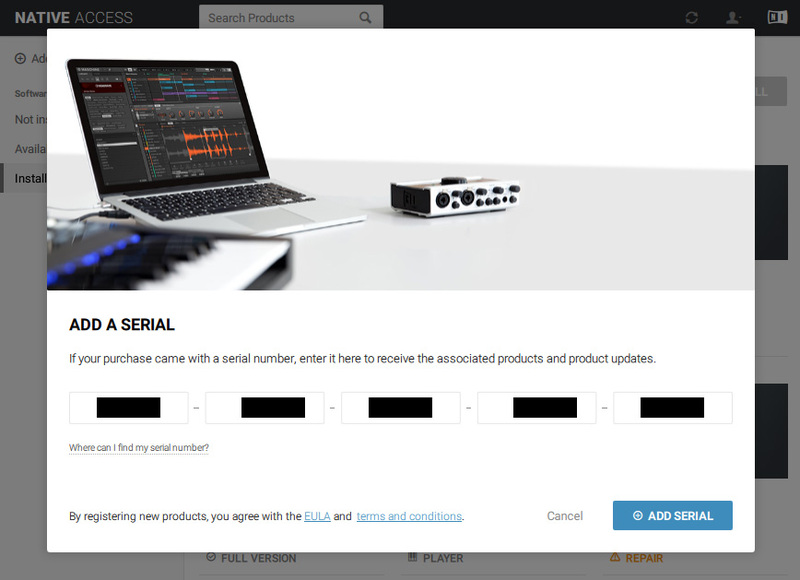
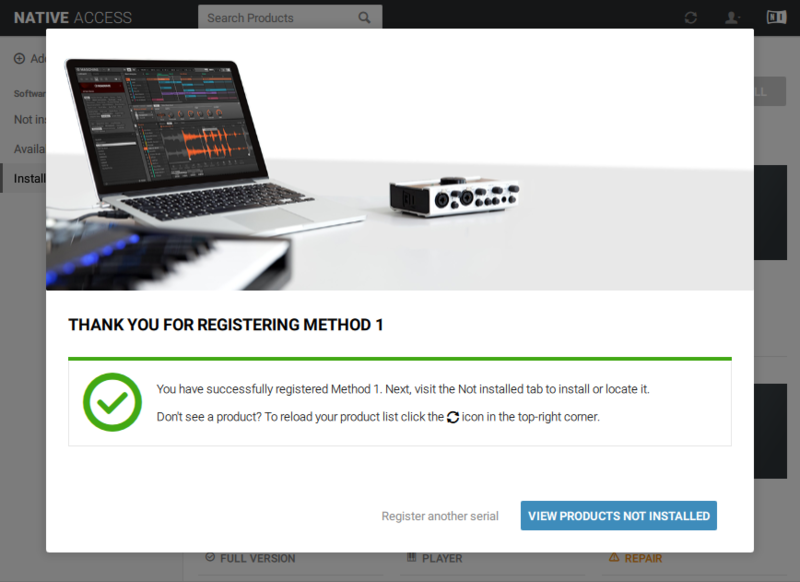
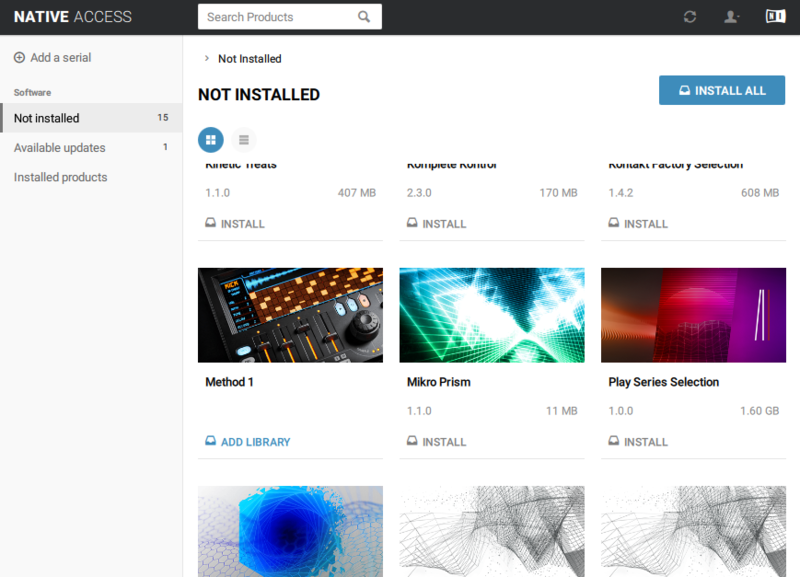
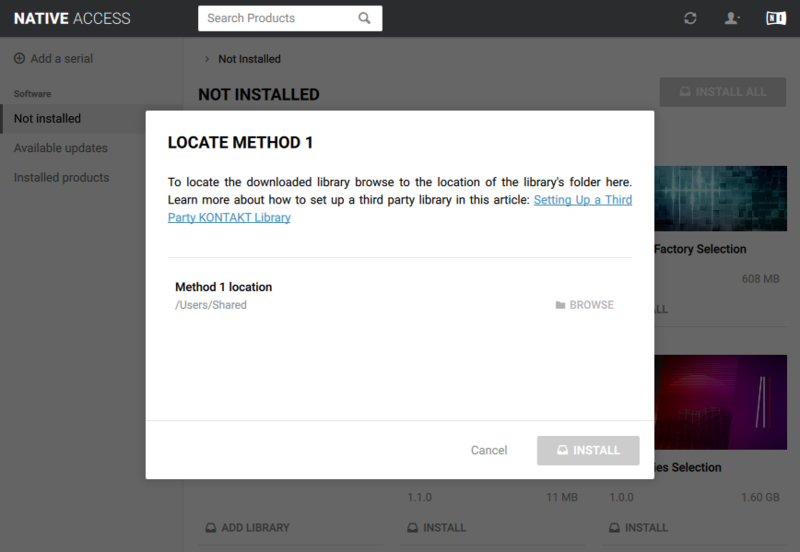
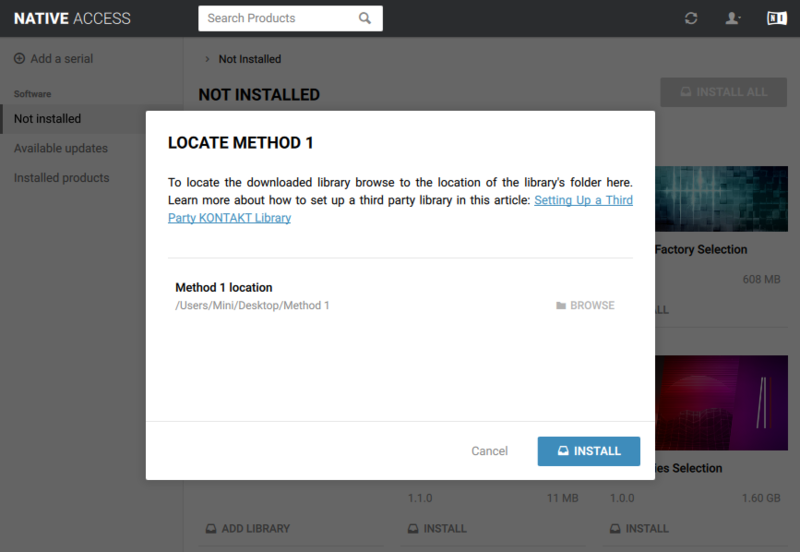
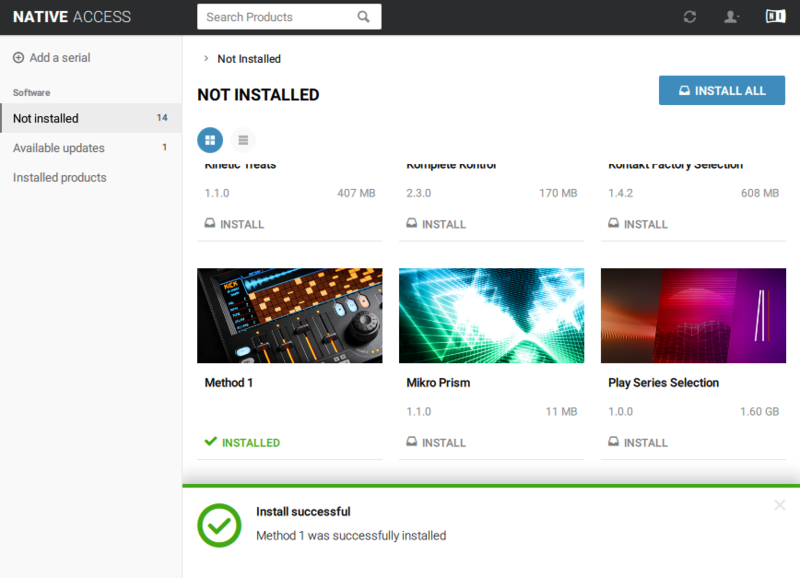
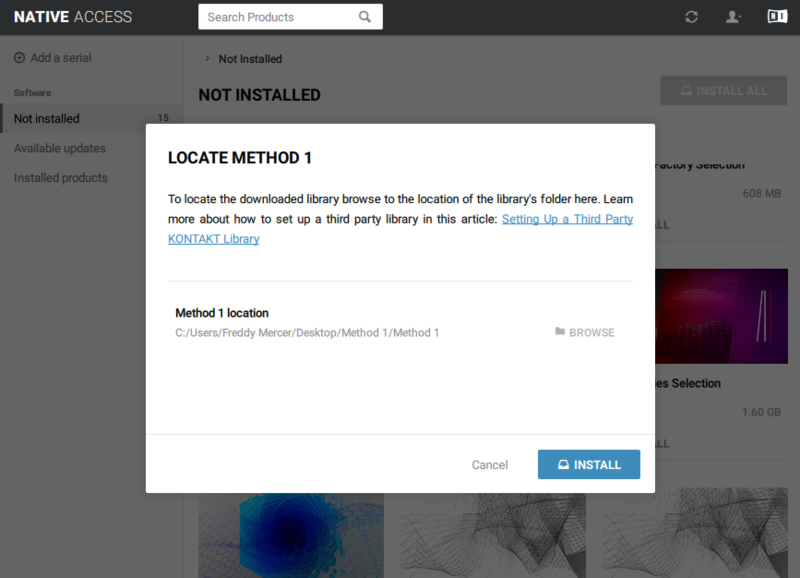
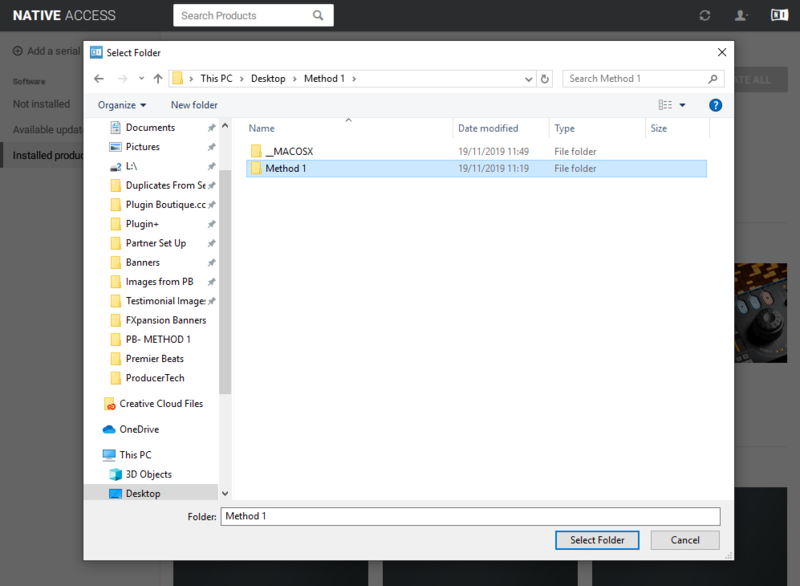
*Please note Native Access is required for the activation of Kontakt based instruments


Note: This product is compatible with the FREE Kontakt Player.