Log In

Free gifts available with your purchase
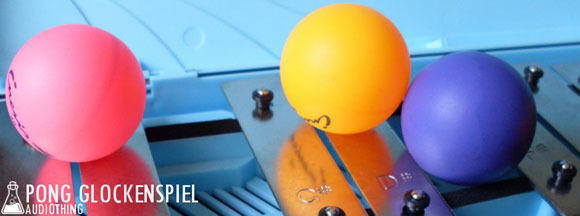
Glockenspiel Played with Ping Pong Balls
Important Note: This is a software instrument designed for the full version of the NI Kontakt engine, and is not a physical product!
Why use sticks when you can use ping pong balls?
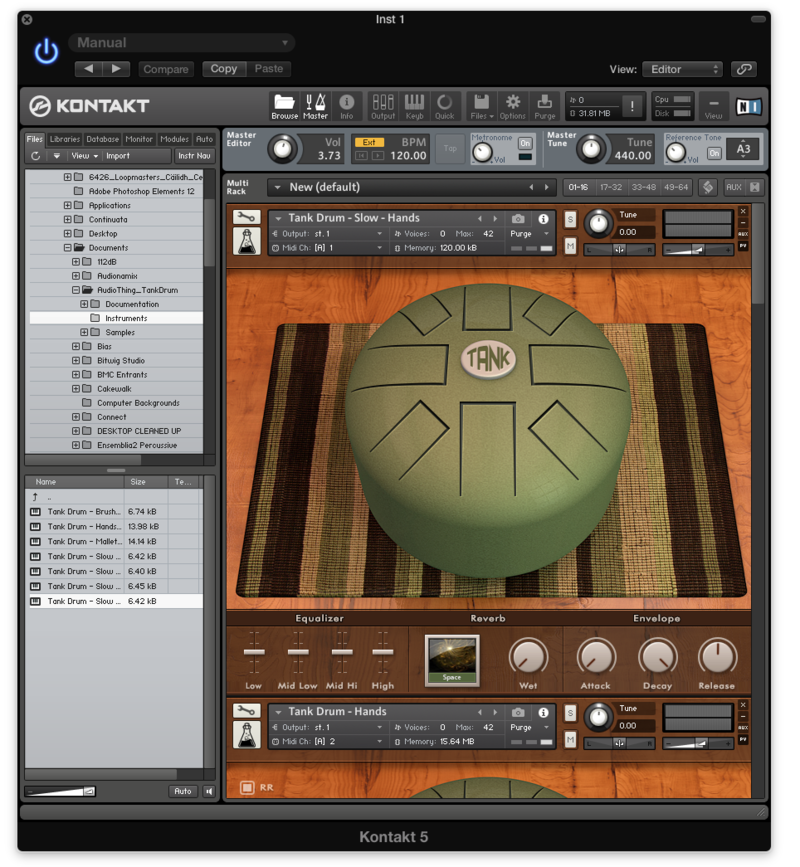
Pong Glockenspiel is a Kontakt Instrument made by recording a toy glockenspiel played with ping pong balls. Two velocity layers (hard and soft) are cross faded to have a smooth transition while the 3 round robin (repetitions samples) avoid the “machine gun” effect of sampled instruments. Tweaking the controls in the custom performance view you can alter the instrument making many new sounds. There are also two ambient instruments, two synth pad instruments and two slowed down instruments crafted using the original samples.
Features
- 8 Kontakt Instruments (.nki)
- 3 Round Robin
- 2 Velocity Layer (cross faded)
- 110 Samples (44.1kHz / 24Bit)
- Size: 102 MB
- Formats: Kontakt and WAV
- Bonus: pad, ambience and slow instruments
System Requirements
- The full version of Kontakt 4.2.4 or higher is required to run this instrument
Important note: The full version of Kontakt 4.2.4 or higher is required to run this software.