Log In

Free gifts available with your purchase
From Brass to Iron
Important Note: This is a software instrument designed for the full version of the NI Kontakt engine, and is not a physical product!
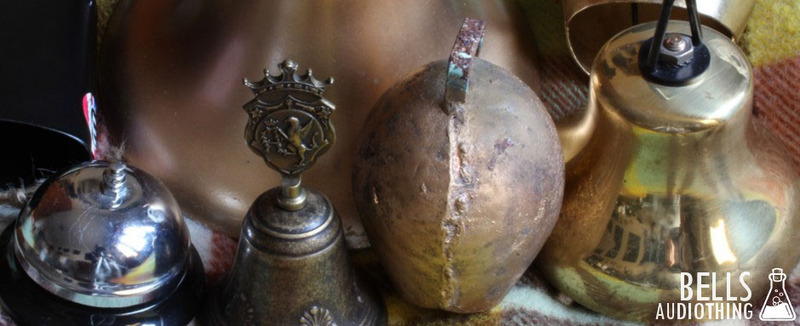
As the name suggests, Bells is a collection of samples derived from many different kinds of bells. After visiting Pontificia Fonderia Marinelli in Agnone, Italy – the largest bells company and one of the oldest family-owned businesses worldwide – we started collecting many different kinds of bells, including: an Agnone souvenir bell, three different cowbells, a hotel desk-bell, a Perko fog bell, a classic school bell, a singing bowl, and old telephone bells. All the bells are made from different materials such as bronze, brass, and iron, and we sampled them with different articulations and techniques to provide a wide range of sounds.
Features
- 30 Kontakt Instruments (.nki)
- 7 Kontakt Multis (.nkm)
- Up to 7 Round Robin samples
- Up to 3 Velocity layers
- 200 Samples (44.1kHz / 24Bit)
- Size: 430 MB
- 7 Custom Reverb IRs
- Formats: Kontakt and WAV
- Sample sets including Agnone Bell, Cowbells, Hotel Desk-Bell, Perko Fog Bell, School Bell, Singing Bowl, Old Telephone Bells
System Requirements
- The full version of Kontakt 4.2.4 or higher is required to run this instrument
Important note: The full version of Kontakt 4.2.4 or higher is required to run this software.