Log In
Free gifts available with your purchase
Atmospheres and Textures
Important Note: This is a software instrument designed for the full version of the NI Kontakt engine, and is not a physical product!
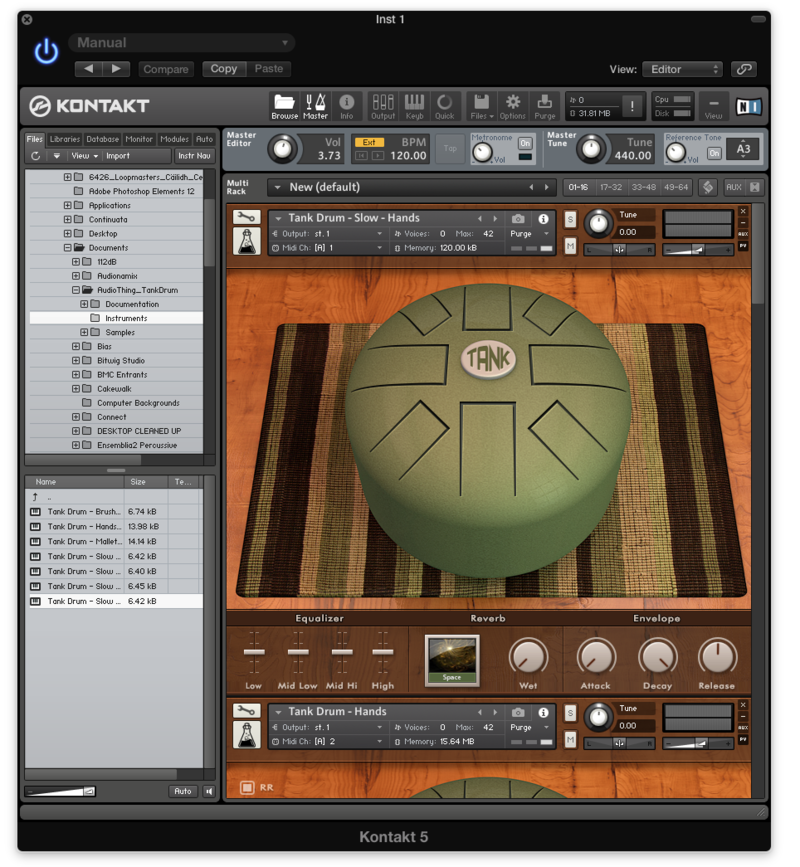
Soundscapes, textures and ambiences ready to use as Kontakt instruments or WAV loops. These sounds are divided into four categories: binaural, concrete, inductor and piezo. As our previous version Soundscapes Vol.1, the samples were recorded in different places across the world (Las Vegas, Dublin, Prague, Naples, and Cosenza) using studio or portable equipment. We used different types of microphones, including handmade piezo and inductor mics, a large condenser microphone and a binaural microphone set. Everything was then processed and boxed inside a Kontakt instrument with a custom GUI. The pitch bend is assigned to a ±24 pitch transpose for glitch effects. All samples are seamless loops, so if you don’t have Kontakt you can load them directly into your DAW.
Features
- 35 Kontakt Instruments (.nki)
- 35 Samples (48kHz / 24Bit)
- Size: 207 MB
- Formats: Kontakt and WAV (loops)
- Sample sets derived from binaural recordings, inductor and piezo effects, mixed objects/places
System Requirements
- The full version of Kontakt 4.2.4 or higher is required to run this instrument
Important note: The full version of Kontakt 4.2.4 or higher is required to run this software.