Log In
Free gifts available with your purchase
Tubes, Cans, Pipes
Important Note: This is a software instrument designed for the full version of the NI Kontakt engine, and is not a physical product!
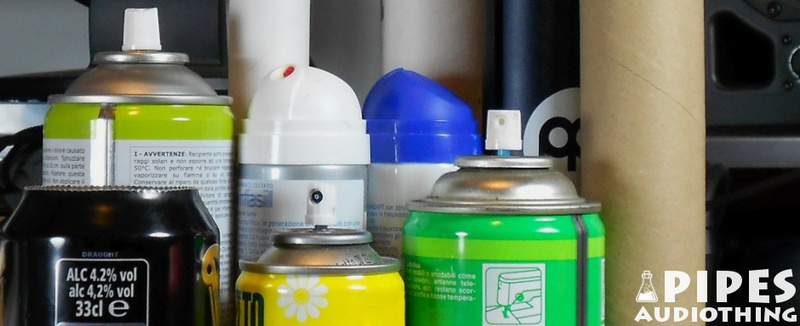
Pipes is a collection of instruments derived from a variety of cardboard tubes, aluminium spray cans, dreamcatchers, and PVC pipes. Even if the pitch of most of the sources is not stable, all instruments were manually tuned. Each instrument features from 3 to 6 Round Robin samples and up to 3 velocity layers. One of the main instruments is a sampled Wah Wah Tube (aka Vibratone): bell-like sound with a very long release and a dedicated control for overtones. There are a couple of sound designed patches derived from the original instruments along with Kontakt Multis ready to play.
Features
- 34 Kontakt Instruments (.nki)
- 6 Kontakt Multis (.nkm)
- Up to 6 Round Robin samples
- Up to 3 Velocity layers
- 188 Samples (44.1kHz / 24Bit)
- Size: 243 MB
- Formats: Kontakt and WAV
- Sample sets including: beer cans, cardboards, corrugated pipes, dreamcatchers, long PVC pipe, spray cans, vibratone
System Requirements
- The full version of Kontakt 4.2.4 or higher is required to run this instrument
Important note: The full version of Kontakt 4.2.4 or higher is required to run this software.