Log In
.jpg)
Free gifts available with your purchase
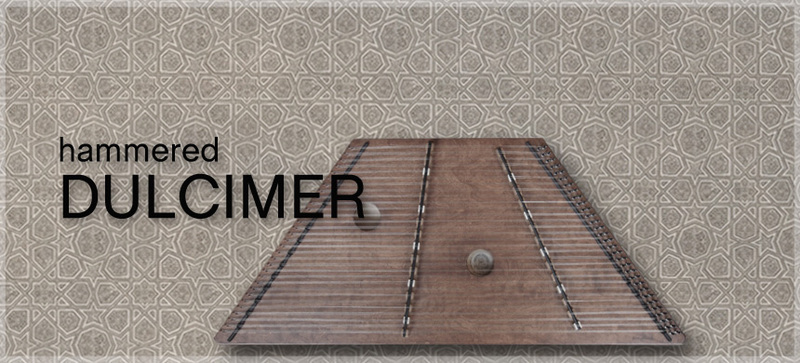
62 Trapezoidal Strings
The Instrument
The Hammered Dulcimer is a stringed instrument with 31 string pairs stretched over a trapezoidal shaped sound box. Usually, the hammered dulcimer is set on a stand in front of the musician, who holds small wooden mallet hammers to strike the strings.
The dulcimer has two bridges, a bass bridge near the right and a treble bridge on the left side. The bass bridge holds up bass strings, which are played to the left of the bridge. The treble strings can be played on either side of the treble bridge, playing them on the left side gives a note a fifth higher than playing them on the right of the bridge.
The strings of a hammered dulcimer are found in pairs, two strings for each note. Each set of strings is tuned in unison and is called a course. As with a piano, the purpose of using multiple strings per course is to make the instrument louder, although as the courses are rarely in perfect unison, a chorus effect usually results like a mandolin.
The Content
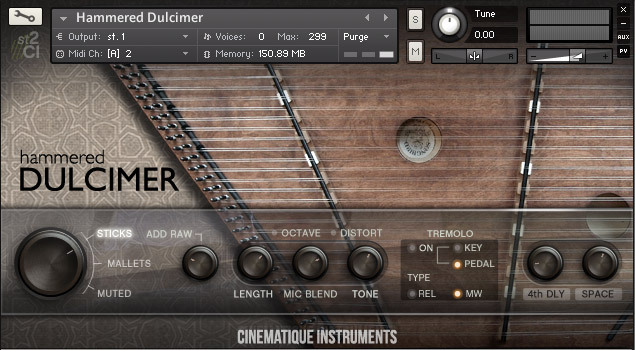
We recorded the hammered dulcimer in two microphone positions. At the top of the instrument we placed - in a ms stereo set-up - a pair of Neumann U87s and at the bottom we put a single condenser. These two positions are covering a wide range of sound and you are free to mix them at your own requirements. We played the hammered dulcimer in minor thirds and concentrated mainly on three different articulations. Firstly we recorded the „normal“ notes which means that we hit the strings with the typical small wooden mallets, we called this articulation „Mallet“. Furthermore we struck the strings with a drum stick which we called „Sticks“ and finally we recorded an articulation where we struck the strings with a timpani mallet and damped the strings with the palm of the hand which we named „Muted“. All these articulation were recorded in 4 round robin variation and up to 4 velocity layer.
Besides this, Cinematique Instruments cared most about producing the typical hammered dulcimer tremolo. Thus they equipped the instrument with two different ways to produce this roll alike tremolo. The first option to generate the tremolo will be achieved by duplicating each already played note when releasing the key. This lets you exactly control the velocity and tempo of the tremolo. The other and more easy way to produce the tremolo uses the mod-wheel. By turning the wheel you control the tremolo tempo from slow to fast. In order to avoid sounding too artificially, Cinematique Instruments included a random factor that automatically affects the tempo and the velocity which results in a very organic tremolo that lets you easily switch between single notes and tremolo rolls. Furthermore, several functions and effects were added such as the control of reverb, delay, decay, distortion or octave which expands the entire sound of the hammered dulcimer and gives you a lot of options.
All in all, Cinematique Instruments came out with an instrument that enriches your music with a nice and organic feel whether you used it as a solo or just as a background instrument.
The Package
One complex patch including three articulations and advanced scripting. Approx. data 2.5 GB (1.4 GB compressed). For more details please read the PDF reference manual.
Update Note
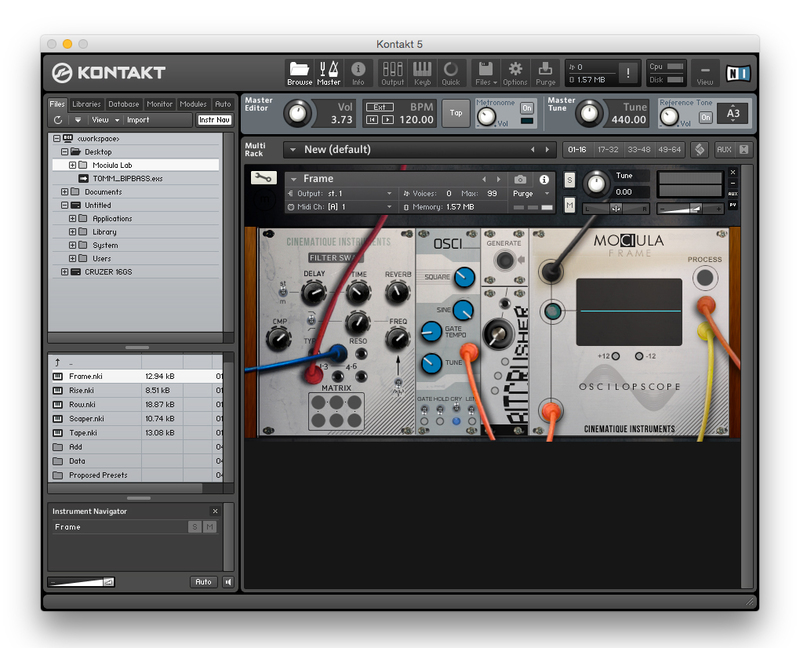
With update 2 for Kontakt, Cinematique Instruments have added presets and some new features such as an arpeggiator. They have also taken the design to a new level.
System Requirements
-
The FULL Version of Kontakt 5.8.1 or higher is required.
Important Notes:
- The FULL Version of Kontakt 5.8.1+ is required in order to use this instrument.
- You will be stuck in DEMO MODE if trying to use this instrument in the FREE Kontakt Player.