


 Log In

Product information

KLANG love tape sounds. So the TAPED collection of instruments are all about the inspiring potential of the nostalgic feelings around tape. Listening to radioplays before sleeping as a child, recording demo tracks on a four track.
Bringing back the warmness and imperfection with saturation, wow & flutter by playing instruments through all kind of tape gear and experimenting with it. TAPED is a nostalgic journey emphasizing the beauty of imperfection.
Taped Music Box
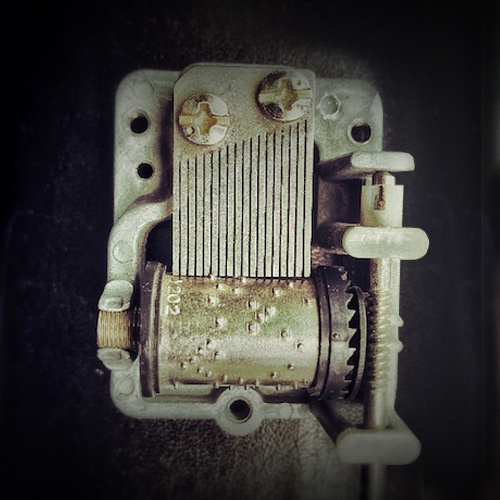
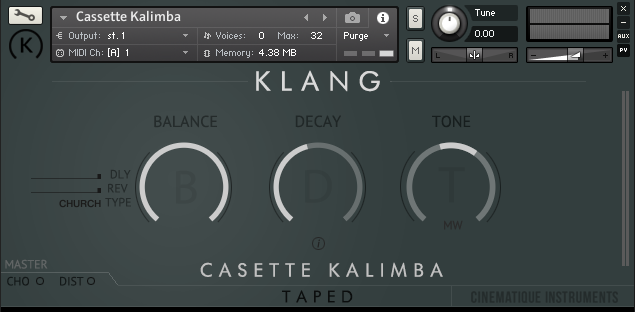
KLANG recorded a Spieluhr and sent it through an old Uher Tape Machine and created Spiel Uher as result. It contains options to control length, tone and a Lo-Fi effect. Additionally, you can activate an ensemble function, distortion, delay and reverb.
System Requirements
- The FULL Version of Native Instruments Kontakt 5.6.8 or higher is required.
Important Notes:
- The FULL Version of Kontakt 5.6.8+ is required in order to use this instrument.
- You will be stuck in DEMO MODE if trying to use this instrument in the FREE Kontakt Player.

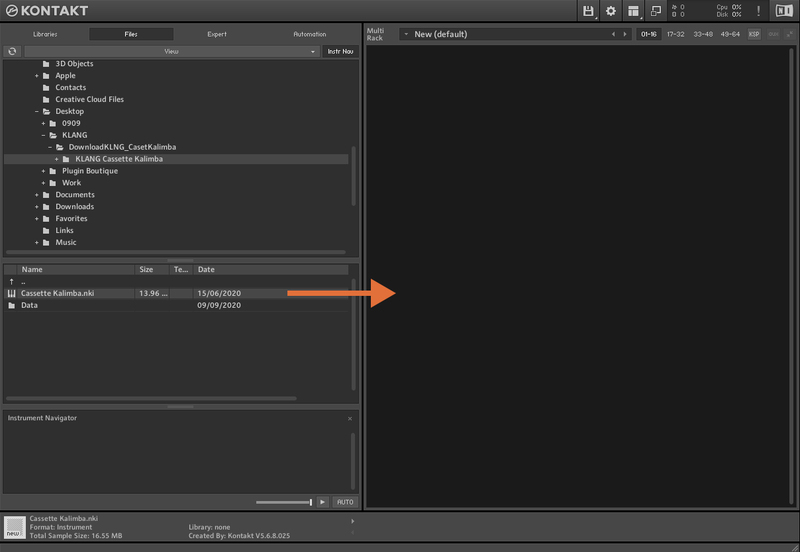
Installation Instructions
Customer Reviews
(1)


