


 Log In

Free gifts available with your purchase
Product information
Twisted Organics. Reimagined Noise Sound Design with Unnatural Feeling.
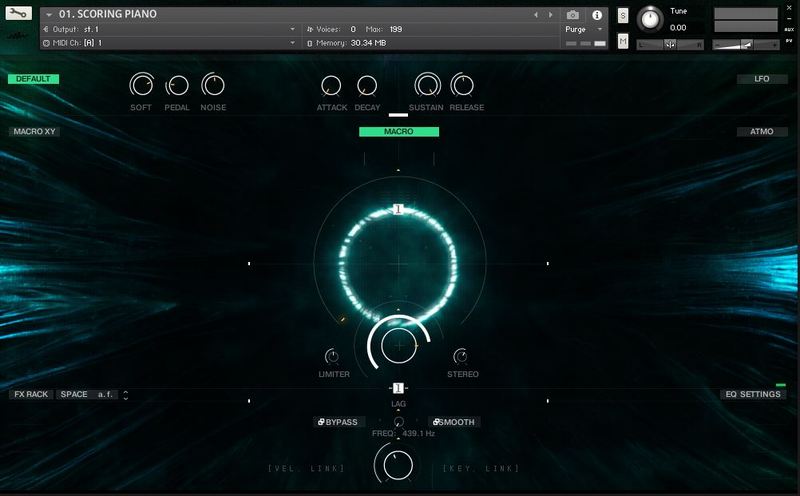
No need to be stressed about finding the perfect soundtrack for your video project. Create a modern cinematic sound design in minutes with Trailer Box. Wavelet Audio's instrument is based on re-imagined sound design with an unnatural feeling created using noise and organic sources. It makes a unique atmosphere — the sounds are not too hybrid or too synthy.
The second part of Trailer Box is modern electric guitars — perfect for big and dynamic scores. Mix your style and experience with modern sound design and one of the most innovative and refreshing electric guitars.
Features
- Lossless .wav format (48kHz / 24-bit)
- Royalty-free usage
- 240 sound design samples
- 30 multi-sampled Guitar riffs
- 14 categories including Bass Pulses, Clocking Pulses, Pulses Marches, Hits, Guitar Stems, Low Thuds, Pings, Bass One-Shots, Sub Drops and more.
System Requirements
- 2.57 GB of hard drive space.
- Utilizes the easy-to-use powerful Kontakt engine
- All sounds are compatible with any major editing platforms: Adobe Premiere Pro, Final Cut X, DaVinci Resolve and more.
Please Note: The FULL version of Kontakt 6.0.2 and above is required.

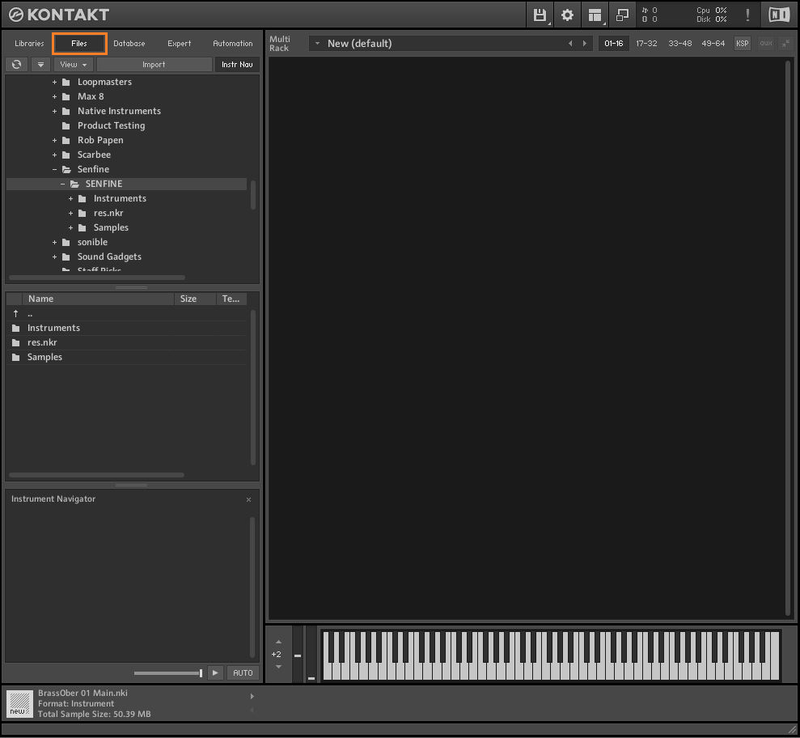
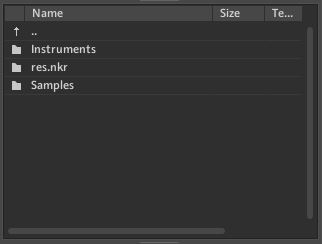
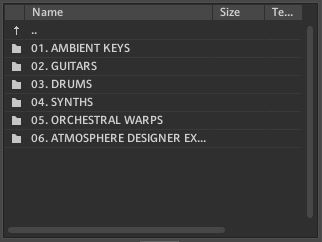
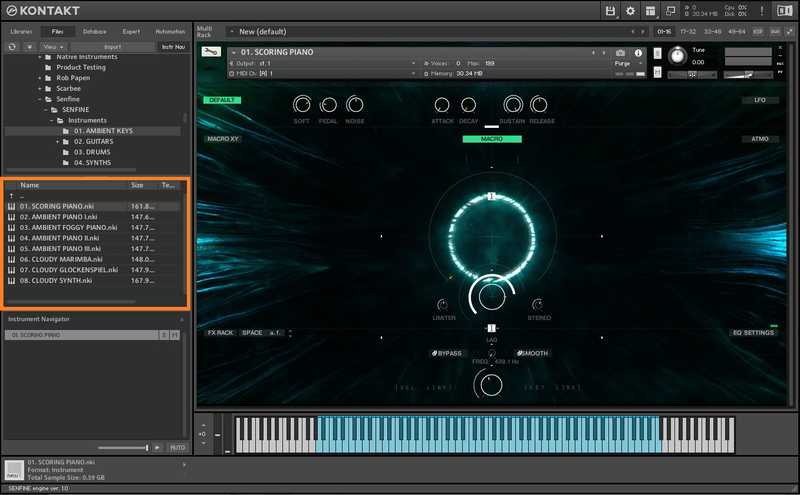
Installation Instructions

Bundle & Save
Wavelet Ultimate Bundle
$949.00


