/ Kontakt Instrument / Cello Textures
Ben Osterhouse

Cello Textures

4.7 (43 Reviews)
$49.00
Ben Osterhouse - Cello Textures - UI
Cello Textures Overview gallery thumbnail
ThomCSounds - Checking Out : Cello Textures by Ben Osterhouse gallery thumbnail
Buy Now
Product information

The Cello Textures instrument is a carefully curated playground of expressive cello articulations. If you are looking for inspiring, niche string sounds to add splashes of colour and realism to your music, this instrument is for you.

Overview

  • Four cello articulations: Staccato, Accent, Dramatic Swell, and Slow Swell
  • Each articulation recorded with 3 different tone qualities (normale, ponticello, fingered harmonics)
  • Options for each articulation to be octave shifted, reversed, or looped.
  • Options to randomize articulations
  • Intuitive interface

Features

  • 971 samples at 48kHz 24-bit
  • Played on a cello created by Frederick Bethke. This cello won a certificate of merit for tone in the 2018 VSA competition.
  • 770MB of samples
  • 5 snapshots
  • 4 impulse response reverbs
  • For Kontakt 5.8.1 or above Full Version Only - Not for Kontakt player

System Requirements

  • 770 MB available HD space
  • Kontakt Full Version 5.8.1 or later

Important Notes:

  • The FULL Version of Kontakt 5.8.1+ is required in order to use this instrument.
  • You will be stuck in DEMO MODE if trying to use this instrument in the FREE Kontakt Player.

Installation Instructions

Please Note:

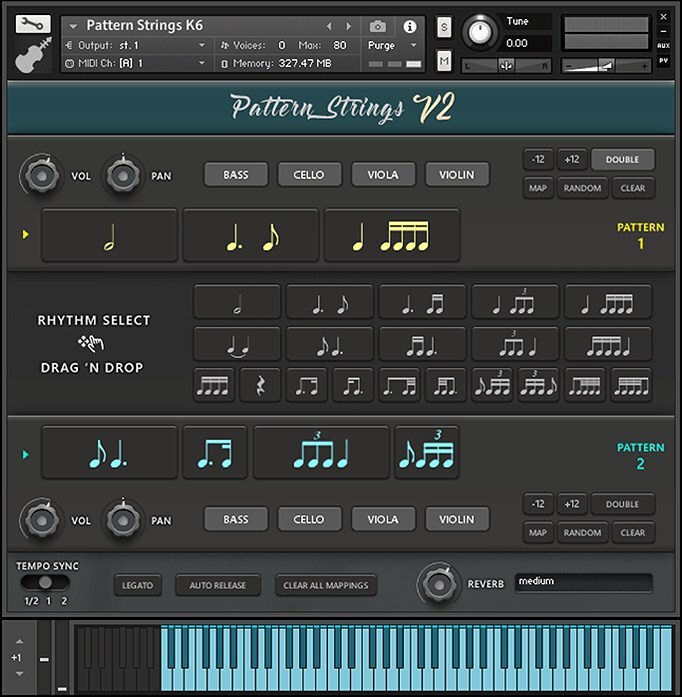
  • Pattern Strings is used as an example.
  • Pulse Downloader is used to download the software and must be installed.

Mac

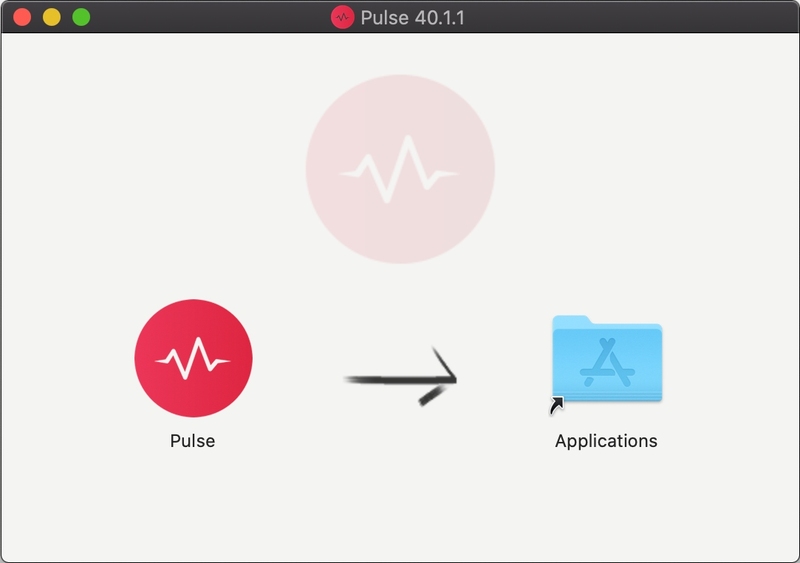
1. Download and extract the 'Pulse_Downloader_Mac_X.X.X.zip' folder from within your My Account, open the file and run the installer 'Pulse-XX.X.X.dmg'.

2. Drag 'Pulse' to 'Applications'.

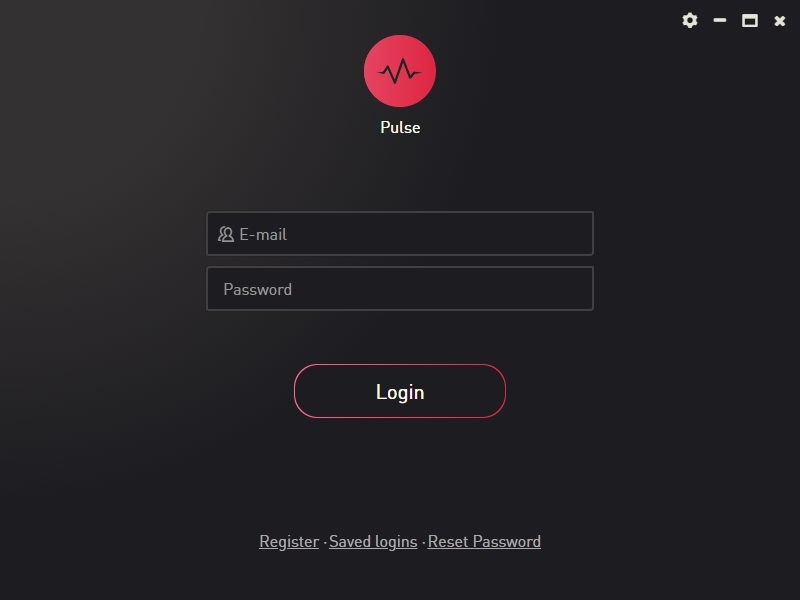
3. Log in to your Pulse account, or create a new account by clicking 'Register' at the bottom of the window.

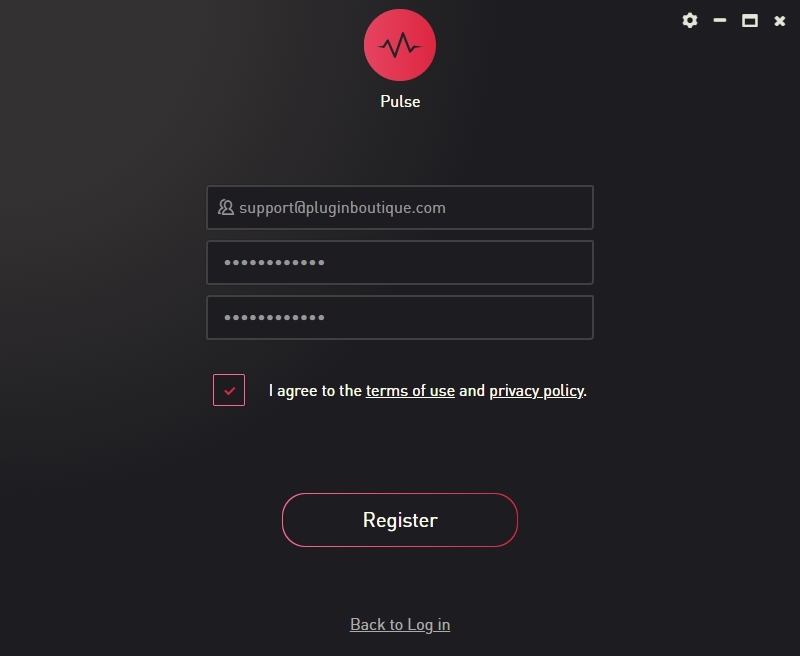
4. If registering, input your email and password, agree to the terms of use and click 'Register'.

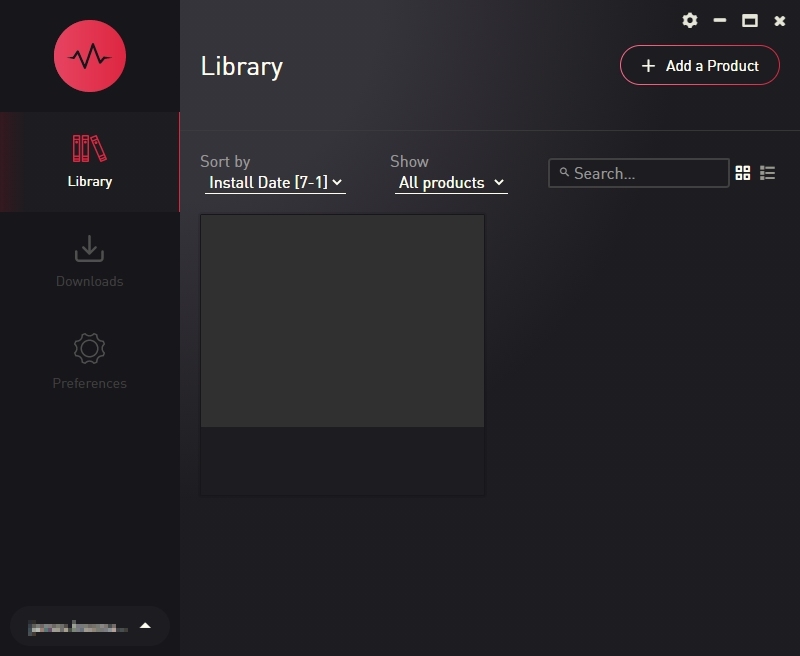
5. Click the '+ Add a Product' button located in the top right-hand corner of the window.

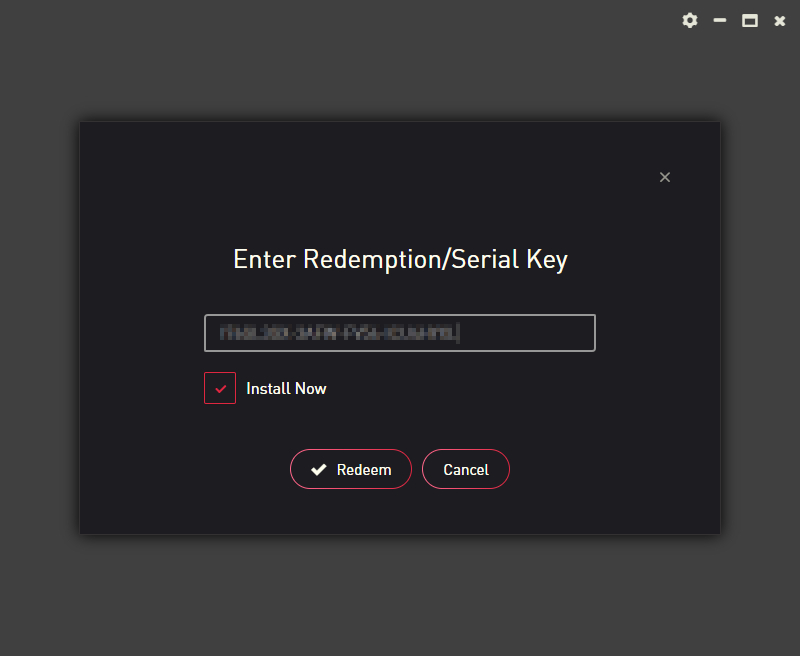
6. Copy and paste your serial number from your My Account page, click 'Install Now', then click 'Redeem'.

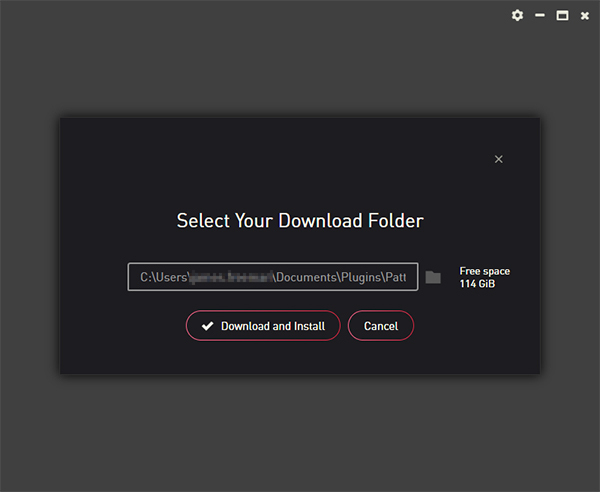
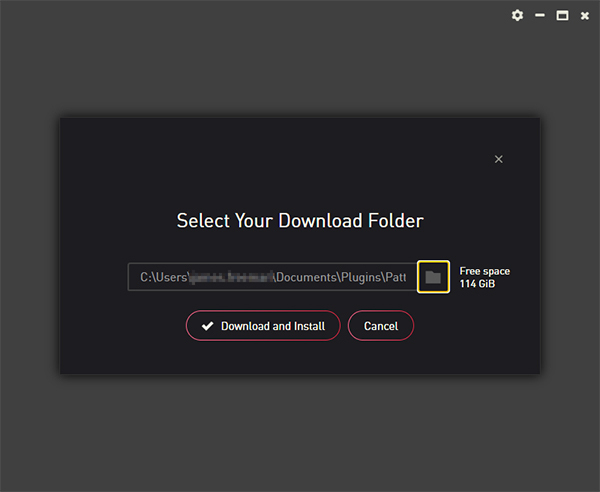
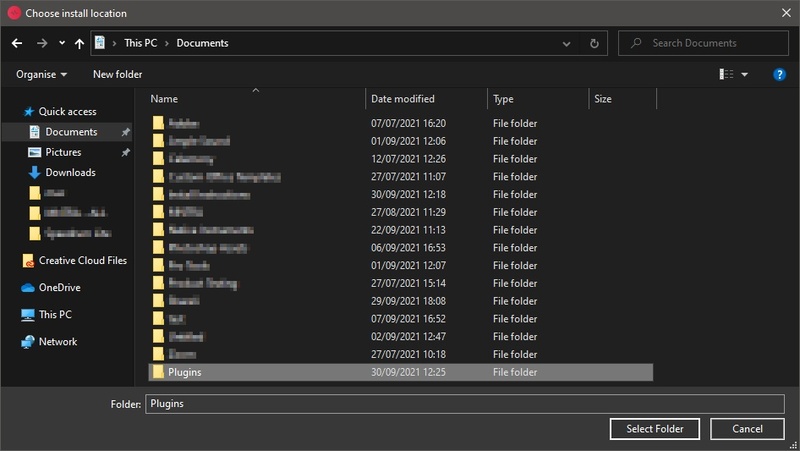
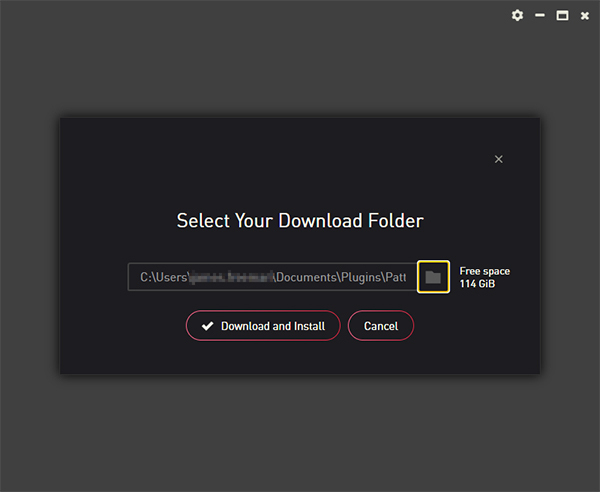
7. Select a location for Pulse to download the software by clicking the file icon on the right-hand side of the window.

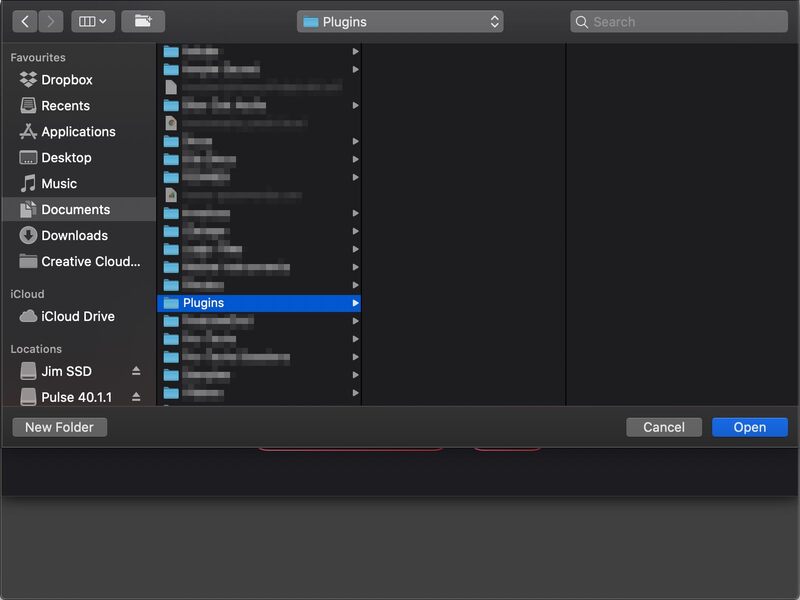
8. Select the location you would like your software to download and install to.

9. Click 'Download and Install'.

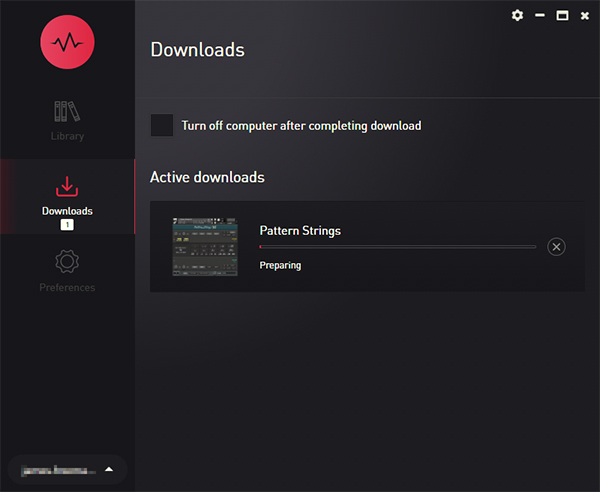
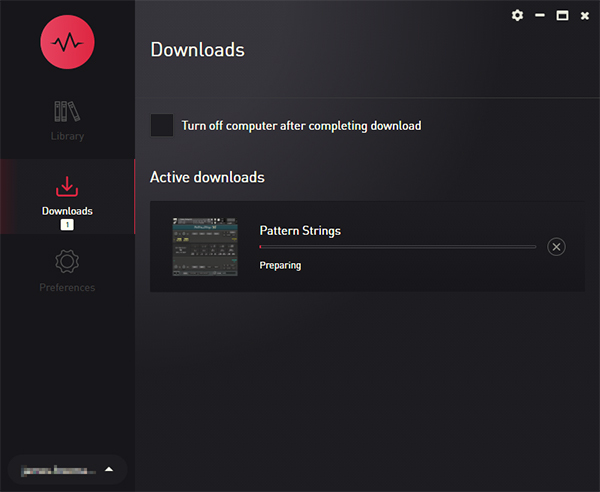
10. The instrument is now downloading.

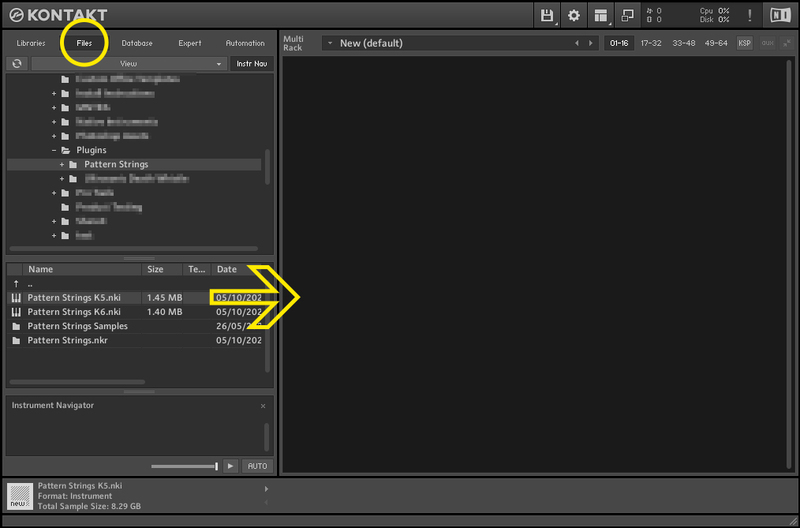
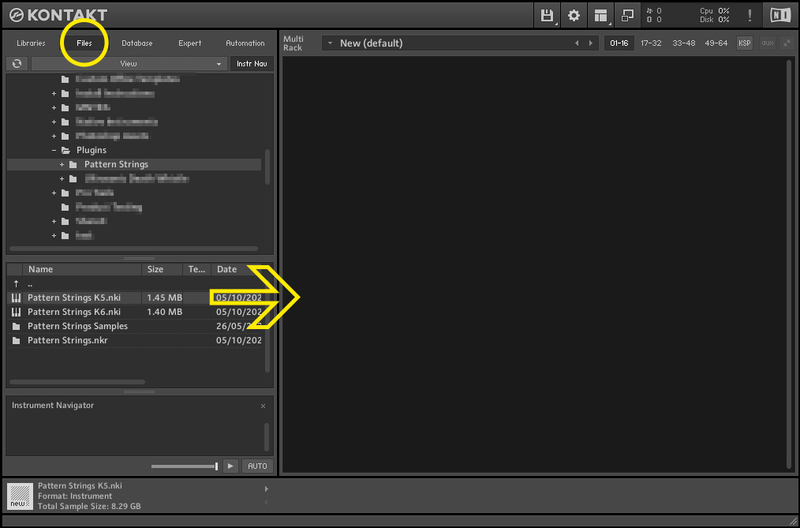
11. Once the instrument has finished downloading, open Kontakt, then open the 'Files' tab and navigate to the location that you downloaded the Kontakt Library to. Then click and drag the .nki file into the empty window.

Your Kontakt instrument is now installed and ready to use.

Windows

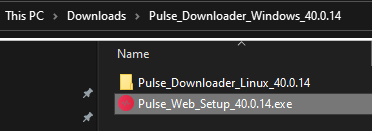
1. Download and extract the 'Pulse_Downloader_Windows_X.X.X.zip' folder from within your My Account page, open the file and run the installer 'Pulse Web Setup X.X.X.exe'.

2. Log in to your Pulse account, or create a new account by clicking 'Register' at the bottom of the window.

3. If registering, input your email and password, agree to the terms of use and click 'Register'.

4. Click the '+ Add a Product' button located in the top right-hand corner of the window.

5. Copy and paste your serial number from your My Account page, click 'Install Now', then click 'Redeem'.

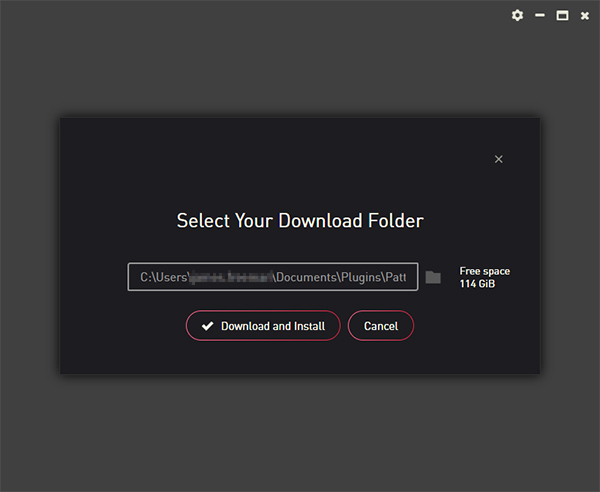
6. Select a location for Pulse to download the software by clicking the file icon on the right-hand side of the window.

7. Select the location you would like your software to download and install to.

8. Click 'Download and Install'.

9. The instrument is now downloading.

10. Once the instrument has finished downloading, open Kontakt, then open the 'Files' tab and navigate to the location that you downloaded the Kontakt Library to. Then click and drag the .nki file into the empty window.

Your Kontakt instrument is now installed and ready to use.

Plugin Boutique Rewards

Discover the most rewarding loyalty programme among all plugin retailers.

  • Free Loopmasters Samplepacks
  • Discounts on products and courses
  • Extra Virtual Cash claimed immediately at checkout
Find out more

Follow us:

X (Twitter) Facebook YouTube Instagram
Logo Logo

Plugin Boutique Limited, Part of the Beatport Group LLC.

Copyright © 2011-2025 Plugin Boutique. All rights reserved