Log In

Save $9.00 compared to buying products individually
Free gifts available with your purchase
Sounds of the Beaten Air
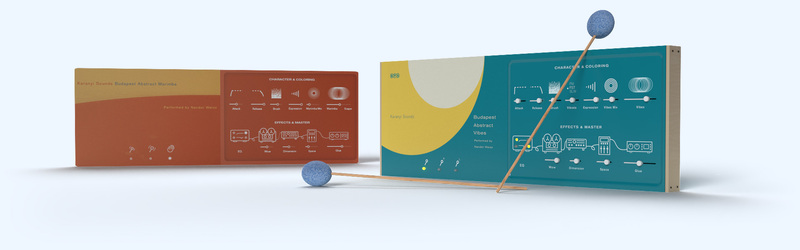
Contemporary sounding Abstract Mallets designed to bring transient rich, modern-sounding marimba and vibraphone sounds to your music production. Played with different sticks and special techniques like string bow, metal brush, hands libraries to create a very unusual and exciting boutique instrument library for you. Karanyi Sounds also added some synth and ambience sublayers to fit in any genre from electronic music to film score.
Features
- 6+1 Articulations: 10 articulations with soft, medium, hard sticks + an additional brush layer.
- 3 Mic Positions: Transient rich sampling with close (1x Shure SM57) + mid mic (2x AT35) positions.
- Synths & FX: Add a subtle weight or extra character with analog synth layers, tape, dimension and space effects.
- Pro Sound: Recorded in Budapest, performed by Nandor Weisz, percussionist of the Hungarian National Philharmonic Orchestra.
Including 2 Cinematic Mallets
Abstract Marimba
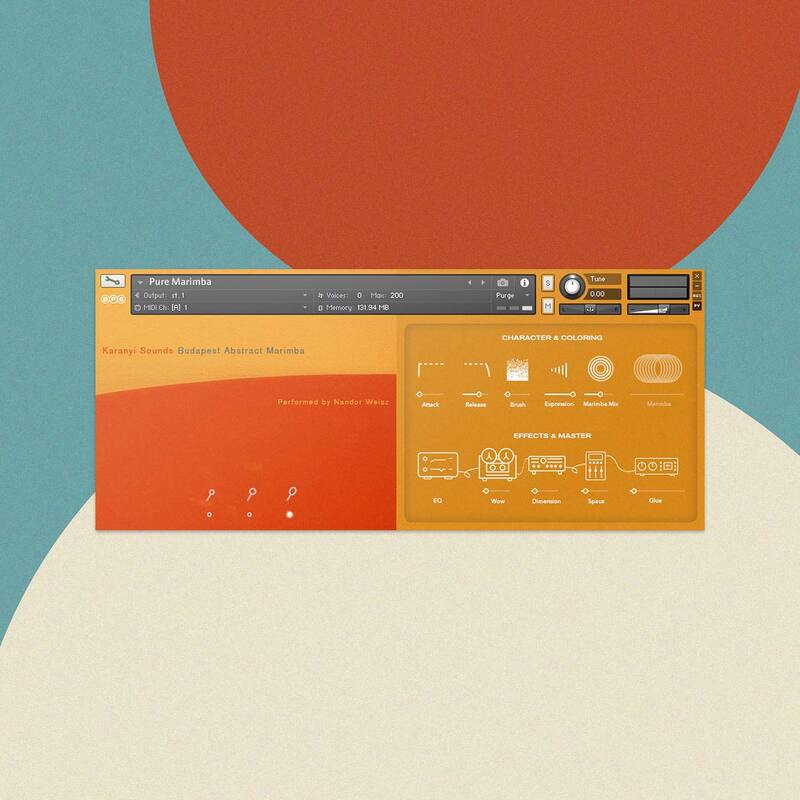
Main Characteristics
Adams Concert Marimba sampled in a dry studio environment in Budapest.
- Traditional techniques
- 6 different hit & tremolo instruments played with soft, medium, hard sticks, hands, and brush
- 4 velocity layers from pianissimo to forte
- 6 octaves / instruments
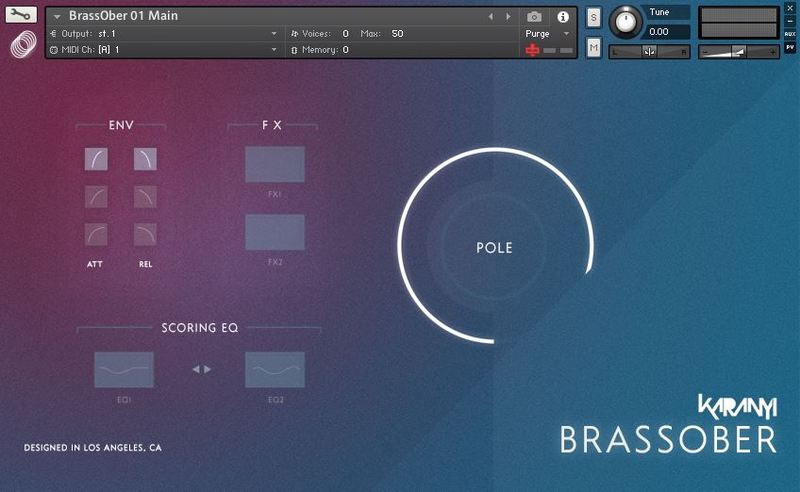
- 17 GUI controls including Instrument Switch, Attack-Decay Control, Room Mix adjustment, EQ presets, Tape, Chorus, Reverb, and Master Compressor
- Recorded with 2 x AT35 (Mid Mix) + Shure SM57 (Close Mix) on Universal Audio Apollo X
- All GUI elements are MIDI learnable
Additional Articulations
Everything from Traditional Instruments plus:
- 15 extra analog synthesizer sublayers sampled from various Oberheim & Dave Smith synthesizers
- 1 to 3 velocity layers/instrument
- 6 octaves / instruments
Abstract Vibes
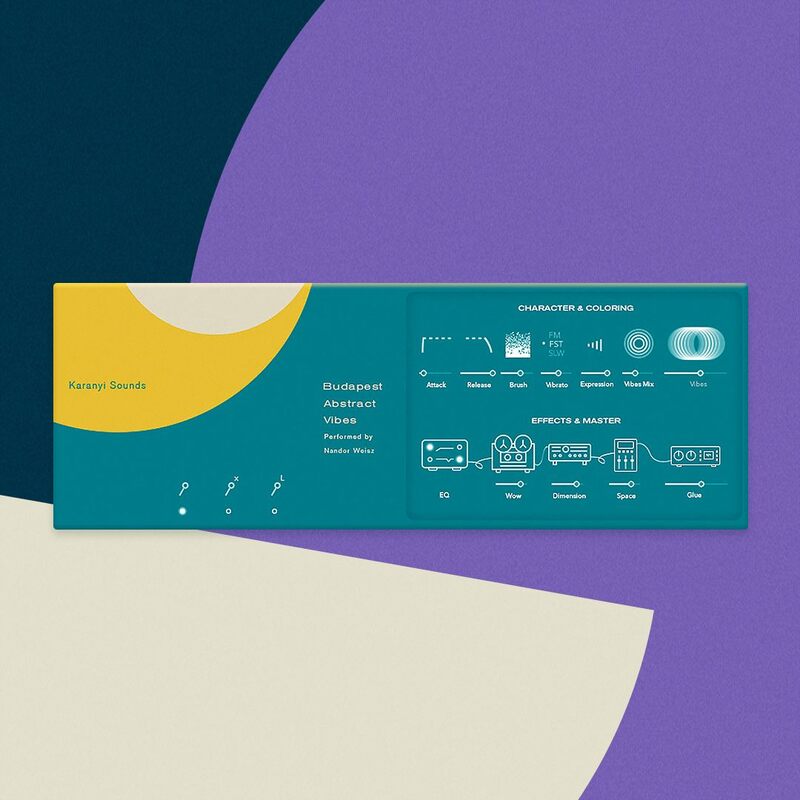
Main Characteristics
Yamaha Concert Vibraphone sampled in a dry studio environment in Budapest
- Traditional techniques (4 different hit & tremolo instruments played with soft and hard sticks, string bow, and brush
- 3 velocity layers from piano to forte
- 5 octaves / instruments
- 18 GUI controls including tremolo control
- Recorded with 2 x AT35 (Mid Mix) + Shure SM57 (Close Mix) on Universal Audio Apollo X
- All GUI elements are MIDI learnable
Additional Articulations
Everything from Traditional Instruments plus:
- + 9 synthesizer sublayers sampled from various Dave Smith, Roland analog and modular synths
- + 1 to 3 velocity layers / instrument
- + 5 octaves / instruments
In Collaboration with Nandor Weisz
Nandor Weisz is a percussionist who graduated from the University of Music and Performing Arts in Munich, Germany. Currently, he is a percussionist at the Hungarian National Philharmonic Orchestra for over twenty years now – the symphonic orchestra led by the world-famous pianist, composer and conductor Zoltán Kocsis. Weisz is one of the most prominent figures of the Hungarian music scene with decades of experience playing classical music, jazz and even electronic music.
Summary
- 4 Instrument Sources: Adams Concert Marimba + Synth Sublayers made on Oberheim & Sequentials synths.
- 50 Kontakt Formats: 24 Traditional Marimba & 26 Soundcapes for Kontakt 5.8.1+.
- High-Quality Recording: 3 mic Positions | Recorded in 24bit / 48kHz.
- Made in Budapest: Sound design, recordings are made in Budapest.
System Requirements
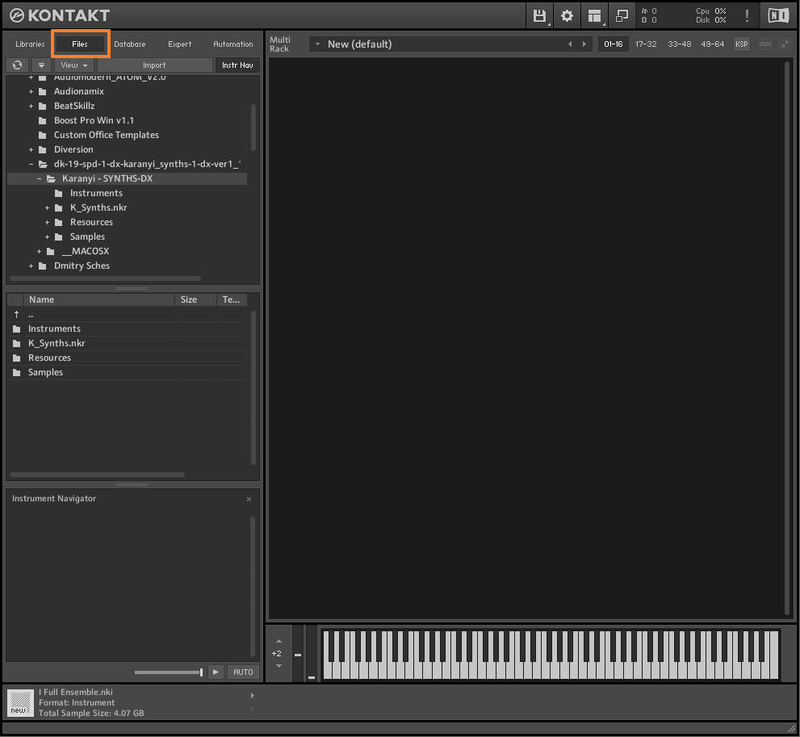
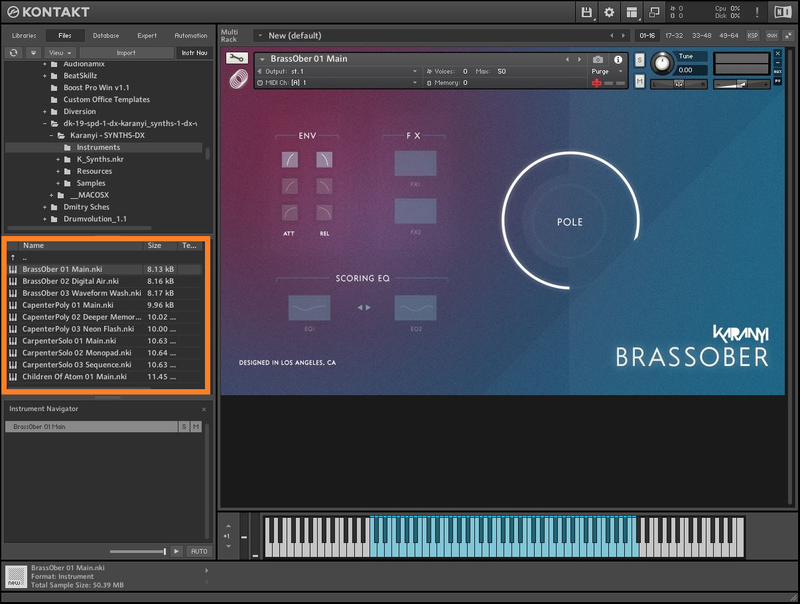
- Kontakt 5.8.1 or higher (Full version required).
Important Notes:
- The FULL Version of Kontakt 5.8.1+ is required in order to use this instrument.
- You will be stuck in DEMO MODE if trying to use this instrument in the FREE Kontakt Player.