


 Log In

Free gifts available with your purchase
The creator of The Bandoneon, the film composer Guillermo Guareschi, presents a new and exciting Kontakt Library intended to become a singular tool for composers and musicians.
The Ronroco belongs to the family of the Charangos, a typical South-American instrument. It is like a Charango but bigger in size with a deep and warmer sound. It was brought to the international scene by the two-time Oscar winner, Gustavo Santaolalla. He uses the Ronroco in almost all his projects, such as The Last of Us, Brokeback Mountain, Babel and Michael Mann's film, The Insider among others.
Guillermo Guareschi says “As a film composer and producer, I created this Ronroco Kontakt Instrument having in mind the needs of musicians and film composers. You can almost score a whole film using this instrument alone. It’s that powerful.”
It is more than a simple instrument, it is a Creative Workstation where you can compose and create original and realistic tunes and atmospheric landscapes.
Overview
Recording Techniques
Vintage valves, modern preamps, and a wide array of microphones were used to capture a big, organic, and natural sound.
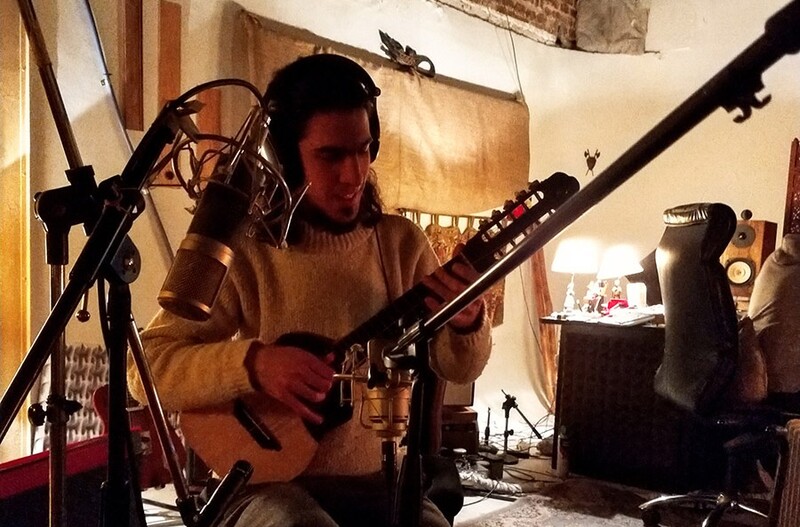
South American Luthier
The Ronroco was recorded and built with a special hand - This particular Ronroco was created by one of the best Luthiers of Charangos and Ronrocos in South America.
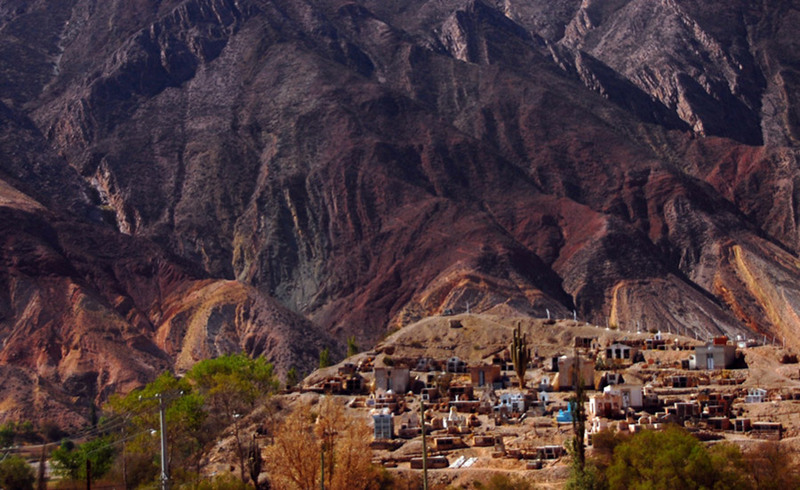
The Ronroco was hand-made in Maimara. Maimara is a small town on the border of Argentina and Bolivia where the Ronroco was built by a local and very talented Luthier.
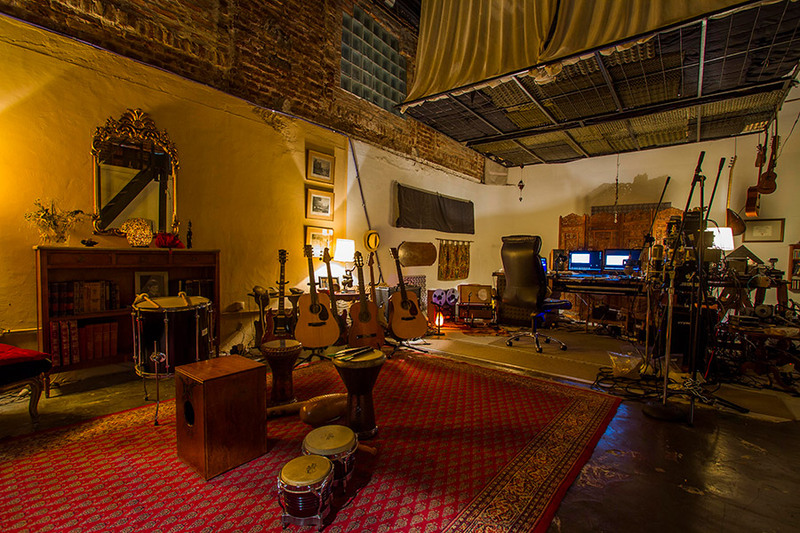
Custom Made Echo Chamber
A real echo chamber was built especially for the recording session. Loot Audio are proud of this new release by Zonora Audio that will certainly become an inspiring tool for any musician.
Features
- Recorded in high resolution with Krystalos Audio technology.
- Long notes in round-robin and three dynamics per note.
- Staccato, pull-off, mordente and tremolo notes.
- A special menu with a huge variety of arpeggios patterns conceived to create original and infinite sequences with an unprecedented level of realism.
- Chords and strokes in many tonalities.
- Soundscape menu to create huge idiomatic and cinematic beds and atmospheres.
- Southern Winds is another idiomatic tool for creating realistic tremolos.
- Rontoor is a special sound created by striking the strings of the instrument with a metal wand.
- Effects: this menu offers another spectrum of effects produced by playing the ronroco in unusual ways.
- Check out the videos and sound demos to listen to The Ronroco in action, have fun!
- 9 Articulations with various key switches per articulation.
- 2836 Samples (3.59 GB in total)
- Recorded as 24-bit WAV
System Requirements

- Full Kontakt 5.6 or above
- 3.87GB available HD space
Important Note: Full version of NI Kontakt 5.5.1 and above is required.










