Log In

Free gifts available with your purchase
Expressive Solo Phrases
Important note: This product requires a FULL version of Native Instruments' KONTAKT. The free Kontakt player is not sufficient, as it only runs the instrument in DEMO mode.
Ethnic vocal phrases – by Hayat Selim is Sonuscore's next vocal solo instrument for impressive soundtracks. It brings powerful and emotional vocal phrases directly to your fingertips. Ensoul your music with the distinctive touch of the human voice.
Emotional live performances
The Ethnic Vocal Phrases library features expressive live performances. It provides true human musicality, captured in a real artistic performance. You will be fascinated by the ease of use and the instant emotional depth of this instrument.
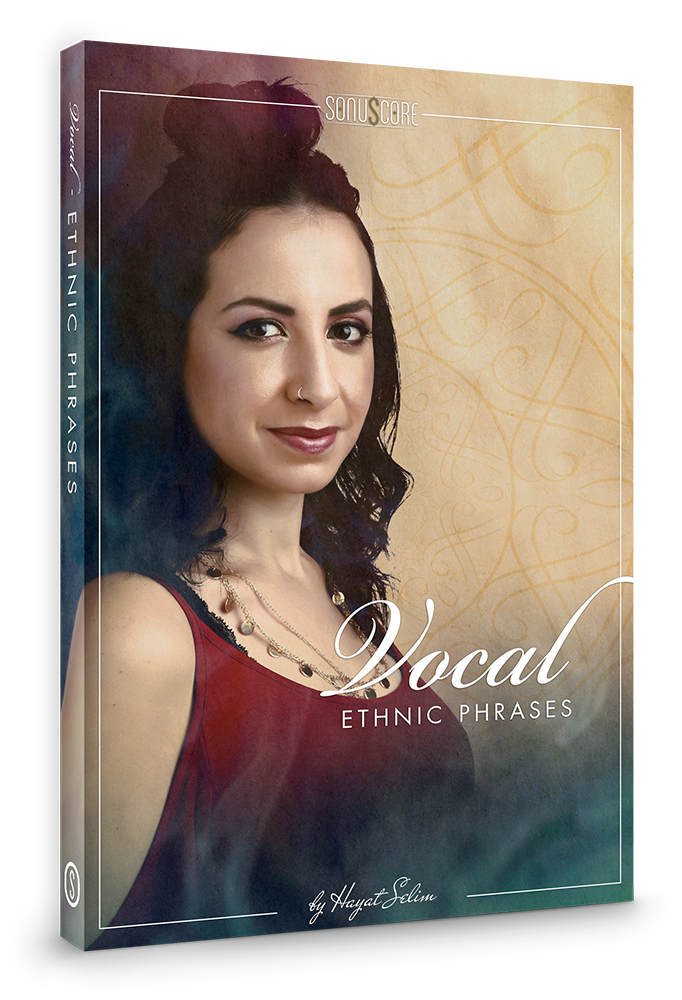
Hayat Selim – The artist behind the instrument
Hayat Selim (b.1990) is a film composer and singer-songwriter from Cairo, Egypt. She graduated with a masters in composition for screen from the Royal College of Music, London, and is now based in the UK. Her single, Mirage, her first in classical Fusha Arabic, was nominated in the Best Song category of the Jerry Goldsmith Awards 2019 and started opening doors in Middle Eastern singing. Hayat writes music for film and games, often merging Western classical orchestration with world music, atmospheric soundscapes and vocals. She sings in English, German, Arabic, Italian, Latin and French and has sung in Bulgarian and Hebrew on some occasions.
“When I was commissioned by Sonuscore for this library, I tried to visualize what themes in an ethnic voice library would work for a wide range of movie genres. I hope my phrases will be useful for film composers to create intense and emotional soundtracks,” she says.
Clean & intuitive interface
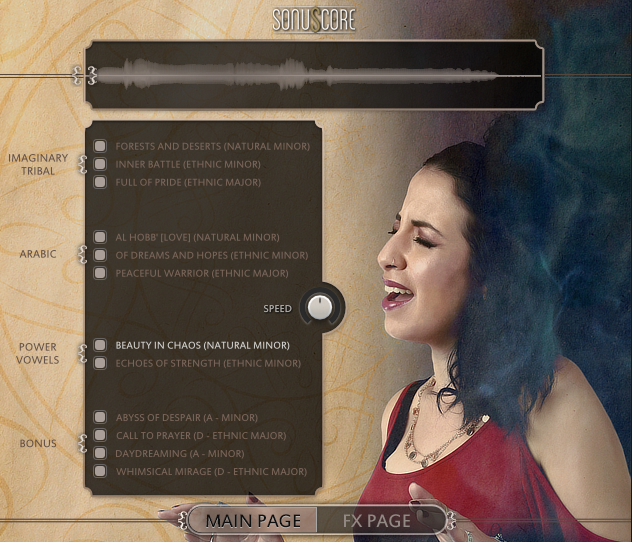
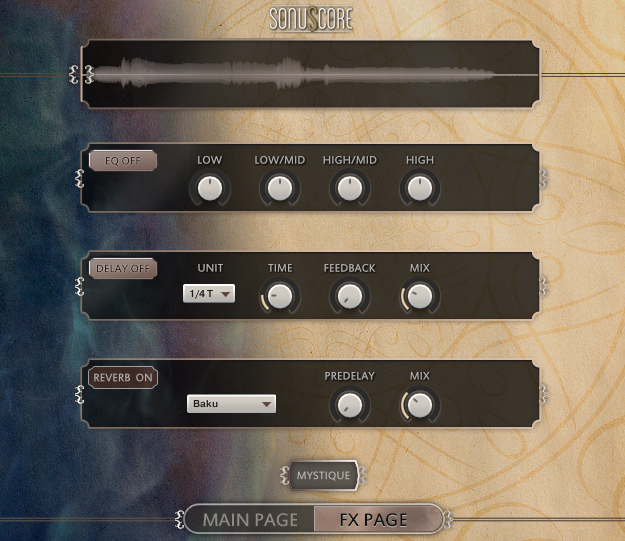
Inspired by the Sonuscore Lyrical Series, this has been created with the same intuitive and easy to use interface that gives you instant access to the most essential features as well as the freedom to dive deeper to shape your sound as you wish.
Full variety of voices
The themes are in Classical Arabic (Fusha), as well as different imaginary tribal languages, influenced by African, Native American and Latin. Also, power vowel phrases and mixed voice vowel phrases with overblowing are included. Everything, you could possibly need to create astonishingly emotional and expressive music.
Playable in any key
All themes are recorded in 4 different keys. With minimal pitch-shifting, they are playable in all chromatic keys. The musical material is consistent in all keys.
Starting, middle and end phrases
Designed to perfectly fit your track: Each theme comes with 15 different phrases and 2 short endings, divided into 5 separate starting, middle and end phrases. This setup gives you the freedom to conveniently combine different phrases the way you want
Features
- Over 600 different phrases
- 8 full themes
- 4 bonus themes
- Full version of Native Instrument’s KONTAKT 5 (version 5.8.1 or higher) or Steinbergs free HALion Sonic
- Intel Core 2 Duo processor recommended
- Mac OSX.10.11 or higher
- Windows 7 or higher
- 4GB RAM
- at least 5GB of free hard disc space